


Filters you can trust. Pure water every day.
In cart {{totalProductsCount}} item(s)
Your cart is empty
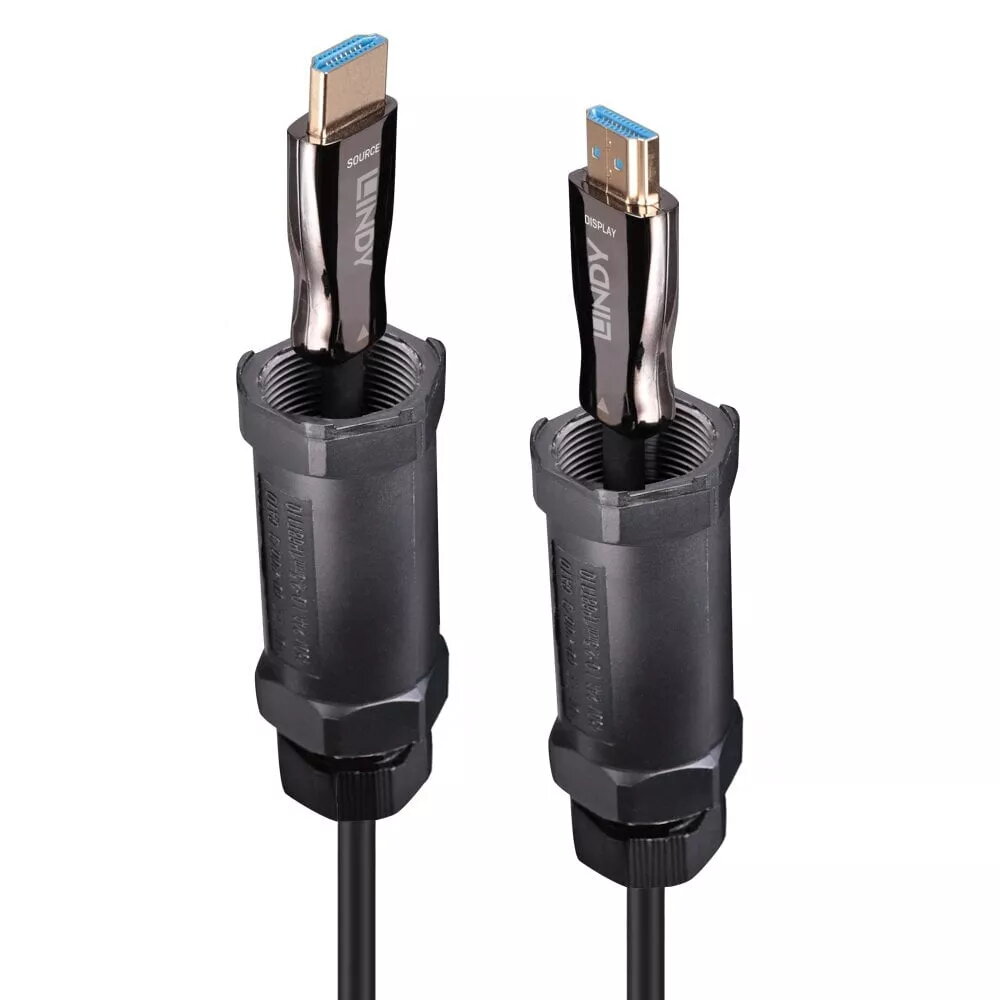
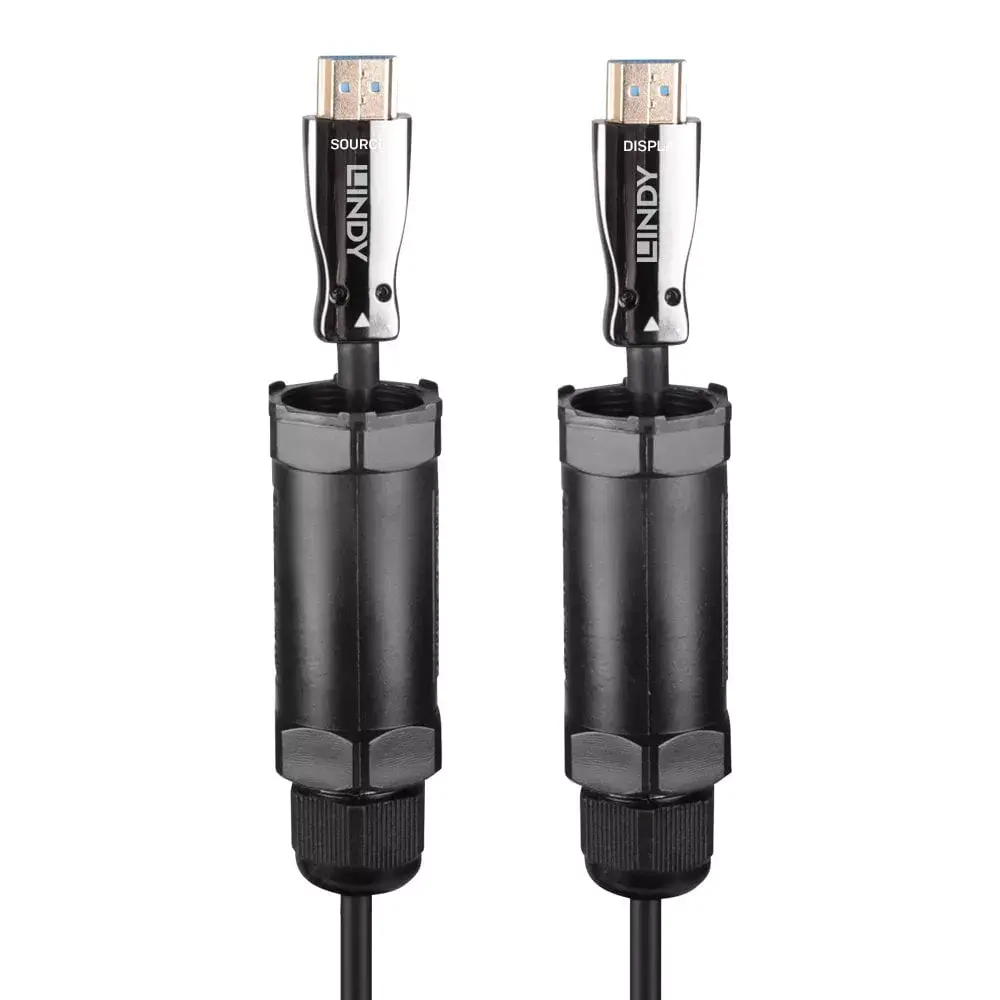
HDMI Cable Lindy 38528 15m HDMI Type A Male 2.1 48 Gbit/s Black
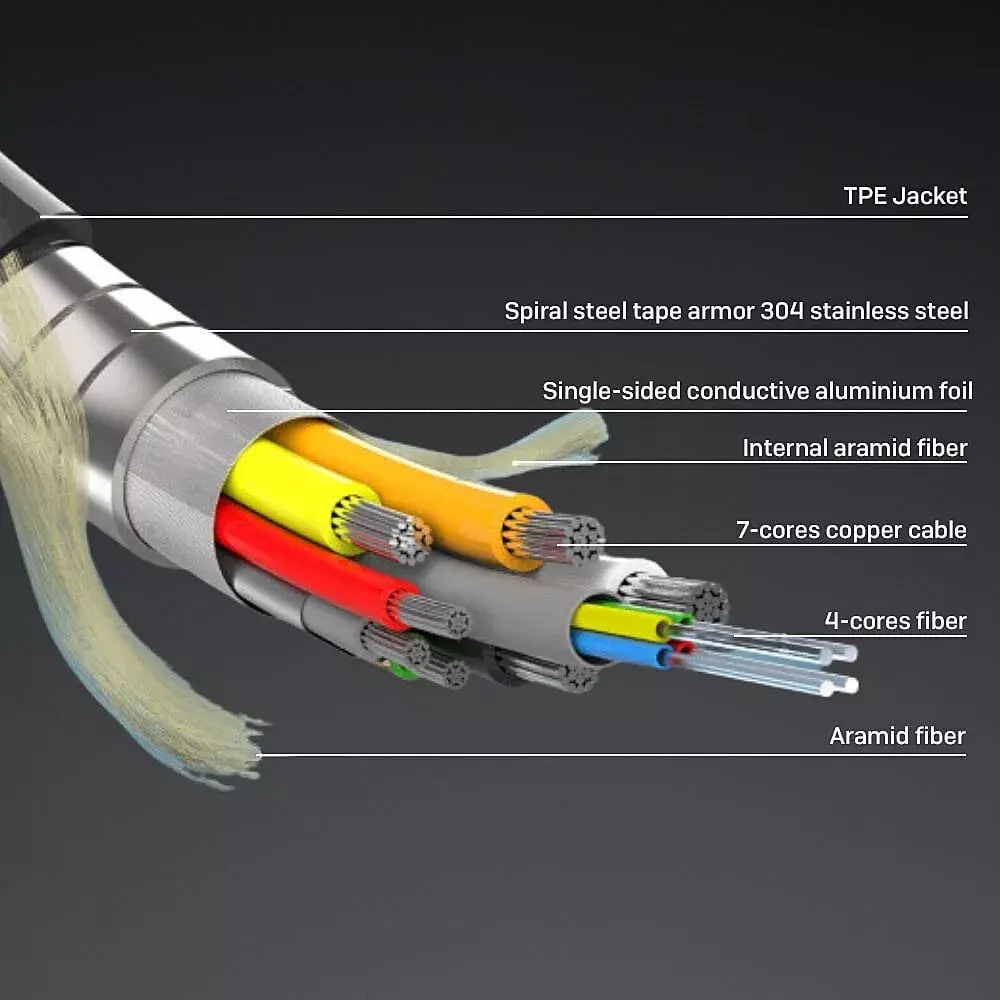
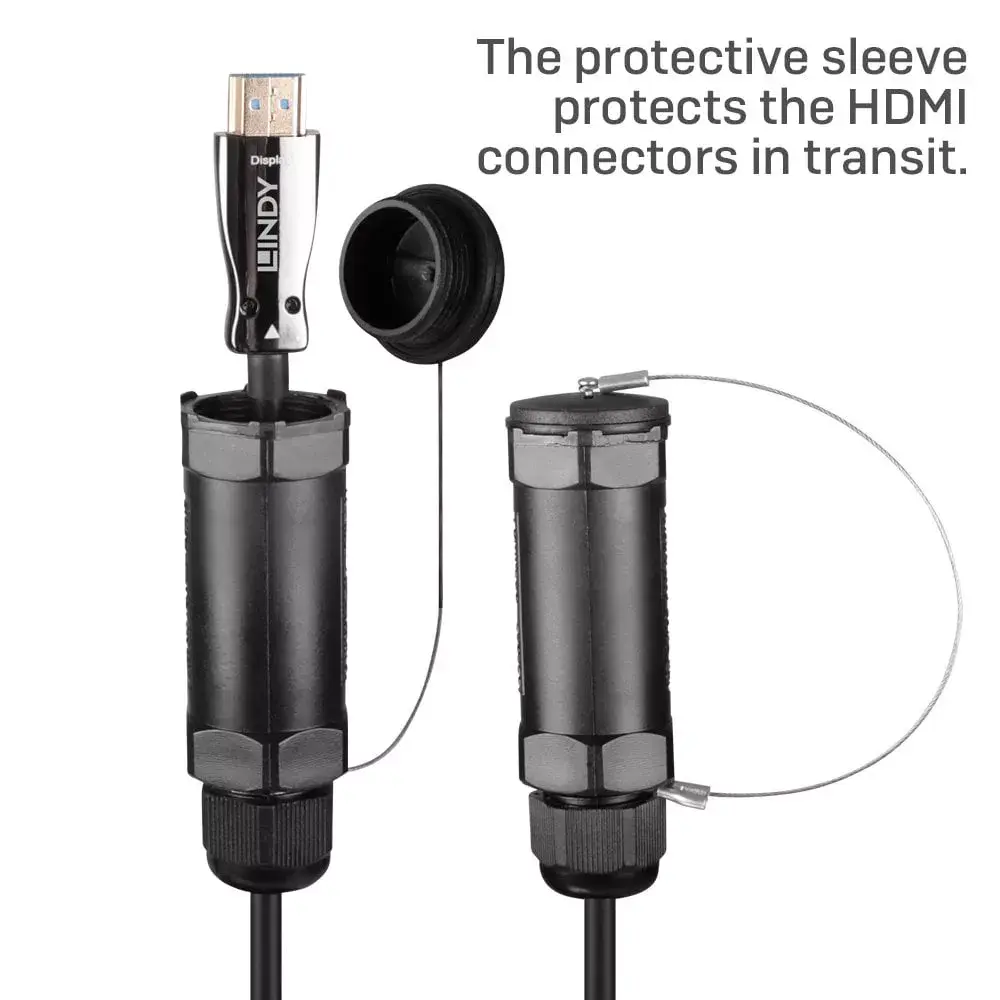
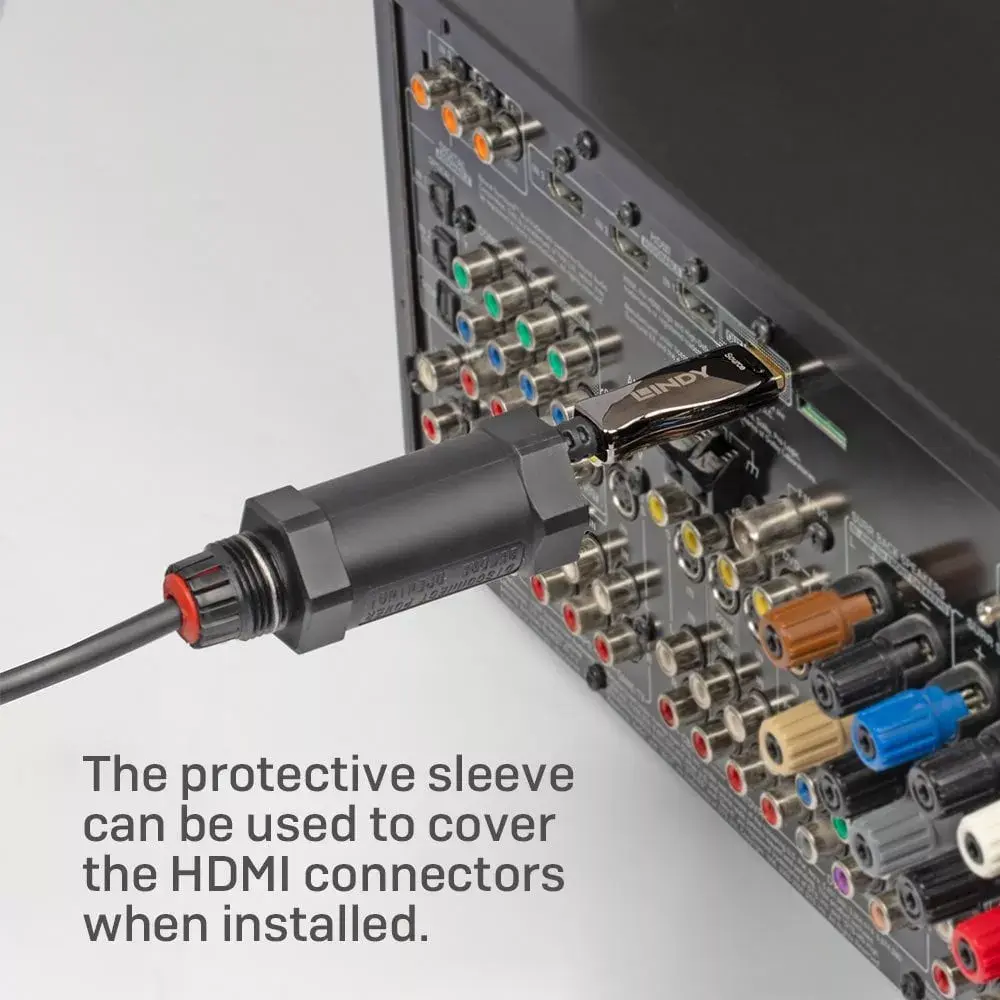
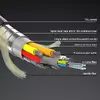
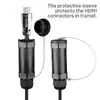
The Lindy 38528 15m Armoured Fibre Optic Hybrid HDMI 8K60 Cable is a professional-grade HDMI 2.1 cable designed to extend uncompressed HDMI signals over long distances. Its hybrid construction combines fibre optic signal transmission with a rugged aramid and steel-reinforced jacket under a TPE sheath, delivering a thin but durable cable capable of withstanding demanding installation and live event environments. The cable supports up to 48 Gbit/s bandwidth and resolutions up to 7680x4320@60Hz and 3840x2160@120Hz, while connectors feature gold-plated pins and protective sleeves to reduce transport and mechanical damage.
The cable offers long-distance, uncompressed HDMI 2.1 signal extension thanks to its internal active amplification and fibre optic technology. Its armoured design with aramid fibres and a steel jacket provides increased tensile and crush resistance while maintaining flexibility and EMI/RFI immunity. High-quality gold-plated connectors and protective sleeves improve contact reliability and durability. Support for HDMI 2.1 features includes 48 Gbit/s bandwidth, high resolutions and refresh rates, and compatibility with static and dynamic HDR formats such as Dolby Vision and HDR10+.
Connect each HDMI Type A connector to the HDMI output of the source device and the HDMI input of the display or projector. Ensure connectors are fully seated and, where available, secure any cable strain relief or mounting arrangements to avoid stress on the cable ends. The cable is active and provides internal signal amplification; no external power source is required beyond the connected HDMI devices. Use compatible HDMI 2.1 devices and settings to enable maximum resolution and dynamic HDR features.
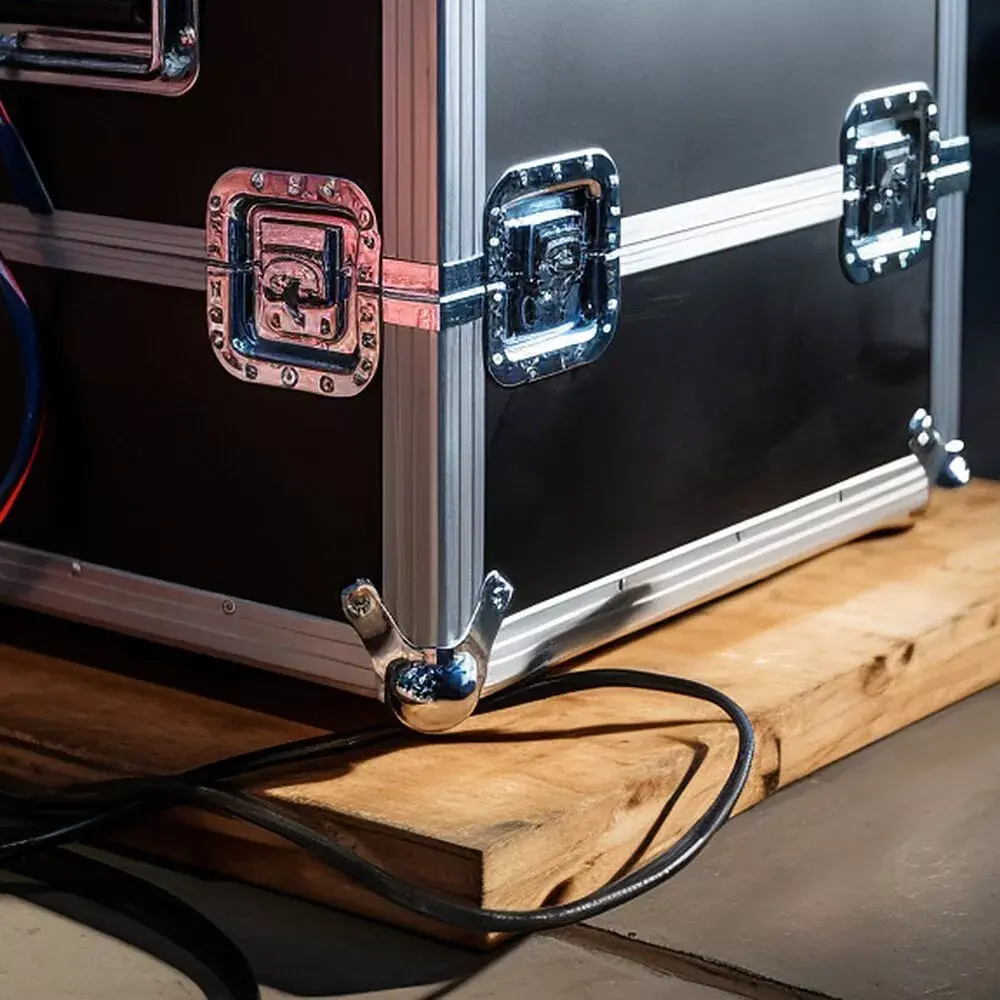
For reliable long-term operation, avoid sharp bends and excessive twisting; maintain bend radii in line with professional installation practice. When routing through conduits or across stages, protect connector ends and avoid pulling directly on the connectors—apply force to the cable body within the specified pull limits. Verify device firmware and display settings to enable 48 Gbit/s mode and dynamic HDR formats if required.
{{highlightedFeature.featureTitle}}:
{{getProductFeatureValueById(product, highlightedFeature.featureId)}}
{{ productComparisonGenerationError }}