Filters you can trust. Pure water every day.
In cart {{totalProductsCount}} item(s)
Your cart is empty
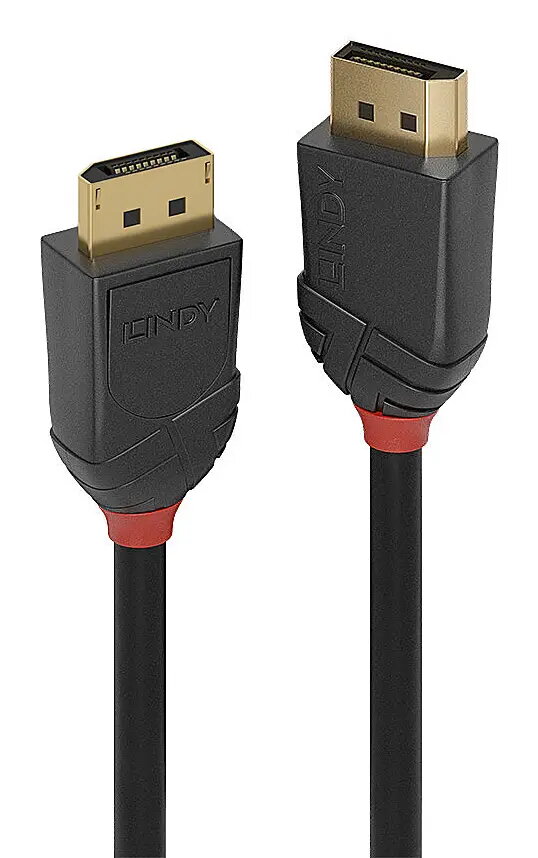
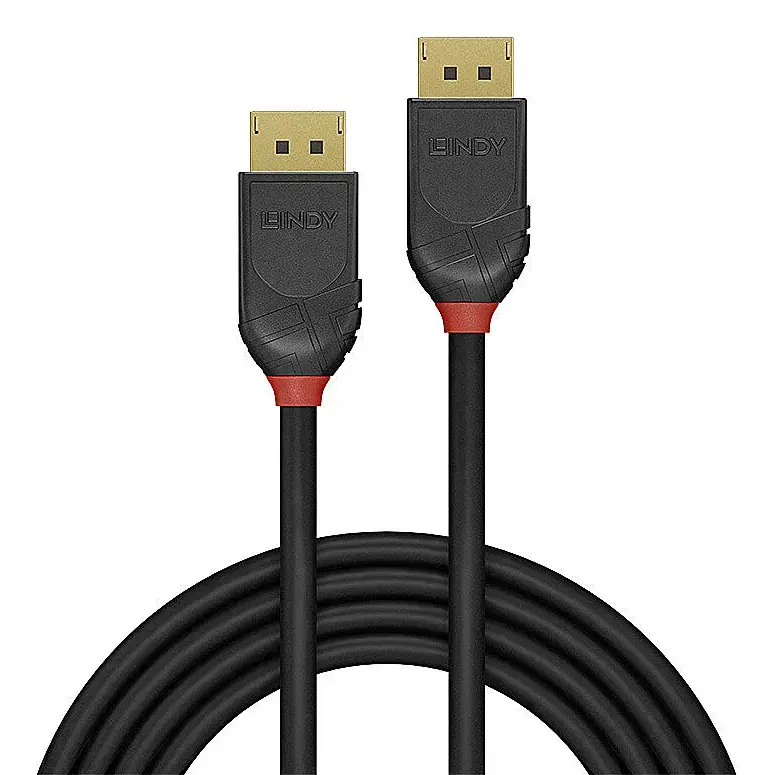
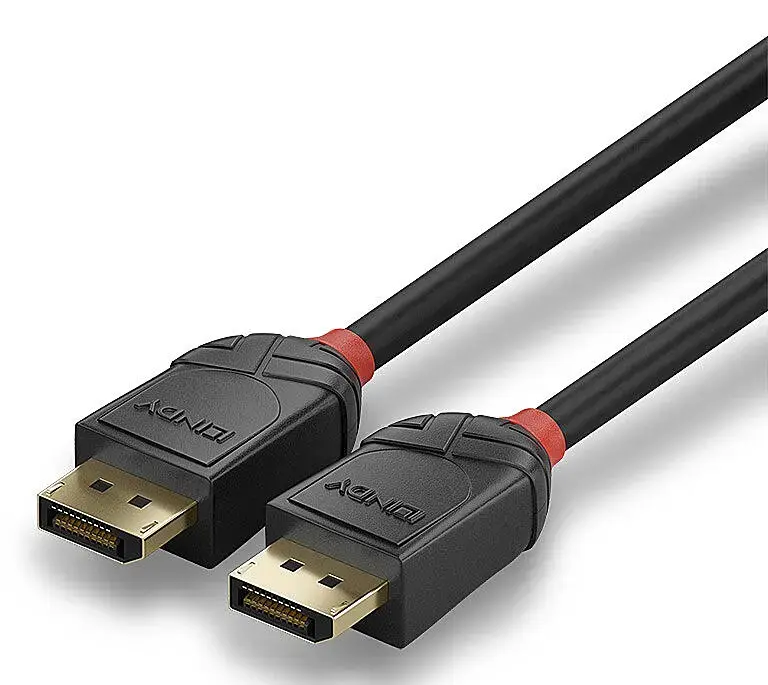
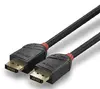
DisplayPort cable Lindy 36519 — 5 m, DisplayPort to DisplayPort, black
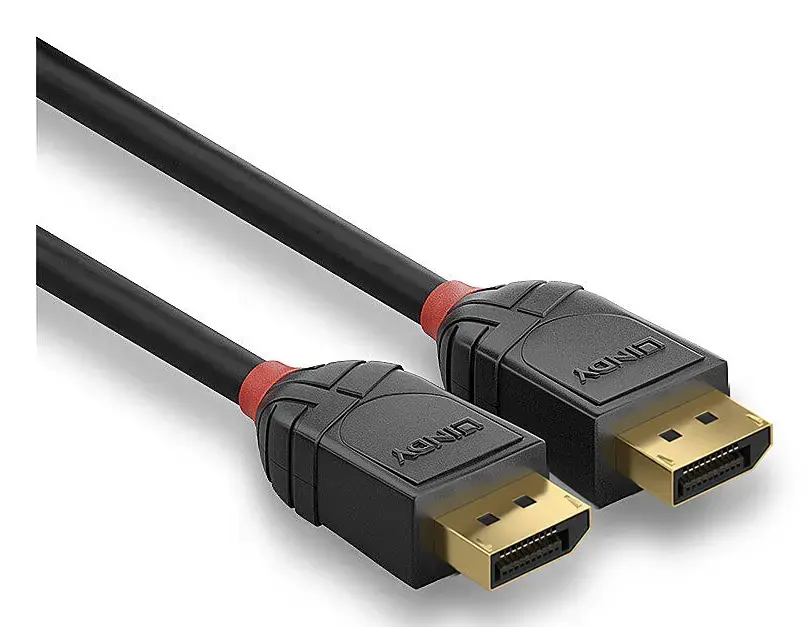
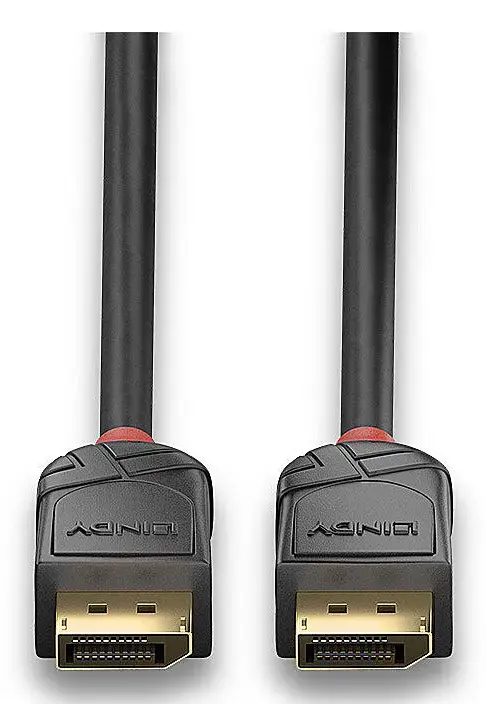
Lindy 36519 is a 5 m DisplayPort to DisplayPort cable engineered for digital video and audio transmission between compatible devices. Part of Lindy's Lines cable connectivity concept and Black Line range, this DisplayPort 2.1 cable supports high-resolution AV setups for home and small office environments. The cable has a 7 mm diameter and straight DisplayPort connectors at both ends, with a robust ABS housing and gold-plated contacts to maintain signal integrity. It is supplied as a single unit in a polybag and complies with RoHS, REACH and UL standards.
The cable supports DisplayPort 2.1 features including Display Stream Compression (DSC) to enable very high resolutions and refresh rates while reducing bandwidth requirements. Triple-shielded construction with 28 AWG bare copper conductors and nickel connector shells with 24K gold-plated contacts improves corrosion resistance and maintains reliable signal transmission. The 5 m length provides flexibility for connecting monitors, graphics cards and AV equipment across typical home and small office installations.
Connect one DisplayPort end to the source device (for example a PC, laptop docking station or graphics card) and the other end to the target display or AV receiver. Ensure both devices support DisplayPort 2.1 features if you intend to use the highest resolutions and DSC. Route the 5 m cable to avoid sharp bends or tight kinks and keep it away from strong electromagnetic interference sources for optimal signal quality. After connection, configure the display resolution and refresh rate in the operating system or graphics driver settings.
For best performance, use this cable with devices and graphics drivers that support DisplayPort 2.1 and DSC. Avoid excessive bending near the connector ends and secure the cable to prevent strain on connector housings. If maximum resolution or refresh rate is not achieved, check source and display capabilities, driver updates and display settings.
{{highlightedFeature.featureTitle}}:
{{getProductFeatureValueById(product, highlightedFeature.featureId)}}
{{ productComparisonGenerationError }}