


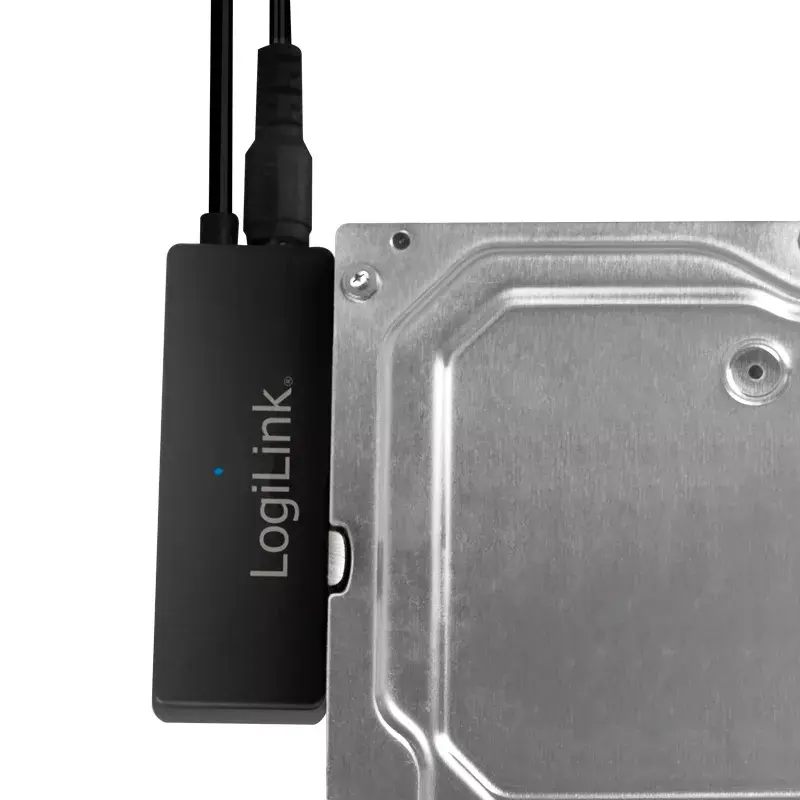
LogiLink USB Adapter USB 3.0 Type-A and USB-C to SATA for 2.5 and 3.5 inch HDD and SSD with 5 Gbit/s transfer rate and power supply
Short description


Cheapest delivery:
Unisend LV
Product information
Description
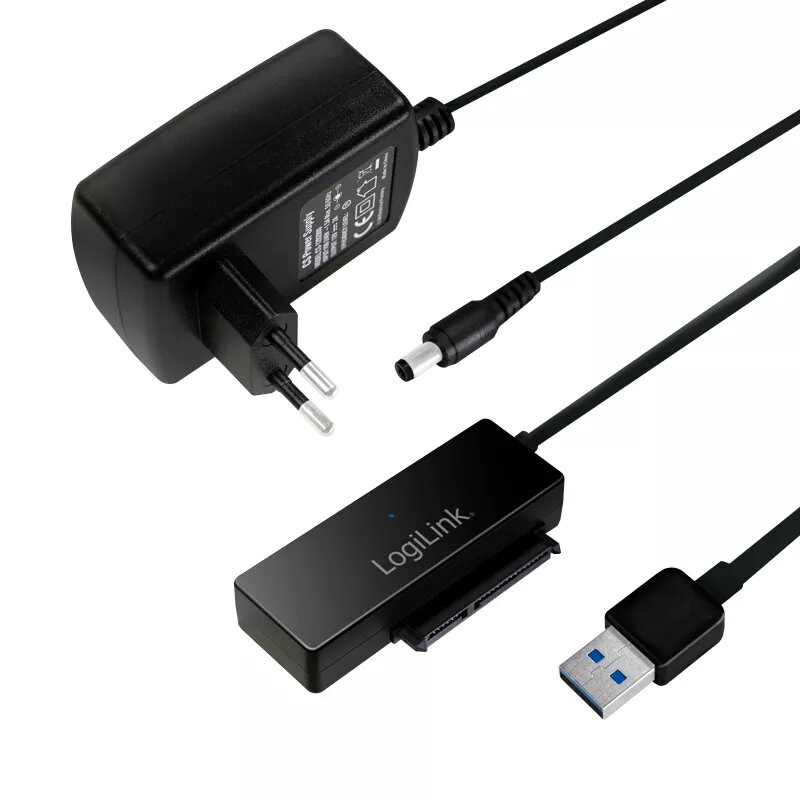
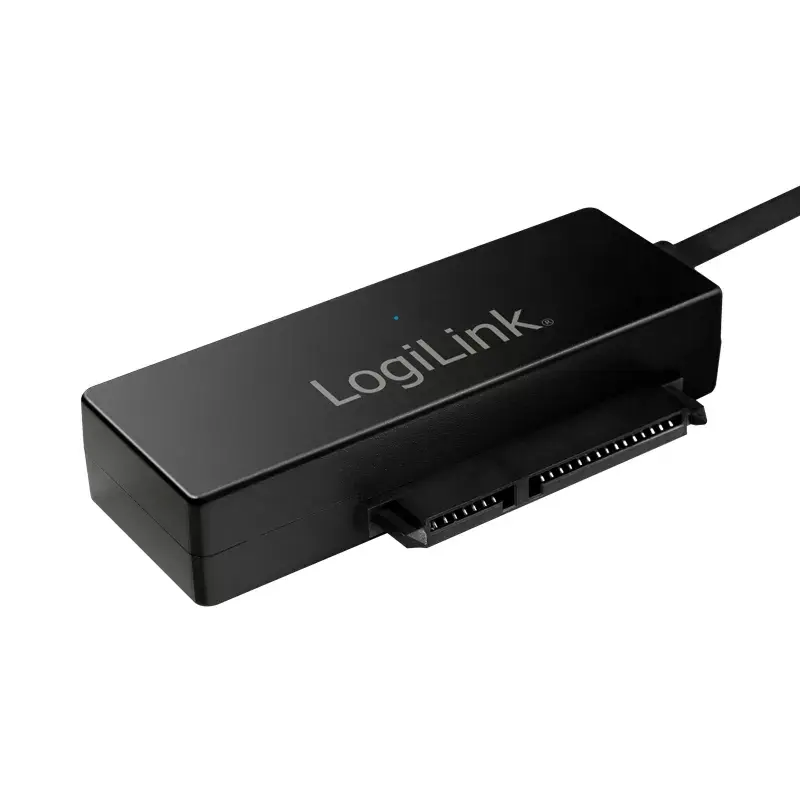
The LogiLink USB Adapter USB 3.0 Type-A and USB-C to SATA is a versatile connectivity solution designed for 1.8, 2.5, and 3.5-inch SATA II and SATA III HDDs and SSDs. This adapter enables seamless connection of internal storage drives to computers via modern USB ports, facilitating quick data access, system migration, and file management.
Advantages
This adapter offers high-speed data transfer rates up to 5 Gbit/s utilizing USB 3.0 technology while remaining backward compatible with older USB standards. The dual host interface featuring both USB Type-A and USB-C connections ensures broad compatibility with various computer systems. An included external power supply provides stable electrical current required for demanding 3.5-inch hard disk drives, ensuring reliable operation during intensive data tasks.
Suitable for
- Data backup and system recovery
- Disk cloning and operating system migration
- Accessing legacy internal hard drives externally
- Working with 1.8, 2.5, and 3.5-inch SATA storage drives
When it may not be suitable
This device is not designed to connect non-SATA storage drives such as IDE or NVMe PCIe solid-state drives. It may also not be optimal for users requiring permanent, enclosed external hard drive housing, as the drive remains exposed during operation.
Key specifications
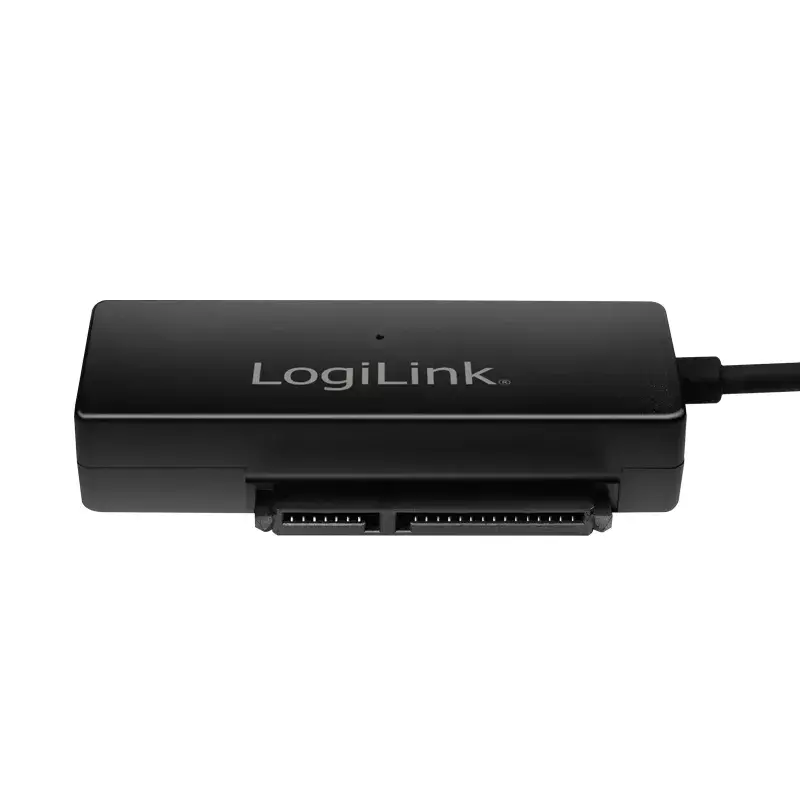
- Supports 1.8, 2.5, and 3.5-inch HDD and SSD media
- Compatible with Serial ATA II and Serial ATA III interfaces
- Host interfaces include USB 3.0 Type-A and USB-C
- Maximum data transfer rate of 5 Gbit/s
- Includes external power supply providing 12V and 2A
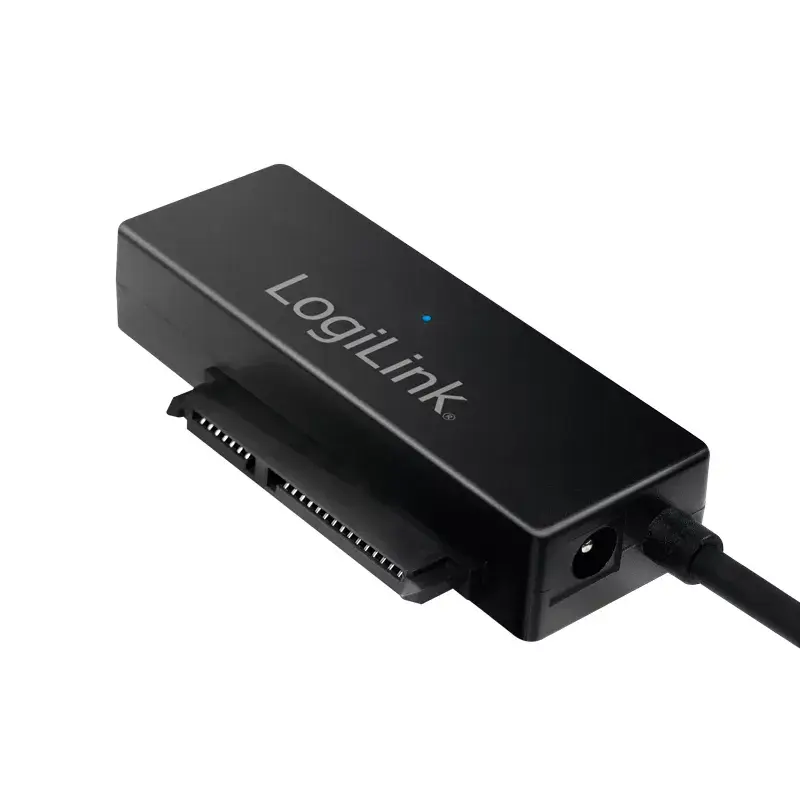
- Equipped with an LED power and activity indicator
- Supports drives up to 10 TB capacity
How to use
Connect the SATA drive to the adapter port securely. Plug the included external power supply into an electrical outlet and connect the power cable to the adapter. Finally, plug the USB Type-A or USB-C connector into an available port on a compatible Windows or Mac computer. The operating system will recognize the connected storage media automatically, allowing read and write operations.
What to consider before purchase
- Verify that your storage drive uses a SATA interface
- Ensure your computer has a compatible USB port available
- Confirm that an electrical outlet is accessible for the external power supply unit
Usage recommendations: Always safely eject the storage drive through the operating system before disconnecting the USB cable or powering off the adapter to prevent data corruption.
Features
- Host interface:
- USB 3.2 Gen 1 (3.1 Gen 1) Type-A

Stock data
| Warehouse | Stock | Delivery to the store | Store Price | |
| WH94 | 300 | 07.12.2026 | 22.49 € | Add to cart |
| EU3 | 11 | 07.12.2026 | 23.99 € | Add to cart |
| WH357 | 11 | 07.12.2026 | 29.99 € | Add to cart |
- 22.49 €Stock: 300Delivery Date: 07.12.2026Warehouse: WH94Add to cart
- 23.99 €Stock: 11Delivery Date: 07.12.2026Warehouse: EU3Add to cart
- 29.99 €Stock: 11Delivery Date: 07.12.2026Warehouse: WH357Add to cart
| Warehouse | Stock | Delivery to the store | Store Price | |
| EU4 | 357 | 21.12.2026 | 23.99 € | Add to cart |
| WH109 | 11 | 21.12.2026 | 37.49 € | Add to cart |
- 23.99 €Stock: 357Delivery Date: 21.12.2026Warehouse: EU4Add to cart
- 37.49 €Stock: 11Delivery Date: 21.12.2026Warehouse: WH109Add to cart


