


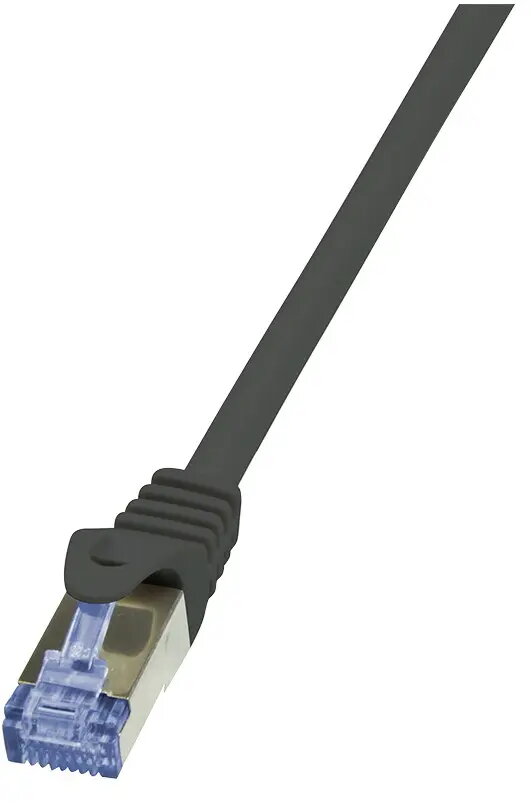
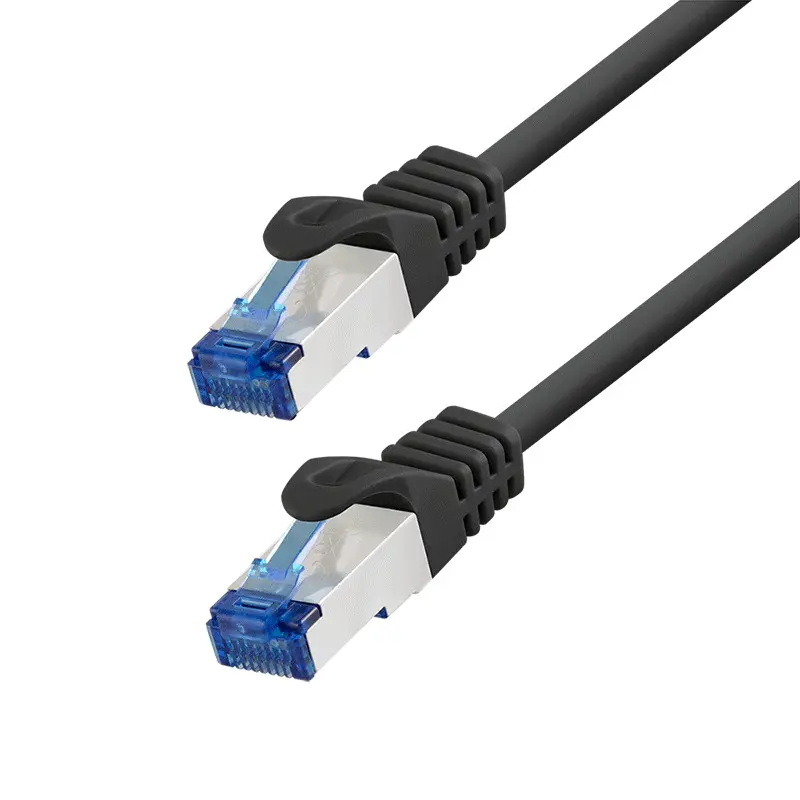
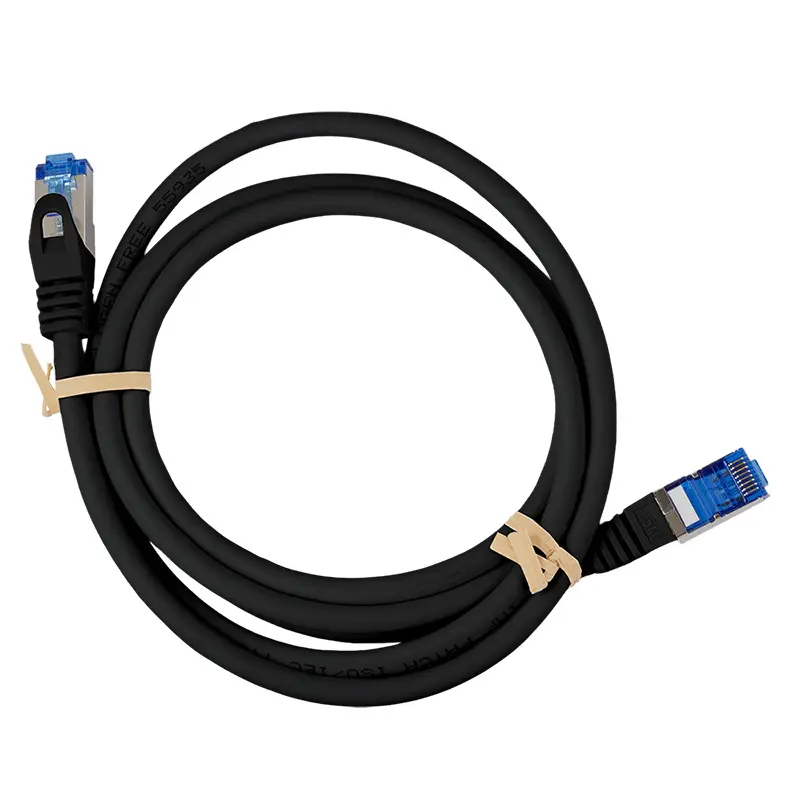
LogiLink PrimeLine Cat6a S/FTP Patch Cable 3m Black RJ-45 Male to Male
Short description


Cheapest delivery:
Unisend LV
Product information
Description
The LogiLink PrimeLine Cat6a S/FTP Patch Cable is a reliable 3-meter network cable designed for high-speed Ethernet applications in both professional and home environments. Featuring RJ-45 male connectors on both ends and a sleek black finish, this Cat6a S/FTP patch cable ensures stable and secure data transmission. It is engineered to support demanding network infrastructures, providing dependable connectivity for computers, switches, routers, and other network-enabled devices.
Advantages
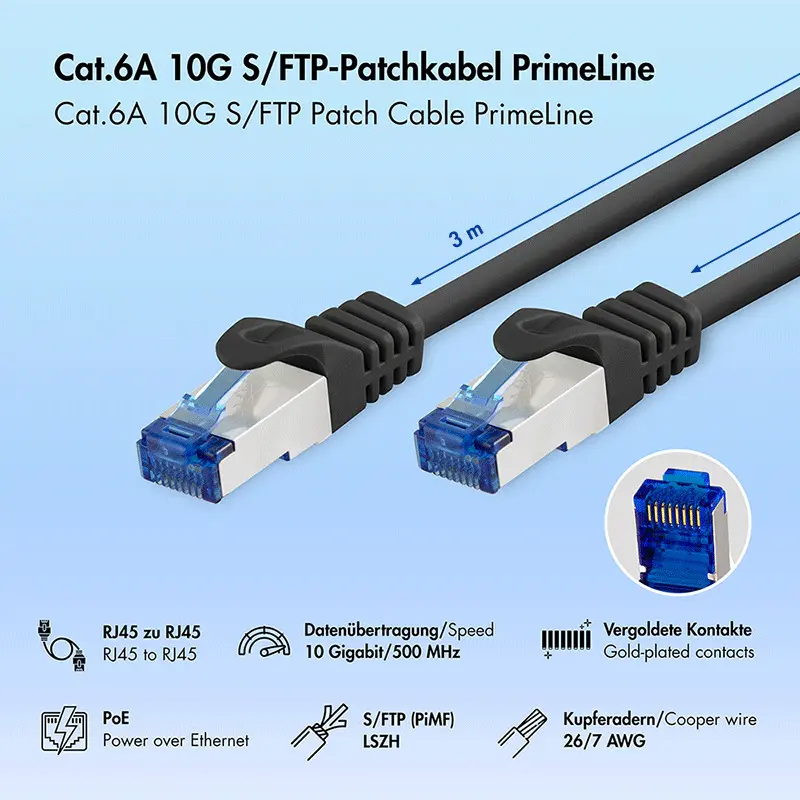
This network cable delivers exceptional performance thanks to its advanced S/FTP shielding, which combines an overall screen with metal foil around individual twisted pairs to effectively protect against electromagnetic interference and crosstalk. The inclusion of bare copper wire and standardized construction ensures consistent signal integrity up to 10 Gigabit Ethernet speeds. Additionally, the cable features a flexible design with snagless molded ends and a strain relief boot, facilitating straightforward installation and long-term durability in tight spaces.
Suitable for
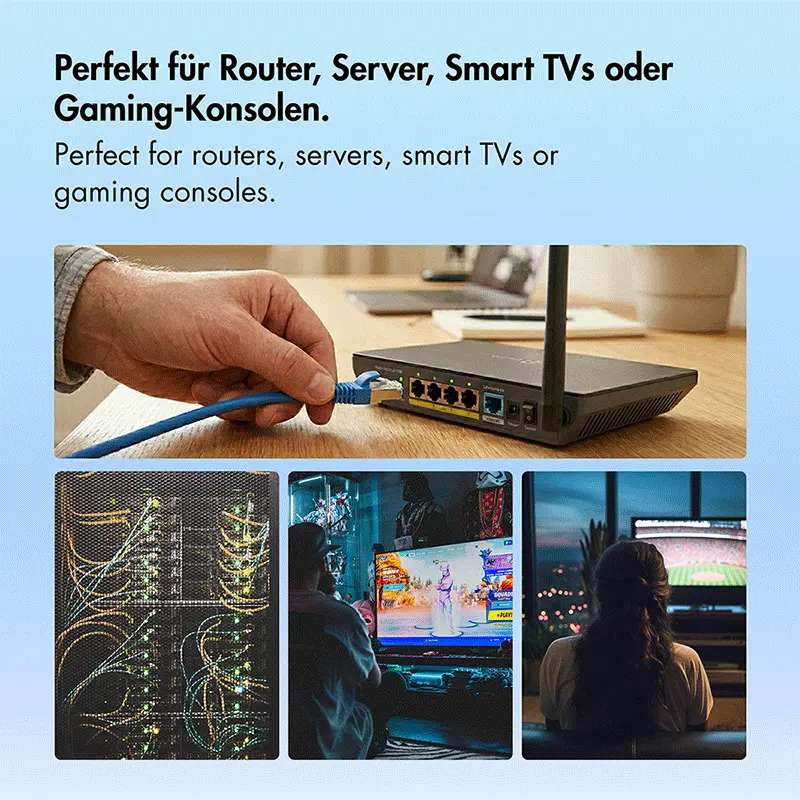
- Connecting desktop computers, laptops, and game consoles to network switches or routers
- High-speed Gigabit and 10 Gigabit Ethernet networking setups
- Environments requiring Power over Ethernet applications
- Professional office installations and home network configurations prone to electromagnetic interference
This cable may not be suitable for outdoor installations or direct burial applications, as it is designed for indoor networking environments. It might also be too short or too long for specific custom distance requirements where precise cable lengths are necessary.
Key specifications
- Cable standard: Cat6a
- Cable shielding: S/FTP (S-STP) with PiMF
- Cable length: 3 m
- Connector 1: RJ-45 male
- Connector 2: RJ-45 male
- Contact plating: Copper
- Product color: Black
To use the patch cable, connect one RJ-45 male plug into the network port of your active device, such as a router or switch, and insert the other RJ-45 plug into the receiving port of your computer or network peripheral. Ensure the connectors click firmly into place to maintain a stable physical connection and optimal data transmission.
What to consider before purchase
- Verify that a 3-meter cable length is appropriate for the distance between your networked devices
- Confirm that your network equipment supports Cat6a standards for optimal performance
- Check whether your networking environment requires S/FTP shielding to prevent signal interference
Usage recommendations: Handle the cable with care by avoiding sharp bends, excessive pulling, or pinching to preserve the internal copper wiring and shielding effectiveness. Route the cable safely along walls or through cable management channels to prevent tripping hazards and physical damage.
Features
- Connector 1 gender:
- Male
- Connector 2 gender:
- Male
- Connector 2:
- RJ-45
- Connector 1:
- RJ-45
- Cable shielding:
- S/FTP (S-STP)
- Cable standard:
- Cat6a
- Cable length:
- 3 m


