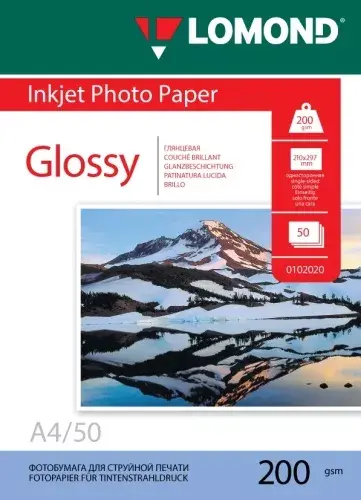
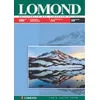
Glossy photo inkjet paper Lomond 0102020 200 g/m² A4, 50 sheets is high-gloss, heavyweight paper made for inkjet printers. The A4 sheets have a coated surface that delivers bright, saturated colors and sharp detail, suitable for prints of photographs, photo-based brochures and proofs. Supplied in a pack of 50 sheets, this paper is intended for home, studio or small-office use where a glossy finish and reliable color reproduction are required.
Advantages
The coated glossy surface provides strong color density and high definition, reducing ink spread for sharper edges and clearer details. With a weight of 200 g/m² the paper has a substantial feel that improves handling and presentation compared with standard office paper. The sheets are optimized for inkjet inks to speed up drying and help minimize smudging, enabling consistent prints across a range of image types and print settings.
Suitable for
- High-quality photographic prints on A4 format
- Photo brochures, flyers and marketing proofs
- Home photo printing and small-studio portfolios
- Samples and proofs for client presentations
Key specifications
- Format: A4 (210 × 297 mm)
- Weight: 200 g/m²
- Surface: glossy, inkjet coated
- Quantity: 50 sheets per pack
- Compatibility: designed for inkjet printers
How to use
Load the sheets into the designated photo or rear tray of your inkjet printer according to the printer manufacturer’s guidance, ensuring the glossy side is facing the correct direction for printing. Select the appropriate media type or paper weight in the printer settings (photo paper / glossy / 200 g/m²) to optimize ink application and drying time. Allow prints to dry fully before stacking or handling to avoid fingerprints or transfer; drying time will depend on ink type and printer output.
Usage recommendations
Store unopened packs flat in a cool, dry place away from direct sunlight and high humidity. For best results, handle sheets by the edges, use printer profiles or photo-quality print settings, and allow adequate drying time before trimming, mounting or placing prints into albums.