
Save time and money with our discounts!
In cart {{totalProductsCount}} item(s)
Your cart is empty
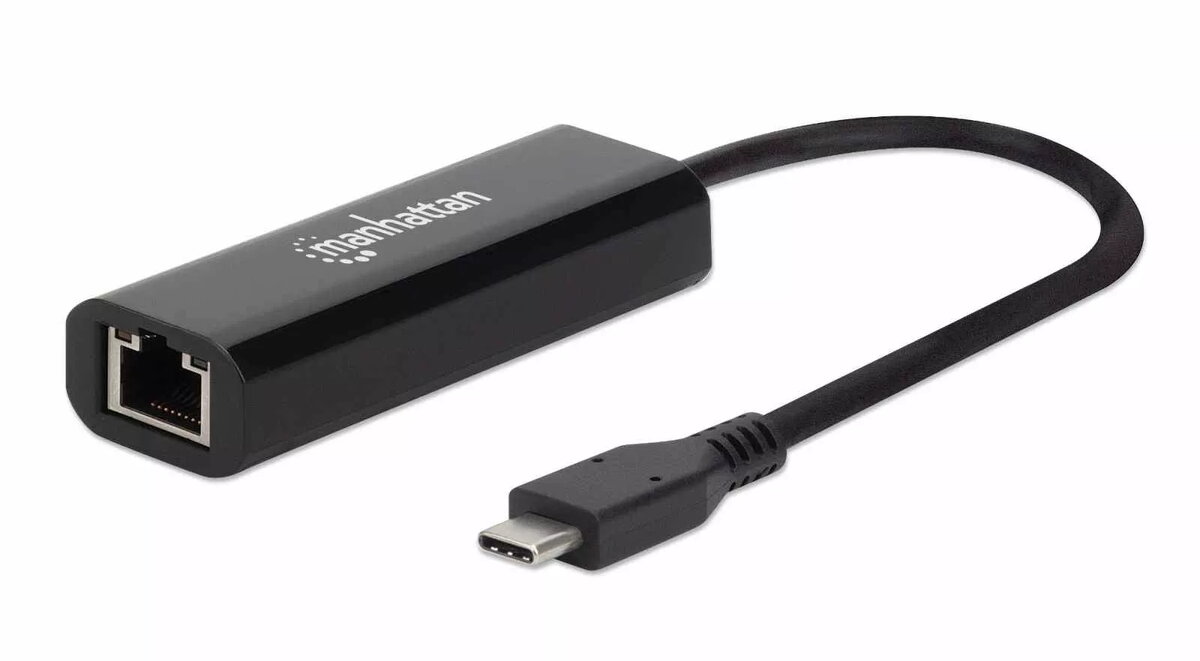
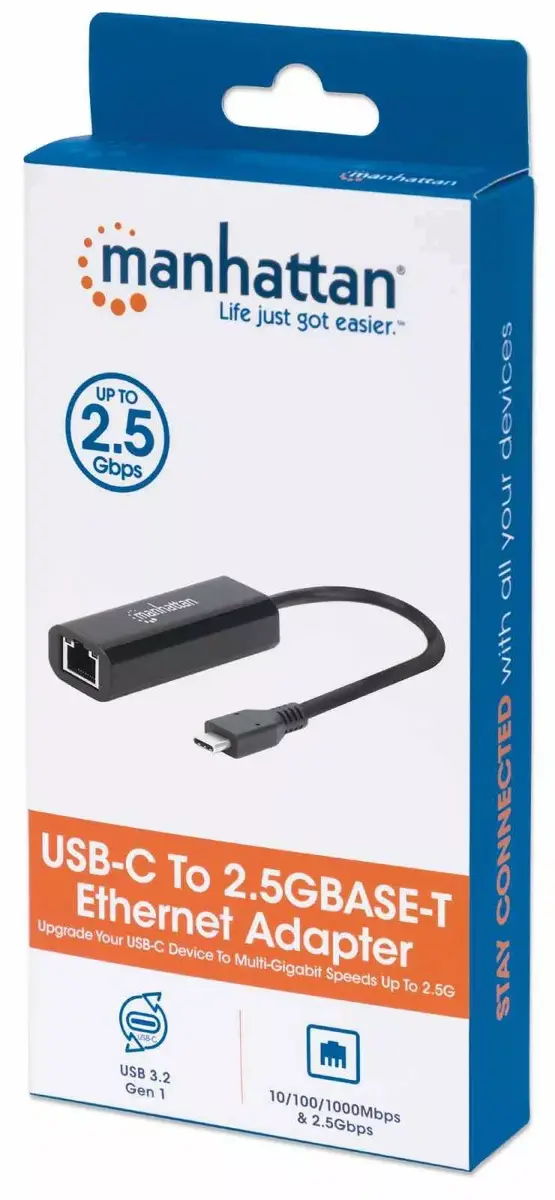
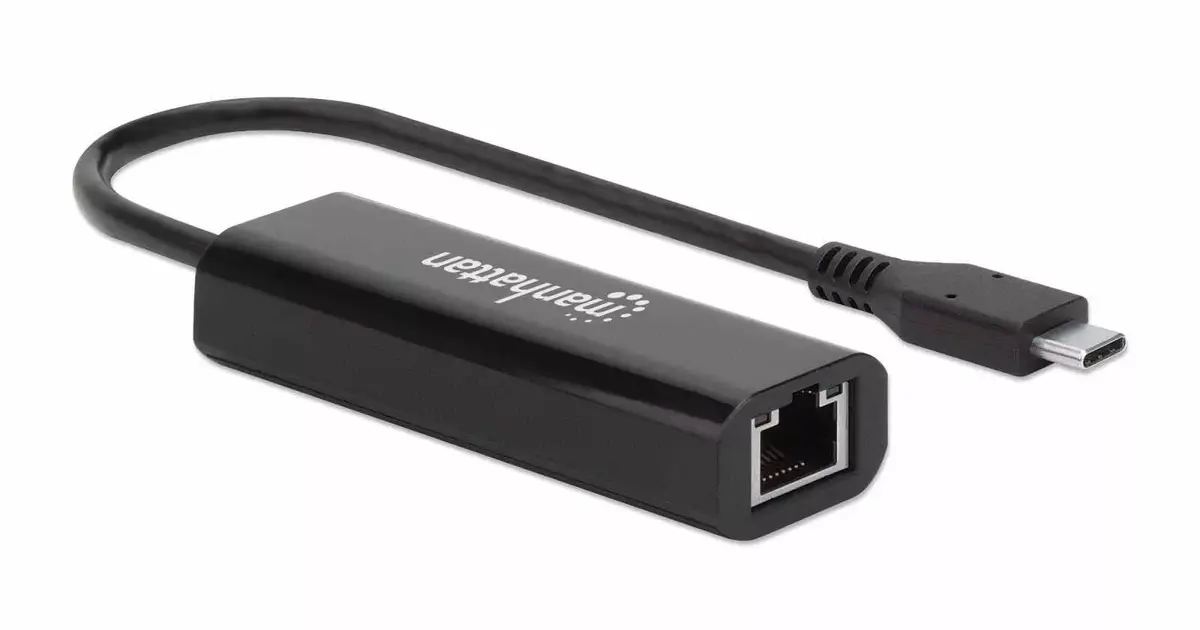
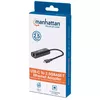
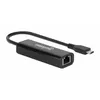
Network Adapter Manhattan USB-C to 2.5GBASE-T US2GC30
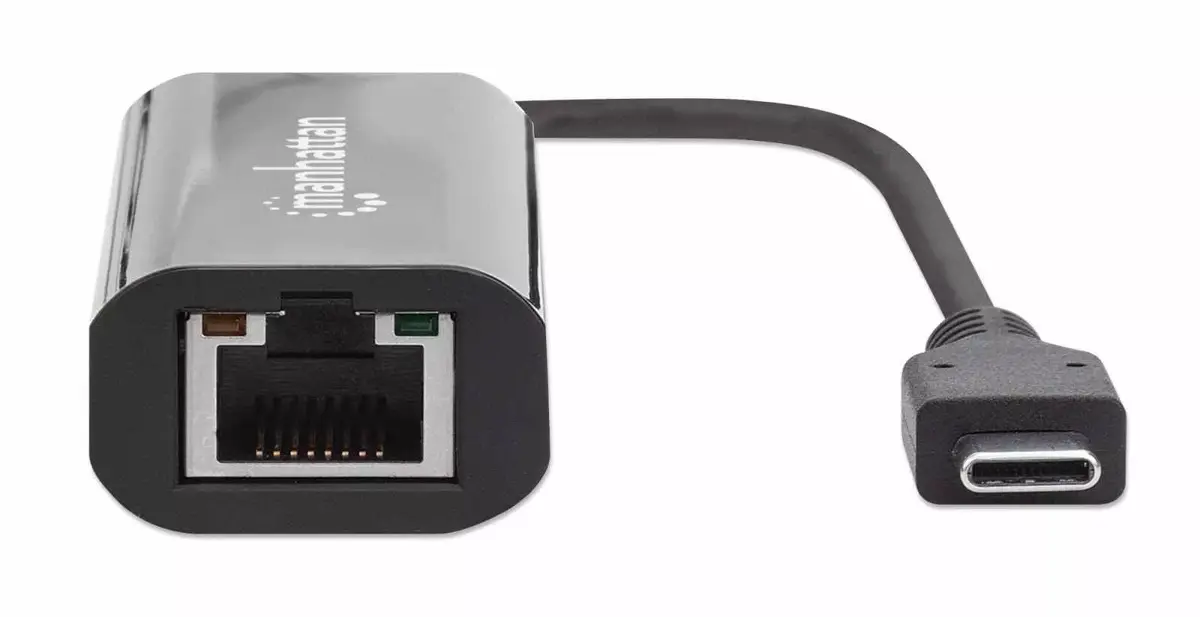
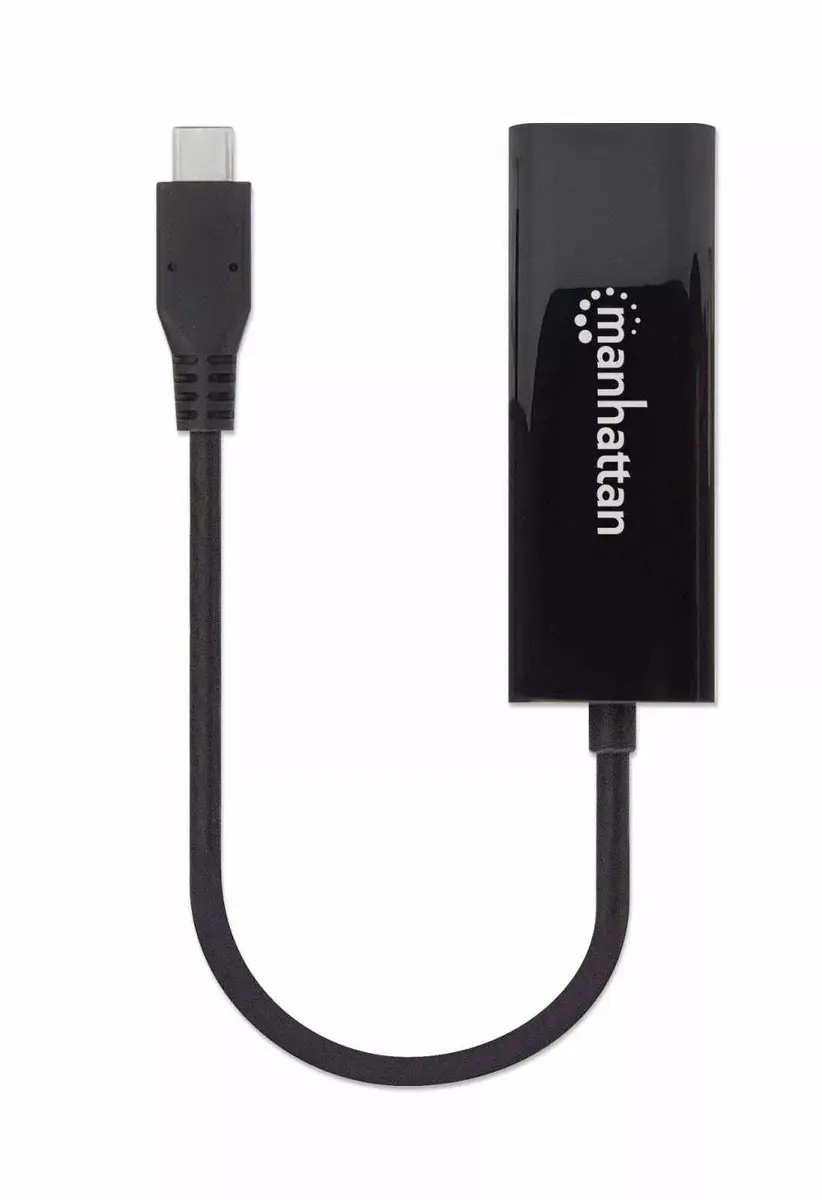
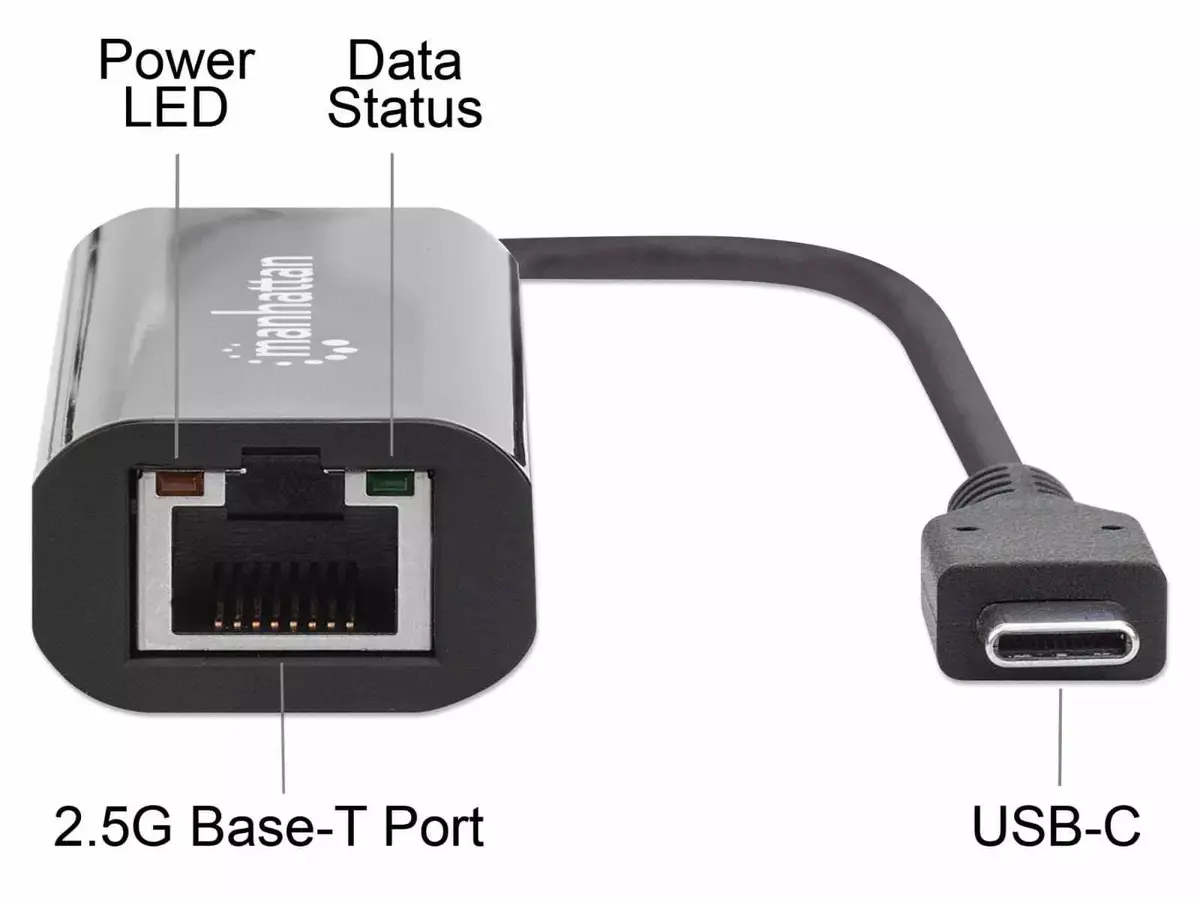
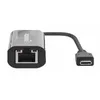
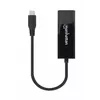
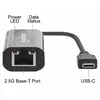
The Manhattan USB-C to 2.5GBASE-T US2GC30 network adapter converts a USB Type-C port into a wired Ethernet connection supporting 10/100/1000 Mbps and 2.5 Gbps. Designed for modern laptops, tablets and compact systems that lack a built-in Ethernet jack, the adapter provides a compact, black housing with a reversible USB-C connector and a single RJ45 port. It supports common Ethernet standards for reliable traffic handling and includes energy-saving features to minimise battery drain during use.
This adapter delivers faster-than-gigabit wired connectivity up to 2.5 Gbps while remaining fully backward compatible with 10/100/1000 Mbps networks. The USB Type-C reversible connector enables quick, foolproof connection and reduces wear on device ports. Compliance with IEEE networking standards ensures stable transmission, flow control and VLAN tagging where supported. Its compact, lightweight design makes it easy to carry between workspaces and systems.
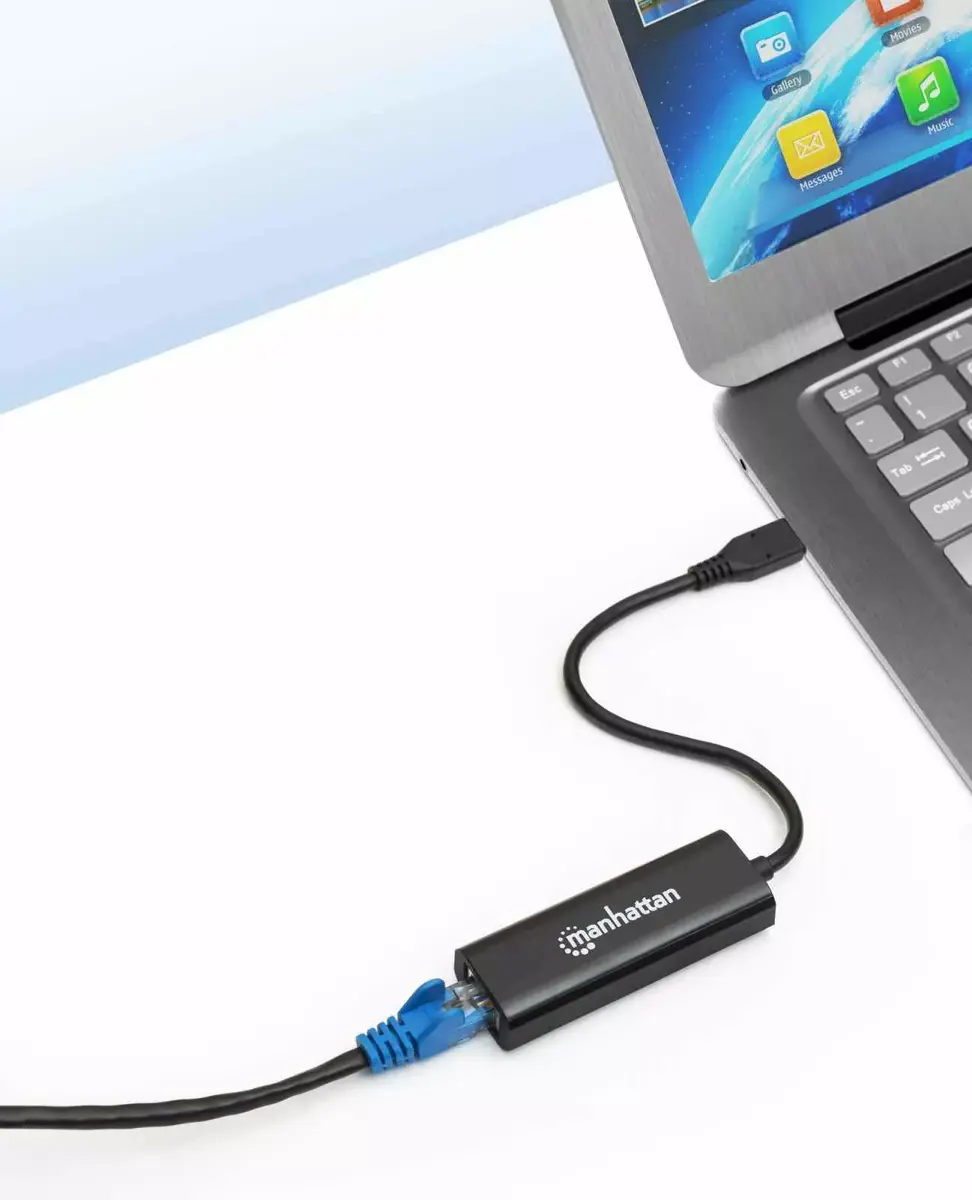
Connect the USB-C plug to a compatible USB Type-C port on your computer or tablet and plug a standard Ethernet cable into the RJ45 port. The adapter is typically recognised automatically by modern operating systems; if necessary, install drivers provided by the system or manufacturer. After connection, configure network settings through your OS network control panel or system preferences to match your network requirements. For optimal performance, use quality Cat5e or Cat6 cables rated for 2.5 Gbps where applicable.
For stable 2.5 Gbps performance, use shielded or high-quality Ethernet cables and connect to a switch or router that supports multi-gig speeds. Avoid excessive bending of the USB-C connector and unplug by gripping the adapter body to reduce stress on the cable and host port. Keep device firmware and host OS network drivers up to date to ensure compatibility and the best possible throughput.
{{highlightedFeature.featureTitle}}:
{{getProductFeatureValueById(product, highlightedFeature.featureId)}}