
Leave your address - as soon as the price of the product goes down, you'll know about it right away
USB cable MCD 3-in-1 USB-A to USB-C / microUSB / Lightning 1.1 m, green
In cart {{totalProductsCount}} item(s)
Your cart is empty
USB cable MCD 3-in-1 USB-A to USB-C / microUSB / Lightning 1.1 m, green
Leave your address - as soon as the price of the product goes down, you'll know about it right away
USB cable MCD 3-in-1 USB-A to USB-C / microUSB / Lightning 1.1 m, green
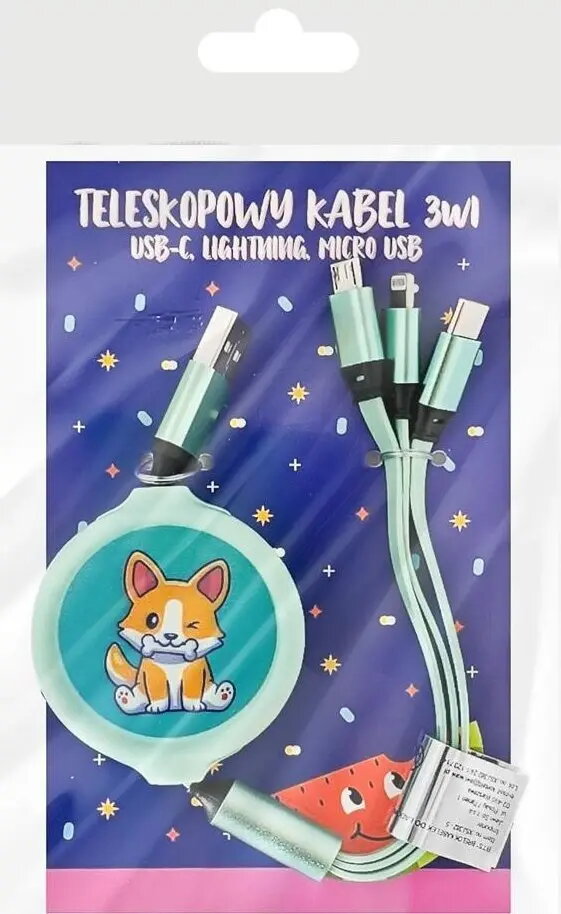
The MCD 3-in-1 USB cable is a versatile charging and data cable with a USB-A connector and three interchangeable tips: USB-C, microUSB and Lightning. Measuring 1.1 m and finished in green, the cable is designed for everyday use to connect computers, power adapters and a variety of mobile devices for charging and syncing. It supports standard USB data transfer and charging functions for devices equipped with the respective connector types.
This cable combines three connector types in one compact accessory, reducing the need for multiple separate cables. The 1.1 m length balances reach and portability for desk or travel use. Interchangeable tips allow quick switching between USB-C, microUSB and Lightning devices without changing cables. The green finish helps identify the cable among other accessories.
Insert the USB-A plug into a compatible computer USB port or a USB power adapter. Select and attach the appropriate tip (USB-C, microUSB or Lightning) to the cable’s device end and connect it to the device. For charging, ensure the power source provides the correct output for your device. For data transfer, verify the device is set to the appropriate mode (for example, file transfer) and allow any required permissions on the device.
Use the cable with compatible chargers and devices that support standard USB charging and data protocols. Avoid bending the cable sharply at the connectors, and disconnect by pulling the plug rather than the cable to prolong lifespan. If fast charging is required, pair the cable with a power adapter and device that both support the same fast-charge standard.
{{highlightedFeature.featureTitle}}:
{{getProductFeatureValueById(product, highlightedFeature.featureId)}}