Leave your address - as soon as the price of the product goes down, you'll know about it right away
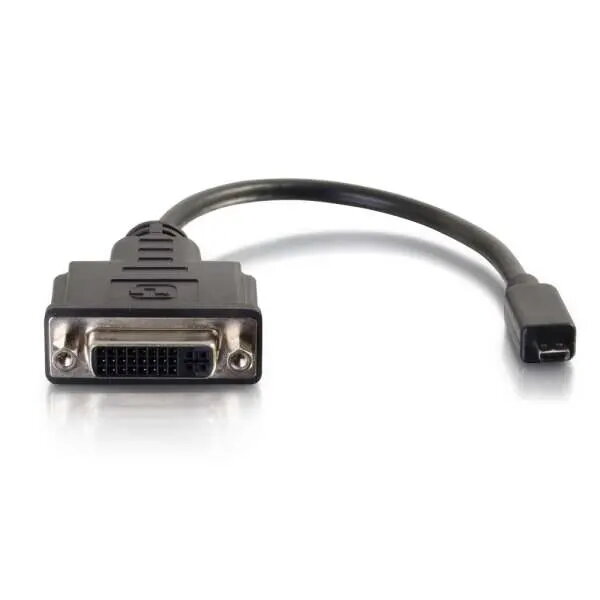
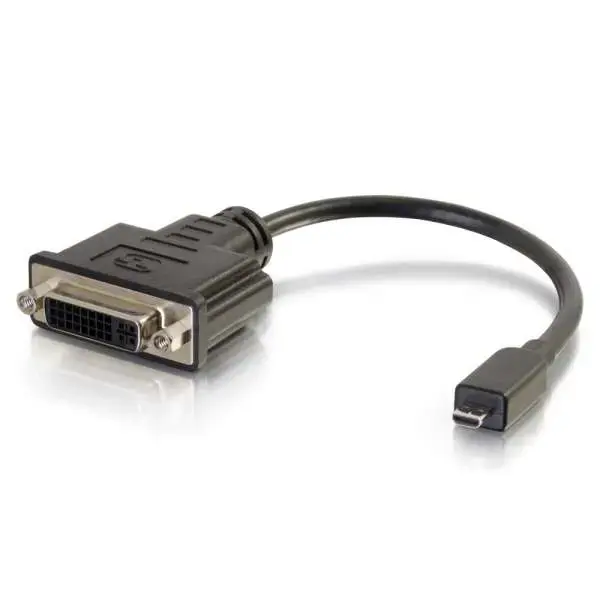
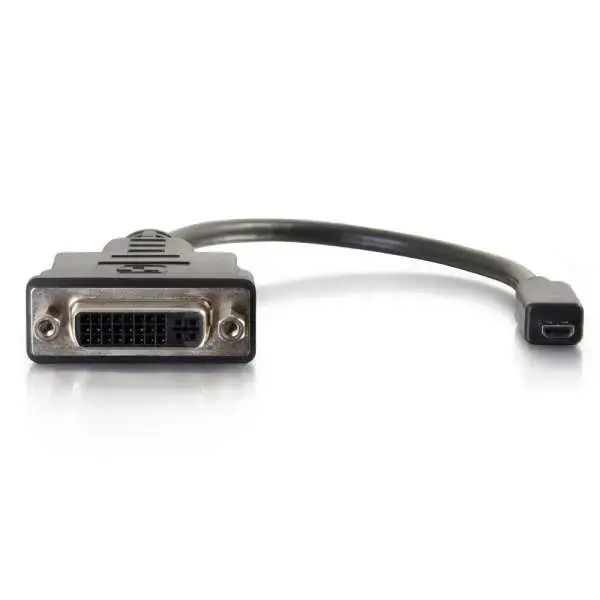
Video cable adapter MEGA 80511 — Micro‑HDMI to DVI‑D, 0.2 m, black
In cart {{totalProductsCount}} item(s)
Your cart is empty
Video cable adapter MEGA 80511 — Micro‑HDMI to DVI‑D, 0.2 m, black
Leave your address - as soon as the price of the product goes down, you'll know about it right away
Video cable adapter MEGA 80511 — Micro‑HDMI to DVI‑D, 0.2 m, black
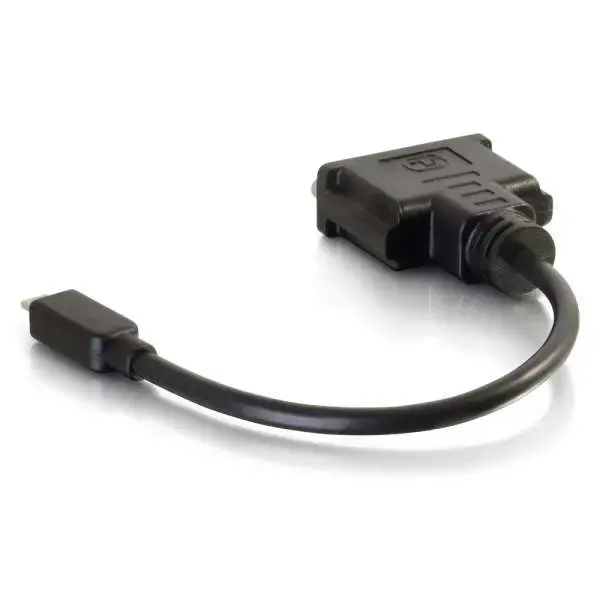
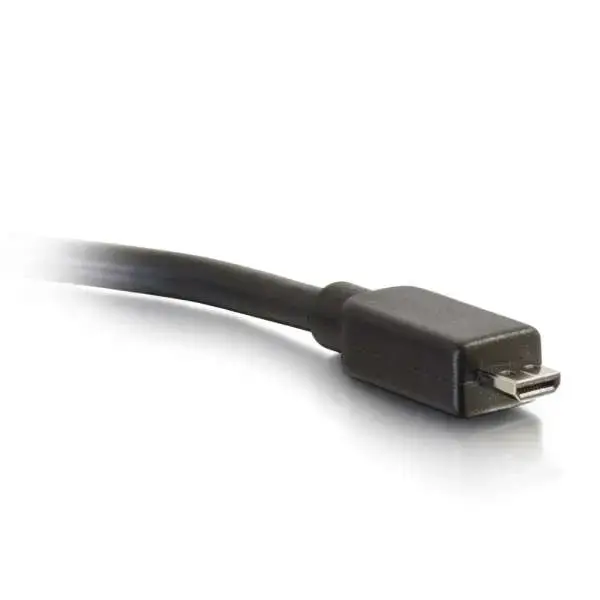
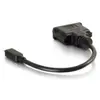
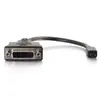
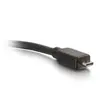
MEGA 80511 video cable adapter converts a Micro‑HDMI output to a DVI‑D input, enabling a direct video link between portable devices and DVI‑D displays. The compact dongle design with a 0.2 m cable and Micro‑HDMI male to DVI‑D female connectors is intended for short‑reach connections where only video (no audio via DVI‑D) is required. The adapter supports resolutions up to 1920×1200 and is finished in black for discreet installation.
The MEGA Micro‑HDMI to DVI‑D adapter provides a straightforward physical conversion from Micro‑HDMI to DVI‑D without active signal conversion, preserving video quality up to 1920×1200. Its dongle form factor reduces mechanical stress on the source device's port compared with bulky box adapters. The short 0.2 m cable keeps the connection neat and minimizes cable clutter for desktop or portable setups.
Connect the Micro‑HDMI male end of the adapter to the Micro‑HDMI output on your source device. Attach a separate DVI‑D cable from the adapter's DVI‑D female socket to the DVI‑D input on your monitor or projector. Power on both devices and select the correct input on the display. The connection carries video only; audio must be handled separately if required by the setup.
Use the adapter for short, direct connections and avoid placing lateral stress on the source device's Micro‑HDMI port. For longer cable runs or when audio is needed, consider a solution with active conversion or alternative connectors that carry audio. Keep the adapter and cables away from heavy foot traffic and sharp bends to maintain signal integrity.
{{highlightedFeature.featureTitle}}:
{{getProductFeatureValueById(product, highlightedFeature.featureId)}}