
{{ totalProductsCount }}

In cart {{totalProductsCount}} item(s)

Total:
{{sum | formatAmount}}

Your cart is empty

header-product MicroConnect MC-DR8169 Internal Network Card with PCI Express Interface, Wired Ethernet Connectivity, and 1000 Mbit/s Maximum Data Transfer Rate

MicroConnect MC-DR8169 Internal Network Card with PCI Express Interface, Wired Ethernet Connectivity, and 1000 Mbit/s Maximum Data Transfer Rate

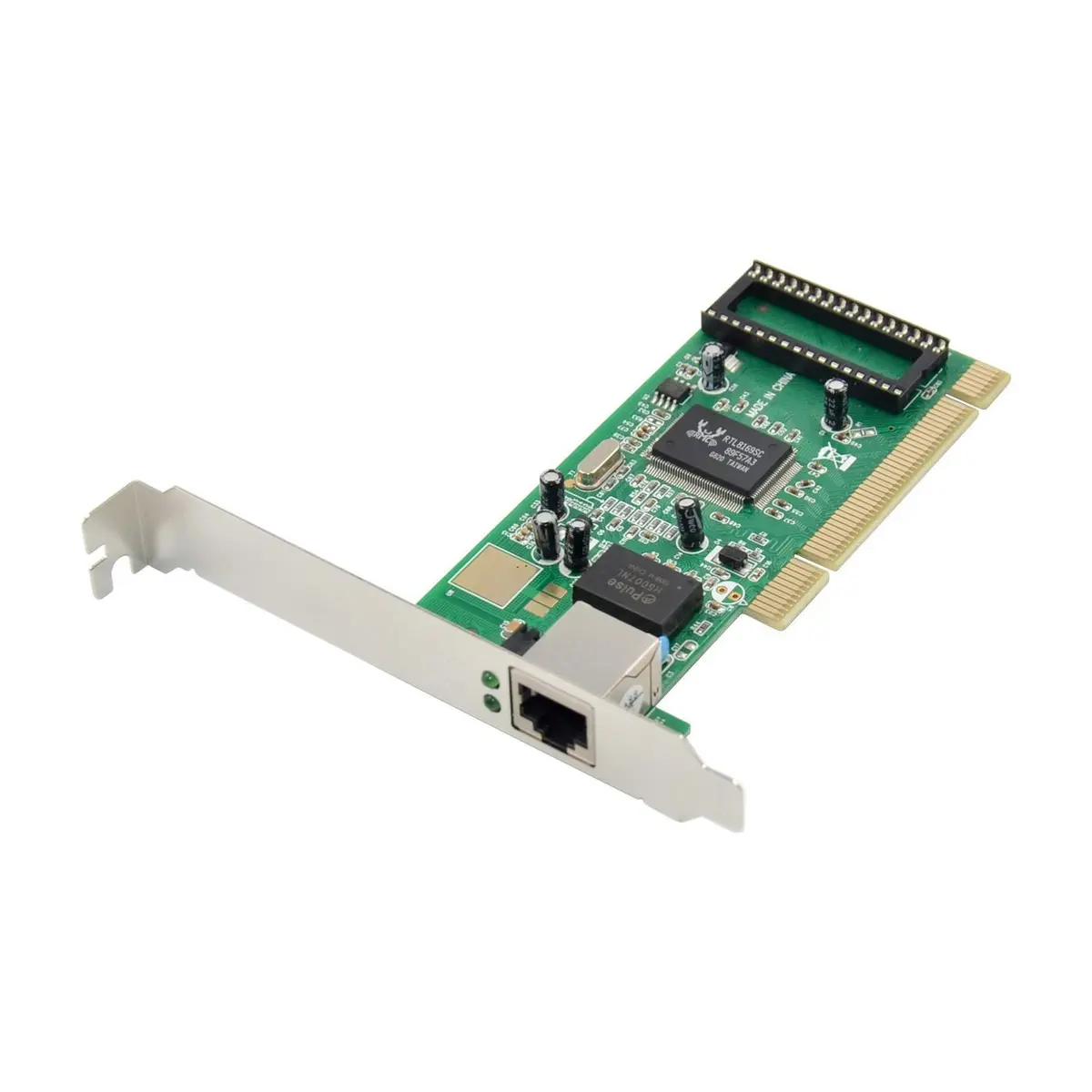
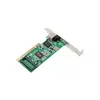
MicroConnect MC-DR8169 Network Card Photo 1
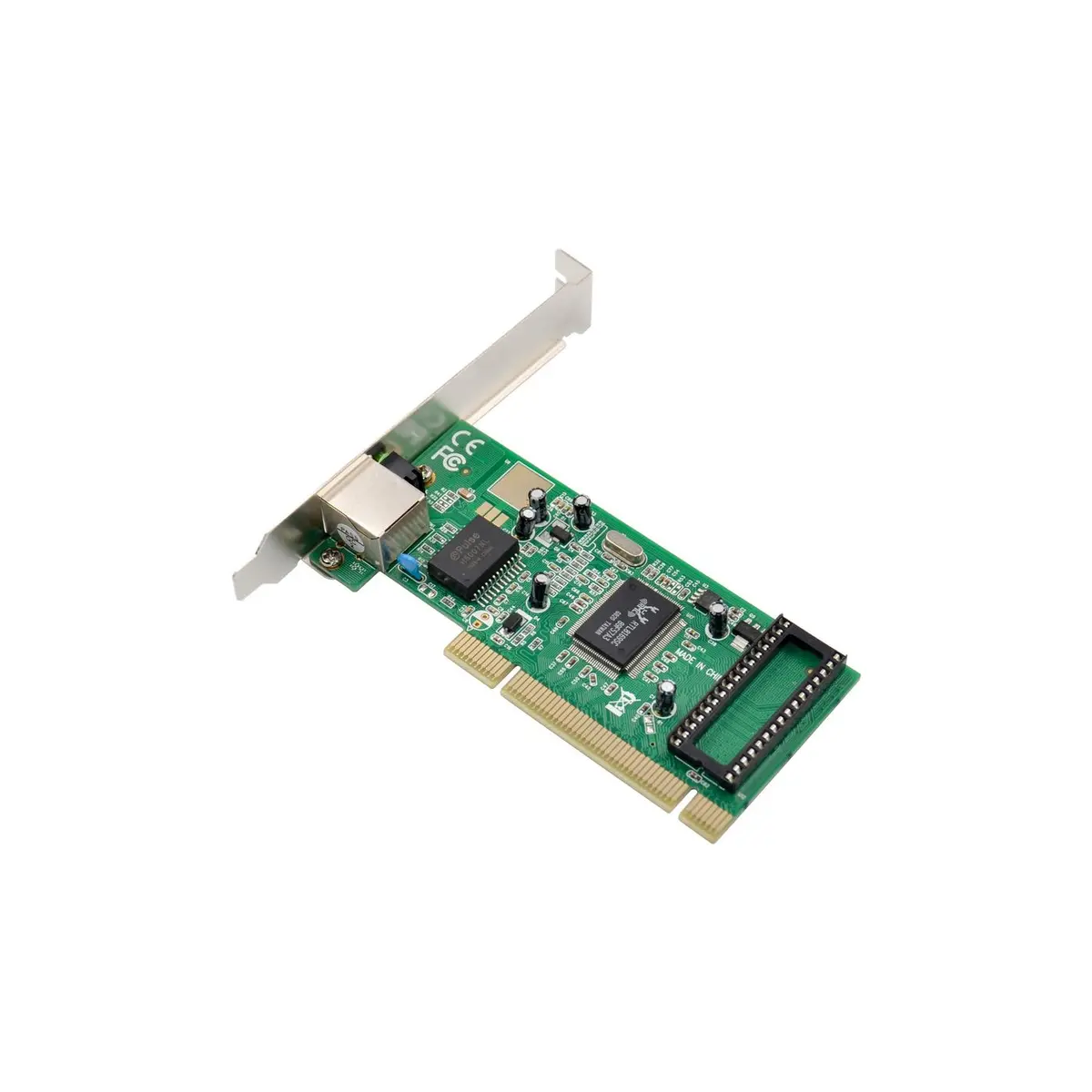
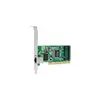
MicroConnect MC-DR8169 Network Card Photo 2
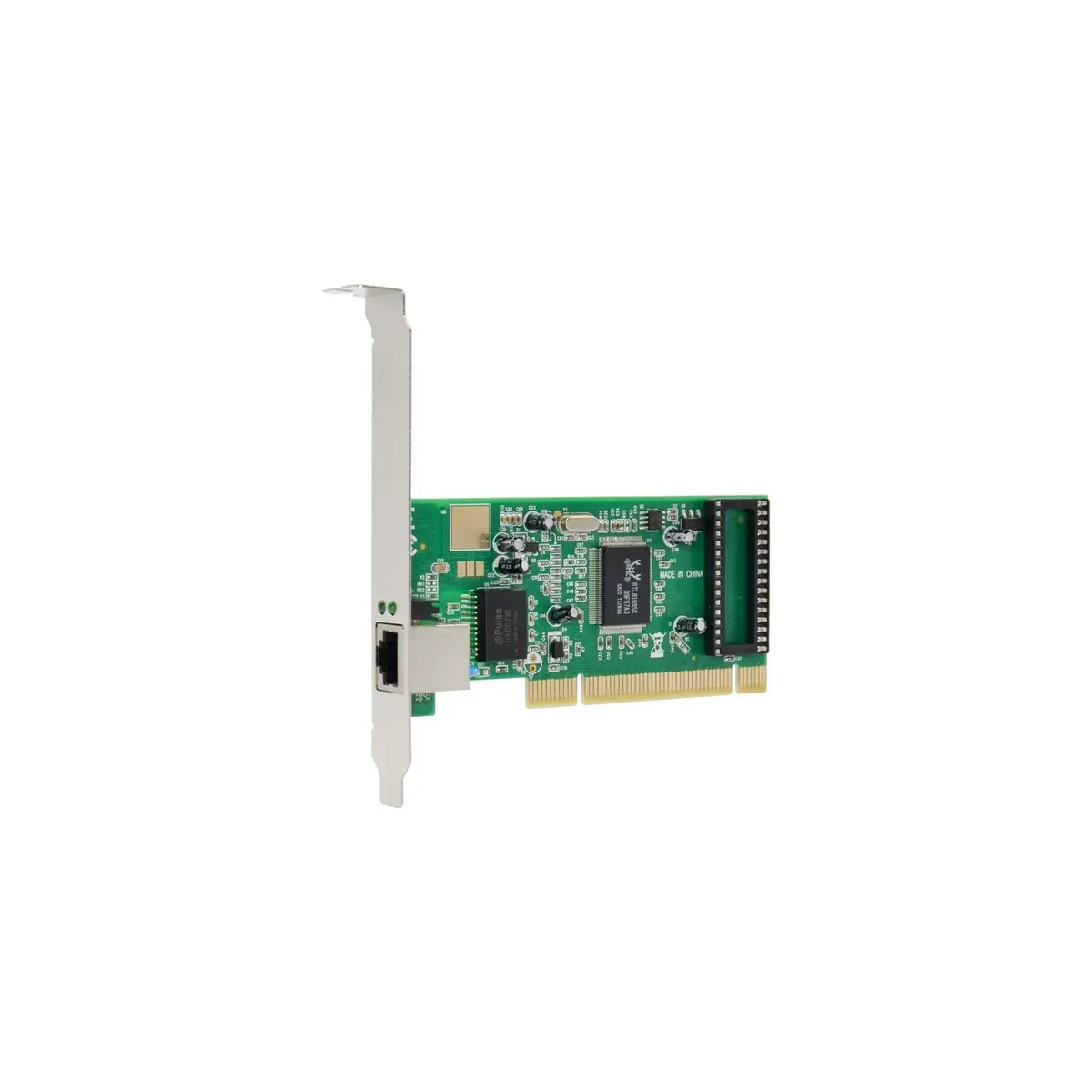
MicroConnect MC-DR8169 Network Card Photo 3
MicroConnect MC-DR8169 Network Card Photo 4
MicroConnect MC-DR8169 Network Card Photo 1
MicroConnect MC-DR8169 Network Card Photo 2
MicroConnect MC-DR8169 Network Card Photo 3
MicroConnect MC-DR8169 Network Card Photo 4
Out of stock.
View similar!

Short description

The MicroConnect MC-DR8169 is an internal wired network card designed for reliable desktop computer connectivity. Featuring a PCI Express host interface and an Ethernet interface, it supports a maximum data transfer rate of 1000 Mbit/s. Ideal for upgrading or adding high-speed Gigabit network connections to your desktop system for stable internet and local network access.
Warranty: 2 Years
SKU: 213782

delivery
Information regarding the items availability for purchase will be posted on this site
price
Item cost information will be published on this site
Together cheaper
{{product.price | formatAmount}}
{{product.title}}
{{productBundle.reference.specialPrice | formatAmount}}
{{productBundle.title}}
{{productBundlePreviousPrice | formatAmount}}
{{productBundleSpecialPrice | formatAmount}}

You saving {{productBundleYouSave | formatAmount}}

Product information

Description

The MicroConnect MC-DR8169 Internal Network Card is a reliable hardware component designed to provide stable wired internet and local network connectivity for desktop computers. Featuring a PCI Express host interface and an Ethernet interface, this internal network card enables your system to connect to wired networks efficiently. It supports high-speed data transmission, making it a practical solution for replacing a damaged motherboard network port or adding an extra network connection to your desktop PC.

Advantages

This network card utilizes a PCI Express host interface to ensure a secure and direct connection to your computer's motherboard, minimizing latency and connection drops compared to external adapters. The wired Ethernet connectivity provides a consistent and secure data stream, which is essential for tasks requiring uninterrupted network access. With a maximum data transfer rate of 1000 Mbit/s, the card accommodates high-bandwidth activities smoothly, allowing for efficient communication within local networks and fast internet browsing.

Suitable for

  • Upgrading older desktop computers with Gigabit Ethernet connectivity
  • Replacing a faulty or non-functional onboard network adapter
  • Setting up stable wired internet connections in home offices
  • Connecting desktop systems to local area networks for file sharing

This network card may not be suitable for laptops, tablets, or other portable devices that lack internal expansion slots. Additionally, it is not designed for wireless network environments, as it strictly requires a physical wired Ethernet cable connection to function.

Key specifications

  • Wired connectivity technology
  • Ethernet interface
  • PCI Express host interface
  • Maximum data transfer rate of 1000 Mbit/s
  • Product weight of 0.088 kg

To install the MicroConnect MC-DR8169, power down your computer, unplug it from the electrical outlet, and open the computer case. Insert the network card firmly into an available PCI Express slot on the motherboard and secure the bracket to the chassis. Close the case, reconnect the power, and turn on the computer. Install the appropriate drivers if required by your operating system to ensure proper hardware recognition and optimal performance.

What to consider before purchase

  • Ensure your desktop computer has an available PCI Express expansion slot
  • Verify that your operating system is compatible with the network card drivers
  • Confirm that you have a physical Ethernet cable available for wired connection
Usage recommendations: To maintain optimal network performance, ensure that your Ethernet cables are securely connected and free from physical damage. Regularly update your network card drivers through your operating system or the manufacturer's guidelines to maintain stability and security.

Specifications

Connectivity technology: The technology that enables connectivity of the device, e.g. wired or wireless.
Wired
Interface: Interface ports to connect pieces of equipment. USB (Universal Serial Bus) has become the most popular wired interface to connect peripherals. USB 2.0 supports speeds up to 480 Mbit/s (USB 1: 12 Mbit/s). The interface FireWire is also known as the IEEE 1394 standard. Enhanced IDE (EIDE)is sometimes referred to as Fast ATA, Fast IDE or ATA-2.
Ethernet
Host interface: Interface that enables a host controller to communicate with a driver.
PCI Express
Maximum data transfer rate: The maximum speed with which data can be transmitted from one device to another.
1000 Mbit/s
Weight: Weight of the product without packaging (net weight). If possible, the net weight is given including standard accessories and supplies. Please note that sometimes the manufacturer leaves out the weight of accessories and/or supplies.
0.088 kg
All features
Harmonized System (HS) code:
85176990

Ports & interfaces

Connectivity technology: The technology that enables connectivity of the device, e.g. wired or wireless.
Wired
Interface: Interface ports to connect pieces of equipment. USB (Universal Serial Bus) has become the most popular wired interface to connect peripherals. USB 2.0 supports speeds up to 480 Mbit/s (USB 1: 12 Mbit/s). The interface FireWire is also known as the IEEE 1394 standard. Enhanced IDE (EIDE)is sometimes referred to as Fast ATA, Fast IDE or ATA-2.
Ethernet
Host interface: Interface that enables a host controller to communicate with a driver.
PCI Express
Internal: The product is built in.
Yes
Ethernet LAN (RJ-45) ports: Number of Ethernet LAN (RJ-45) ports (connecting interfaces) in the device. Ethernet LAN (RJ-45) ports allow a computer to connect to the ethernet.
1

Bandwidth

Maximum data transfer rate: The maximum speed with which data can be transmitted from one device to another.
1000 Mbit/s

Network

Cabling technology: Type of cable technology performance.
10/100/1000BaseT(X)
Chipset: Set of electronic components in an integrated circuit that manages the data flow between the processor, memory and peripherals. It is usually found in the motherboard of a computer. Chipsets are usually designed to work with a specific family of microprocessors. Because it controls communications between the processor and external devices, the chipset plays a crucial role in determining system performance.
Realtek 8169
Ethernet LAN: An Ethernet LAN (Local Area Network) interface is present, for a wired conection via a cable.
Yes
Ethernet LAN data rates: The different speed levels of the Ethernet LAN connection.
10

Weight & dimensions

Weight: Weight of the product without packaging (net weight). If possible, the net weight is given including standard accessories and supplies. Please note that sometimes the manufacturer leaves out the weight of accessories and/or supplies.
0.088 kg
Package weight: Weight of the packaged product.
98 g
Package depth: The distance from the front to the back of the packaging.
128 mm
Package height: The distance from the top to the bottom of the packaging.
34 mm
Package width: The distance from one side of the packaging to the other.
176 mm

Description

Machine translation. Load original

Similar products

{{product.title}}
Show details Hide details

{{highlightedFeature.featureTitle}}:

{{getProductFeatureValueById(product, highlightedFeature.featureId)}}

{{product.price | formatAmount}}
Might be useful
{{product.manufacturerName}}
{{product.categoryName}}
{{product.title}}
{{product.specialPrice}}
{{product.price}}

Customer reviews

Customer questions

FAQ

What payment options are available?

AiO.lv offers several payment methods: Bank transfer. All transactions are 100% secure and encrypted.

Can this product be purchased for a company (with VAT)?

Yes. AiO.lv works with legal entities in Latvia and across Europe. The product price already includes VAT. For certain product categories, as well as for companies from other EU countries with a valid VAT number, a 0% VAT rate may apply. We issue the invoice immediately after the order is placed, support electronic BIS invoices, and automatically generate all necessary accounting documents. You can complete the purchase for a company online — simply select the company profile and choose bank transfer as the payment method during checkout.

What is the warranty period?

All MicroConnect products come with an official 2 Years warranty. It covers all manufacturing defects and malfunctions that may occur during use. The warranty is valid at all authorized MicroConnect service centers and through AiO.lv

Can the product be returned after purchase?

Yes, you can return the product within 14 days of purchase if you bought it as a consumer (not a legal entity). Returns are possible without giving any reason — the main condition is that the product retains its original appearance and full set of accessories. We will make the process as simple and convenient as possible: just contact our customer support team, and we will help you arrange the return.

Where should I contact for warranty service?

For warranty-related questions you can contact the AiO.lv (SIA VSPRO) customer support team. We will assist with consultation, warranty claim processing, and coordination with certified service centers.

How can I tell if this product suits my needs?

When making a choice, we recommend paying attention to the key features: connectivity technology, interface, host interface, maximum data transfer rate, weight, compatibility with your devices or usage conditions, material quality, functionality, and warranty terms. These characteristics will help you determine how well the model meets your needs.

Where can I download the instructions for MicroConnect MC-DR8169 Network Card?

You can download the instructions in PDF format from the “Instructions” section on the product description page. The file contains complete information about installation, setup, and usage.
warranty
14-Day Return Policy We are confident in our quality, but if the purchase doesn’t fit — you have 14 days to return the product with peace of mind.
shipping
Fast Delivery Get your orders as quickly as possible — right to your door, parcel lockers, or pickup points across Latvia and the EU.
payment
Secure Payment Pay the way you prefer: cash, VISA, MasterCard, Apple Pay, Google Pay, bank transfer, or 0% installment plan.
warranty
Quality Since 2008 AiO.lv has been on the market for over 18 years and has earned trust — with more than 6000 genuine positive reviews on Google.