Save time and money with our discounts!
In cart {{totalProductsCount}} item(s)
Your cart is empty
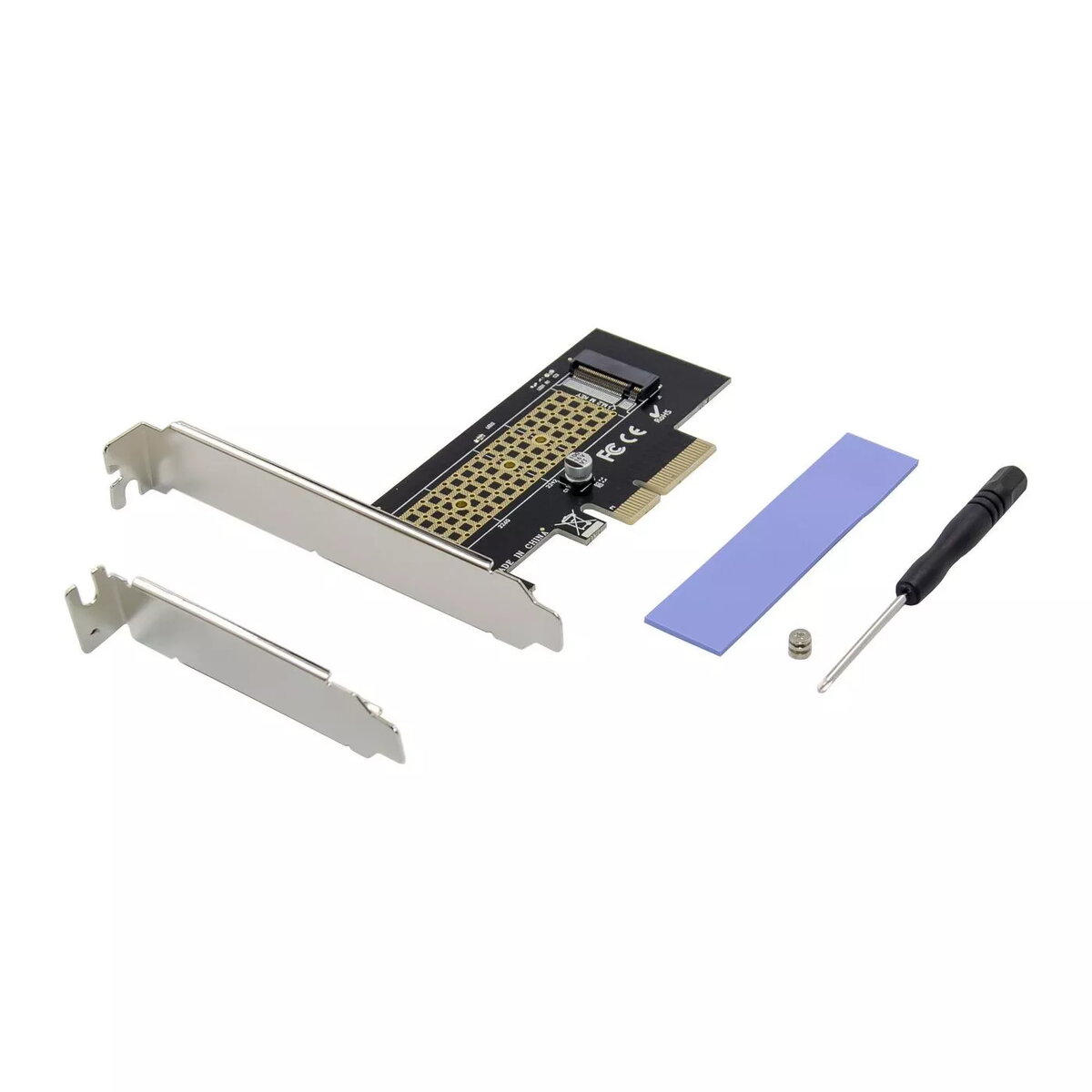
Interface Card Microconnect MC-PCIE-NVME-SSDADAPT
The Microconnect MC-PCIE-NVME-SSDADAPT is an internal PCIe x4 M.2 NVMe SSD adapter card that installs directly into a motherboard PCIe slot. Designed for PCI Express 3.0 x4, the adapter supports M.2 Key M NVMe SSDs and offers up to 32 Gb/s transmission bandwidth to improve system responsiveness for server, office and entertainment tasks.
This adapter provides native PCIe 3.0 x4 connectivity for M.2 NVMe drives, enabling higher data transfer rates than SATA-based solutions. Its compact PCB (146 mm x 65.5 mm x 11.8 mm) fits standard internal installations and is compatible with most M.2 Key M SSD sizes. The card is suitable for upgrading servers or workstations to achieve faster boot times and improved application throughput.
Power off the computer and unplug it from the mains. Insert the adapter card into a free PCIe slot on the motherboard and secure it with the case screw. Mount a compatible M.2 Key M NVMe SSD into the M.2 socket on the adapter and fasten it with the provided standoff or screw. Reassemble the case, power on the system, and verify that the BIOS/UEFI recognizes the NVMe drive. Install drivers or enable NVMe support in the OS if required.
Ensure your motherboard supports booting from PCIe NVMe devices if you intend to use the installed M.2 SSD as a system drive. Use proper anti‑static precautions during installation and consult your motherboard manual for PCIe lane allocation to avoid shared bandwidth issues.
{{highlightedFeature.featureTitle}}:
{{getProductFeatureValueById(product, highlightedFeature.featureId)}}
{{ productComparisonGenerationError }}