


MicroOptics SFP Fiber Optic Network Transceiver Module 1000 Mbit/s 850 nm
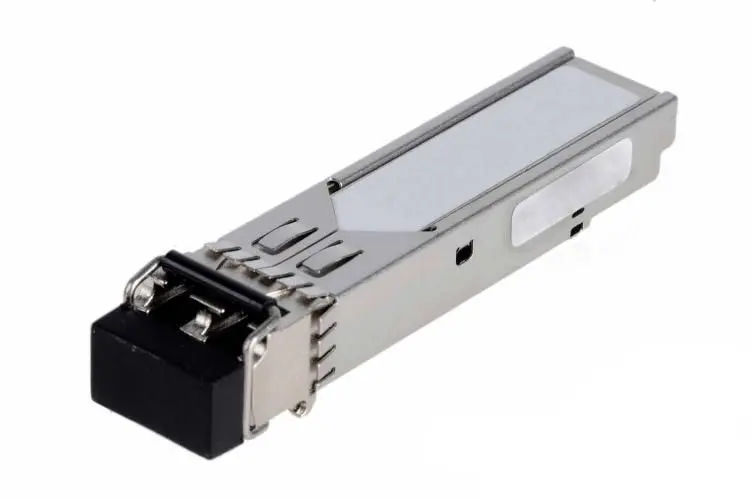
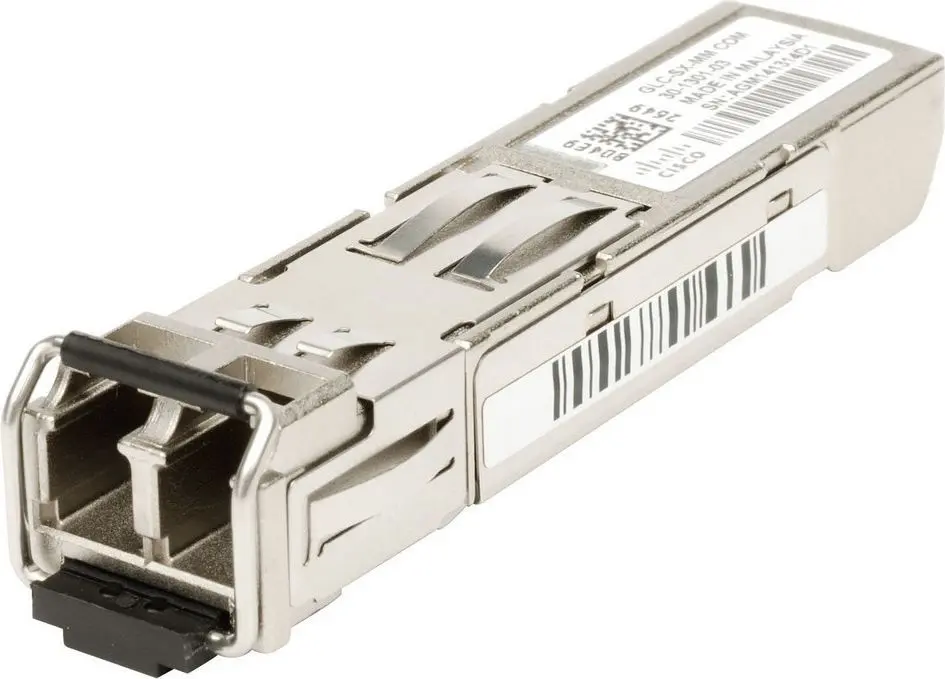
Short description


Cheapest delivery:
Unisend LV
Product information
Description
The MicroOptics SFP Fiber Optic Network Transceiver Module is designed to deliver reliable and high-speed data transmission for modern networking environments. Operating at a maximum data transfer rate of 1000 Mbit/s and utilizing an 850 nm wavelength, this transceiver module ensures stable optical connectivity over fiber optic cables. Engineered to integrate smoothly into existing network infrastructures, it serves as a dependable hardware component for expanding or maintaining enterprise-grade networks.
Advantages
This network transceiver module offers seamless compatibility with HP and Compaq systems, specifically matching models requiring J4858A and related specifications. Built to meet MSA certification standards, it guarantees high interoperability and dependable performance across supported hardware. The inclusion of hot-plug support allows for installation and replacement without powering down the host system, minimizing potential network downtime and simplifying maintenance procedures.
Suitable for
- Enterprise networking infrastructure expansion
- Data center optical fiber connections
- Connecting compatible HP and Compaq network switches
- Upgrading local area network transmission speeds
When it may not be suitable
This module may not be suitable for long-distance network links, as it utilizes an 850 nm wavelength typically intended for short-range multi-mode fiber applications. Additionally, it is not compatible with network equipment or switch brands that do not support the specified SFP interface and HP system requirements.
Key specifications
- Fiber optic SFP transceiver type
- Maximum data transfer rate of 1000 Mbit/s
- 850 nm optical wavelength
- SFP interface type
- MSA certified
- Dimensions: 13.4 mm width, 56.5 mm depth, 8.5 mm height
How to use
To install the transceiver module, ensure the host network device is powered on if hot-plugging is supported, or power off the device according to your specific hardware guidelines. Gently slide the SFP module into the designated slot on the compatible network switch or router until it clicks securely into place. Connect the appropriate optical fiber cable to the transceiver ports. Verify the link status through the network management interface to ensure proper data transmission.
What to consider before purchase
- Verify compatibility with your existing network hardware, specifically checking for HP or Compaq system support.
- Confirm that your network cabling infrastructure matches the multi-mode fiber requirements of an 850 nm wavelength.
- Check the slot availability and interface type on your switches or routers.
Usage recommendations: Handle the optical transceiver module with care to avoid electrostatic discharge and contamination of the optical bores. Always use protective dust caps when the fiber optic cables are disconnected to maintain optimal signal performance.
Features
- Interface type:
- SFP
- Maximum data transfer rate:
- 1000 Mbit/s
- SFP transceiver type:
- Fiber optic


