Save time and money with our discounts!
In cart {{totalProductsCount}} item(s)
Your cart is empty
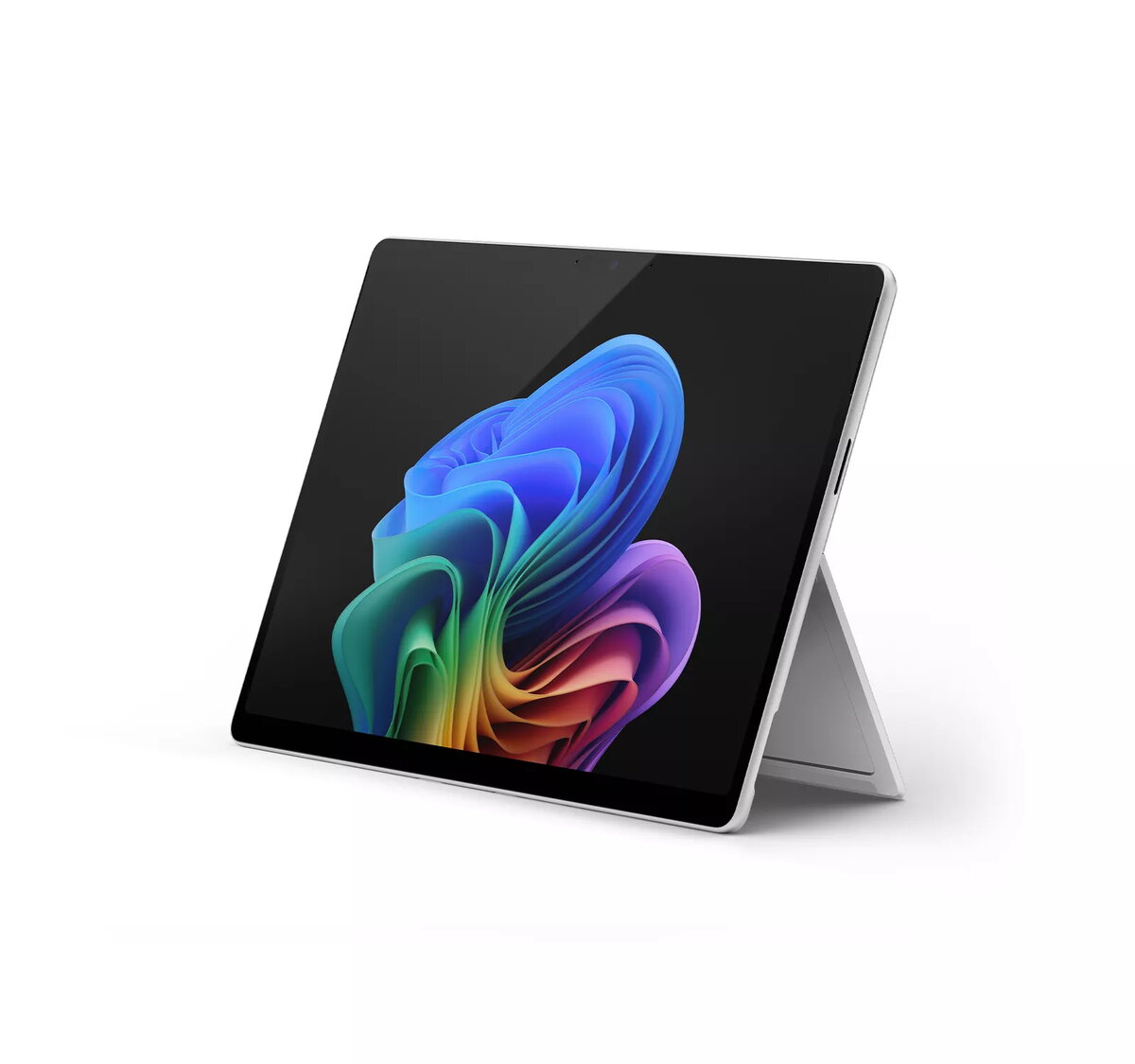
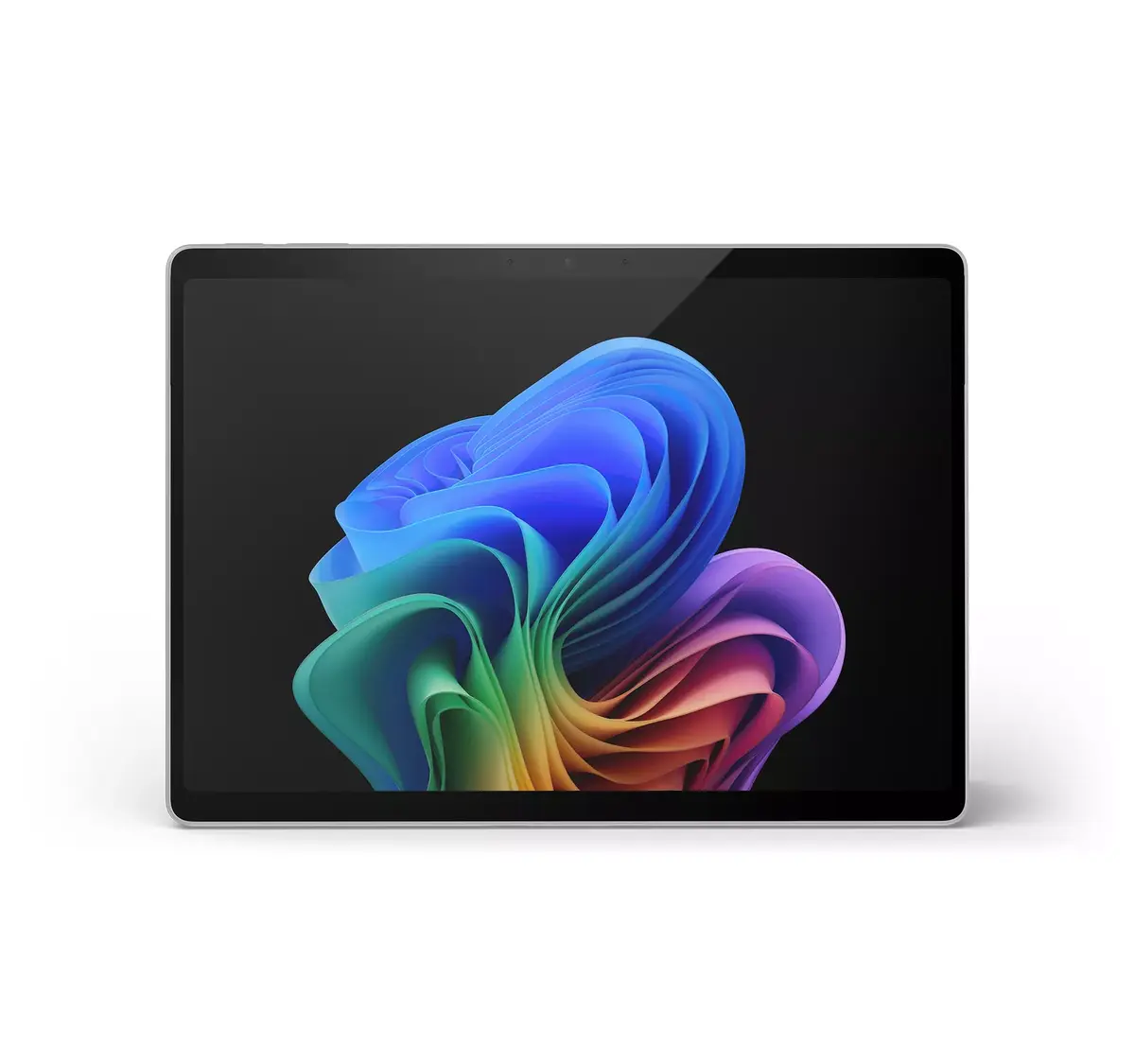
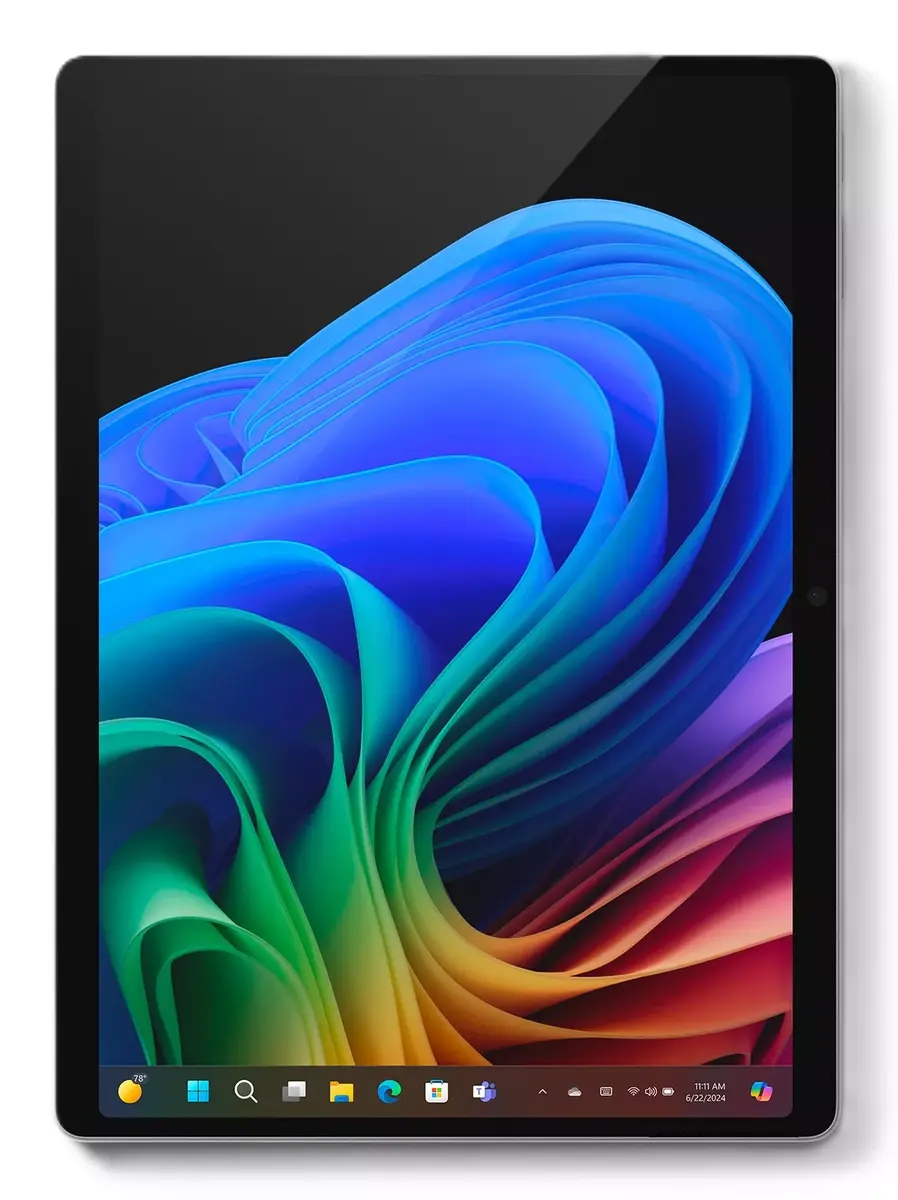
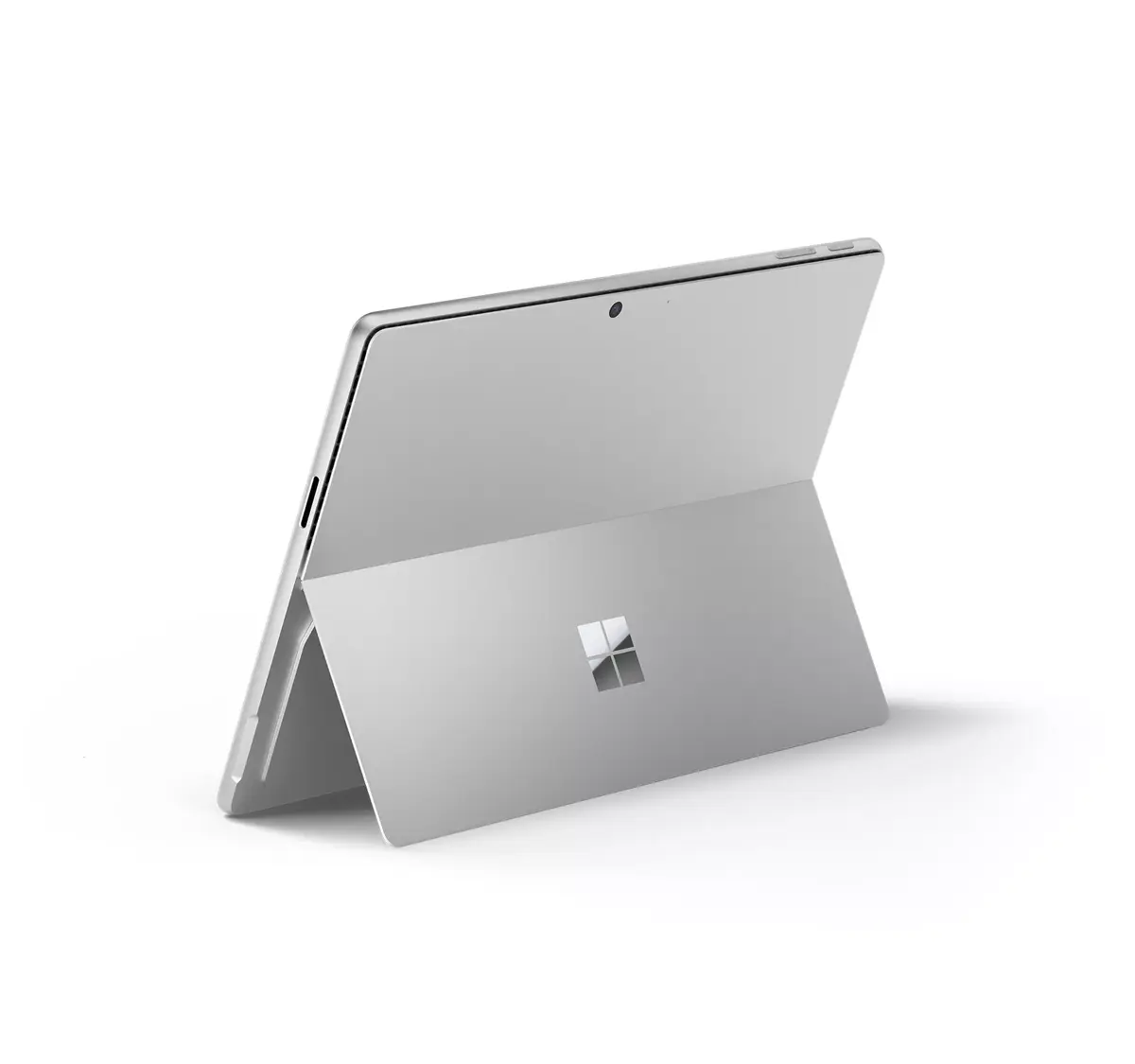
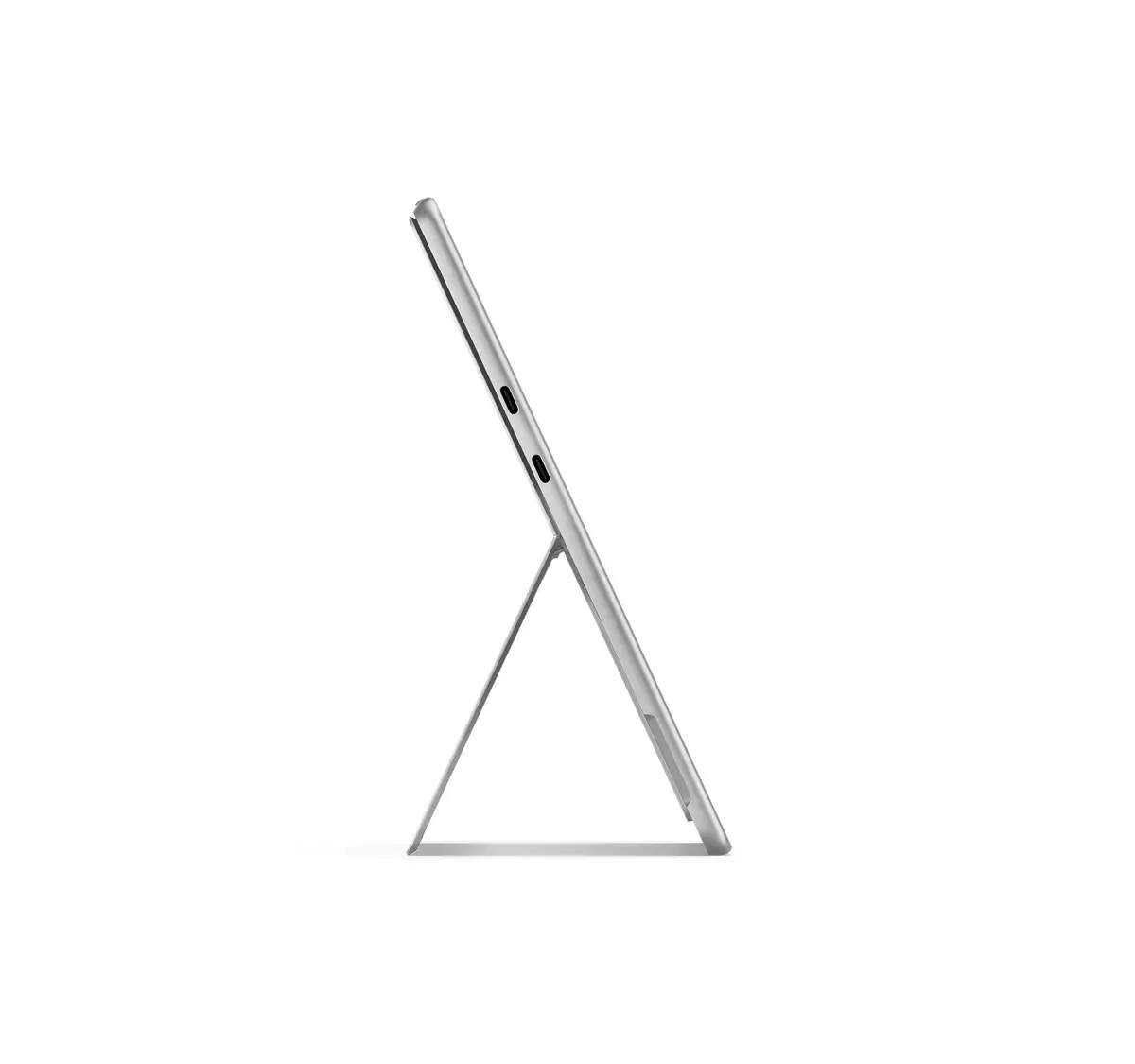
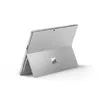
Laptop Microsoft Surface Pro 11 Copilot+ 13" Qualcomm Snapdragon 16 GB 512 GB Windows 11
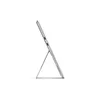
Surface Pro 11th Edition is a 2-in-1 Copilot+ PC that combines a lightweight, flexible design with AI-accelerated features. It offers all-day battery life with up to 14 hours of video playback, Snapdragon® X Elite and Plus processors for faster performance, and AI capabilities delivering up to 45 trillion operations per second. The device's adjustable kickstand enables use as a tablet, sketchbook, or connected to multiple monitors, while Copilot in Windows and Cocreator tools help streamline routine tasks and generate images from text or drawings. The Surface Slim Pen provides a responsive inking and drawing experience enhanced by generative AI, and the ultra-wide Quad HD front-facing Surface Studio Camera improves video calls. The Surface Pro enclosure contains at least 72% recycled content and the product targets improved energy efficiency.
All-day battery life reduces downtime and supports long use away from outlets. Powerful Snapdragon processors and AI acceleration enable fast performance and advanced AI experiences for productivity and creativity. The kickstand design offers flexible modes—from tablet to laptop to multi-monitor setups—while Copilot+ PC features automate routine work and assist with content creation. The Surface Slim Pen and Cocreator expand creative workflows, and the high-quality front camera and audio improve remote communication. The product also incorporates significant recycled materials and aims for higher energy efficiency.
Use Surface Pro in laptop mode for traditional typing and productivity, or fold the kickstand and detach/attach accessories to work in tablet or sketchbook modes. Open Copilot in Windows to automate routine tasks, use Recall to search by describing remembered content, and activate Cocreator to generate images from text or drawings. Use the Surface Slim Pen for note taking, inking, and drawing directly on the display. Connect external displays or peripherals via supported ports and adjust settings for power and performance to optimize battery life.
For best results, keep Windows and Copilot+ features up to date, charge the device before long sessions, and use the Surface Slim Pen for precise inking. Consider enabling power-saving settings when working unplugged and use external storage or cloud services for large creative projects.
{{highlightedFeature.featureTitle}}:
{{getProductFeatureValueById(product, highlightedFeature.featureId)}}
{{ productComparisonGenerationError }}