Save time and money with our discounts!
In cart {{totalProductsCount}} item(s)
Your cart is empty
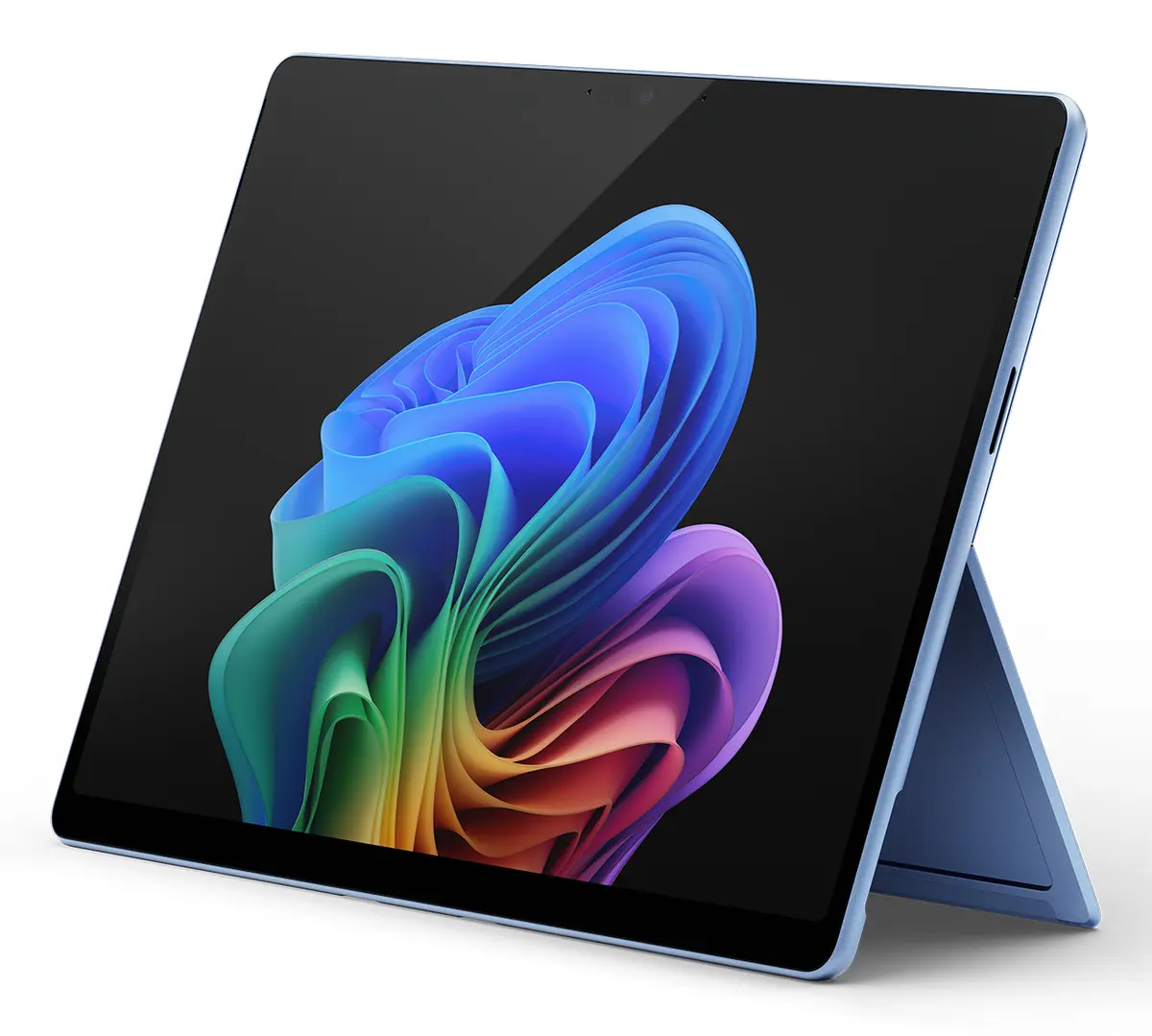
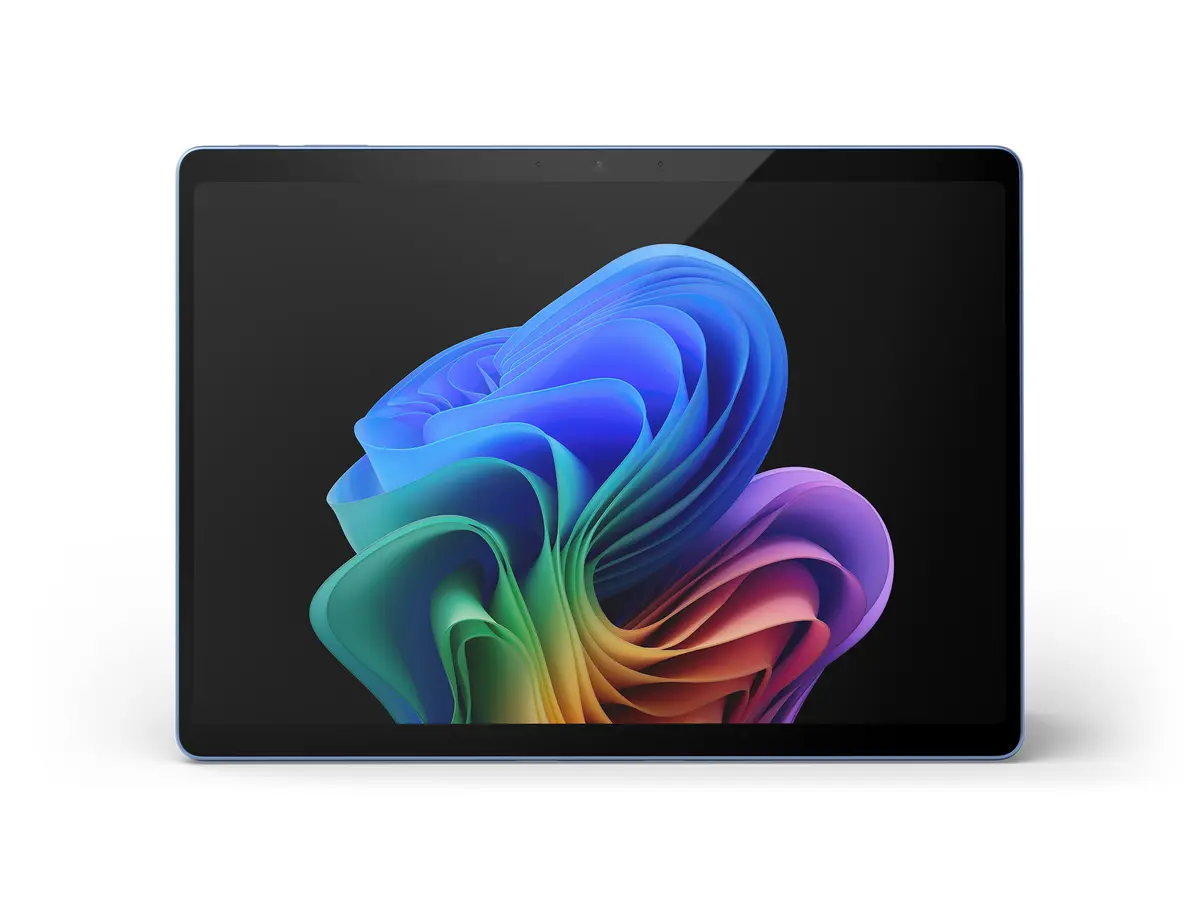
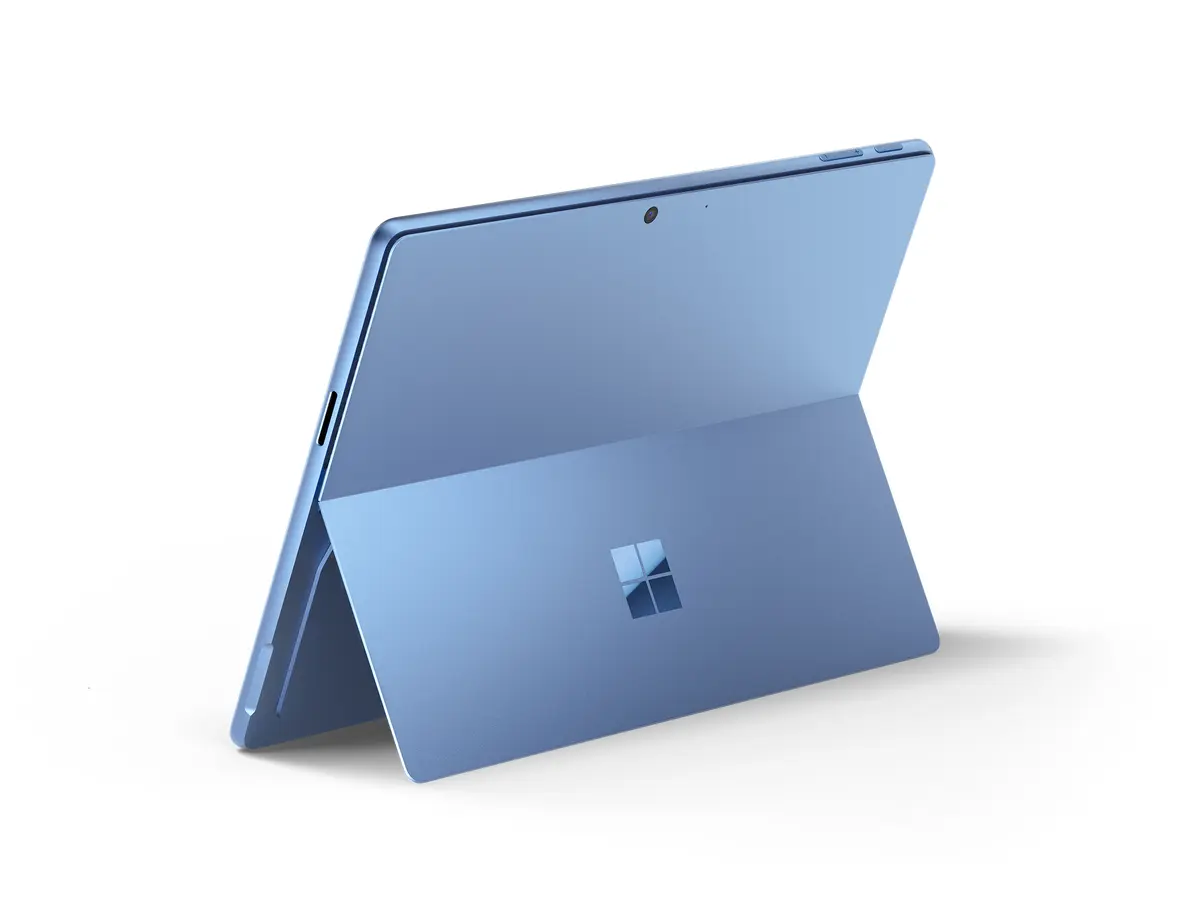
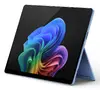
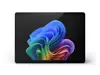
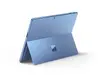
Microsoft Surface Pro 11 Copilot+ PC Snapdragon X1E-80-100 1 TB 13" 16 GB Wi-Fi 7 Windows 11 Home Blue
The Microsoft Surface Pro 11 Copilot+ PC in blue is a high-performance 2-in-1 device designed for advanced mobile computing and productivity. Powered by the Snapdragon X1E-80-100 processor with a 3.4 GHz frequency and equipped with 16 GB of internal memory along with a spacious 1 TB SSD, this device delivers rapid data processing and ample storage. Featuring a vibrant 13-inch display with a resolution of 2880 x 1920 pixels and running on Windows 11 Home, it combines portability with robust computing capabilities, supporting modern Wi-Fi 7 connectivity and efficient power management via a 53 Wh battery.
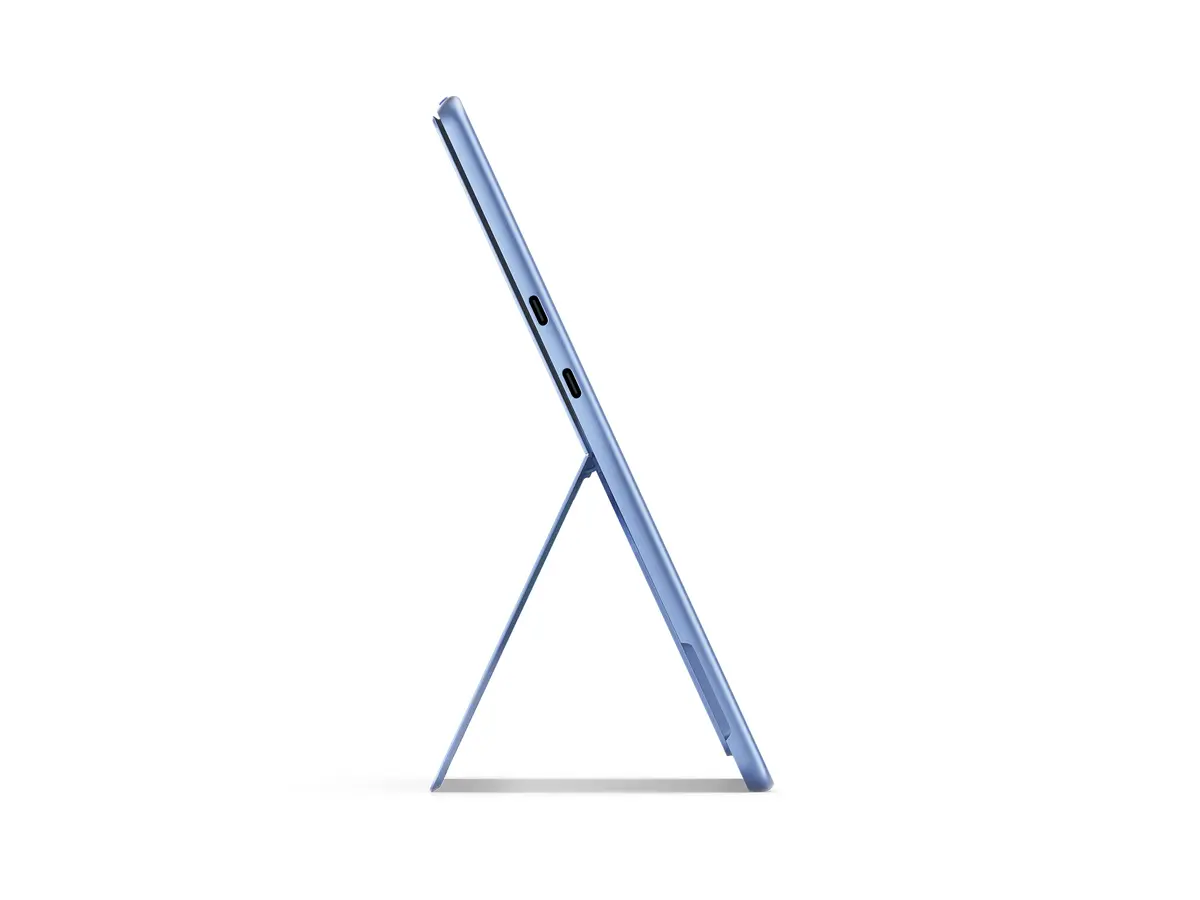
This device offers exceptional processing power driven by the Qualcomm Snapdragon processor family, ensuring smooth multitasking and swift execution of demanding tasks. The inclusion of a high-resolution 13-inch display provides crisp visuals for professional applications, media consumption, and creative work. With an internal storage capacity of 1 TB using fast SSD technology, users have substantial space for large files and applications. Advanced connectivity is assured through top-tier Wi-Fi 7 standards, enabling stable and rapid wireless network access. Furthermore, the lightweight 0.895 kg chassis combined with a dedicated USB Type-C charging port enhances daily portability and ease of use.
This laptop may not be ideal for users requiring heavy 3D rendering, complex engineering simulations, or high-end native PC gaming that demands discrete graphics cards and x86-specific architecture. Additionally, users who strictly require a built-in cellular mobile network connection will need to look at alternative configurations or devices.
To begin using the Microsoft Surface Pro 11, connect the device to a power source using the USB Type-C charging port for initial setup. Power on the system and follow the on-screen instructions provided by Windows 11 Home to configure your user profile, network settings, and security preferences. Connect to a wireless network using the integrated Wi-Fi 7 capability to download updates and access cloud services. You can utilize the device in various physical configurations depending on your immediate workspace requirements, leveraging the internal SSD for storing your essential files and applications.
Usage recommendations: Charge the battery fully before initial prolonged mobile use to optimize battery longevity. Utilize Wi-Fi 7 networks whenever available to experience maximum data transfer speeds. Keep the operating system and drivers updated through Windows Update to maintain system security and hardware stability. Clean the 13-inch display gently using a dry, soft microfiber cloth without applying harsh chemical solvents.
{{highlightedFeature.featureTitle}}:
{{getProductFeatureValueById(product, highlightedFeature.featureId)}}
{{ productComparisonGenerationError }}