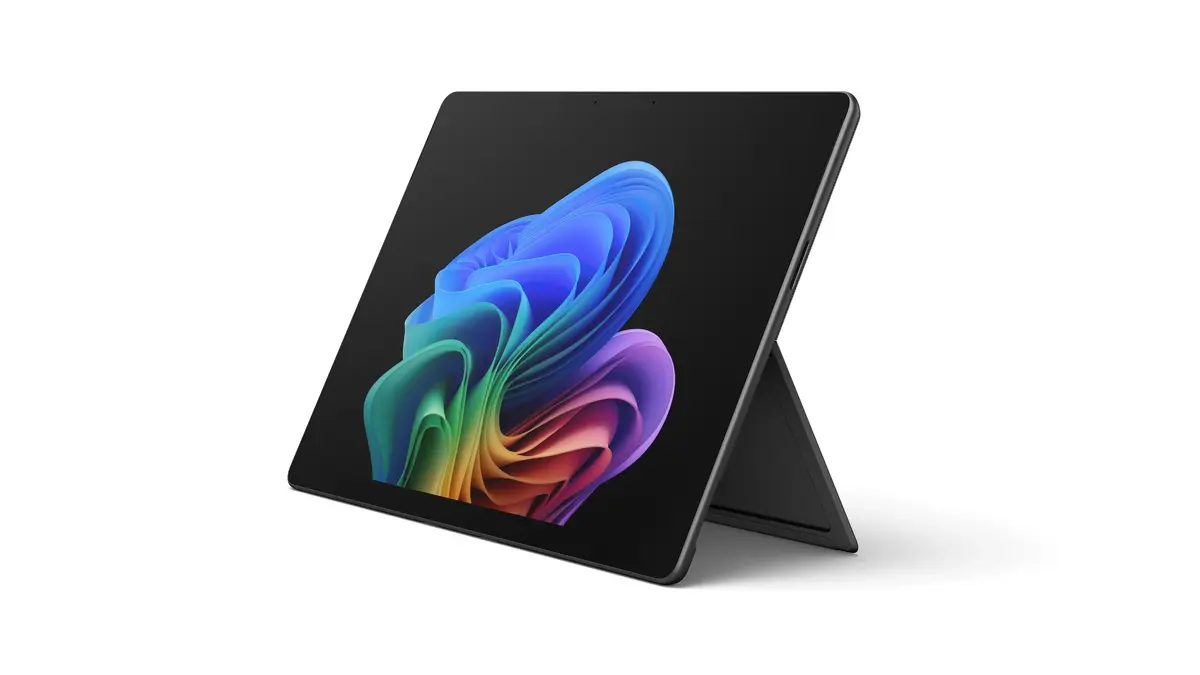
The Microsoft Surface Pro 11 is a high-performance 2-in-1 tablet designed to provide a seamless computing experience for professionals and power users. Equipped with the advanced U7-266V processor, this device delivers efficient multitasking capabilities and responsive performance for demanding applications. Its 13-inch display with a resolution of 2880x1920 offers sharp visuals and vibrant colors, making it an excellent choice for creative work, media consumption, and detailed document editing.
The integration of 16GB of RAM and a 256GB SSD ensures that the system remains fast and capable of handling complex workflows without significant delays. Running on Windows 11 Pro, the Surface Pro 11 provides enterprise-grade security, advanced management tools, and full compatibility with professional software suites, ensuring that users can maintain productivity in any environment.
Advantages
The primary strength of this device lies in its exceptional balance between portability and raw processing power. The high-resolution touchscreen allows for precise interaction, which is particularly beneficial for digital artists and note-takers. Furthermore, the inclusion of Windows 11 Pro makes it a reliable tool for business environments, offering robust features that support professional workflows. The hardware architecture is optimized for modern computing tasks, ensuring that the device remains relevant and efficient for years to come.
Suitable for
- Professional office work and document management
- Creative tasks including graphic design and photo editing
- Educational purposes and academic research
- Media consumption and high-definition video streaming
- Mobile computing for frequent travelers
This device may not be suitable for users who require dedicated high-end graphics processing for intensive 3D gaming or professional-grade video rendering, as it relies on integrated graphics. Additionally, those who prefer a traditional laptop form factor with a fixed keyboard base might find the detachable keyboard design less stable for lap-based usage compared to a standard notebook.
Key specifications
- Processor: U7-266V
- Display: 13-inch touchscreen, 2880x1920 resolution
- Memory: 16GB RAM
- Storage: 256GB SSD
- Operating System: Windows 11 Pro
To use the Microsoft Surface Pro 11, simply power on the device using the side button and follow the initial Windows setup prompts to configure your user account and network settings. The touchscreen interface is designed for intuitive navigation, allowing you to tap, swipe, and pinch to interact with applications. For typing-intensive tasks, you can attach a compatible Surface keyboard cover to transform the tablet into a laptop-style workstation. You can also connect external peripherals via the available ports to expand your workspace.
What to consider before purchase
- Requirement for additional accessories like a keyboard or stylus
- Storage capacity needs for large media files
- Compatibility with existing software and hardware peripherals
- Preference for a detachable tablet design versus a traditional laptop
For optimal performance, keep the device updated with the latest Windows security patches and firmware updates. Ensure the ventilation areas remain unobstructed during heavy usage to maintain efficient thermal management and battery longevity.