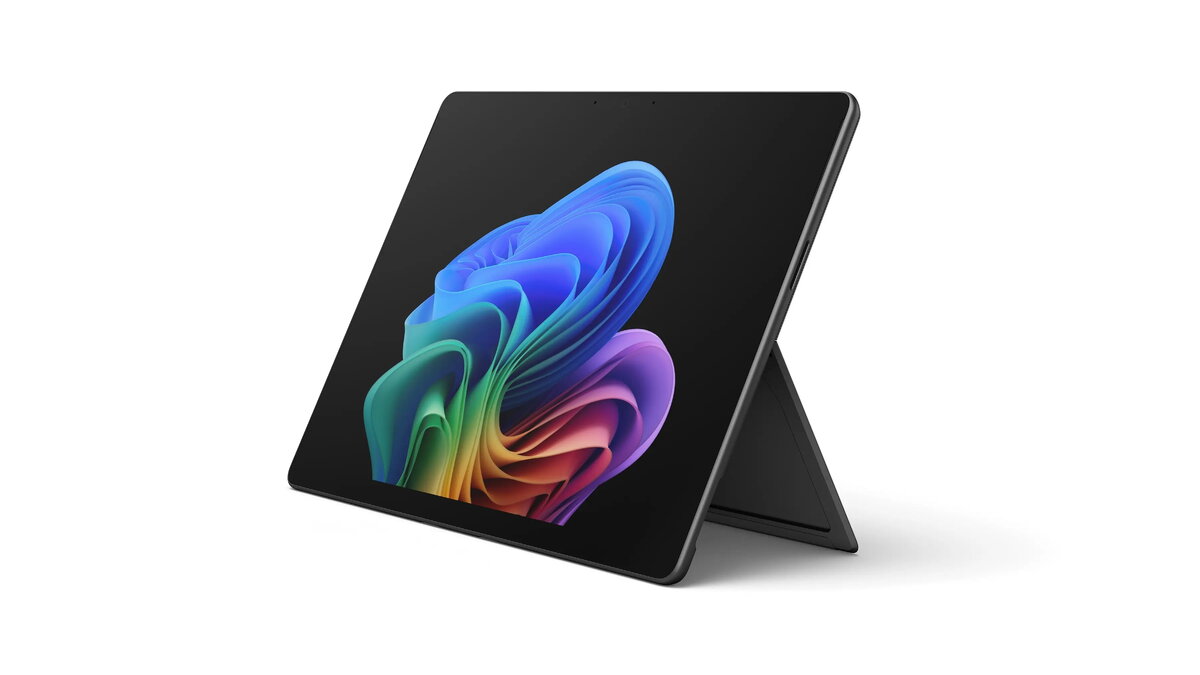
The Microsoft Surface Pro 11 Copilot+ is a 13-inch tablet with a high-resolution 2880×1920 PixelSense display and a U7-266V processor designed to deliver balanced performance for productivity and multimedia. Configured with 16 GB of RAM and a 512 GB solid-state drive, and running Windows 11 Pro, this Surface Pro 11 combines a portable tablet form factor with the responsiveness expected from a professional-class device. Integrated graphics (Arc 140V) support everyday creative tasks and video playback while the compact design and Touch-enabled display support pen and keyboard accessories for flexible workflows.
Advantages
The Surface Pro 11 offers a sharp, color-accurate display with high pixel density for clear text and detailed images, and a modern processor that handles multitasking and common productivity applications. Fast SSD storage improves boot times and application loading, while 16 GB of RAM enables smooth switching between multiple apps. The device runs Windows 11 Pro, providing familiar desktop-style productivity, security features, and compatibility with many professional applications. The lightweight, convertible design makes it easy to move between tablet and workstation modes.
Suitable for
- Office productivity and remote work (documents, spreadsheets, video conferencing)
- Creative tasks at moderate intensity (image editing, digital note-taking with pen)
- Media consumption (streaming, high-resolution video playback)
- On-the-go professionals and students needing a portable workstation
Key specifications
- Display: 13" PixelSense, 2880 × 1920 resolution, touch-enabled
- Processor: U7-266V (efficient mobile processor for mixed workloads)
- Memory: 16 GB RAM for multitasking
- Storage: 512 GB SSD for fast system and app performance
- Graphics: Integrated Arc 140V graphics suitable for everyday creative work
- Operating system: Windows 11 Pro for business and productivity features
- Form factor: Convertible tablet with support for keyboard and pen input
How to use
Power on the Surface Pro 11 and complete the initial Windows 11 Pro setup to configure language, user account, and security preferences. Attach a compatible keyboard or use the touchscreen and pen for direct input. Use File Explorer and the Start menu to install required applications from trusted sources; utilize Windows settings to customize power, display, and privacy options. For work sessions, connect to Wi‑Fi and, if needed, configure OneDrive or other cloud services to sync files. Close applications and shut down or sleep the device when not in use to conserve battery.
Usage recommendations
For best results, keep the operating system and drivers up to date, use a protective keyboard cover or case when transporting the device, and store important files on cloud backup or an external drive. When performing creative projects, calibrate display color in system settings if color accuracy is critical. Use Windows power profiles to balance performance and battery life depending on whether you are plugged in or mobile.