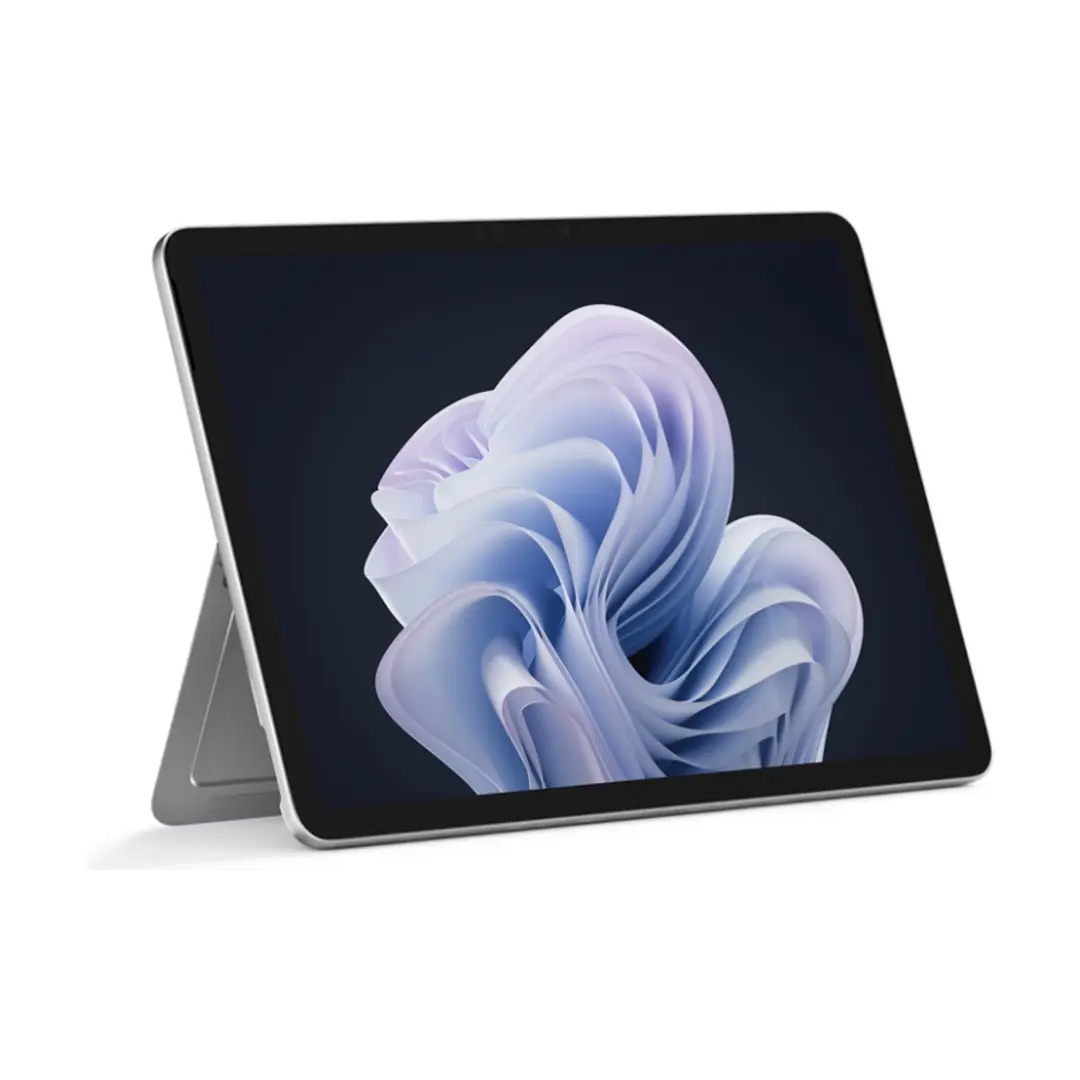
This product page focuses on the Microsoft Surface Pro 12-inch Laptop Snapdragon X Plus 12GB RAM 256GB SSD Windows 11 Pro Platinum, which is compared against several closely related Surface Pro configurations powered by Snapdragon X Plus processors. All these devices share a foundational design: a 12-inch PixelSense touch display, a versatile slate form factor in a platinum aluminum chassis, Wi-Fi 7 connectivity, and Windows operating systems. The main practical differences among these models lie in memory capacity (ranging from 8 GB to 16 GB), internal storage size (256 GB or 512 GB), and the Windows edition (Pro or Home), which directly impact multitasking capabilities and deployment scenarios.
⚙️ The table below compares the key technical characteristics of the reviewed devices, including memory size, storage capacity, operating system edition, and included accessories, helping you understand the practical differences between these configurations.
| Parameter | Microsoft Surface Pro 12GB RAM 256GB Pro | Surface Pro 8GB RAM 256GB Pro | Surface Pro 1st Edition 16GB RAM 256GB Home | Surface Pro Copilot+ 16GB RAM 512GB Pro | Surface Pro 16GB RAM 256GB Home | Surface Pro 1st Edition 512GB 16GB Home | Practical significance |
|---|
| Processor | Snapdragon X Plus | Snapdragon X Plus | Snapdragon X Plus (X1P-42-100) | Snapdragon X Plus | Snapdragon X Plus (X1P-42-100) | Snapdragon X Plus | Provides identical core computing performance and power efficiency across all compared options. |
| RAM | 12 GB | 8 GB | 16 GB | 16 GB | 16 GB | 16 GB | Affects multitasking fluidity; 12 GB and 16 GB handle heavy applications and numerous browser tabs better than 8 GB. |
| Storage | 256 GB SSD | 256 GB | 256 GB | 512 GB | 256 GB | 512 GB | 512 GB options offer ample local space for large media libraries, while 256 GB models suit cloud-centric workflows. |
| Operating System | Windows 11 Pro | Windows 11 Pro | Windows 11 Home | Windows 11 Pro | Windows 11 Home | Windows 11 Home | Pro editions include advanced enterprise security and management features for business use. |
| Package contents | Standard | Standard | Without power adapter | With power adapter (AC adapter) | Without power adapter | Without power adapter | Having an AC adapter included in the box saves the need to purchase a separate charger. |
◎ The table below evaluates how different Surface Pro configurations align with specific user needs, workflows, and usage scenarios to help you select the most suitable option.
| Use case | Recommended product | Why |
|---|
| Mobile professional work and business deployment | Microsoft Surface Pro 12GB RAM 256GB Pro | Offers a balanced 12 GB RAM for productivity tasks combined with Windows 11 Pro for professional environments. |
| Basic daily productivity and media on a modest budget | Surface Pro 8GB RAM 256GB Pro | Provides a lighter memory configuration while maintaining the professional operating system version. |
| Intensive home multitasking and heavier workloads | Surface Pro 1st Edition 16GB RAM 256GB Home | Delivers maximum 16 GB memory for demanding apps, paired with the Home operating system. |
| Extensive offline file storage for frequent travel | Surface Pro Copilot+ 16GB RAM 512GB Pro | Combines 512 GB storage, 16 GB RAM, complete accessories, and the Pro operating system. |
The main advantage of the featured Microsoft Surface Pro model is its well-balanced 12 GB of RAM and Windows 11 Pro operating system paired with a practical 256 GB storage capacity. It is ideally suited for professionals and business users who need a capable and secure mobile workstation without paying extra for maximum memory tiers.