Save time and money with our discounts!
In cart {{totalProductsCount}} item(s)
Your cart is empty
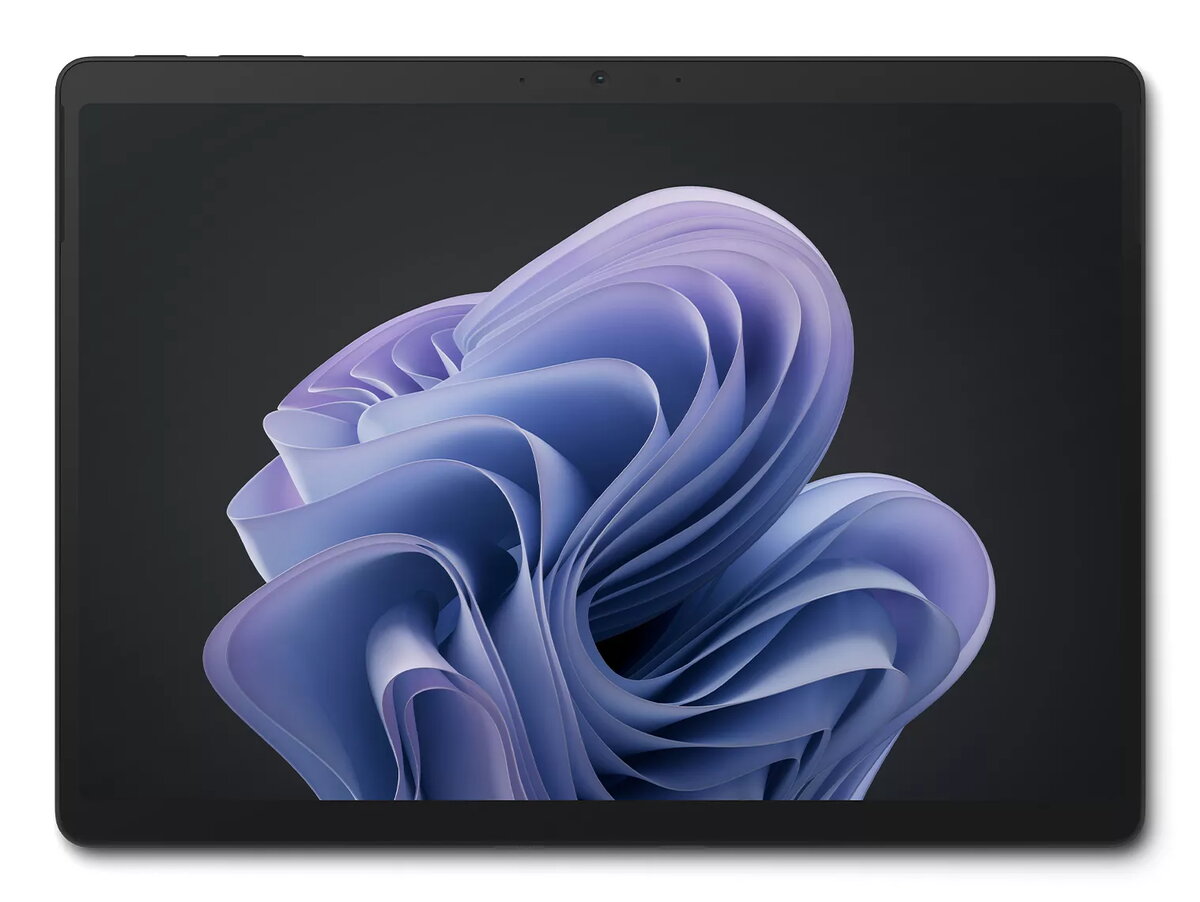
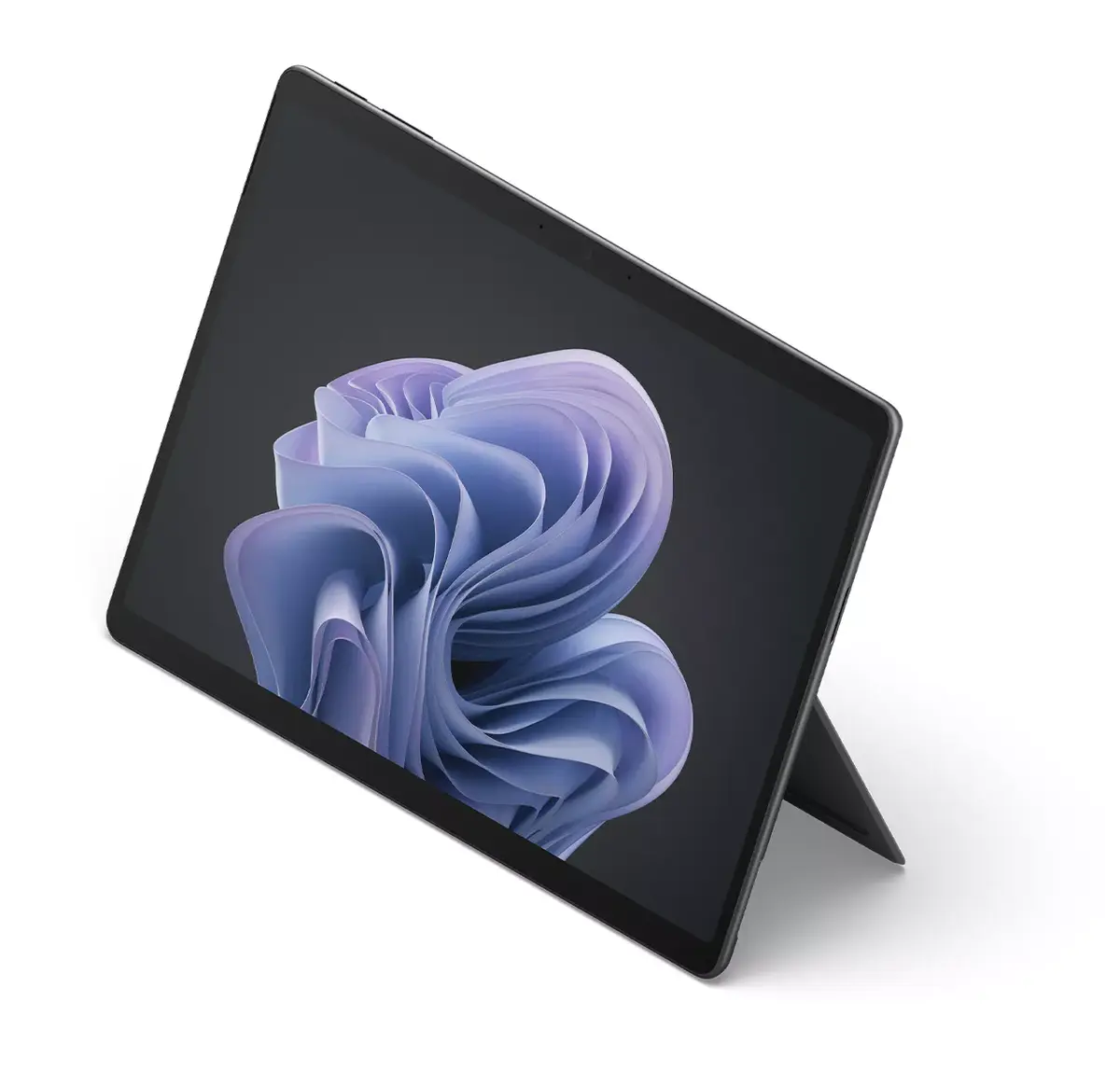
Microsoft Surface Pro 10 Tablet, Intel Core Ultra 5 135U, 16GB RAM, 512GB SSD, 13-inch Touchscreen, Windows 11 Pro, Black
The Microsoft Surface Pro 10 is a high-performance 13-inch tablet designed to meet the demands of modern professional environments. Powered by the Intel Core Ultra 5 135U processor and equipped with 16GB of RAM, this device delivers efficient multitasking and reliable speed for complex workflows. Its 512GB SSD provides ample storage for essential files, while the high-resolution 2880 x 1920 touchscreen offers a crisp and responsive interface for both creative and administrative tasks. Running on Windows 11 Pro, it integrates seamlessly into corporate infrastructures, offering advanced security and management features.
This tablet combines the portability of a lightweight mobile device with the power of a professional-grade computer. The inclusion of the latest Intel processor ensures significantly faster performance compared to previous generations, allowing for smooth operation of demanding applications. Its durable, ultraportable design makes it an ideal companion for professionals who frequently travel or work in hybrid environments. Furthermore, the device incorporates chip-to-cloud security and AI-driven tools, which help streamline daily operations and protect sensitive business data.
The Surface Pro 10 may not be the optimal choice for users requiring high-end dedicated graphics for intensive 3D rendering or professional-grade gaming. Additionally, those who prefer a traditional laptop form factor with a fixed keyboard base might find the tablet-first design less convenient for lap-based use without additional accessories.
To begin using the Surface Pro 10, power on the device using the button located on the edge of the chassis and follow the on-screen Windows 11 Pro setup instructions to configure your user profile and network settings. The touchscreen interface allows for intuitive navigation, while the high-resolution display is optimized for both touch and stylus input. You can connect external peripherals via the available ports or wireless connectivity options to expand your workspace. Ensure the device is kept updated through Windows Update to maintain optimal performance and security.
For the best experience, keep the device firmware and Windows 11 Pro updated regularly. Utilize the integrated AI tools to enhance your workflow efficiency and ensure the device is stored in a protective sleeve when traveling to maintain its physical condition.
{{highlightedFeature.featureTitle}}:
{{getProductFeatureValueById(product, highlightedFeature.featureId)}}
{{ productComparisonGenerationError }}