JBL speakers and headphones for pure and deep sound!
In cart {{totalProductsCount}} item(s)
Your cart is empty
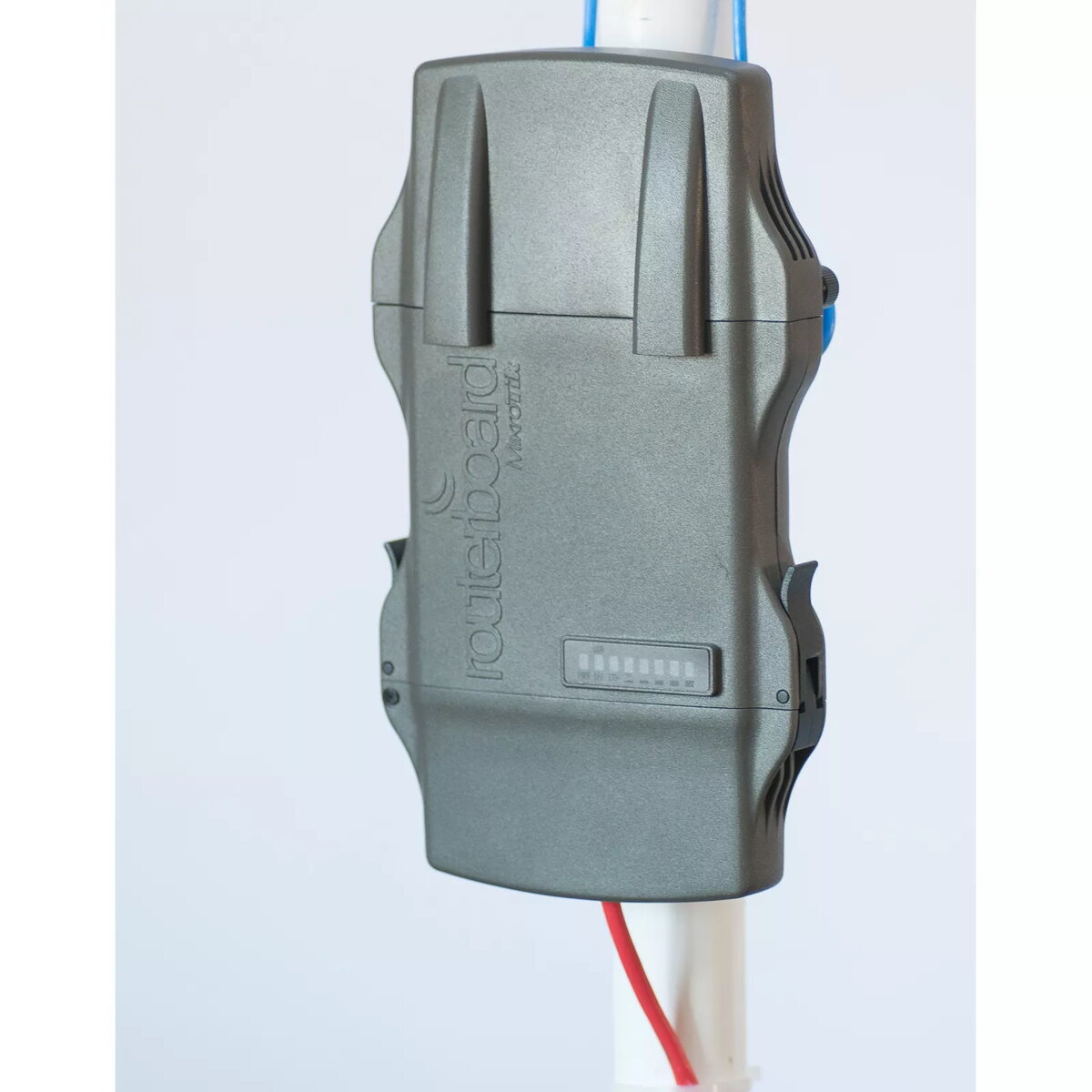
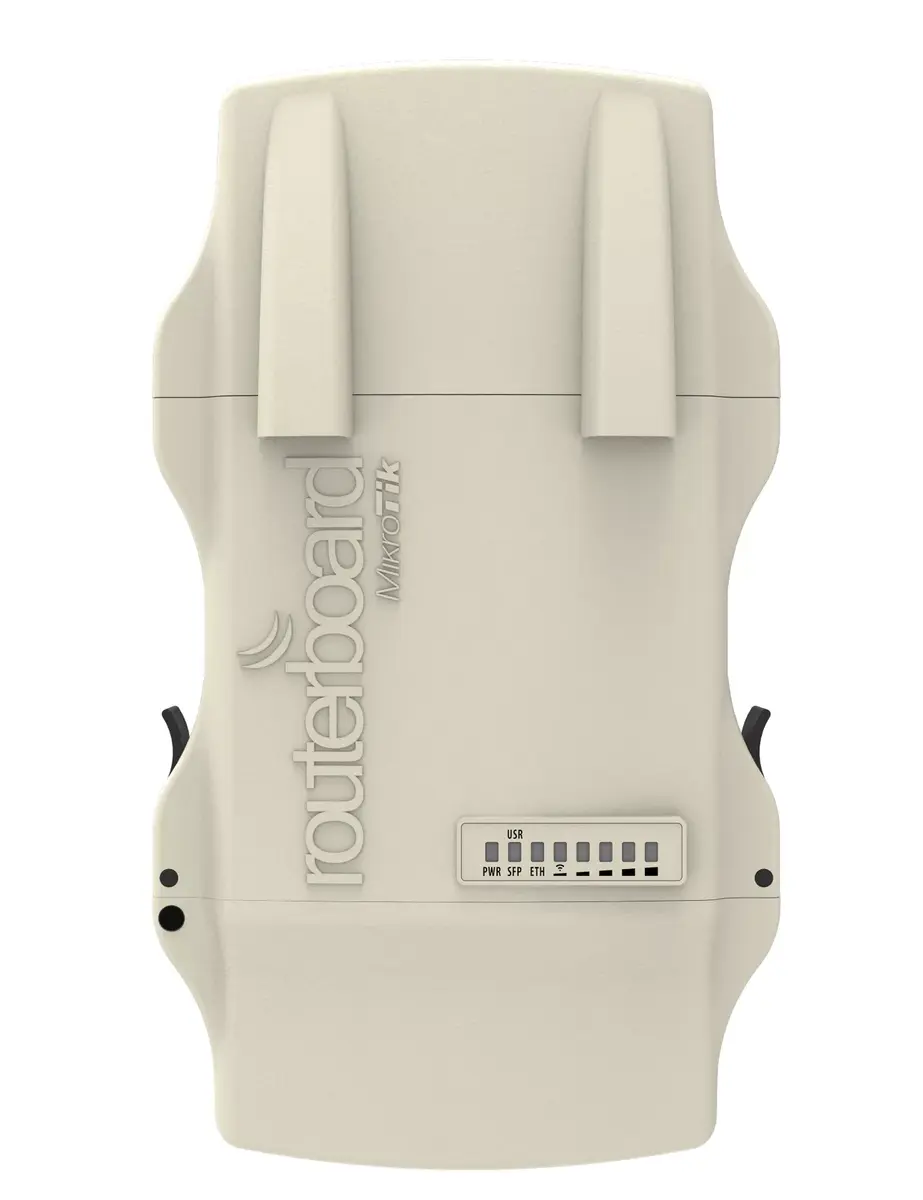
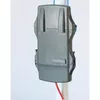
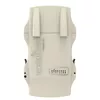
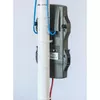
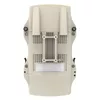
Network Device Mikrotik NetMetal 5 5 GHz Wi-Fi Standard
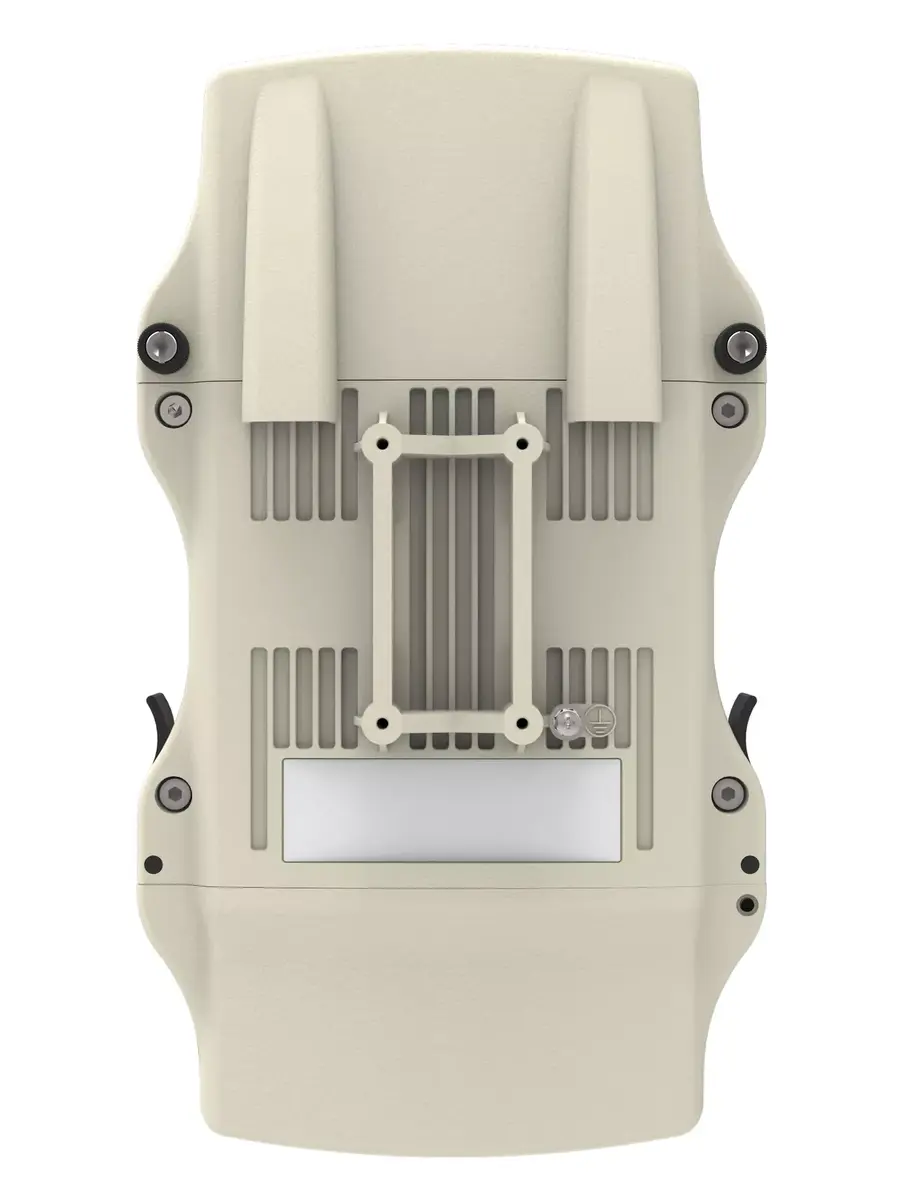
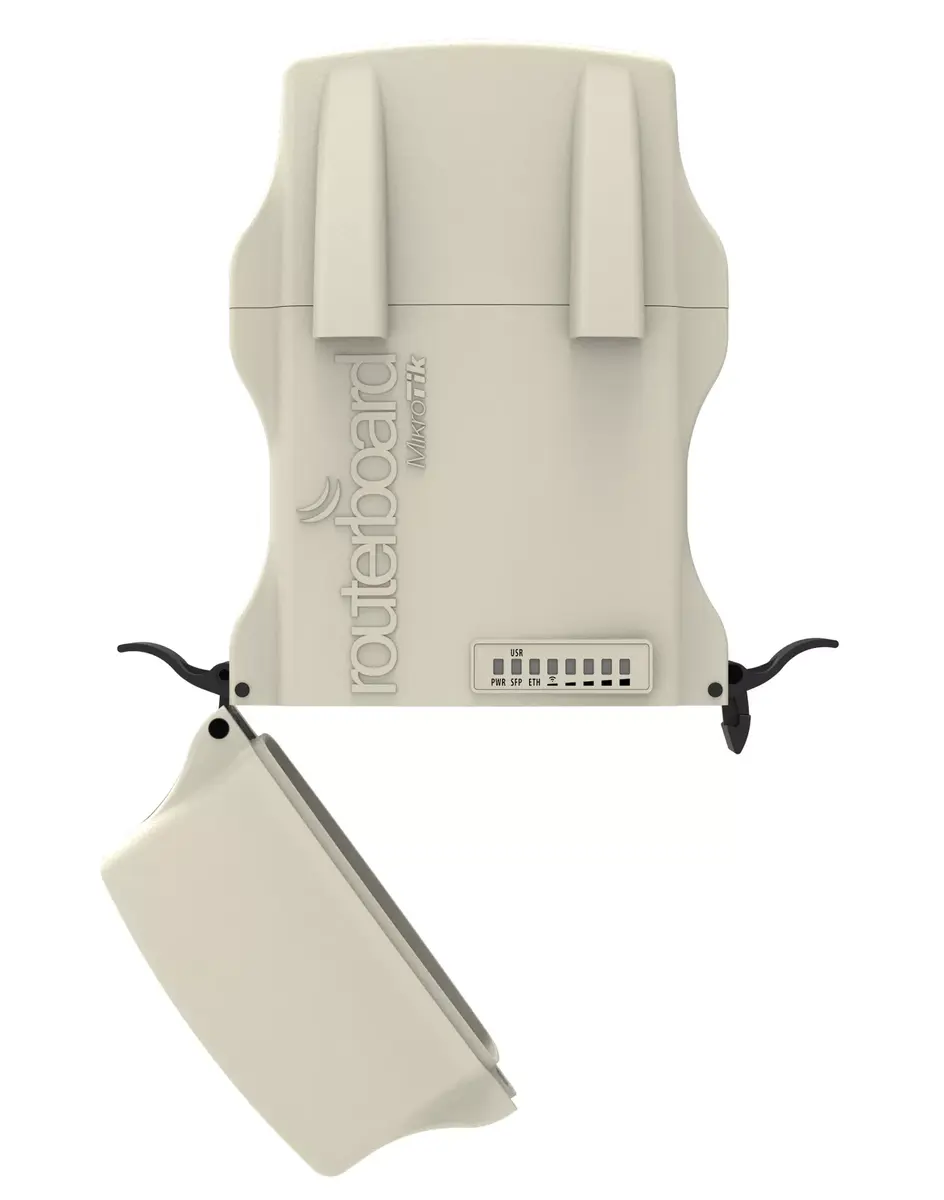
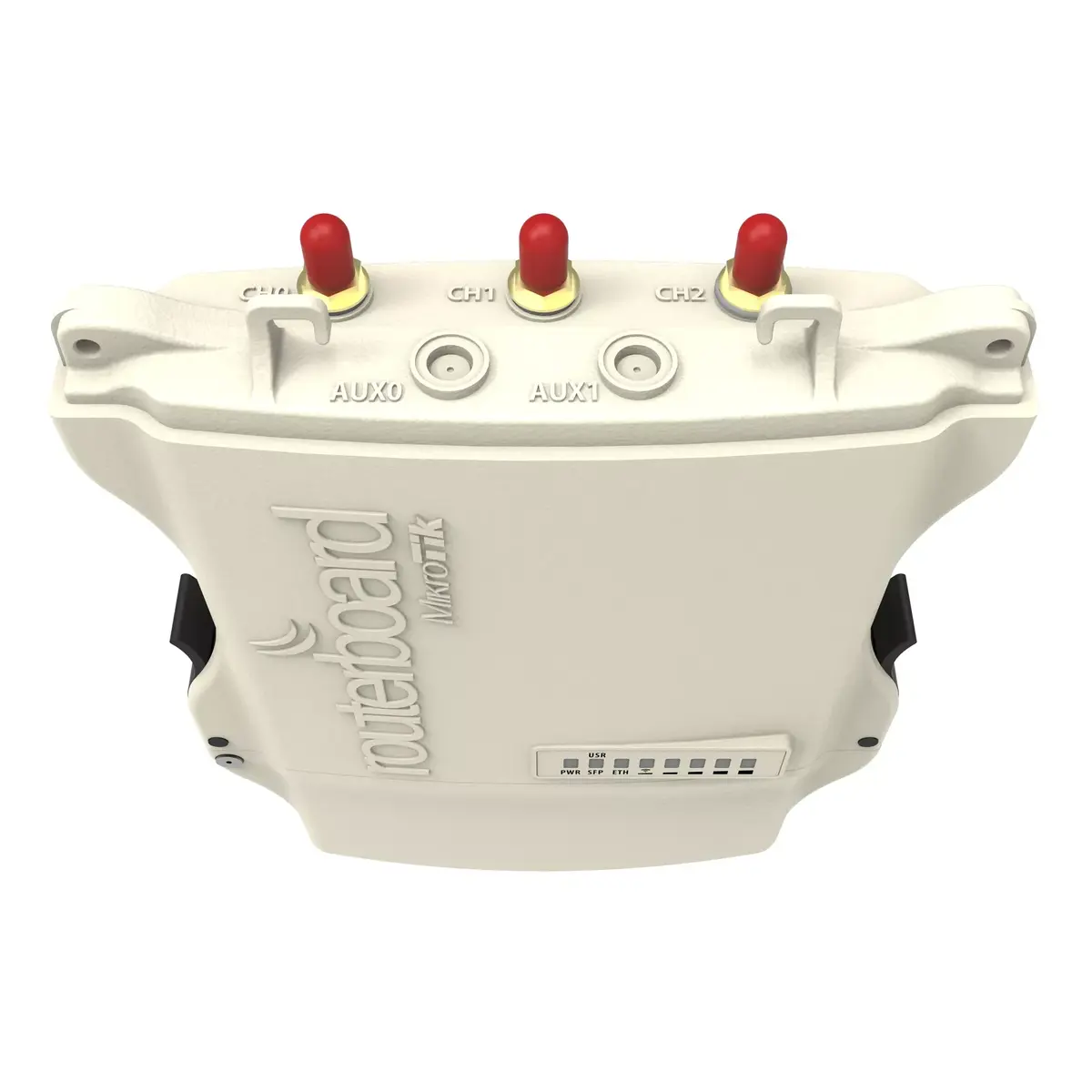
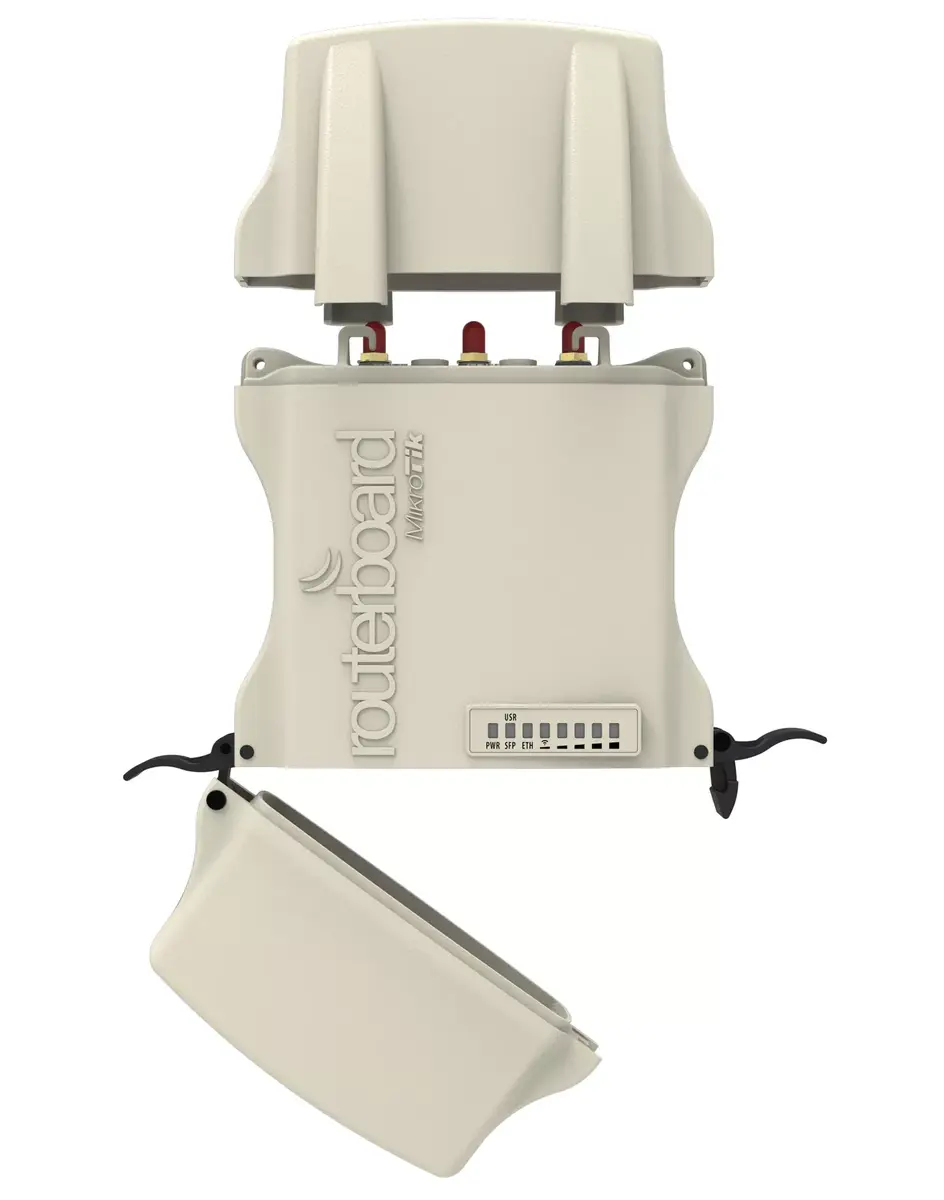
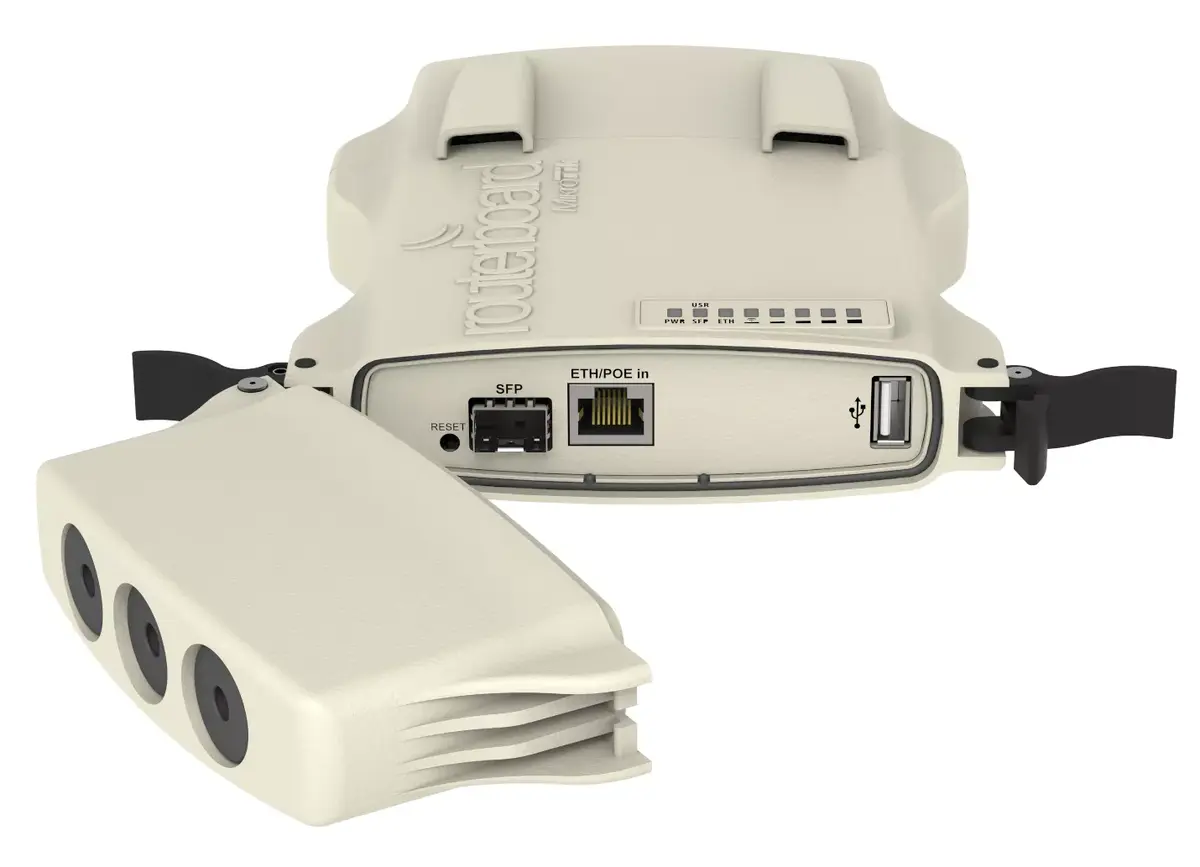
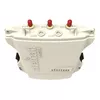
The Mikrotik NetMetal 5 5 GHz Wi-Fi Standard is an outdoor-grade network device designed for high-performance wireless links on the 5 GHz band. Housed in a waterproof metal enclosure with a built-in heat sink, this unit combines a high-power 2x2 dual-chain 802.11ac radio with a 720 MHz CPU and 128 MB RAM to deliver stable throughput for point-to-point and point-to-multipoint deployments. It supports Power over Ethernet (PoE) and provides one Gigabit Ethernet port, SFP cage, USB port, RP-SMA connectors for external antennas, a miniPCI-express slot and a SIM slot for 3G/4G modules. The device ships with RouterOS Level 4 license and is supplied in a dark-colored rugged case.
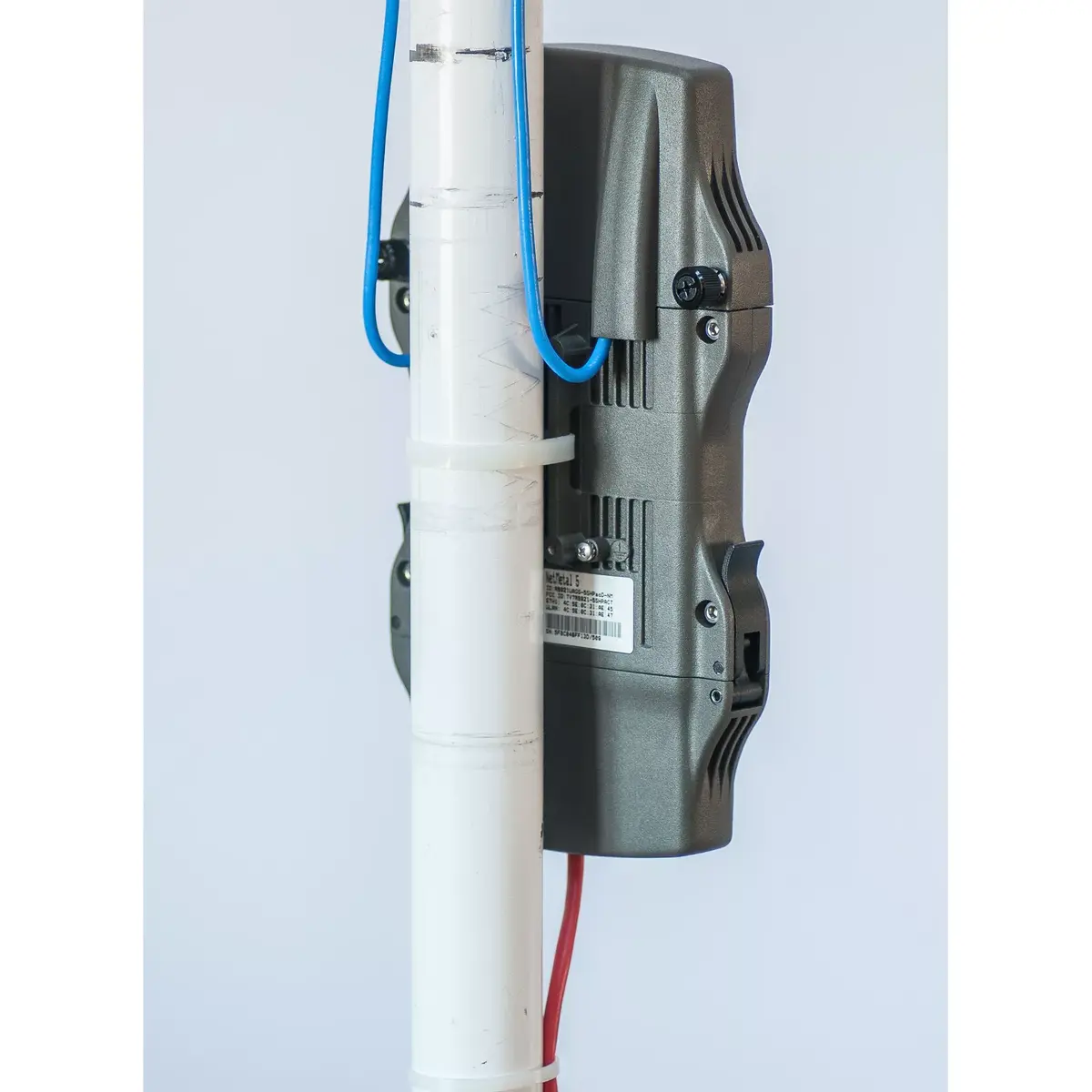
The NetMetal 5 combines a durable, waterproof aluminum housing with high-output radio hardware, offering reliable outdoor performance and thermal dissipation. Integrated PoE support simplifies installation by supplying power over the Ethernet cable, and the available SFP cage and USB expand connectivity options. External antenna connectors and a miniPCIe slot plus SIM support allow flexible extension with cellular or additional wireless modules. Compact one-handed access to the enclosure facilitates on-site maintenance and configuration.
Mount the NetMetal 5 in a suitable outdoor location with clear line of sight for best 5 GHz performance and attach external antennas to the RP-SMA connectors if required. Power the unit via compatible PoE injector or PoE-enabled switch and connect the Gigabit Ethernet port or SFP as needed. If cellular backup or additional wireless capability is required, install a miniPCIe card and insert a compatible SIM into the SIM slot. Configure network parameters and wireless settings using RouterOS; the device includes a Level 4 license for routing and wireless features.
For optimal wireless range and stability, place the unit with unobstructed line of sight and use high-gain external antennas matched to the 5 GHz band. Ensure PoE power sources meet the device power requirements and secure the enclosure after any maintenance to maintain waterproofing. When deploying in high-interference areas, adjust channel width and power settings in RouterOS to balance throughput and reliability. Consider cellular modules in locations where wired uplinks are unavailable or as a failover option.
{{highlightedFeature.featureTitle}}:
{{getProductFeatureValueById(product, highlightedFeature.featureId)}}
{{ productComparisonGenerationError }}