Powerful EcoFlow stations for energy anywhere!
In cart {{totalProductsCount}} item(s)
Your cart is empty
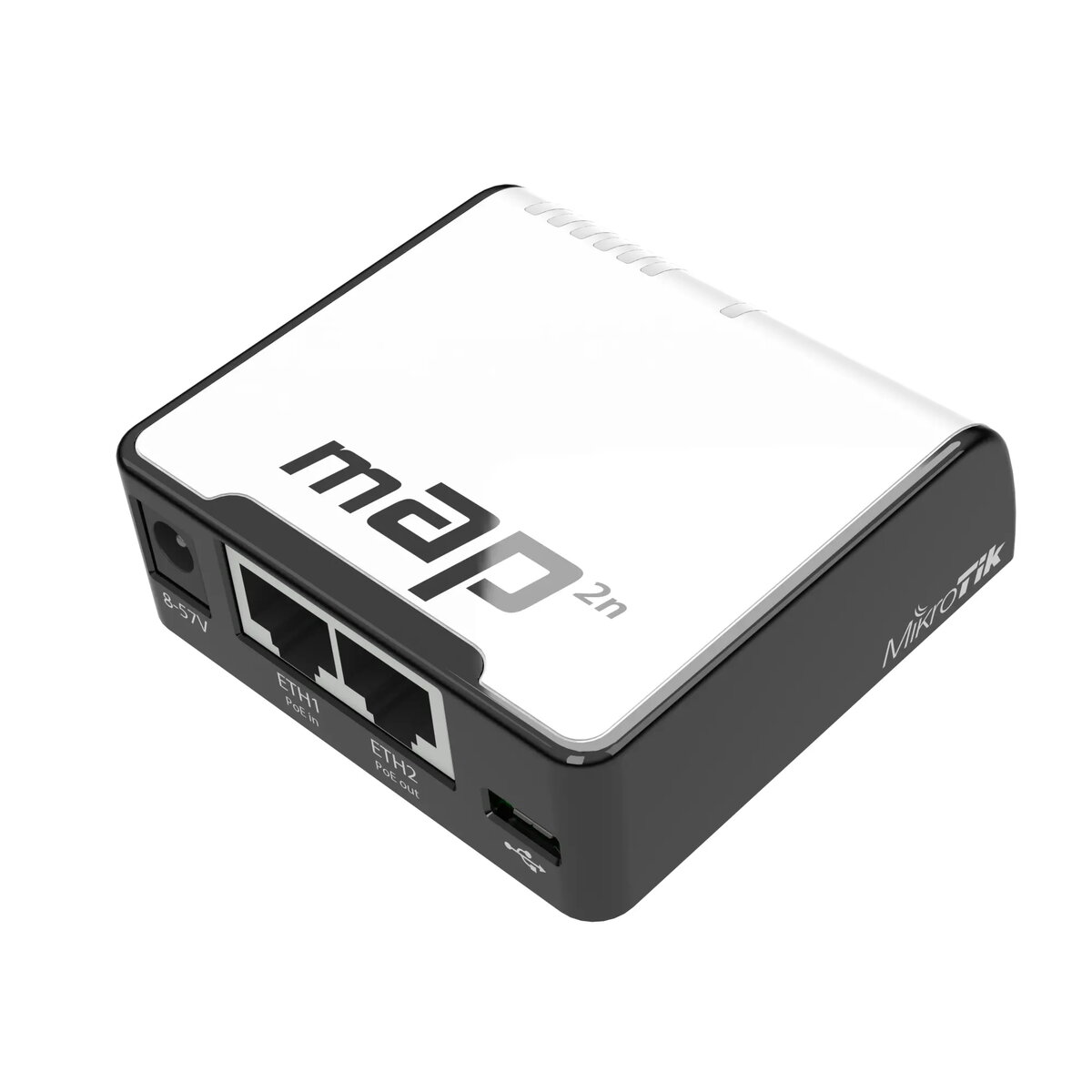
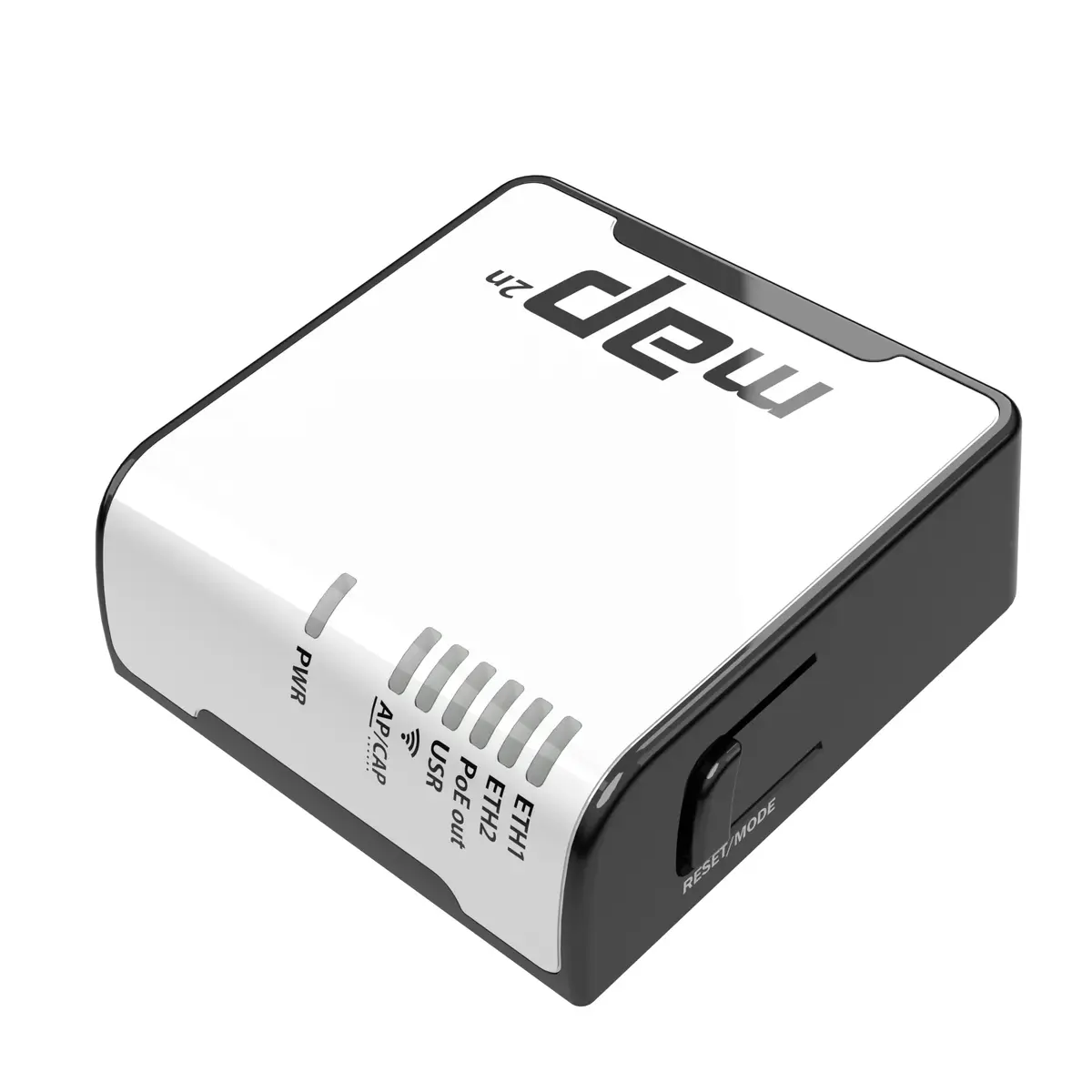
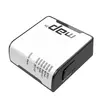
Wireless Access Point MikroTik mAP 2n — 2.4 GHz, Ethernet 10/100 Mbit/s, PoE support
The MikroTik mAP 2n is a compact wireless access point operating on the 2.4 GHz band with Ethernet LAN speeds of 10/100 Mbit/s and Power over Ethernet (PoE) capability. Designed for small offices, apartments and IoT deployments, it provides basic Wi-Fi connectivity and wired LAN bridging in a very small housing. The device accepts power from multiple sources including USB, a power jack and passive PoE, and can also act as a PoE injector to supply power to another device through its second Ethernet port.
The mAP 2n combines full RouterOS functionality in a tiny, portable enclosure, enabling flexible placement where space is limited. It supports multiple power options (USB, power jack, passive PoE) for convenient installation and its second Ethernet port can provide power to another device, reducing the need for additional injectors. Integrated antenna and support for 2.4 GHz make it suitable for basic wireless coverage in compact environments.
Because it operates only on the 2.4 GHz band and has a single integrated antenna, the mAP 2n may not be suitable for environments that require high throughput, low latency for gaming, or dense multi-user Wi‑Fi coverage. It is intended for basic wireless connectivity rather than high-performance or enterprise-class deployments.
Connect the mAP 2n to a power source using a USB cable, the DC power jack or passive PoE. Attach the LAN cable to the Ethernet port for network access; the second Ethernet port can be used to power another PoE-capable device. Configure wireless and network settings via RouterOS using Winbox, WebFig or CLI according to your network requirements. Place the device in a central location for best 2.4 GHz coverage and avoid large metal objects or thick walls that can reduce signal strength.
For reliable basic coverage, use the mAP 2n in small spaces and pair it with wired switches or additional access points for broader coverage. Use PoE to simplify installation and consider RouterOS configuration backups after initial setup.
{{highlightedFeature.featureTitle}}:
{{getProductFeatureValueById(product, highlightedFeature.featureId)}}
{{ productComparisonGenerationError }}