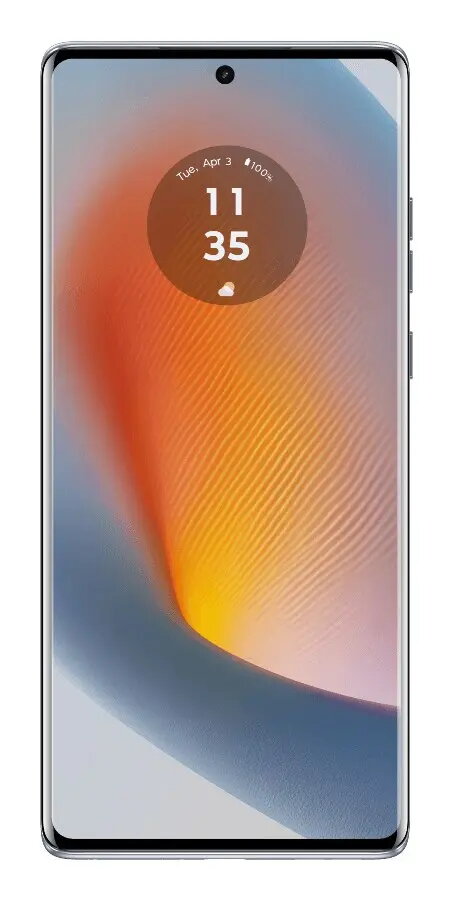
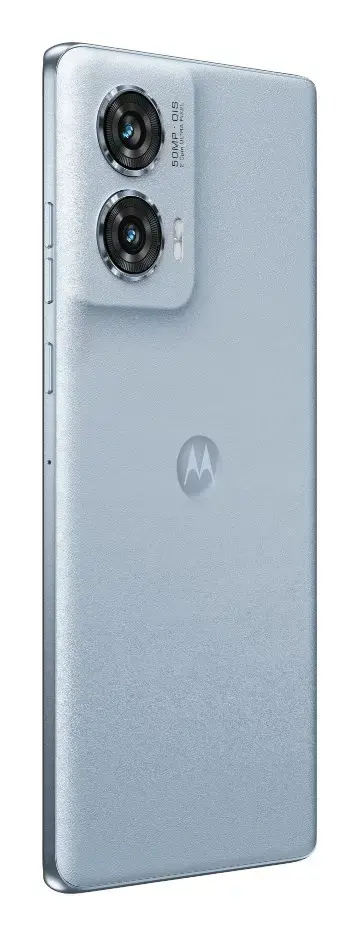
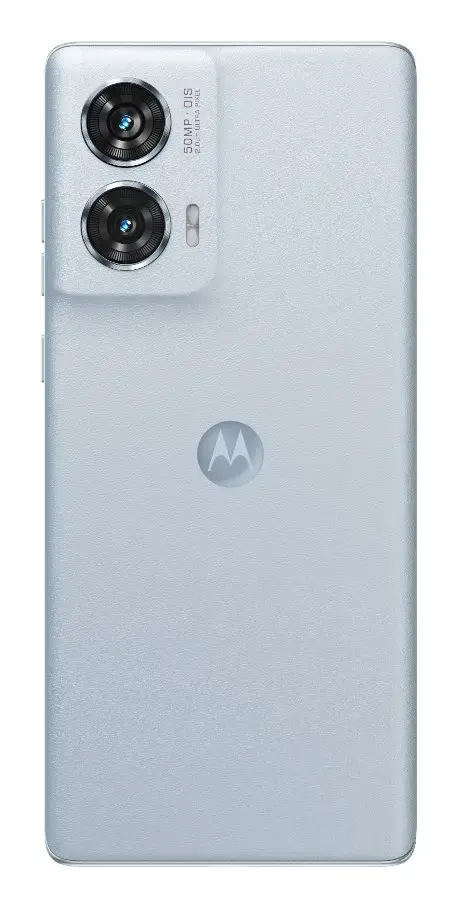
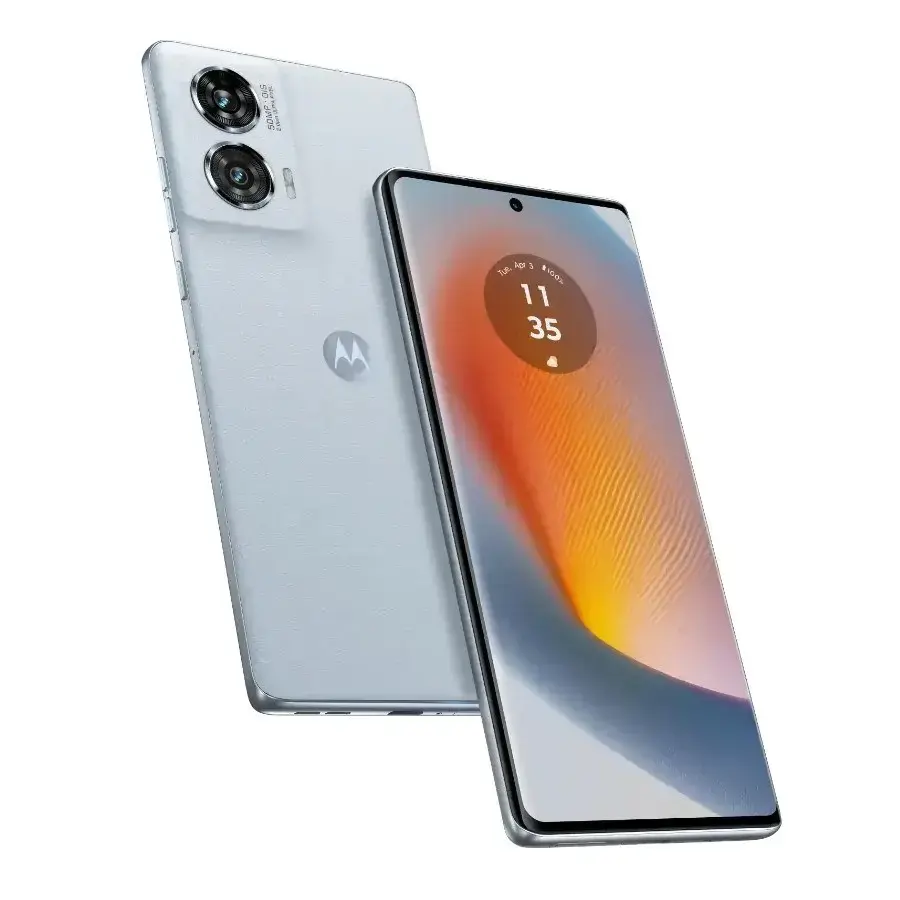
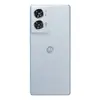
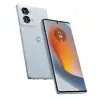
Motorola Edge 50 Fusion is a 5G smartphone equipped with a Qualcomm Snapdragon 7s Gen 2 processor (boost up to 2.4 GHz), 8 GB LPDDR5 RAM and 256 GB internal storage. The device has a 6.7" (17 cm) FHD+ OLED display with 1080 x 2400 resolution, 20:9 aspect ratio, 144 Hz maximum refresh rate and up to 1600 cd/m² peak brightness. It runs Android 14 with Google Assistant and Google Photos and offers IP68 water protection, stereo speakers with Dolby Atmos, NFC and dual NanoSIM support. The phone includes a dual rear camera system (50 MP main + 13 MP ultra-wide), a 32 MP front camera, a 5000 mAh Li‑Ion battery with TurboPower fast charging and common sensors for navigation and device interaction.
Advantages
The device combines a high-refresh OLED display with strong peak brightness for clear outdoor visibility, a modern Snapdragon 7s Gen 2 platform and 8 GB LPDDR5 memory for smooth multitasking. It provides versatile imaging with a 50 MP main camera, a 13 MP ultra-wide module and a 32 MP front camera, plus hardware features such as IP68 water protection, stereo Dolby Atmos sound, NFC and a long‑lasting 5000 mAh battery with TurboPower fast charging.
Suitable for
- Everyday multitasking and productivity
- Mobile photography and social media content
- Media consumption and gaming with high refresh rate display
- Long battery life and fast recharging on the go
- Outdoor use thanks to high display brightness and IP68 protection
Key specifications
- Processor: Qualcomm Snapdragon 7s Gen 2, boost up to 2.4 GHz
- Memory & storage: 8 GB LPDDR5 RAM, 256 GB internal storage (no memory card support)
- Display: 6.7" (17 cm) OLED, 1080 x 2400 FHD+, 20:9, 144 Hz, 395 ppi, Gorilla Glass 5
- Peak brightness: 1600 cd/m² (outdoor)
- Cameras: Dual rear 50 MP + 13 MP (120° ultra-wide), 32 MP front; features include night mode, portrait, panorama, video stabilizer and up to 240 fps
- Battery: 5000 mAh Li‑Ion with TurboPower fast charging
- Connectivity: 5G (Sub6), LTE, Wi‑Fi 5 (802.11ac), Bluetooth 5.1, NFC, dual NanoSIM
- Protection: IP68 water resistance
- Audio: Stereo speakers with Dolby Atmos
- Operating system: Android 14 with Google Assistant
- Sensors & navigation: Fingerprint reader, face recognition, accelerometer, gyroscope, proximity, ambient light, GPS, GLONASS, Galileo, BeiDou, QZSS, electronic compass
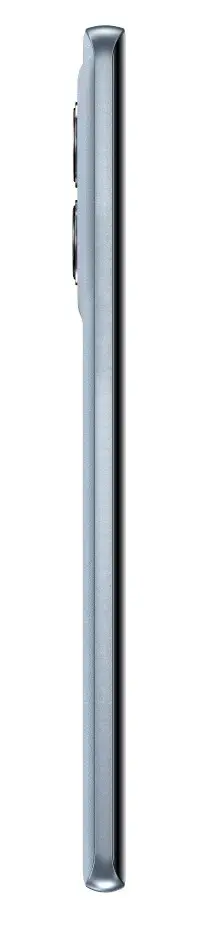
- Physical dimensions & weight: 161.9 x 73.1 x 7.9 mm, weight 174.9 g
How to use
Power on the phone by pressing the side button and complete the setup flow on Android 14 to sign in with your Google account and restore or transfer data if needed. Insert one or two NanoSIM cards into the tray using the included ejector pin. Configure display settings to select the desired refresh rate and brightness, enable Face recognition or set up the fingerprint reader for secure unlocking, and pair Bluetooth or Wi‑Fi networks from the settings menu. Use the Camera app for photography and video, selecting night mode, panorama or portrait as required. Charge the device with a compatible TurboPower charger connected via the included USB‑C cable.
Usage recommendations
For best battery longevity, avoid exposing the phone to extreme temperatures, use the official TurboPower charger for fast charging when needed, and enable adaptive display or auto‑brightness to optimize screen energy consumption. Use IP68 protection appropriately—clean and dry ports and seals after water exposure.