




Save time and money with our discounts!
In cart {{totalProductsCount}} item(s)
Your cart is empty
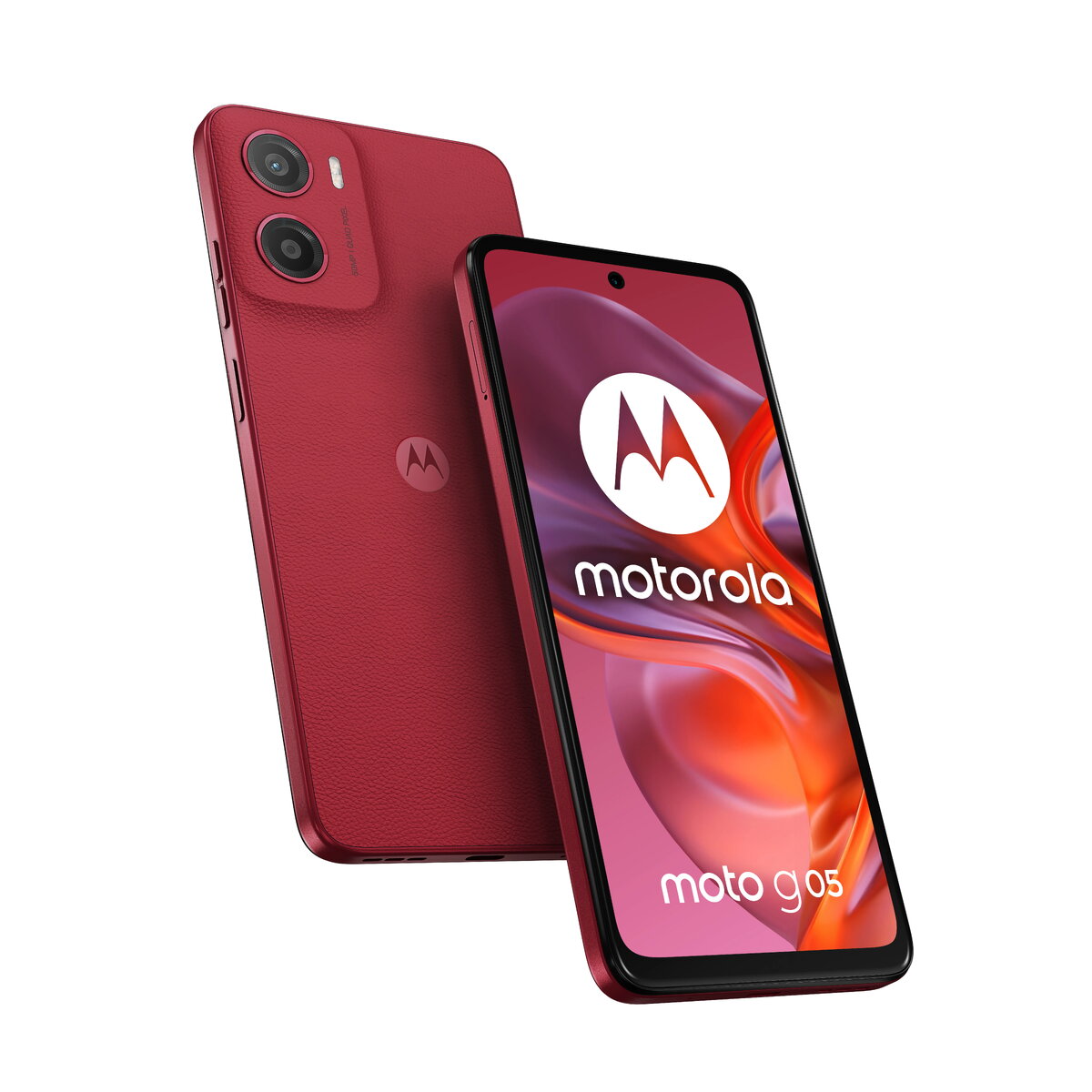
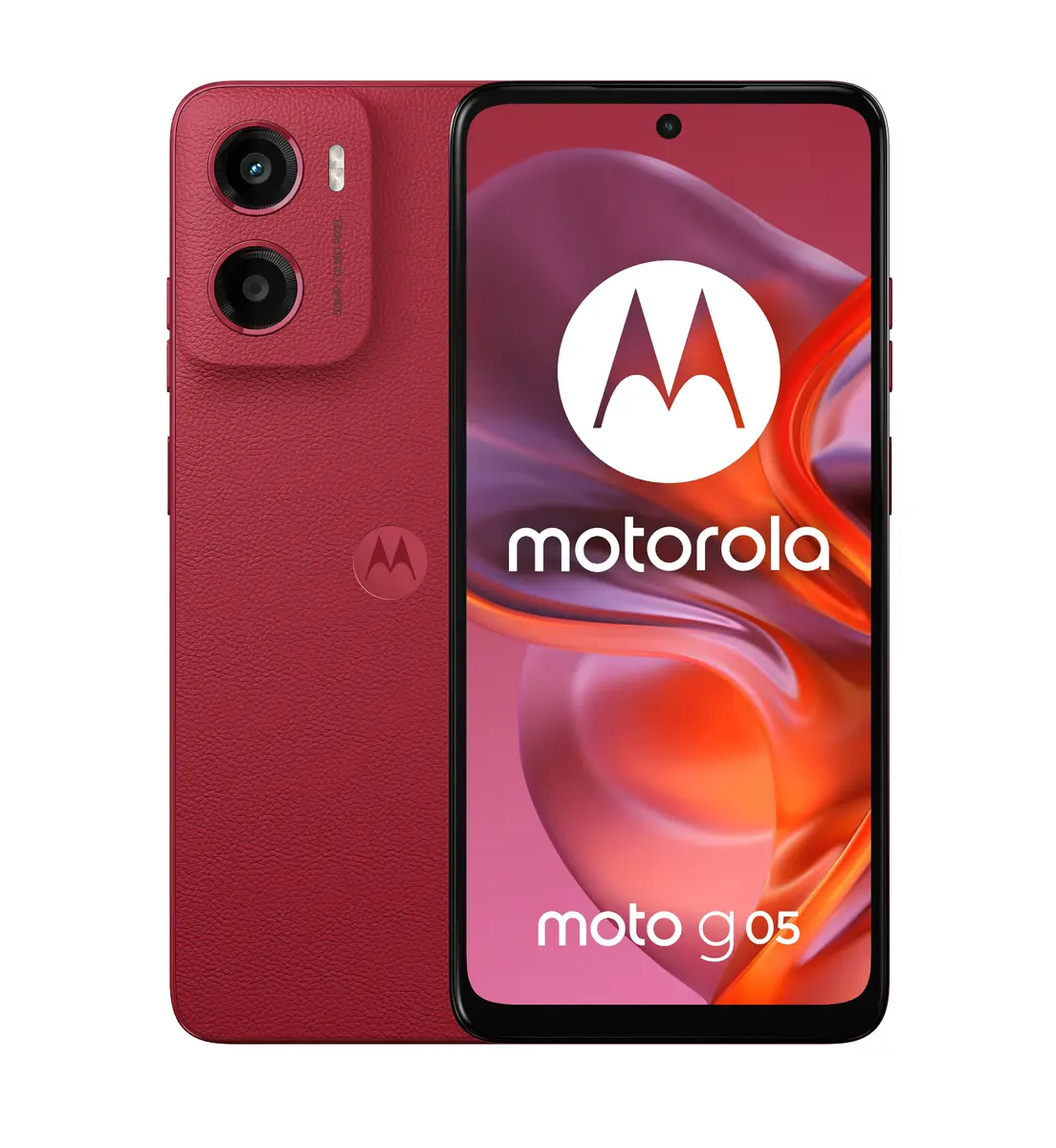
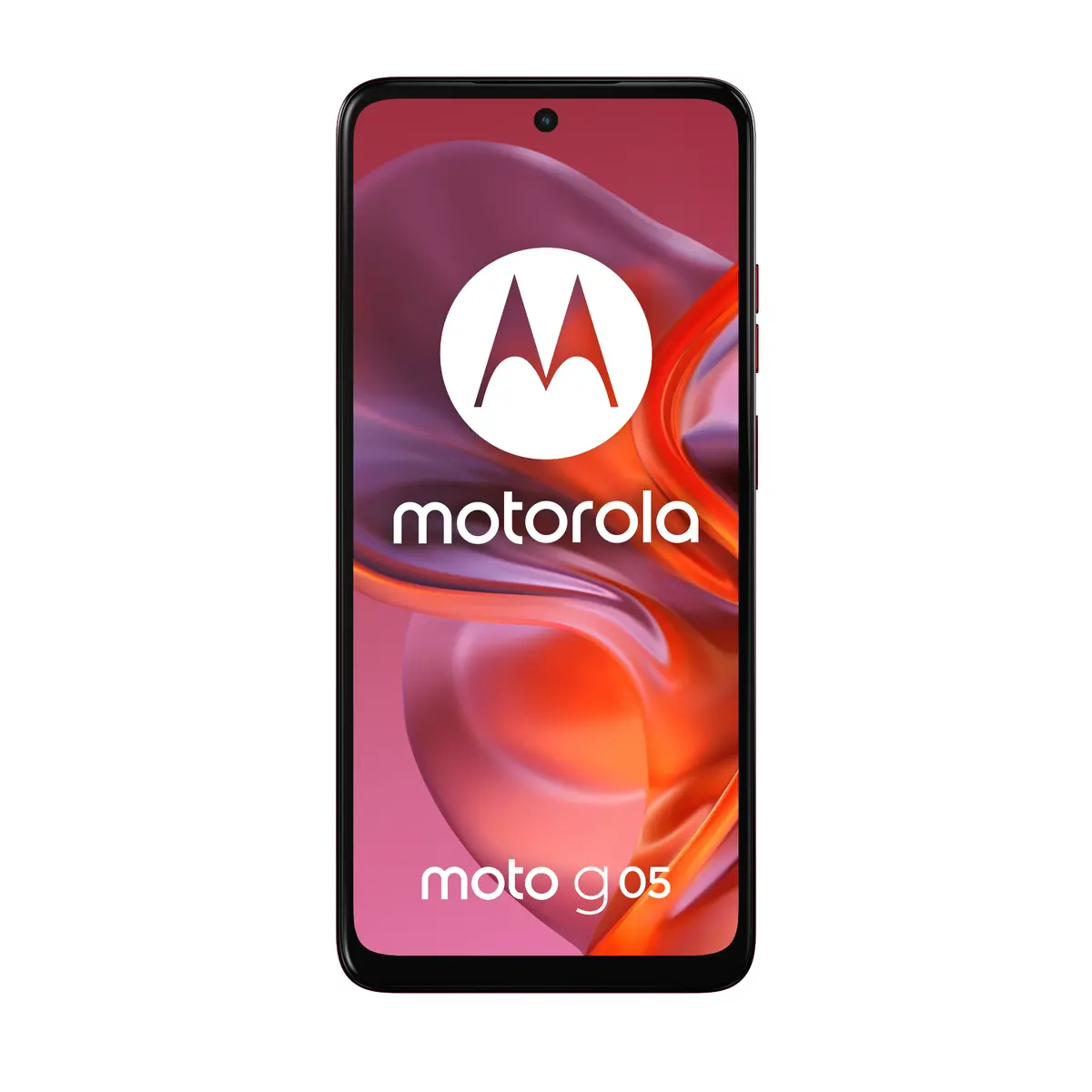
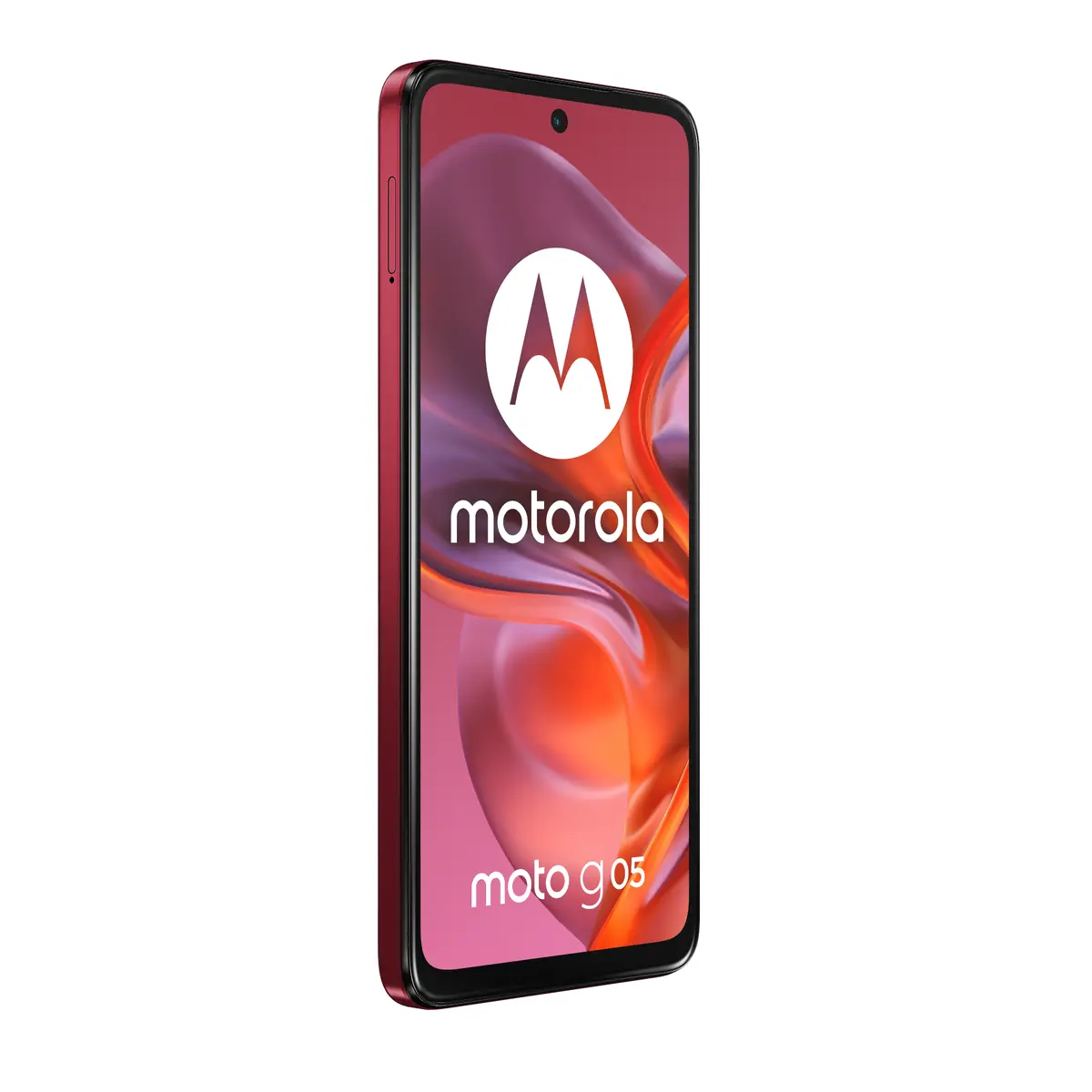
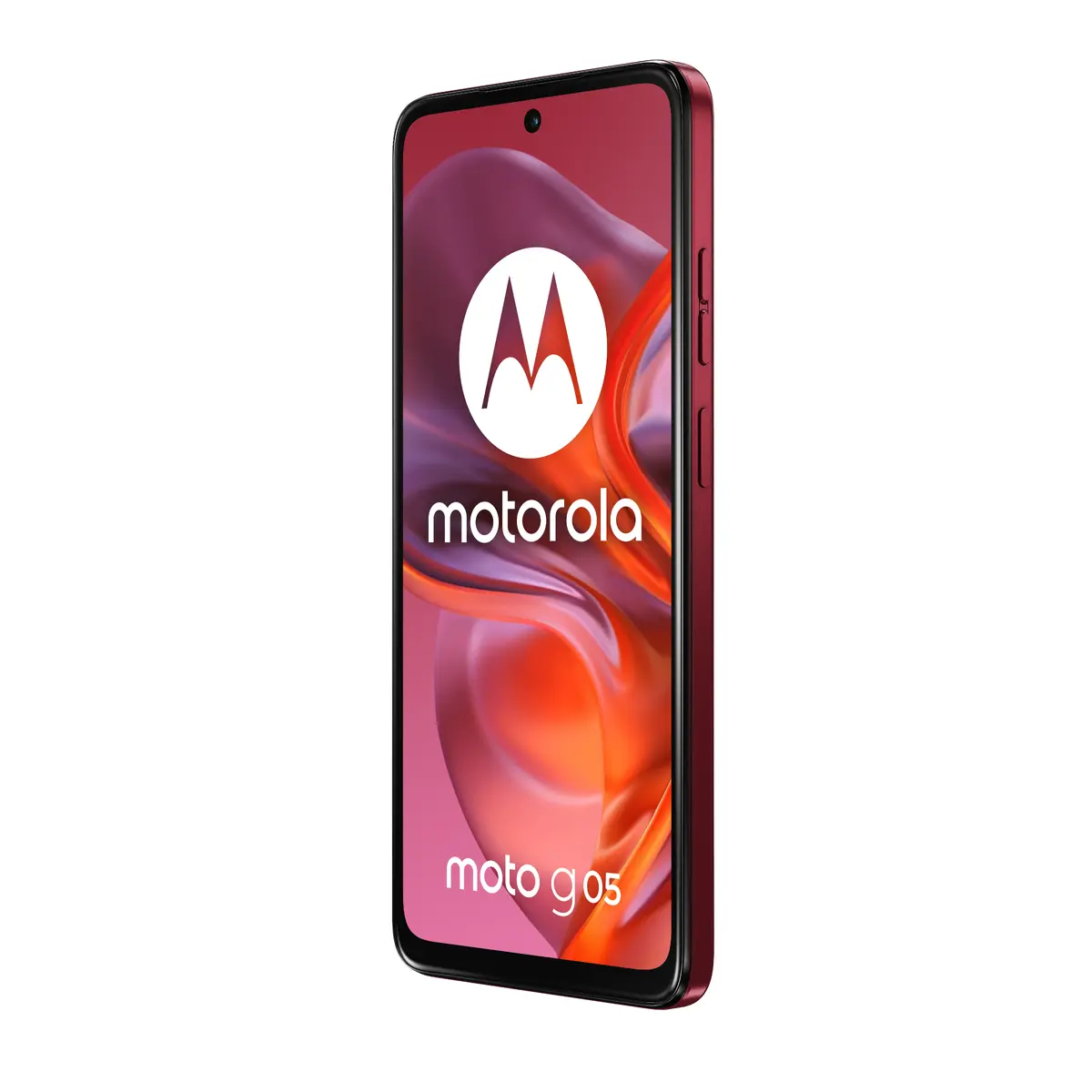
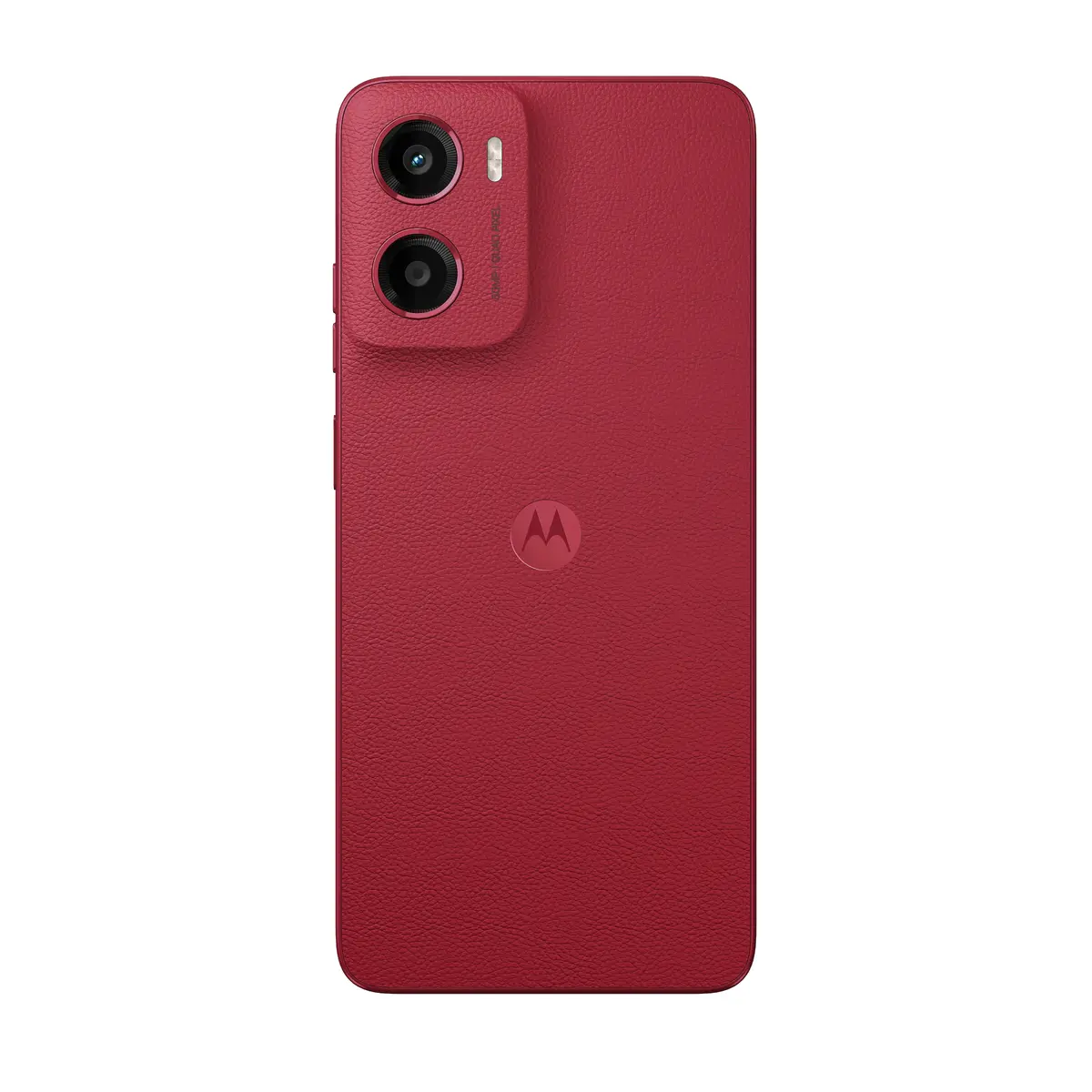
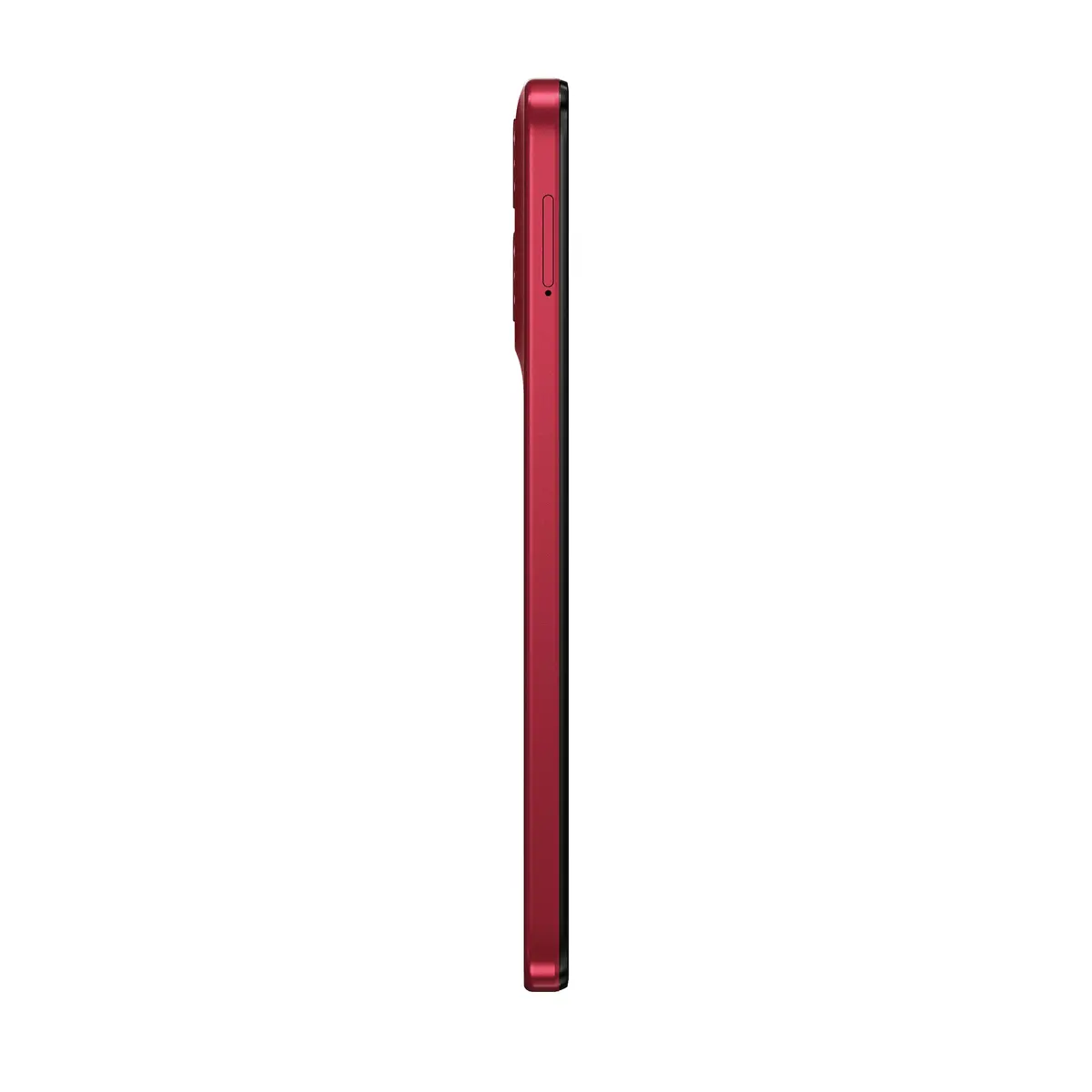
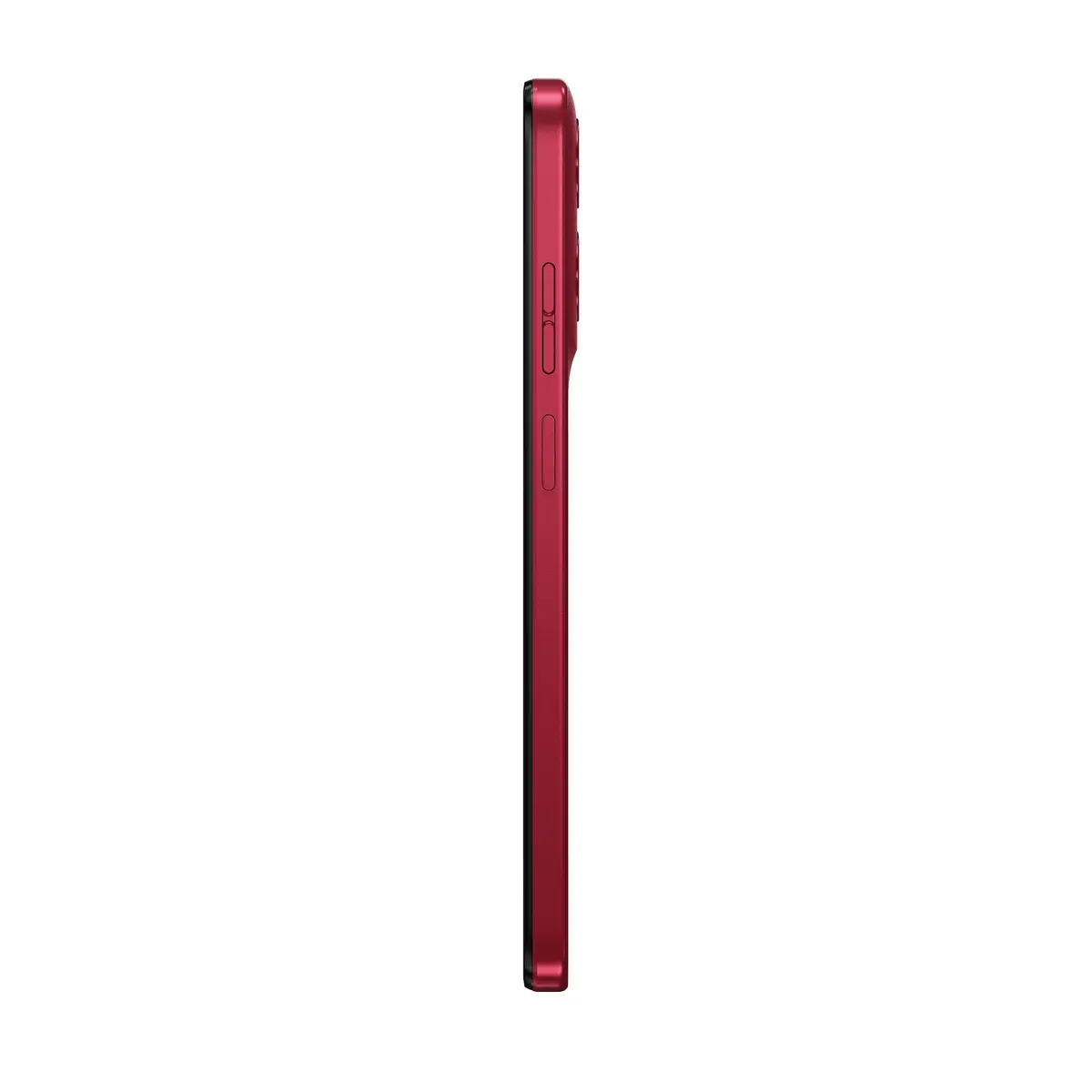
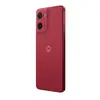
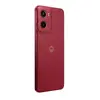
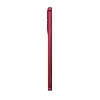
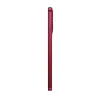
Smartphone Motorola moto g05 6.67" 256 GB Red
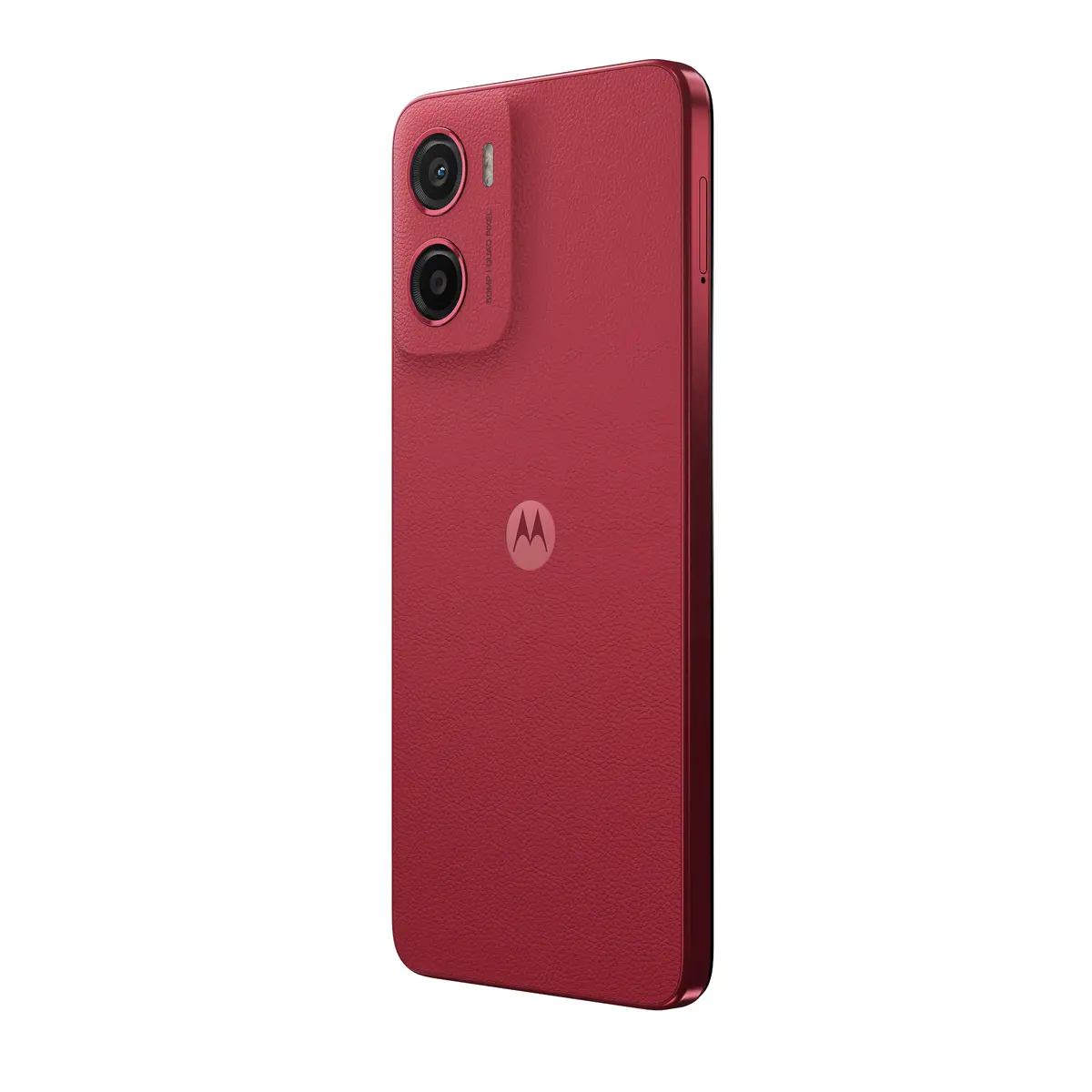
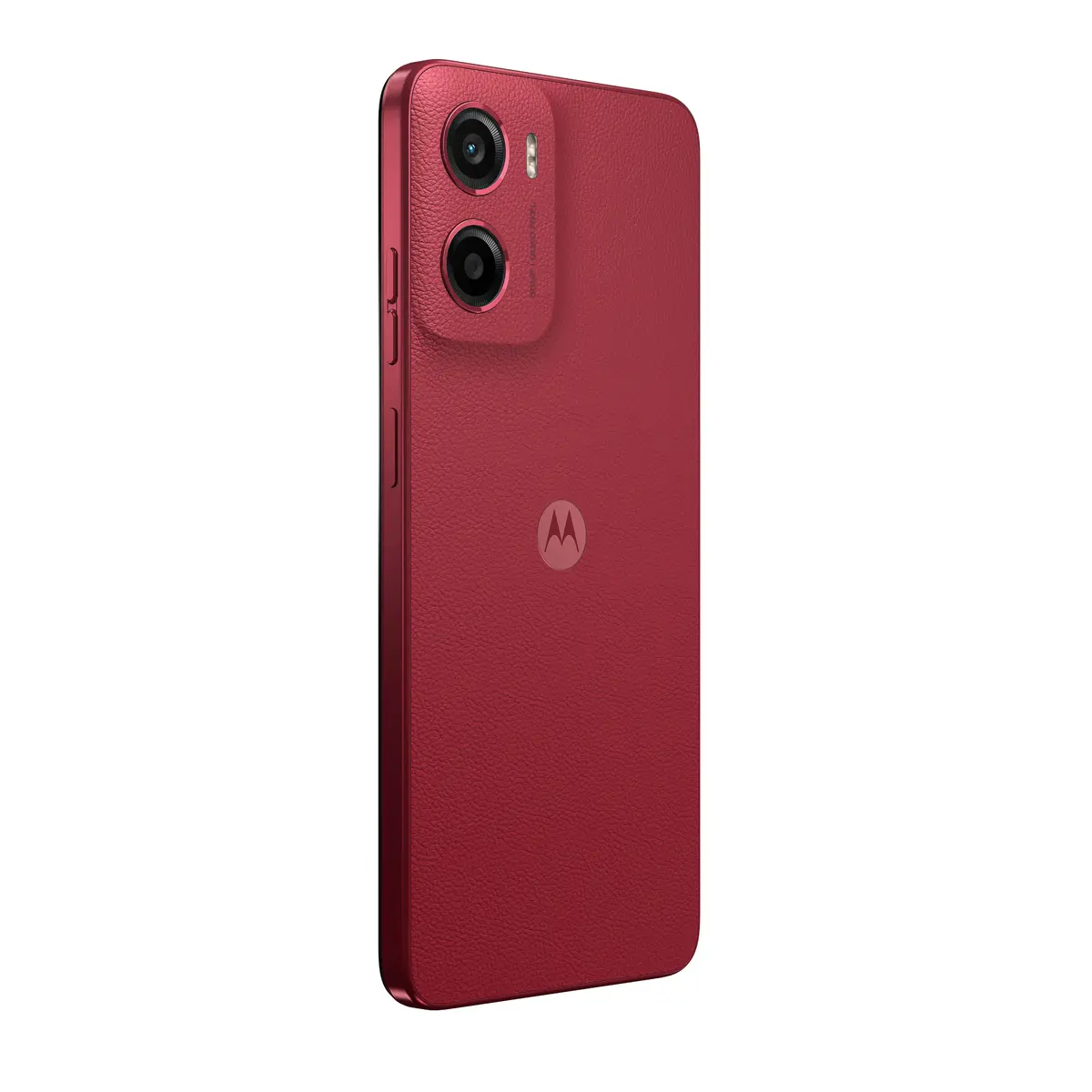
The Motorola moto g05 is a red 6.67" smartphone designed for everyday multimedia, photography and long battery life. It features a 1604 x 720 pixel display, a MediaTek Helio G81 Extreme 2 GHz processor, 4 GB of RAM with RAM boost up to 12 GB, and 256 GB of internal storage expandable via MicroSD. The device runs Android 15, supports Dual SIM and 4G networks, and is equipped with a 50 MP rear camera, an 8 MP front camera and a 5200 mAh battery. The phone has an IP54 water‑repellent design, Corning Gorilla Glass 3 protection and a vegan leather finish in red.
The moto g05 combines a large, bright 6.67" display and stereo speakers with enhanced bass for clear outdoor viewing and improved audio playback. The 50 MP Quad Pixel rear camera with AI-powered portrait processing delivers detailed photos in varied lighting conditions, while the front camera supports everyday selfies and video calls. The 5200 mAh battery provides extended runtime and supports TurboPower charging for quicker top-ups. Storage is ample at 256 GB, and you can add a MicroSD card to expand capacity further. The phone’s water‑repellent construction, Gorilla Glass protection and vegan leather finish offer a balance of durability and refined appearance.
Power on the moto g05 and follow the Android 15 setup wizard to configure language, Google account and network connections. Insert one or two NanoSIM cards into the Dual SIM tray and, if required, insert a MicroSD card to expand storage. Use the display settings to adjust brightness and enable high brightness mode for outdoor viewing. Open the Camera app to select modes such as Portrait or Quad Pixel capture for higher-detail photos; use AI portrait options when shooting people. Enable RAM boost in system settings where available to increase available memory for multitasking. Charge the device using an appropriate TurboPower charger and follow recommended charging practices to preserve battery cycles.
For best photo results, keep the camera lens clean and use Portrait mode in moderate lighting; enable high brightness only when needed to preserve battery life. Use a compatible TurboPower charger for faster charging and consider adding a MicroSD card if you store many photos, videos or apps.
{{highlightedFeature.featureTitle}}:
{{getProductFeatureValueById(product, highlightedFeature.featureId)}}
{{ productComparisonGenerationError }}
Device manufacturer code
Device manufacturer
iagonal of the visible part of the screen expressed in centimeters and inches.
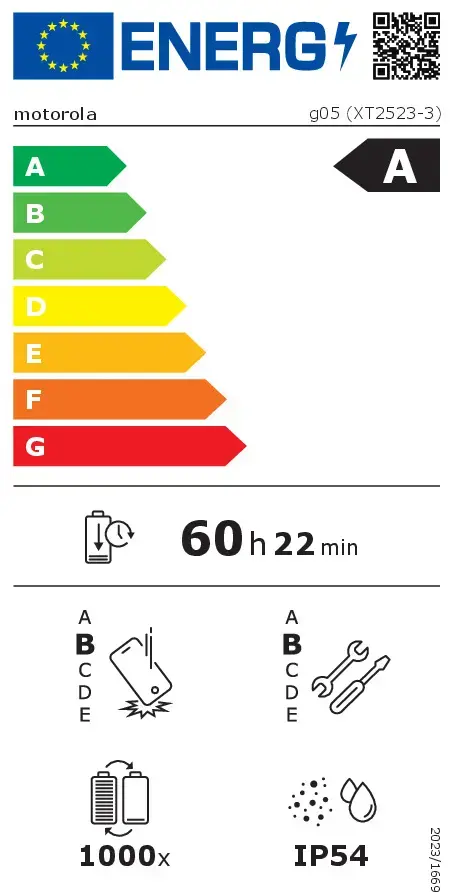
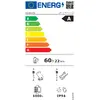
Rating of how efficiently a device uses energy, affecting power consumption and costs.
Device protection rating against dust and water according to the international IP standard.
Rating of how easy it is to disassemble and repair the device, including parts and manual availability.
Assessment of device durability after repeated drops from a specified height.
Number of full charge–discharge cycles the battery endures before its capacity significantly decreases.