


Powerful EcoFlow stations for energy anywhere!
In cart {{totalProductsCount}} item(s)
Your cart is empty
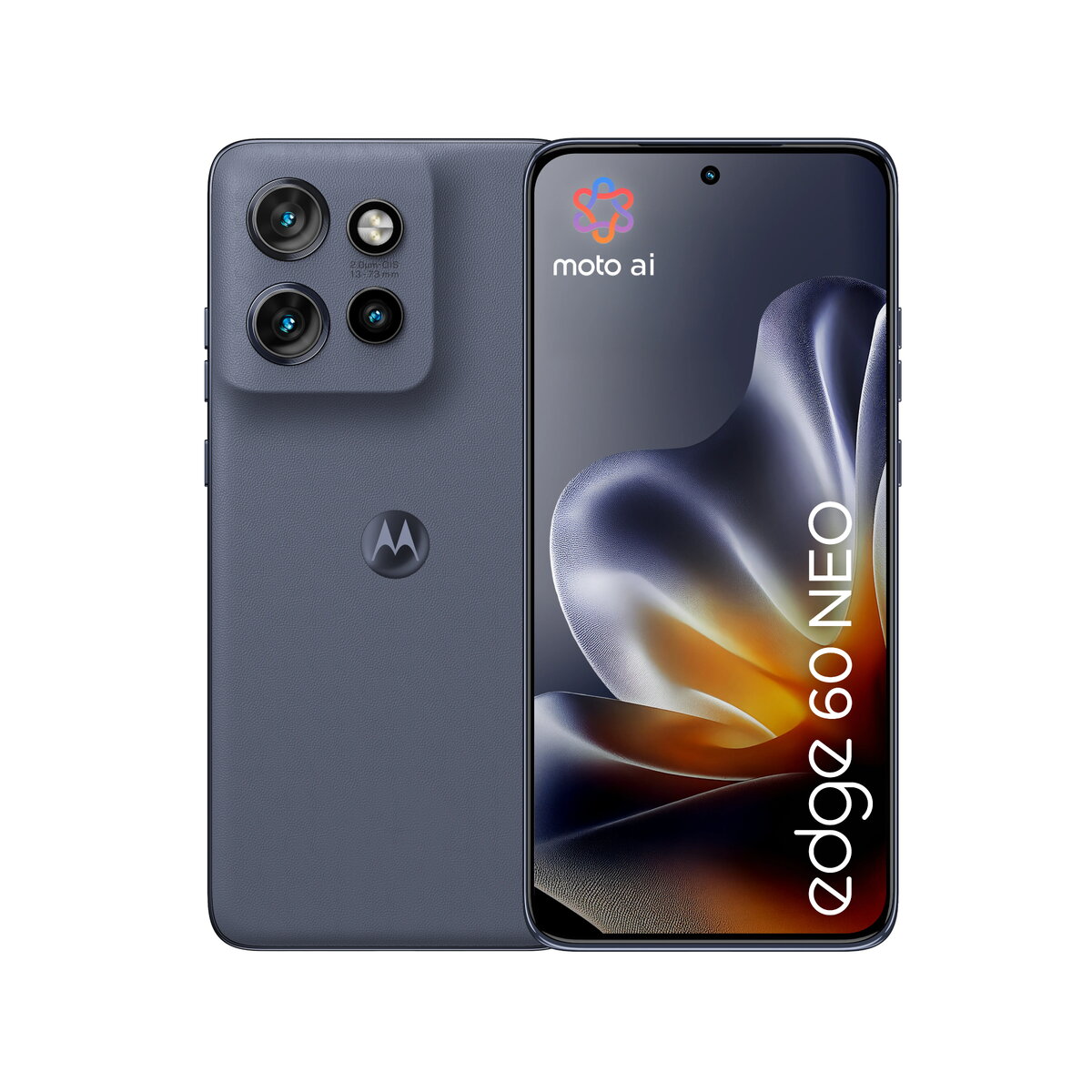
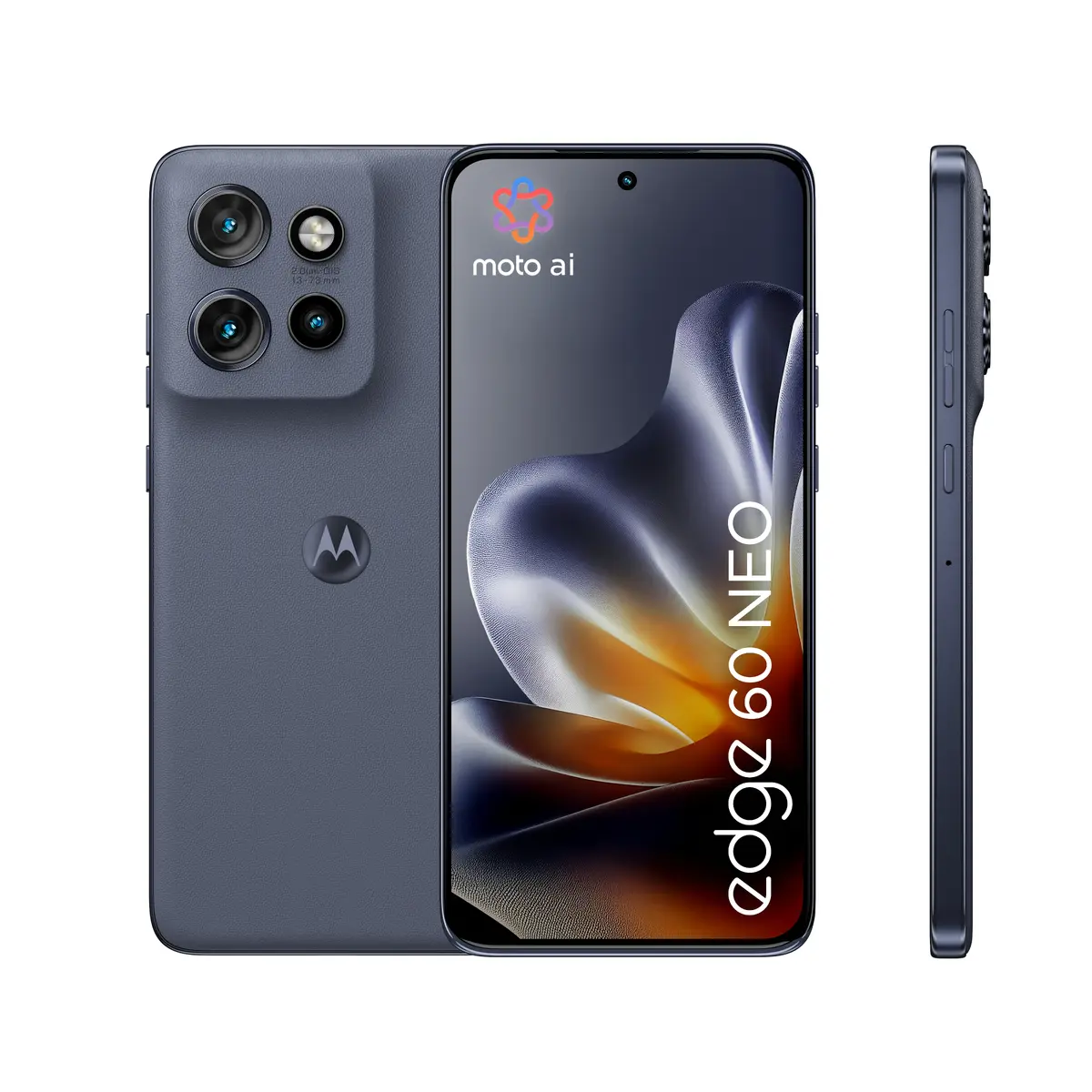
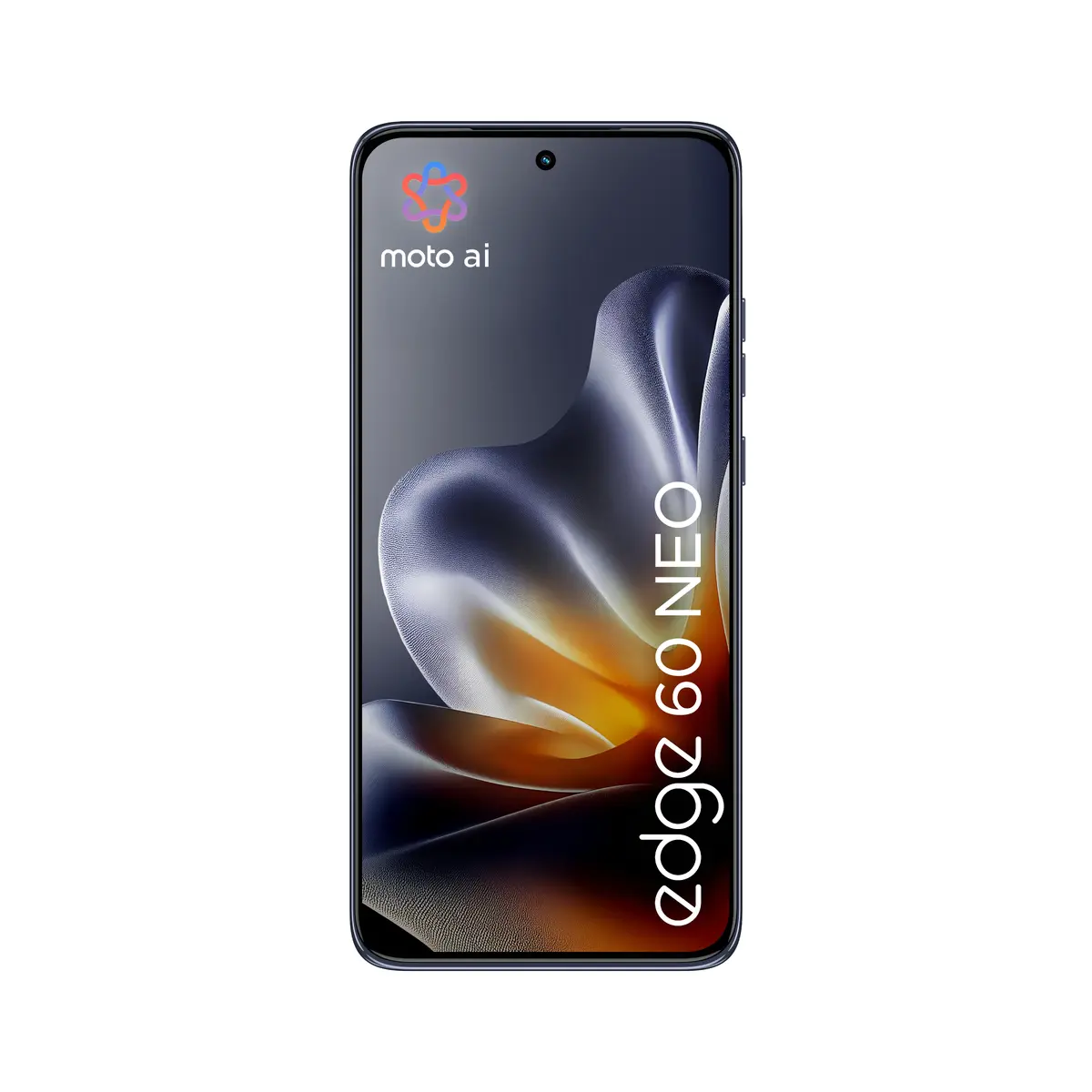
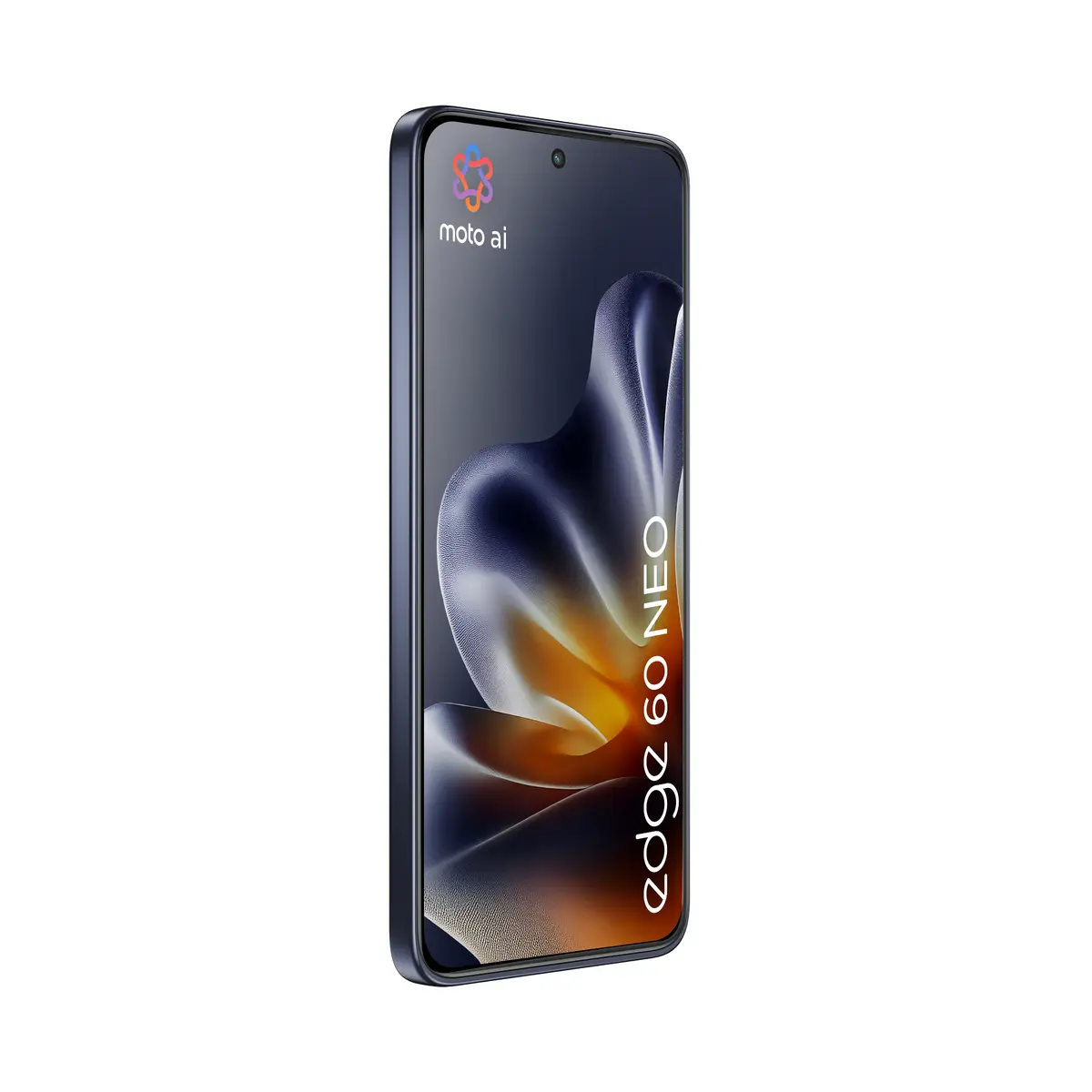
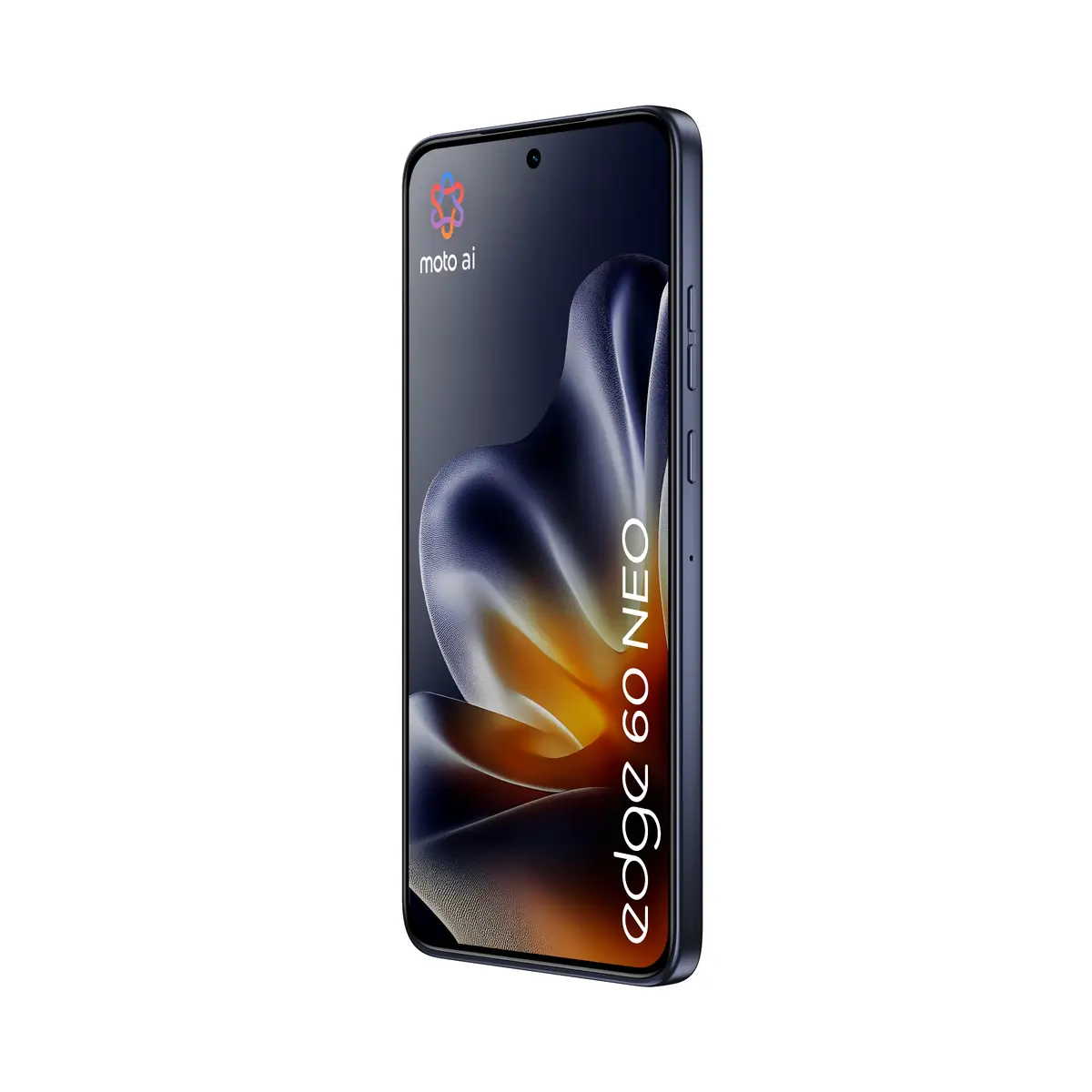
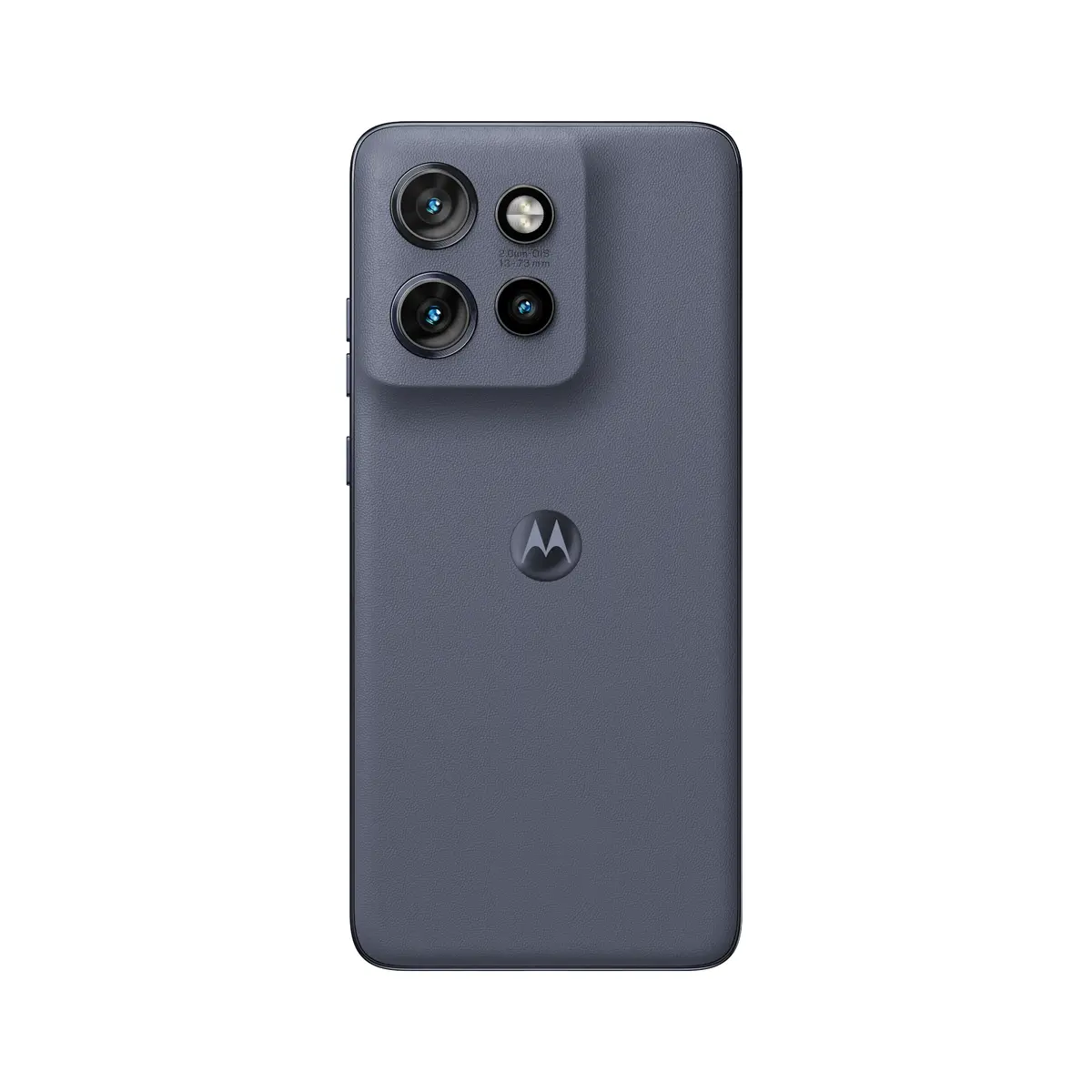
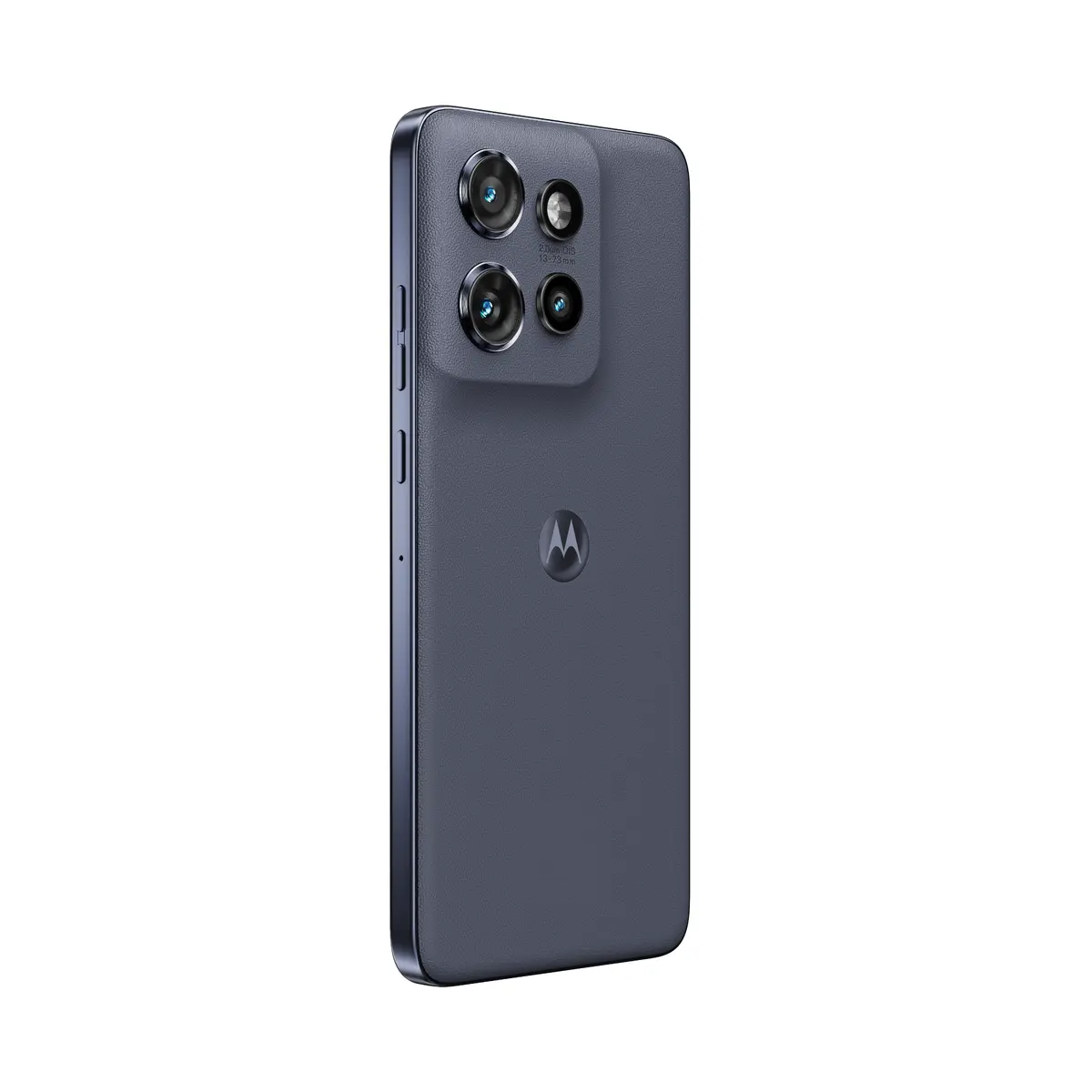
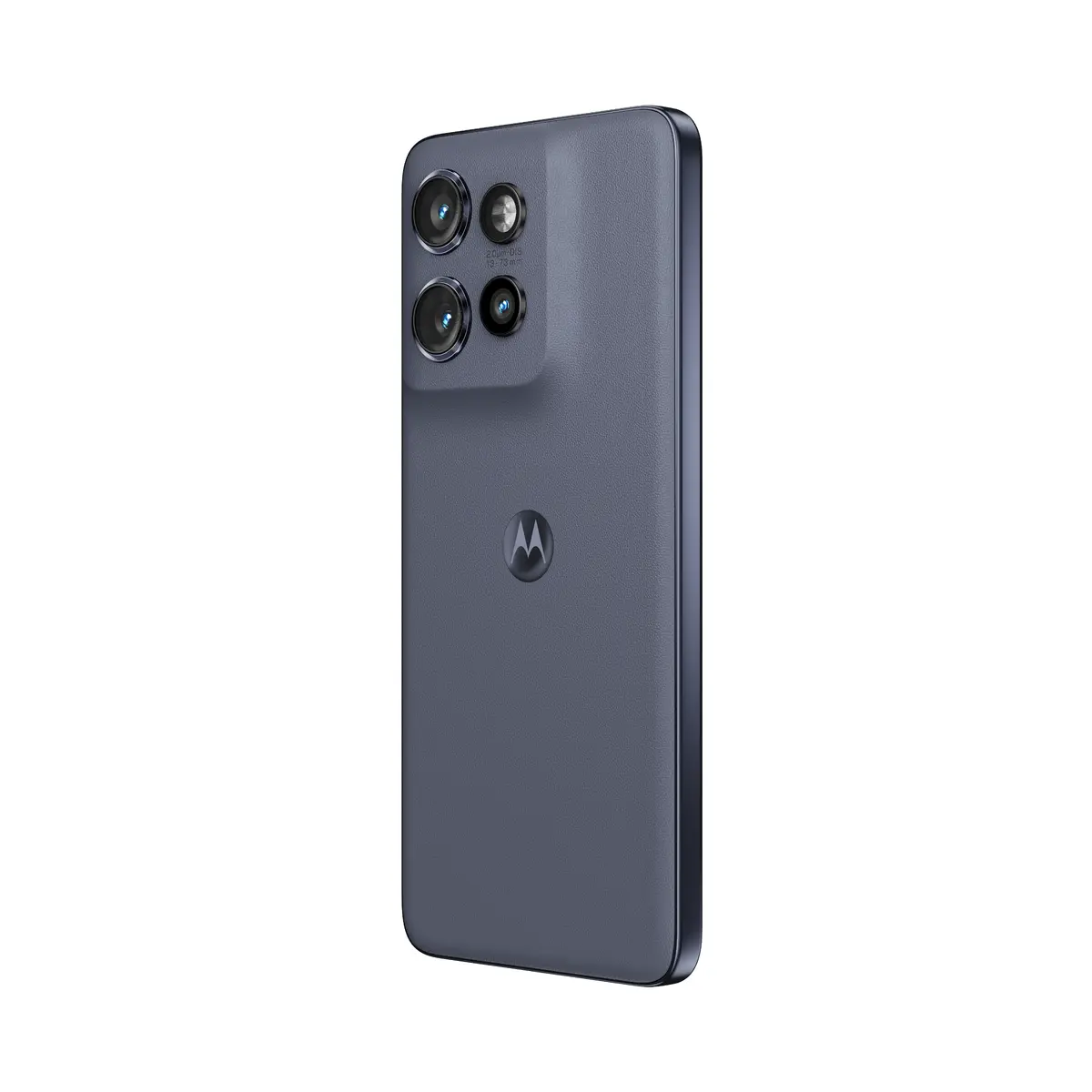
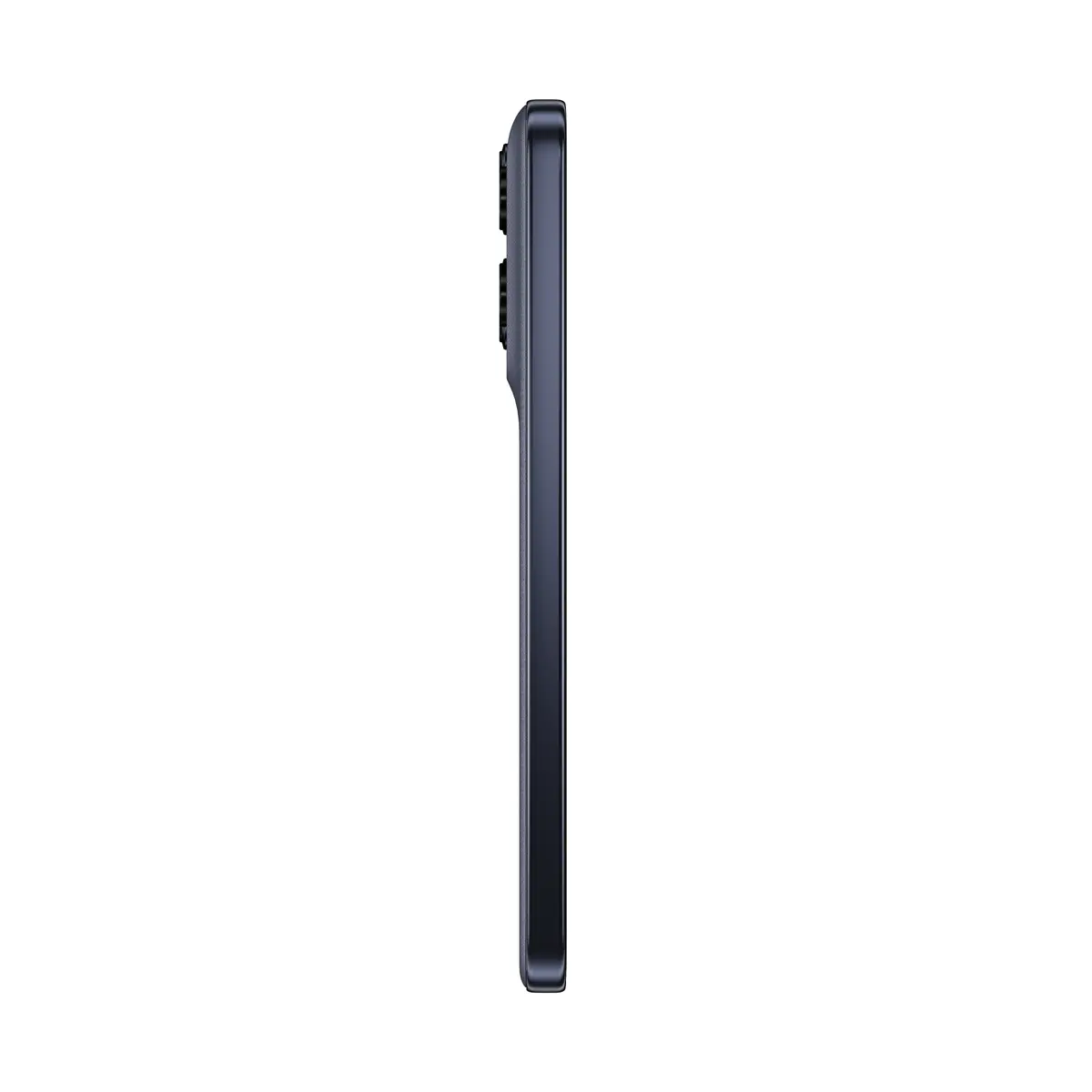
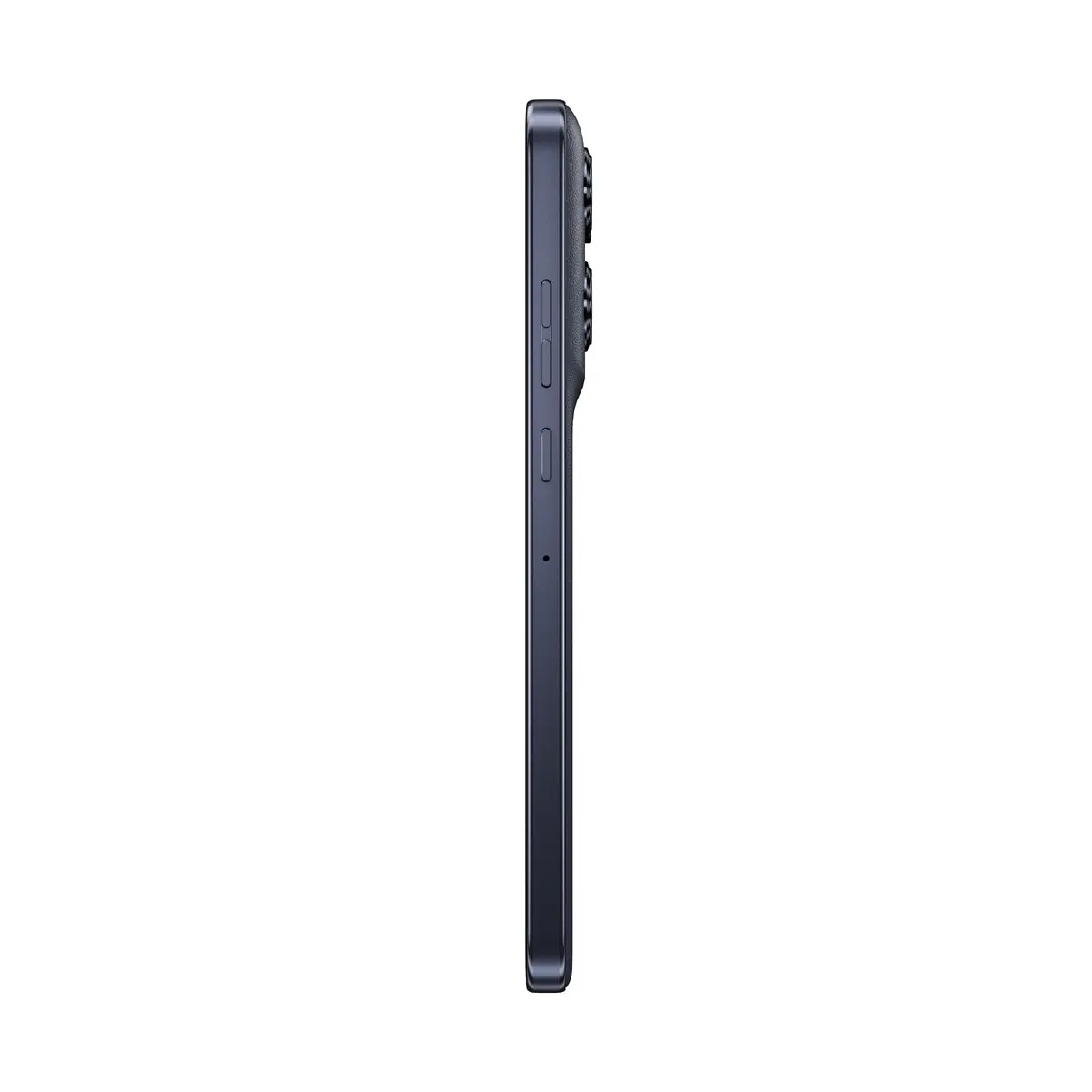
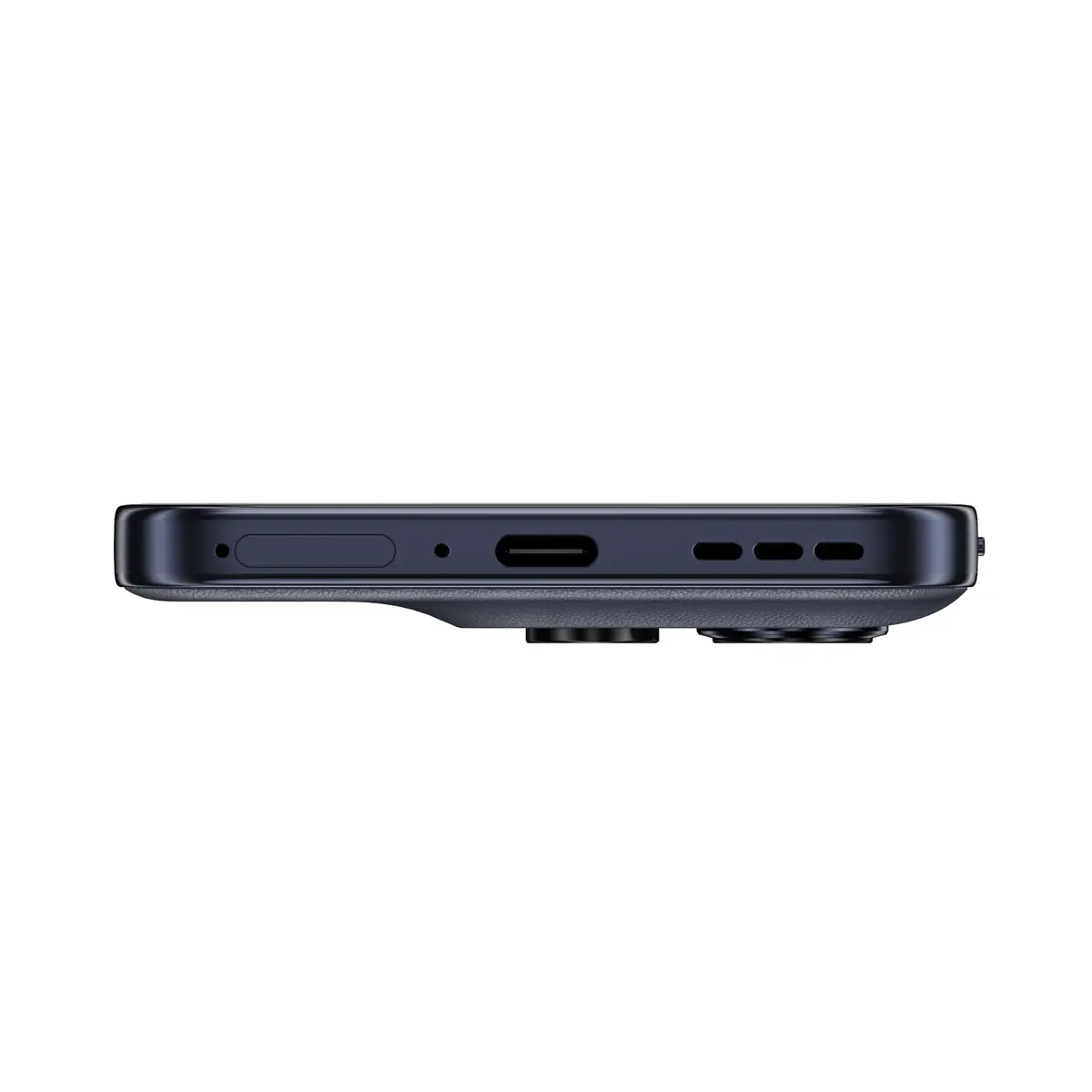
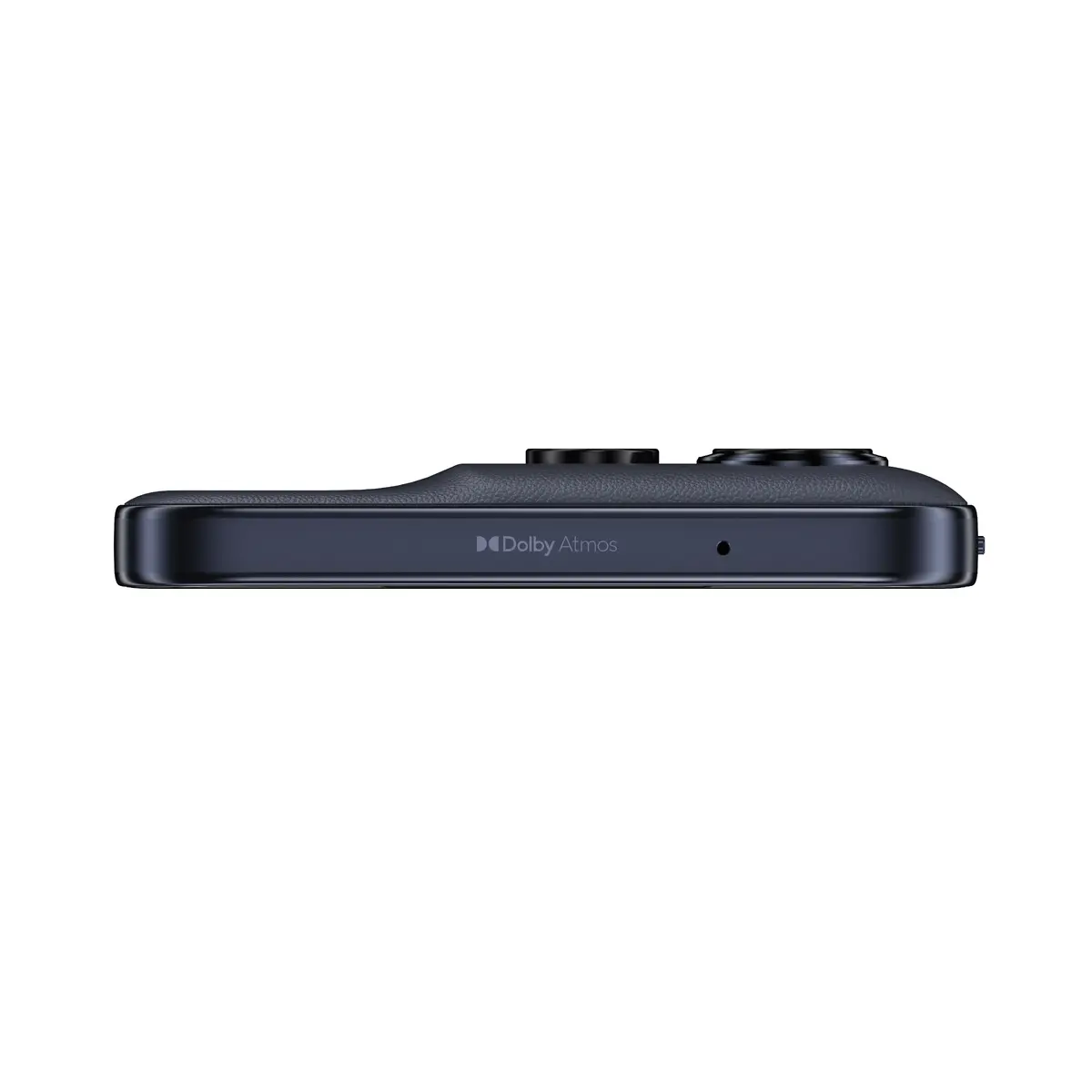
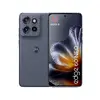
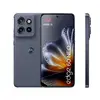
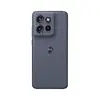
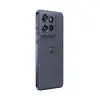
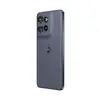
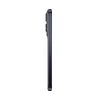
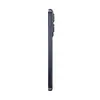
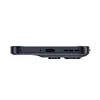
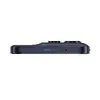
Motorola edge 60 Neo Smartphone, 6.36-inch Display, 8GB RAM, 256GB Storage, 5G, Android 15, 50MP Triple Camera, Grey
The Motorola edge 60 Neo is a high-performance 5G smartphone that combines a sleek, compact design with powerful hardware. Featuring a vibrant 6.36-inch display with a high resolution of 2670 x 1200 pixels, this device offers an immersive viewing experience. It is powered by the efficient MediaTek Dimensity 7400 processor, paired with 8GB of RAM and 256GB of internal storage, ensuring smooth multitasking and ample space for your apps and media. Running on Android 15, the phone provides a modern and intuitive user interface.
This smartphone stands out due to its robust build quality, featuring IP68 and IP69 ratings for superior water and dust resistance, making it highly durable in various environments. The 50MP triple rear camera system allows for versatile photography, while the 32MP front camera ensures high-quality selfies and video calls. With a large 5000 mAh battery, users can enjoy extended usage throughout the day. The device also supports dual SIM functionality, providing flexibility for managing personal and professional contacts on a single handset.
The Motorola edge 60 Neo may not be the ideal choice for users who require expandable storage, as it does not support external memory cards. Additionally, those looking for a device with a significantly larger screen size for specialized productivity tasks might find the 6.36-inch display limiting compared to larger phablet-style devices.
To begin using your Motorola edge 60 Neo, insert your SIM card into the designated tray and power on the device by holding the side button. Follow the on-screen setup wizard to connect to Wi-Fi, sign in to your Google account, and configure security settings such as fingerprint or face unlock. Once the initial setup is complete, you can customize your home screen, download applications from the store, and transfer data from your previous device using the built-in migration tools.
For optimal battery health, it is recommended to use the original charging equipment provided. Regularly update your Android 15 operating system to ensure you have the latest security patches and performance improvements. Keep the device clean by wiping it with a soft, lint-free cloth, especially after exposure to water or dust, to maintain the integrity of the IP68/IP69 seals.
{{highlightedFeature.featureTitle}}:
{{getProductFeatureValueById(product, highlightedFeature.featureId)}}
{{ productComparisonGenerationError }}
Device manufacturer code
Device manufacturer
iagonal of the visible part of the screen expressed in centimeters and inches.
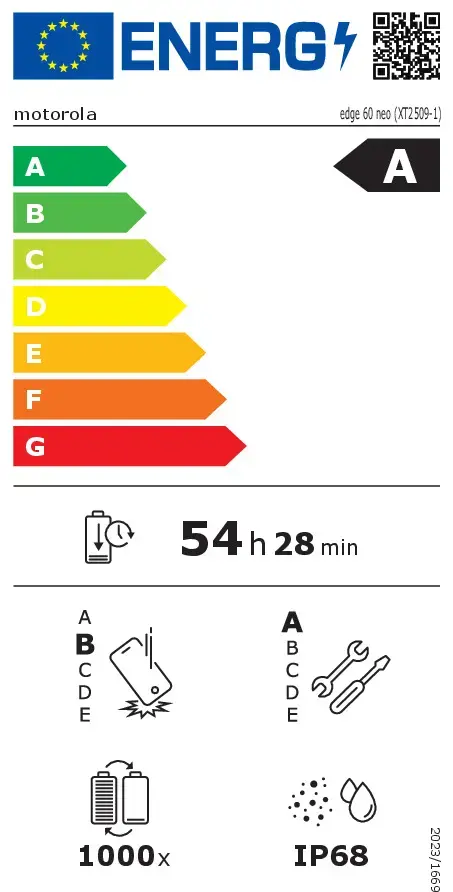
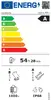
Rating of how efficiently a device uses energy, affecting power consumption and costs.
Device protection rating against dust and water according to the international IP standard.
Rating of how easy it is to disassemble and repair the device, including parts and manual availability.
Assessment of device durability after repeated drops from a specified height.
Number of full charge–discharge cycles the battery endures before its capacity significantly decreases.