






JBL speakers and headphones for pure and deep sound!
In cart {{totalProductsCount}} item(s)
Your cart is empty
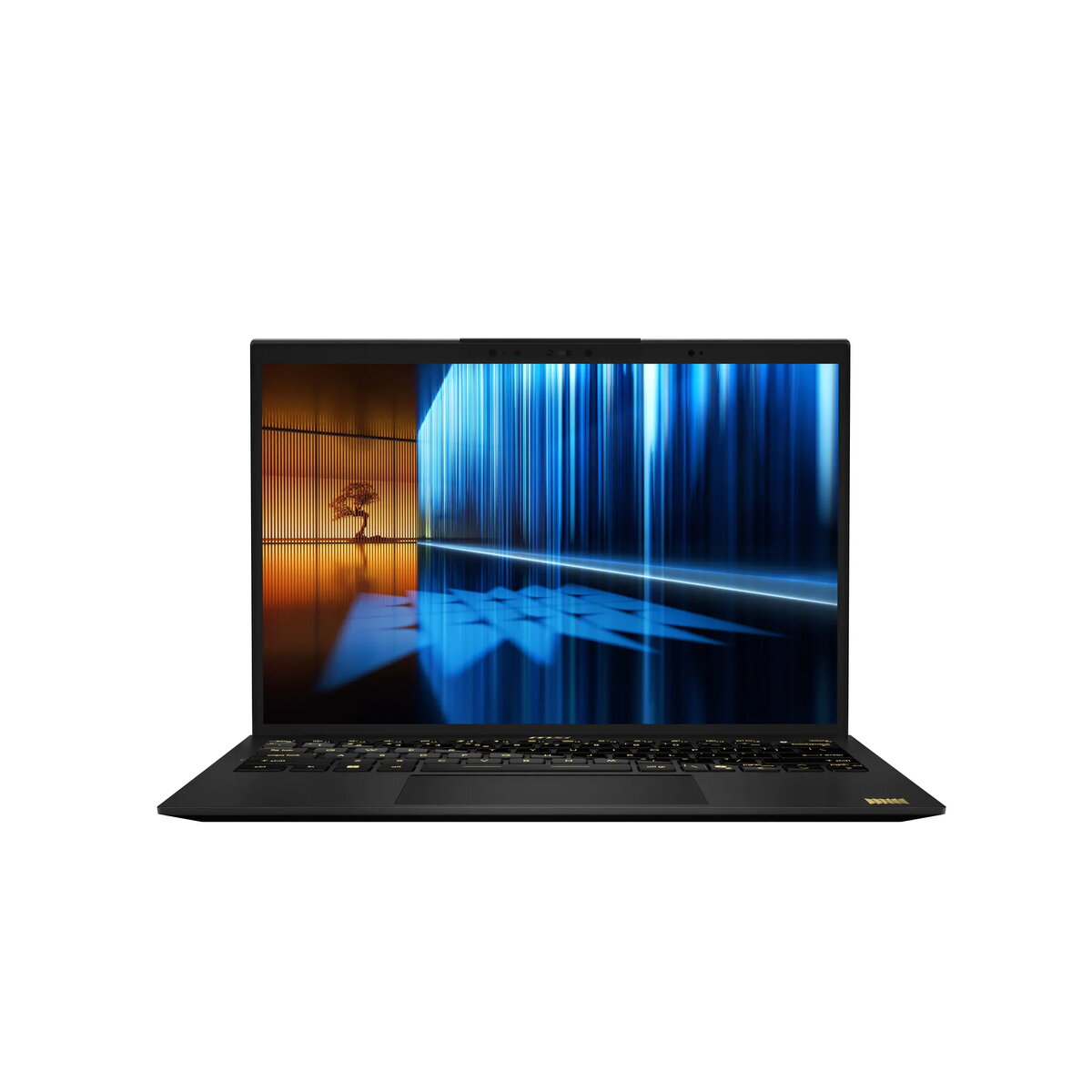
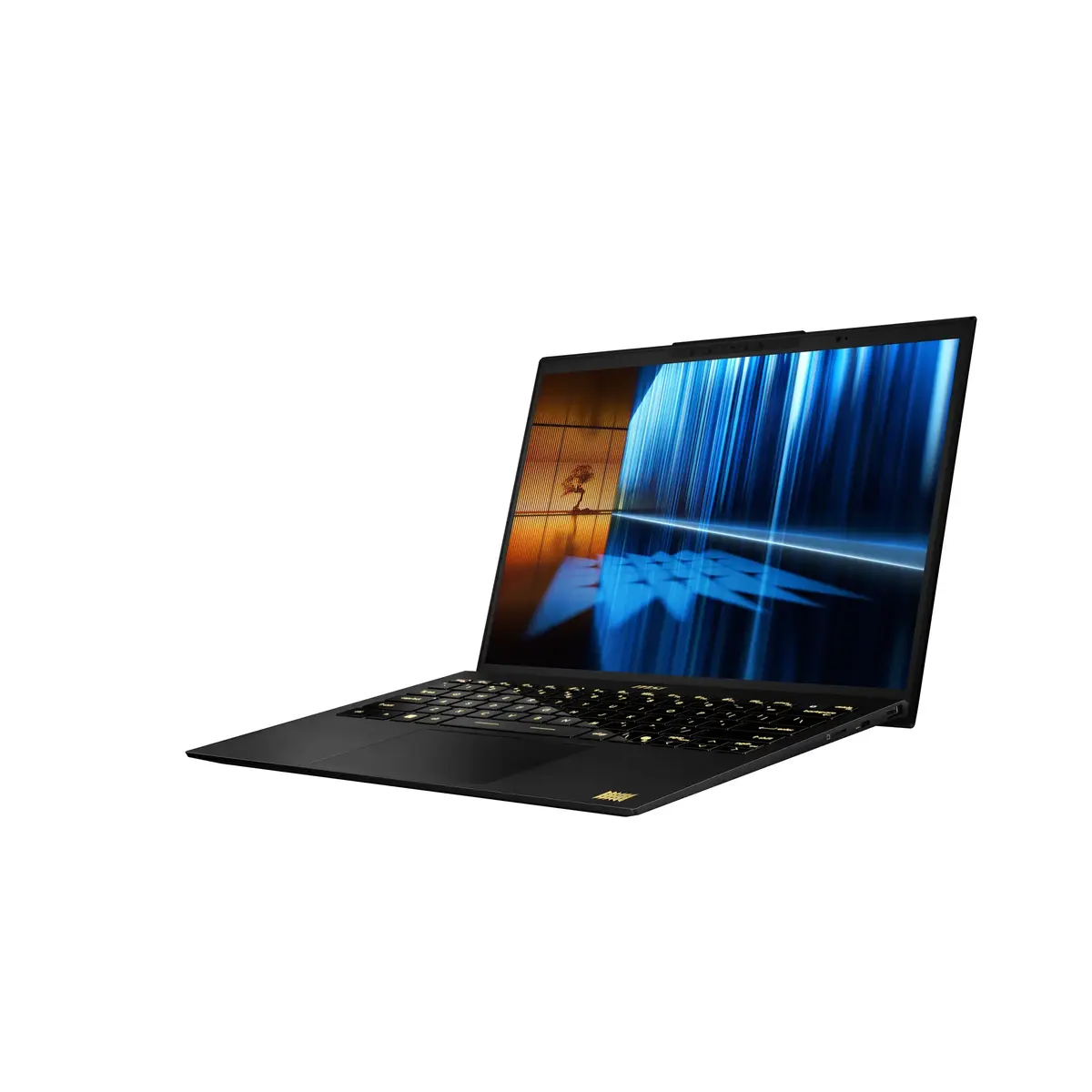
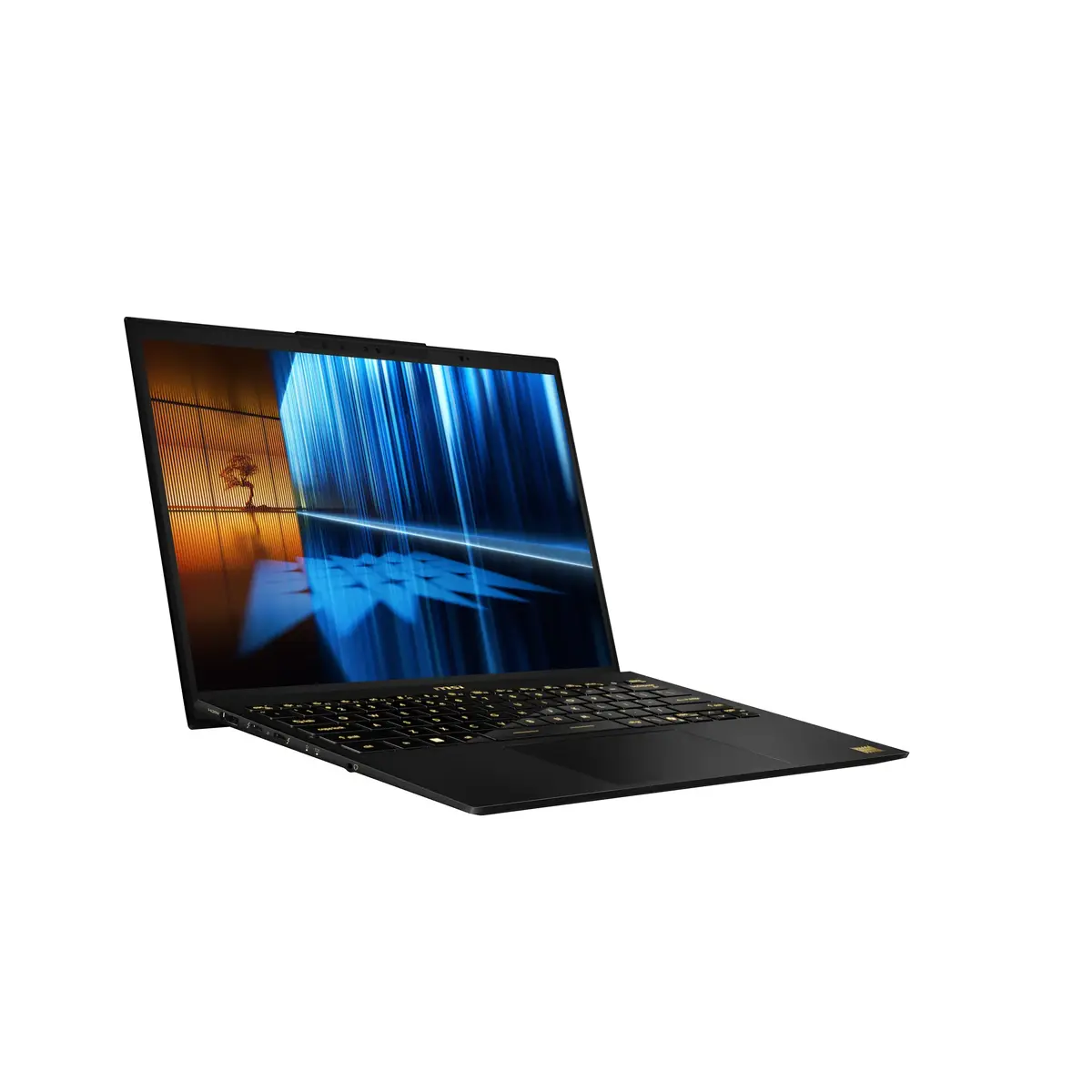
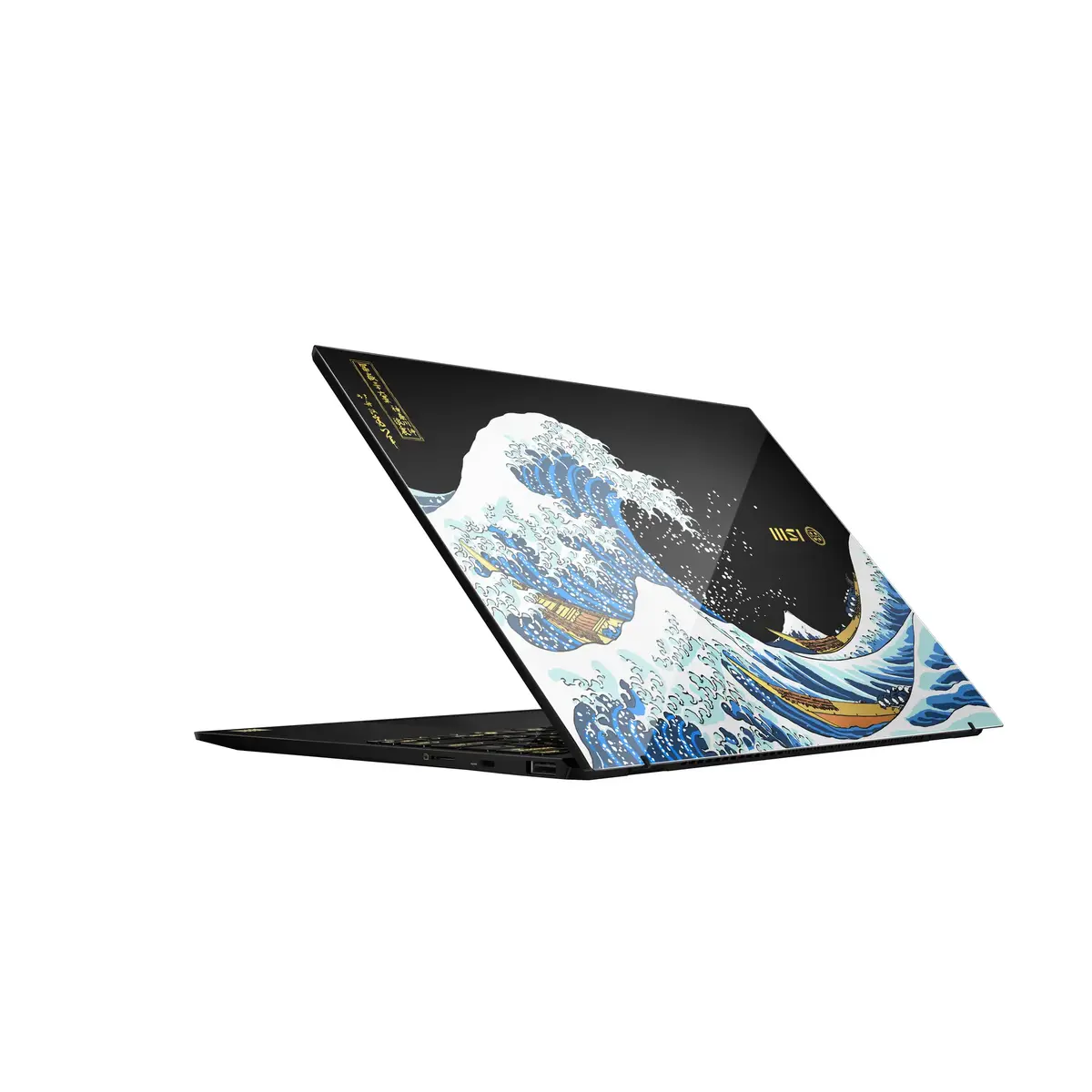
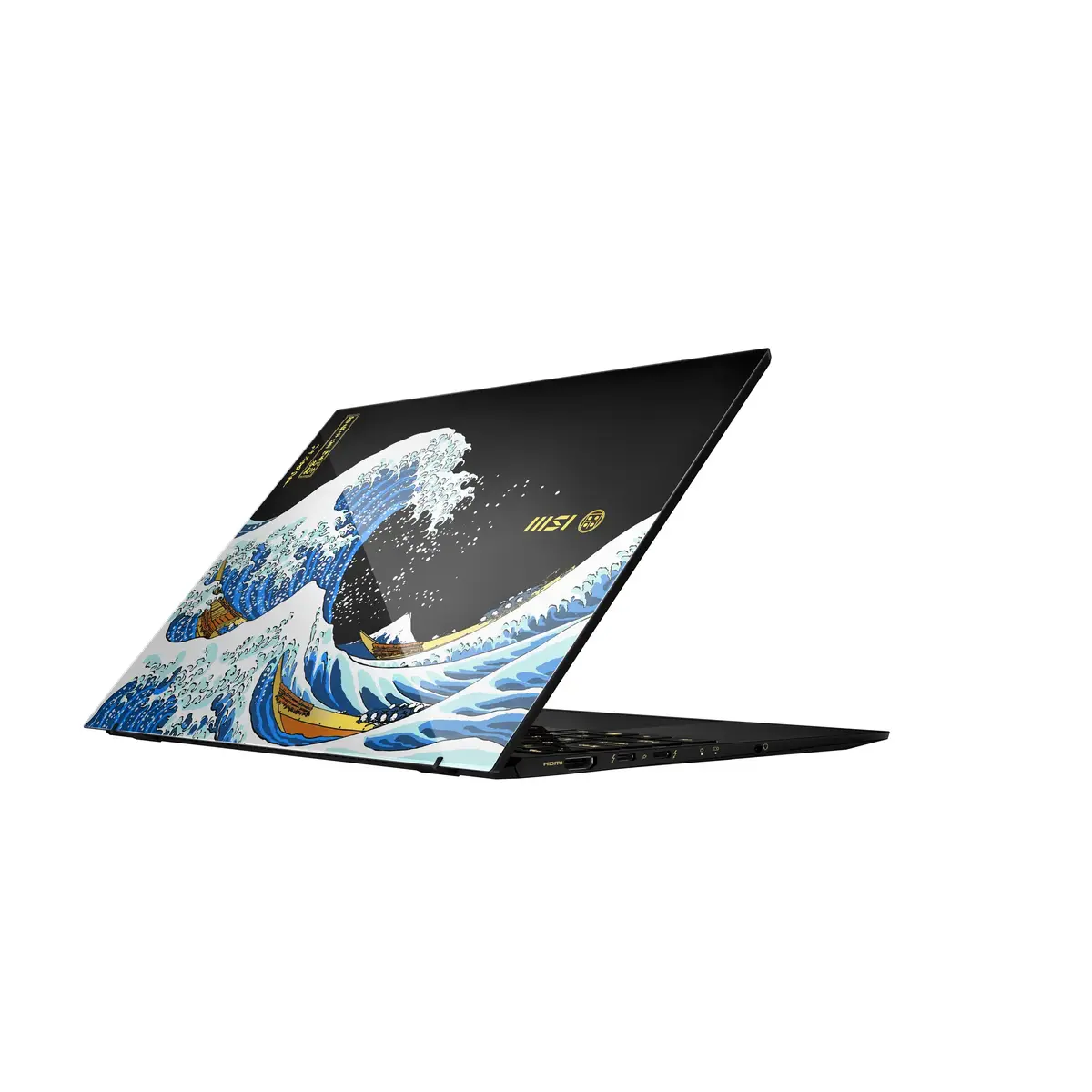
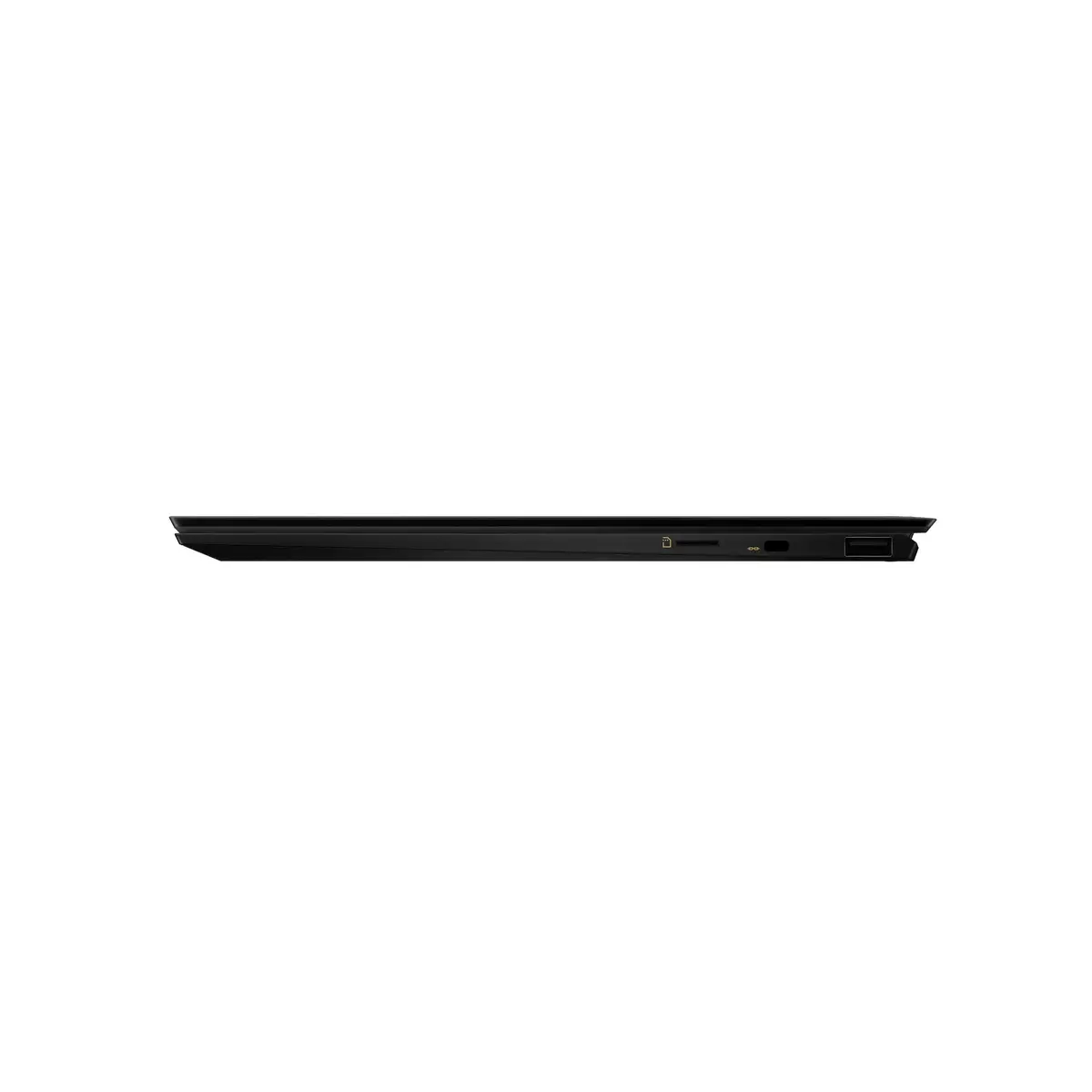
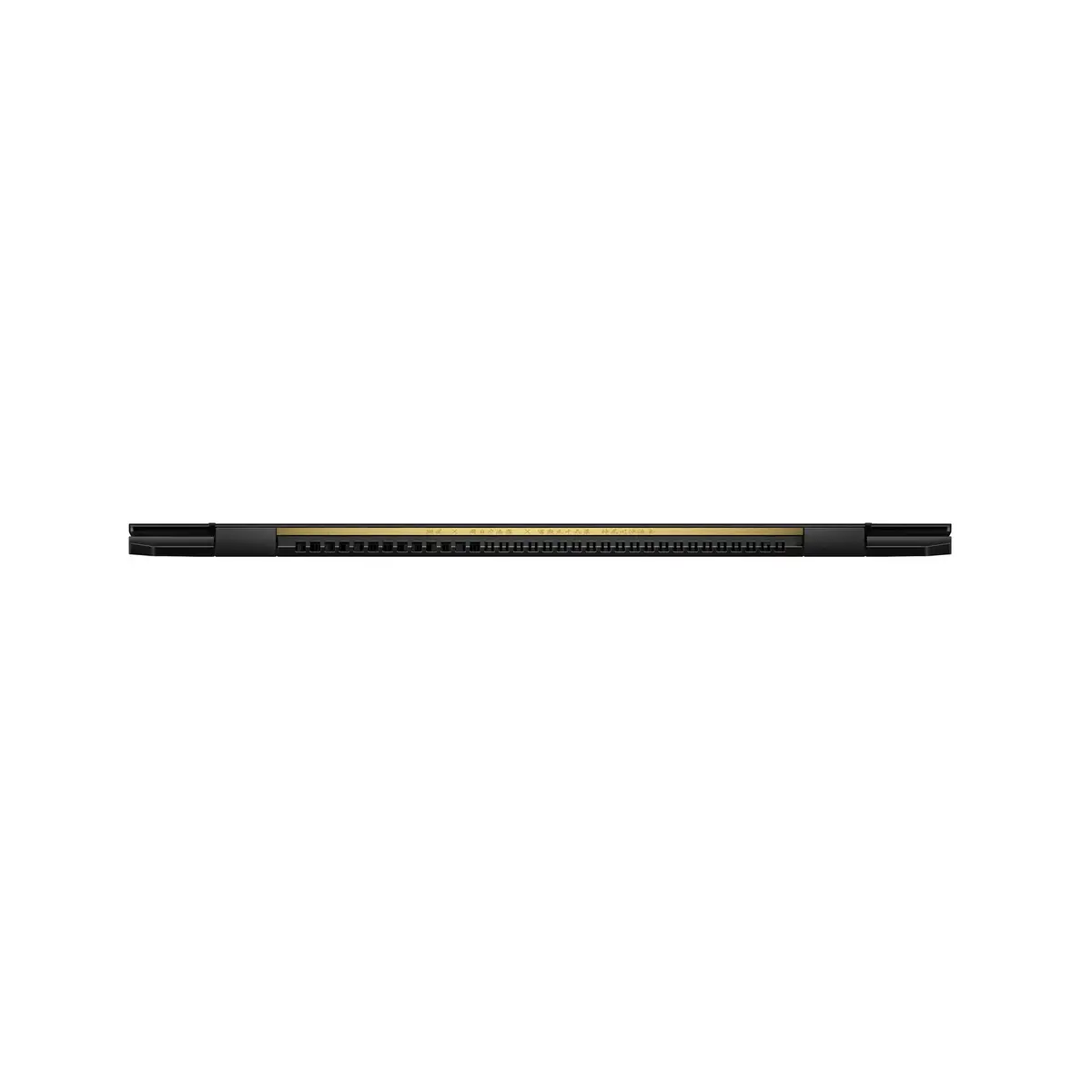
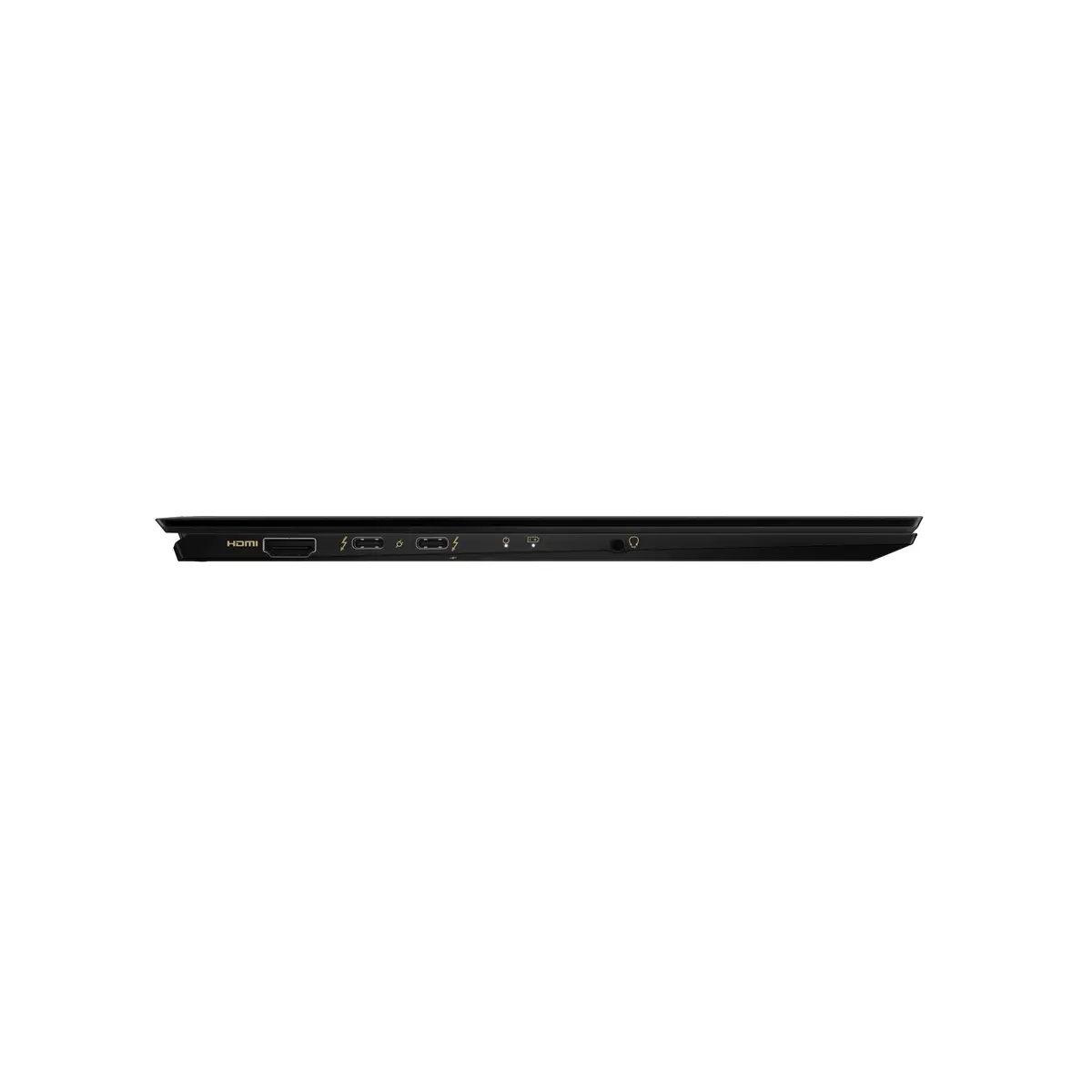
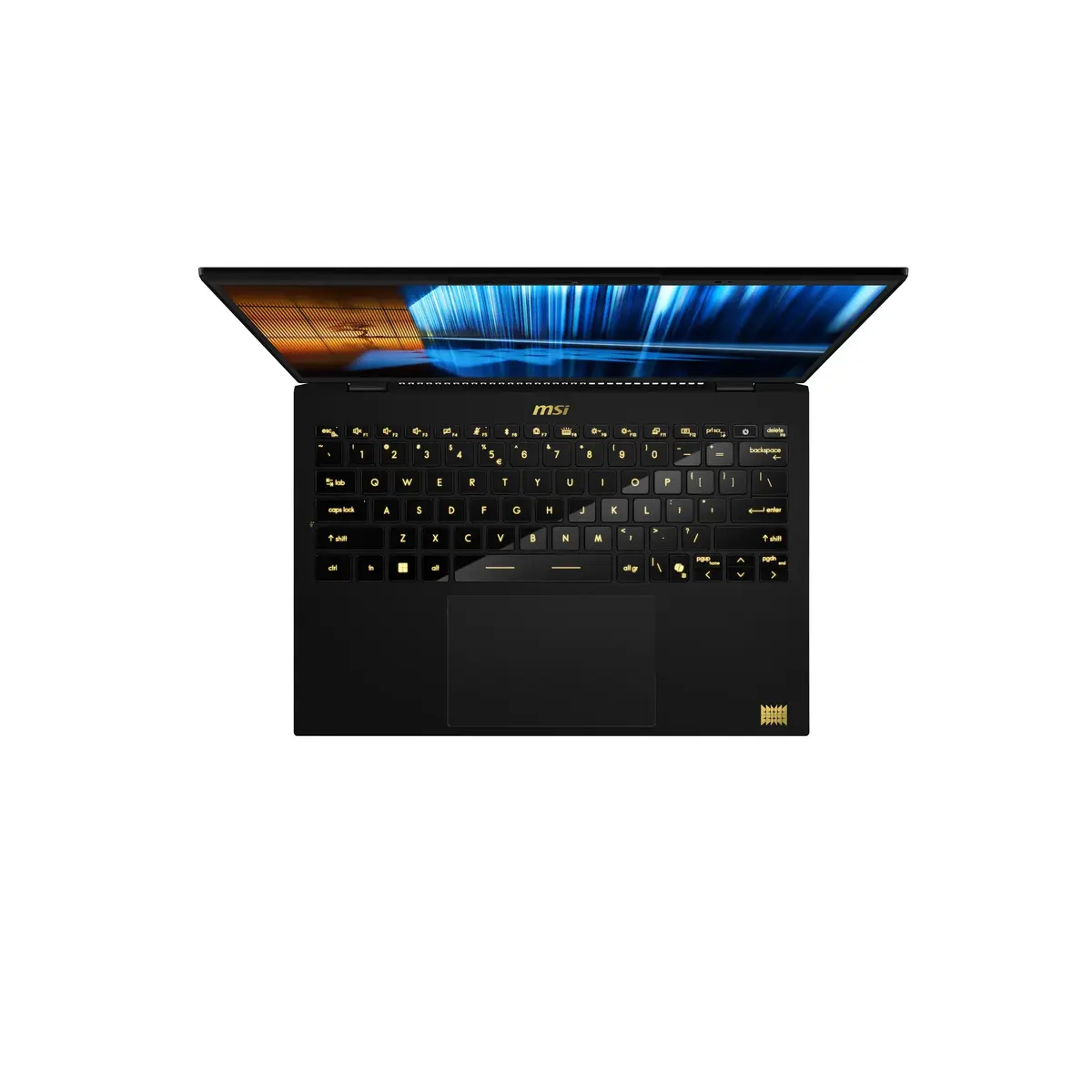
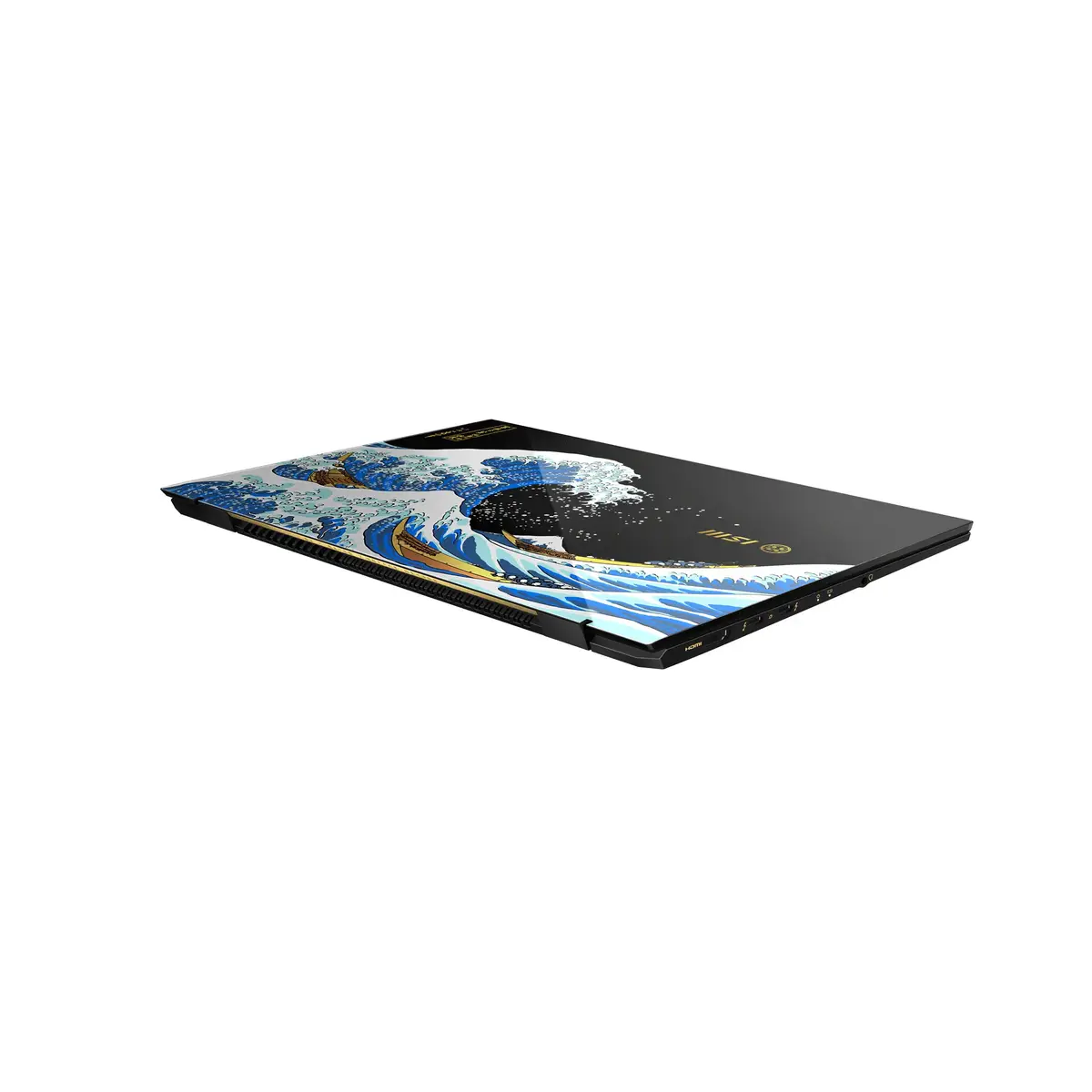
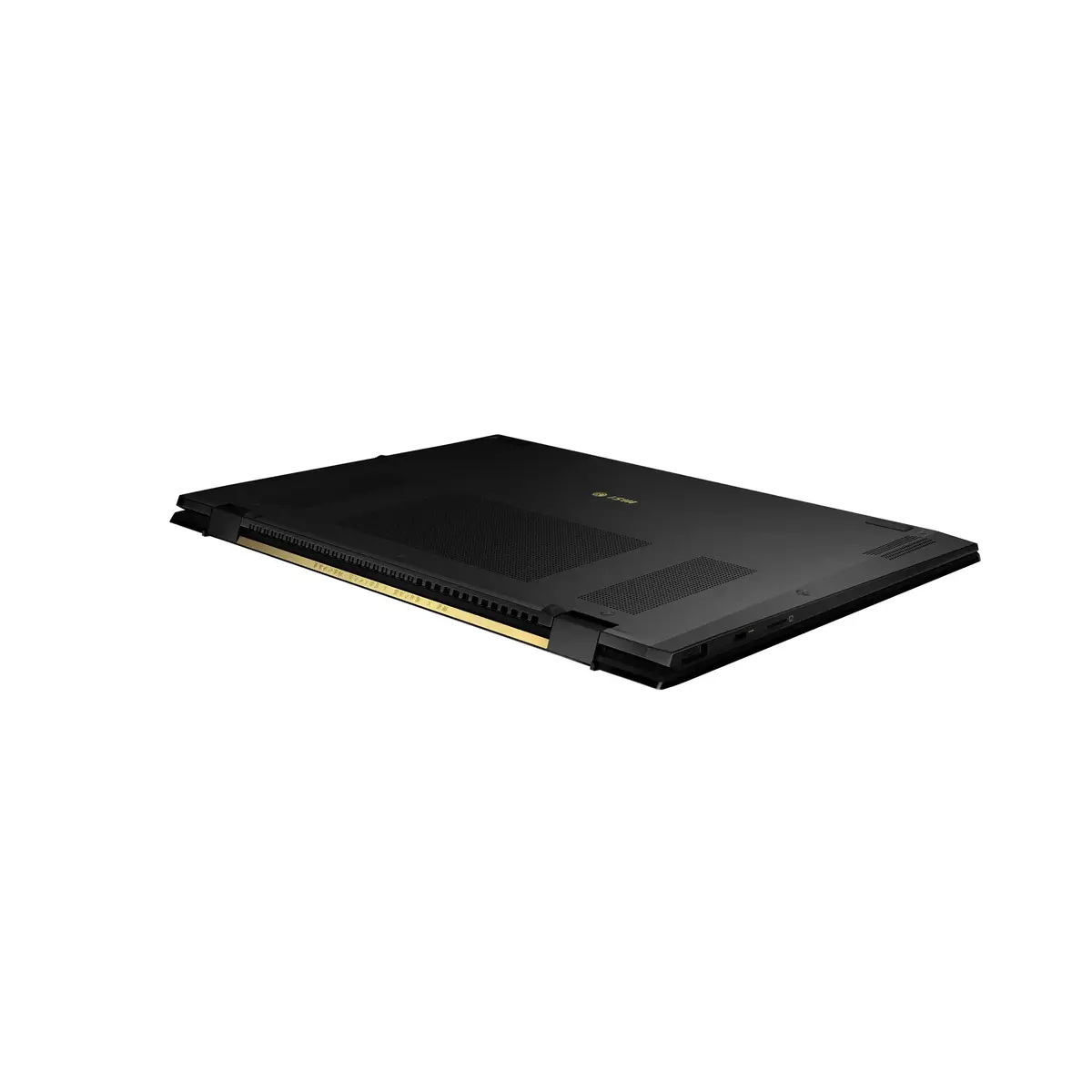
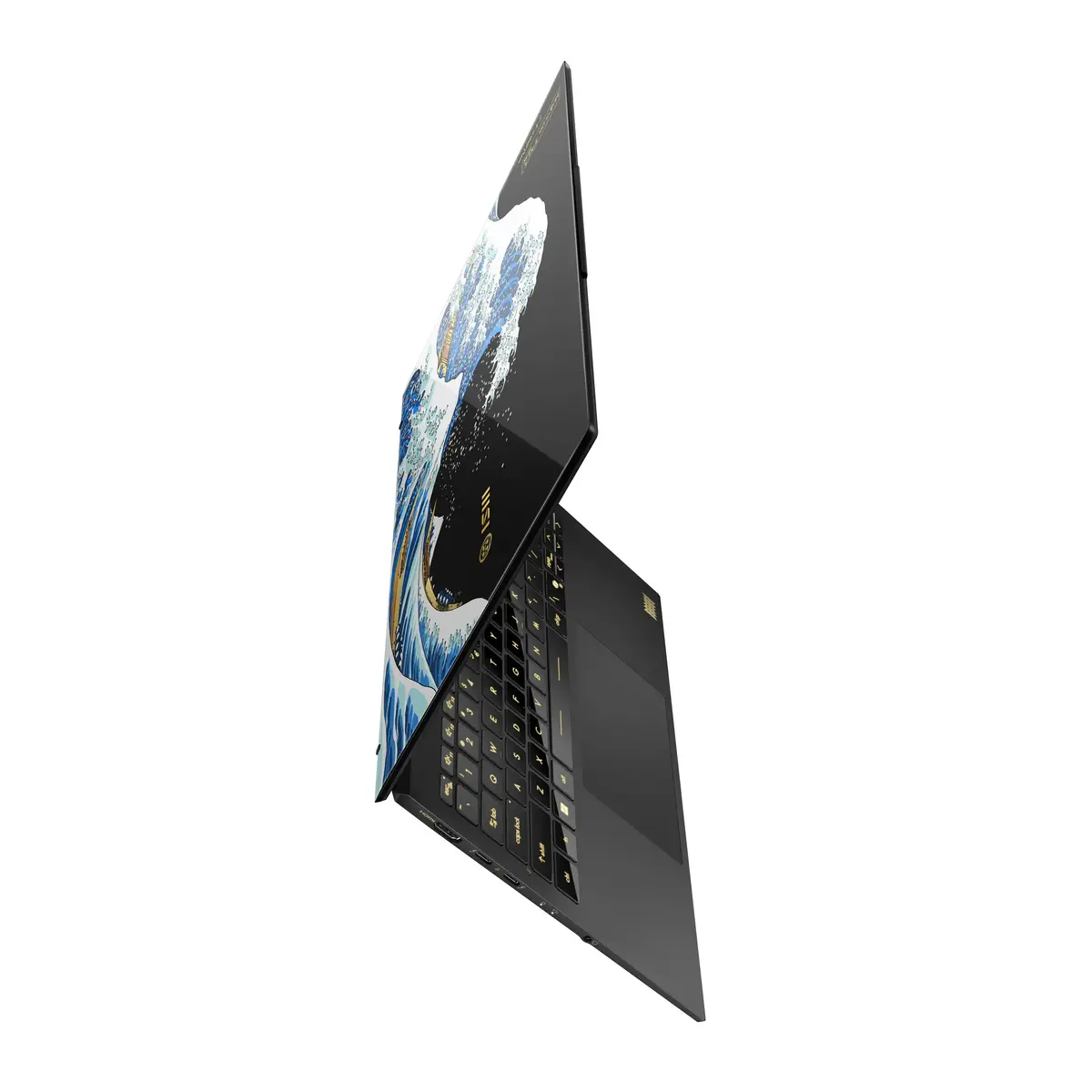
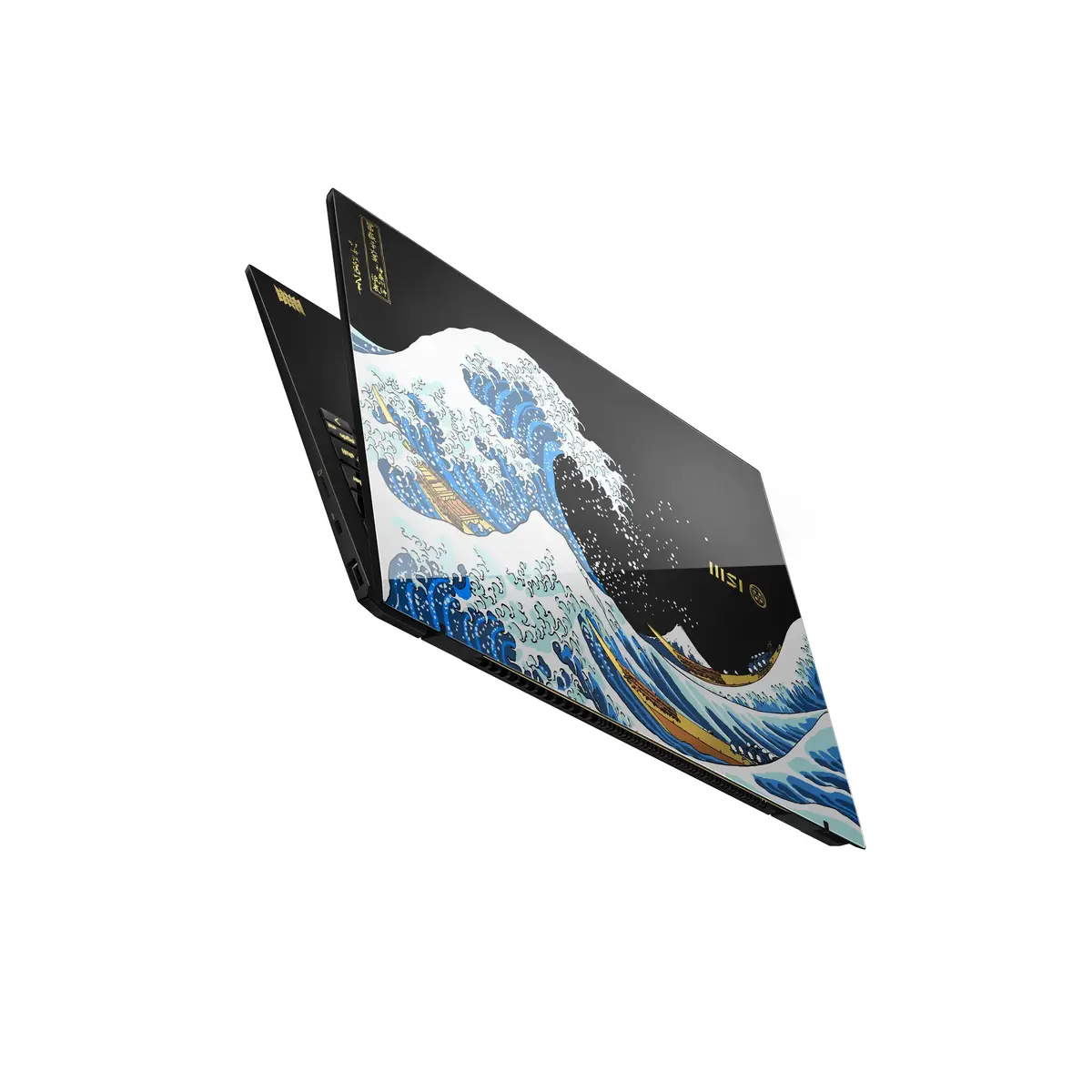
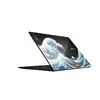
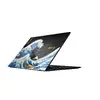
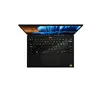
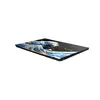
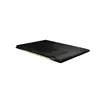
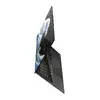
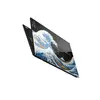
MSI Prestige 13 AI+ Ukiyoe Edition A2VMG-214 Laptop, Intel Core Ultra 9 288V, 32GB RAM, 2TB SSD, 13.3-inch 2.8K Display, Windows 11 Home
The MSI Prestige 13 AI+ Ukiyoe Edition A2VMG-214 is a premium, ultra-lightweight laptop designed for professionals who demand high performance in a highly portable form factor. Featuring the advanced Intel Core Ultra 9 288V processor and integrated Intel Arc Graphics 140V, this machine delivers exceptional speed and efficiency for demanding workflows. With its stunning 13.3-inch 2.8K display and a robust 32GB of LPDDR5x RAM, it provides a seamless experience for multitasking, creative projects, and business applications, all housed in a sophisticated grey chassis weighing less than one kilogram.
This laptop stands out due to its remarkable balance of power and portability. The inclusion of a high-capacity 2TB SSD ensures rapid data access and ample storage for large files, while the Copilot+ PC capabilities integrate artificial intelligence to enhance productivity. The 2.8K resolution display offers crisp, vibrant visuals that are ideal for detailed design work or high-definition media consumption. Furthermore, the lightweight construction makes it an excellent companion for frequent travelers, without compromising on the processing power required for complex computational tasks.
This device may not be suitable for users who require dedicated discrete graphics for heavy 3D rendering, professional-grade gaming, or specialized engineering simulations that demand high-end GPU performance. Additionally, those who prefer larger screen real estate for complex multi-window workflows might find the 13.3-inch display limiting without the use of an external monitor.
To begin using the MSI Prestige 13 AI+ Ukiyoe Edition, simply power on the device and follow the initial Windows 11 setup prompts to configure your user account and network settings. Once initialized, you can leverage the pre-installed software and AI features to optimize your workflow. Ensure the laptop is charged using the provided power adapter for the best performance during initial updates and software installations.
For optimal battery longevity and system performance, it is recommended to keep the laptop firmware and Windows drivers updated regularly through the official MSI support channels.
{{highlightedFeature.featureTitle}}:
{{getProductFeatureValueById(product, highlightedFeature.featureId)}}
{{ productComparisonGenerationError }}