
Hurry and order now – up to 50% off!
In cart {{totalProductsCount}} item(s)
Your cart is empty
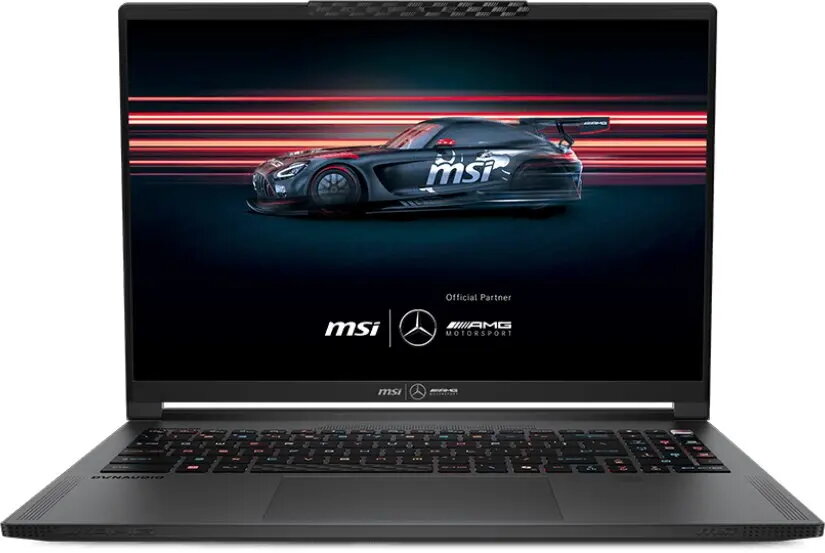
Laptop MSI Stealth A16 AI+ 16 QHD+ OLED 240Hz AMD Ryzen 9 HX 32GB DDR5 2TB SSD NVIDIA GeForce RTX 5070 Windows 11 Home
The MSI Stealth A16 AI+ is a high-performance laptop built for demanding gaming and professional workloads. It combines a 16-inch QHD+ OLED panel with a 240Hz refresh rate to deliver crisp colors, deep contrast and fluid motion for fast-paced games and detailed creative work. The system pairs a high-end AMD Ryzen 9 HX mobile processor with 32GB of DDR5 memory and a 2TB solid-state drive to provide responsive multitasking, fast application loading and ample local storage. A dedicated NVIDIA GeForce RTX 5070 GPU accelerates real-time 3D rendering, video editing and AI-assisted workflows while Windows 11 Home offers a familiar, modern desktop environment.
The combination of an OLED QHD+ display and a 240Hz refresh rate provides both high resolution and low-latency visuals suitable for competitive gaming and color-critical content creation. High-capacity DDR5 memory and a large NVMe SSD ensure smooth multitasking and quick data access for large projects. The mobile Ryzen 9 HX CPU together with the RTX 5070 GPU delivers strong single-thread and multi-thread performance as well as hardware-accelerated graphics and ray tracing support where applicable. Designed with a balanced thermal and performance profile, the laptop supports extended intensive use while maintaining consistent system responsiveness.
Power on the laptop and follow the on-screen Windows 11 Home setup steps to configure your user account, network and privacy settings. Install required drivers from MSI or through Windows Update to ensure optimal GPU and chipset performance. For gaming or creative work, install your applications, game clients or professional software and configure graphics settings according to performance targets — prioritize higher refresh rates for competitive play or higher visual quality for content creation. Use the preinstalled power and thermal-management utilities, when available, to select performance profiles that match current workloads.
To maintain peak performance, keep system drivers and firmware updated, use SSD-friendly power settings when performing heavy disk I/O, and allow adequate ventilation during extended high-load sessions. For color-critical work, calibrate the OLED display with a hardware calibrator and use application color-management workflows. When gaming on battery, expect reduced GPU performance — connect to mains power for full performance.
{{highlightedFeature.featureTitle}}:
{{getProductFeatureValueById(product, highlightedFeature.featureId)}}
{{ productComparisonGenerationError }}