

Hurry and order now – up to 50% off!
In cart {{totalProductsCount}} item(s)
Your cart is empty
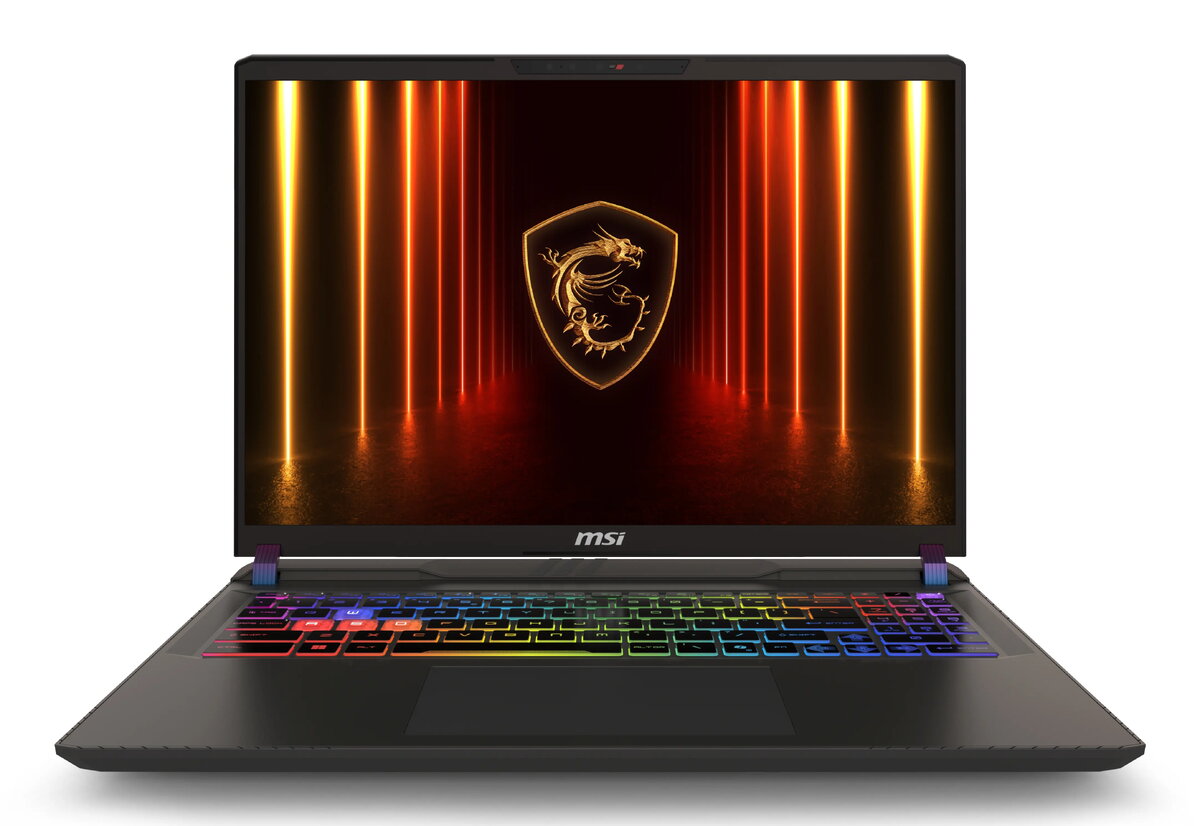
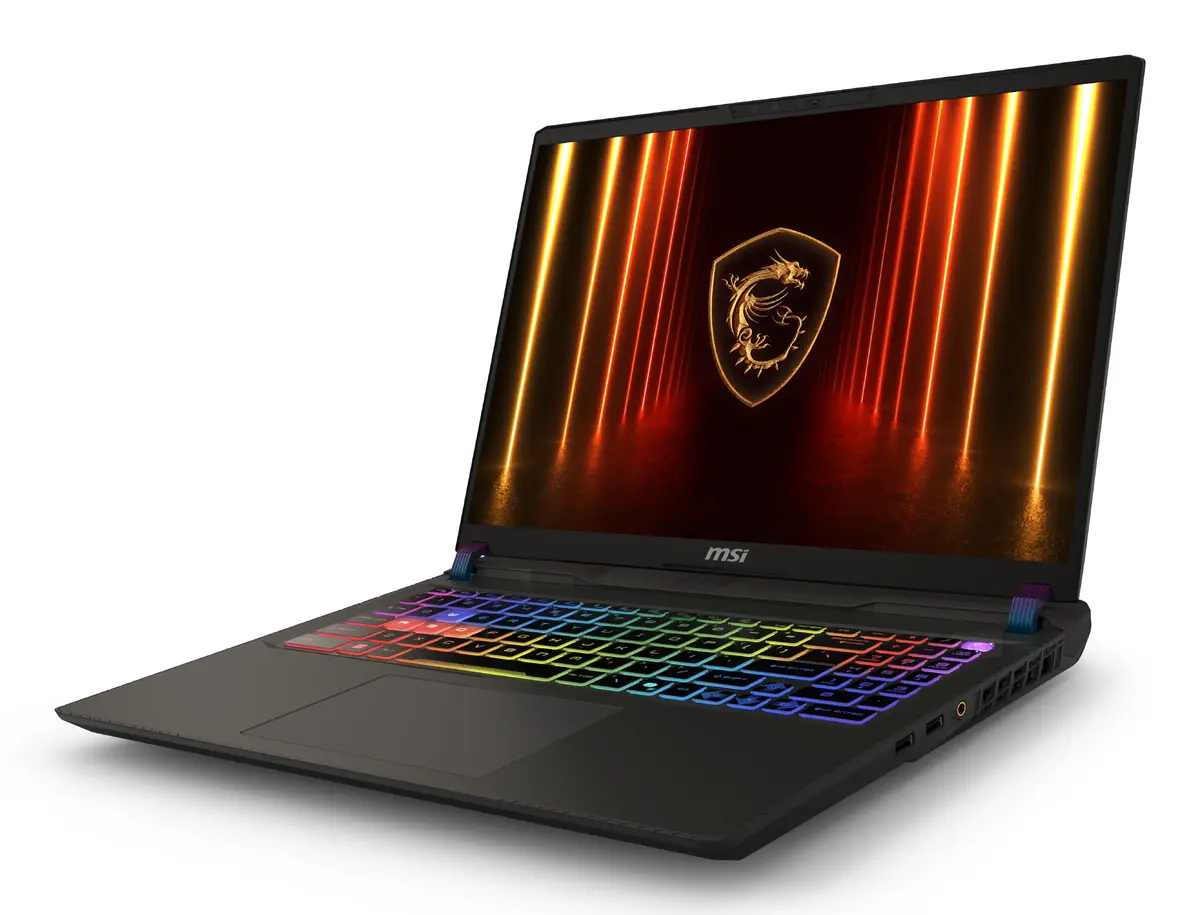
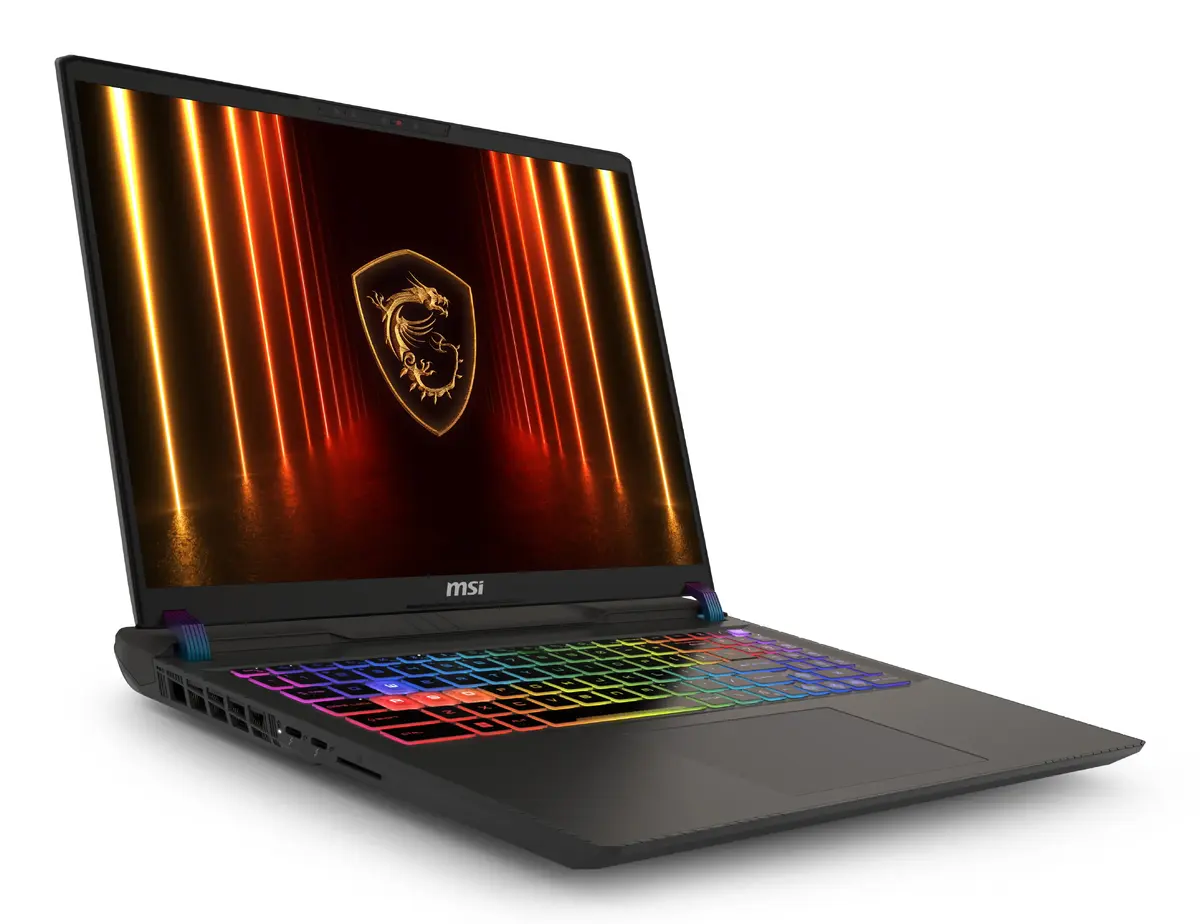
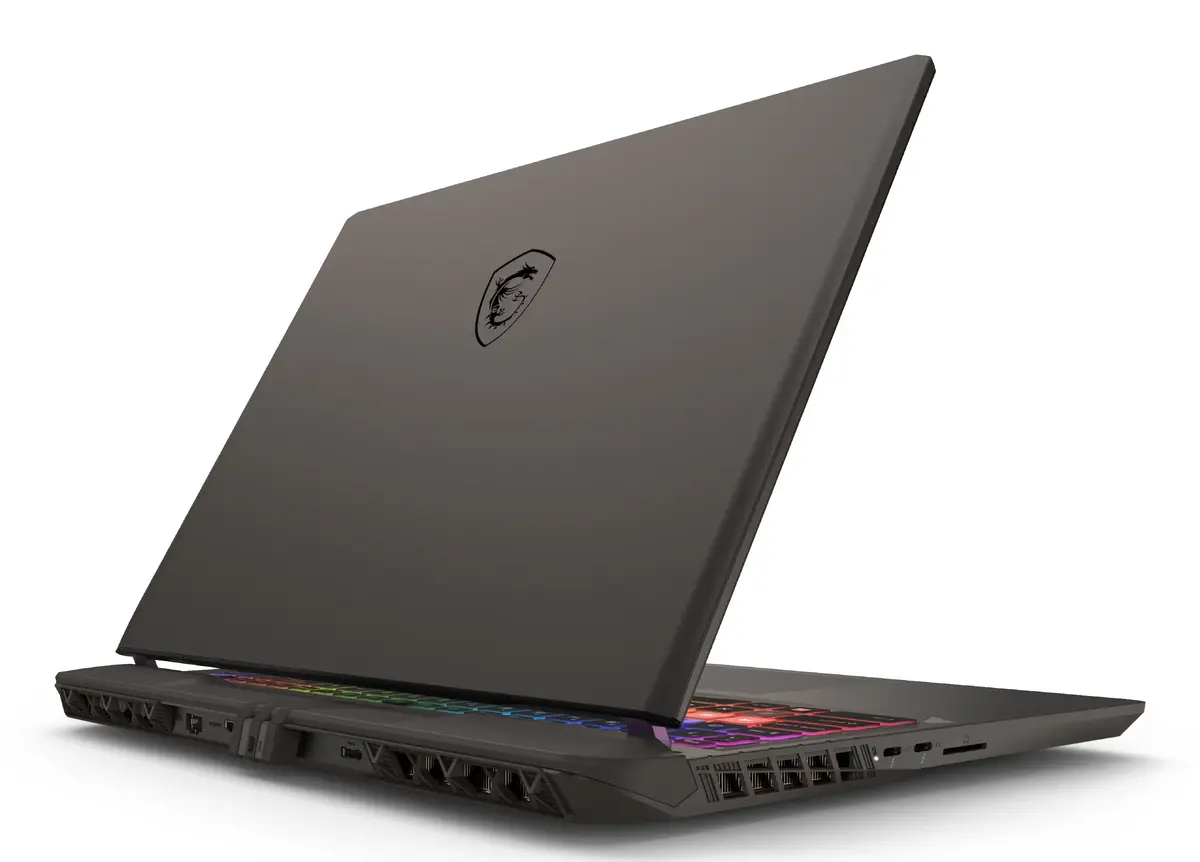
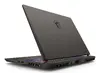
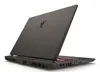
MSI Vector 16 HX AI A2XWHG-476 Laptop, 16" Quad HD+, Intel Core Ultra 9 275HX, 16GB RAM, 1TB SSD, NVIDIA GeForce RTX 5070 Ti, Windows 11 Home, Grey
The MSI Vector 16 HX AI A2XWHG-476 is a high-performance laptop engineered for users who require significant computing power and graphical precision. Featuring a 16-inch Quad HD+ display with a 2560 x 1600 resolution, this device offers sharp visuals and a spacious workspace. At its core, it utilizes the Intel Core Ultra 9 275HX processor paired with 16GB of DDR5 RAM, ensuring smooth multitasking and rapid data processing. With a dedicated NVIDIA GeForce RTX 5070 Ti graphics card and a 1TB SSD, it provides the necessary hardware to handle intensive applications, modern gaming, and complex creative workflows in a durable, grey clamshell chassis.
The primary strength of the MSI Vector 16 HX AI lies in its balanced combination of high-end processing power and advanced graphics capabilities. The inclusion of the Intel Core Ultra 9 processor allows for efficient handling of demanding software, while the NVIDIA GeForce RTX 5070 Ti ensures high frame rates and superior rendering performance. The 16-inch Quad HD+ display provides an immersive viewing experience with high pixel density, making it ideal for detailed work. Furthermore, the use of fast DDR5 memory and a high-capacity SSD significantly reduces load times and improves overall system responsiveness, providing a reliable foundation for professional and recreational use.
This laptop may not be the ideal choice for users who prioritize extreme portability, as its weight of 2.7 kg and high-performance cooling requirements make it bulkier than ultrabook alternatives. Additionally, those seeking a device primarily for basic office tasks or casual web browsing may find the hardware specifications exceed their actual requirements.
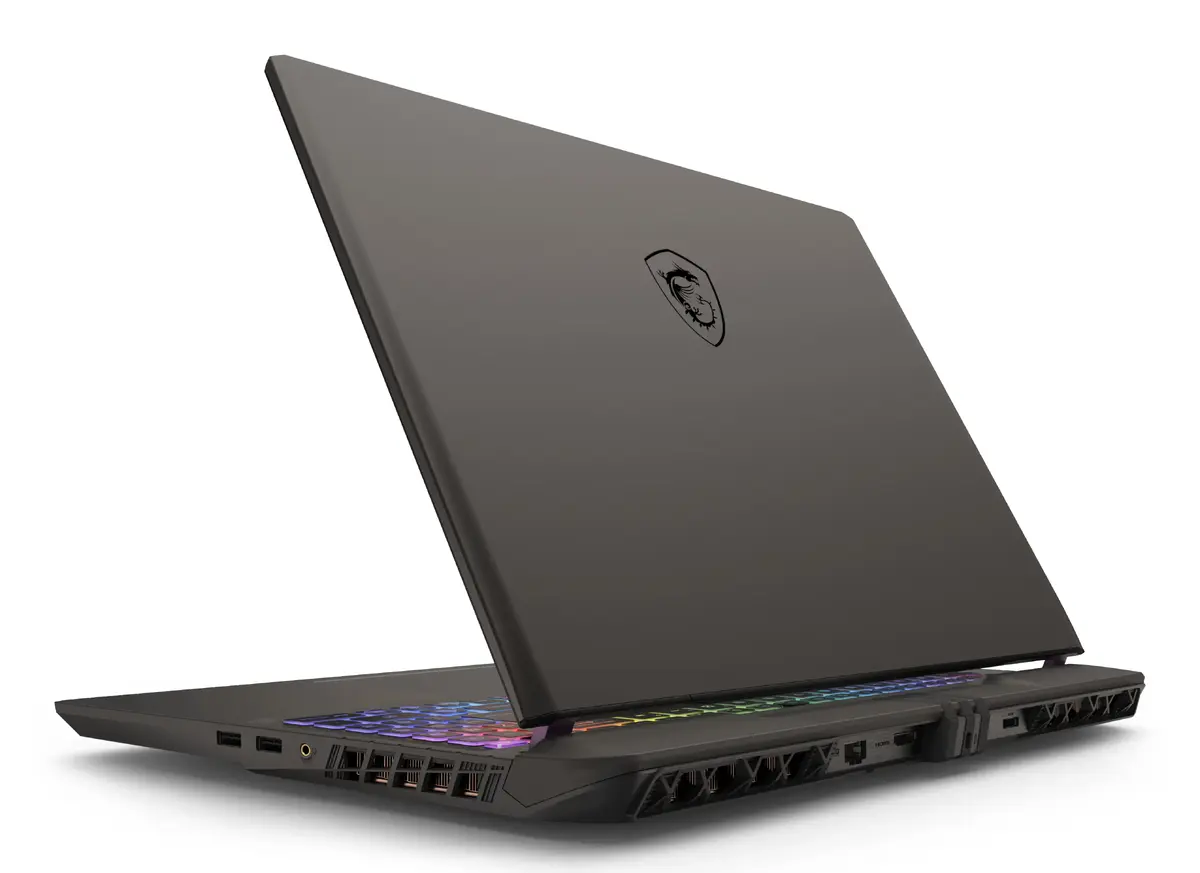
To begin using the MSI Vector 16 HX AI, connect the provided power adapter to the device and a stable power source. Upon initial startup, follow the on-screen instructions provided by the Windows 11 Home setup wizard to configure your user profile, network settings, and security preferences. Once the operating system is initialized, it is recommended to run the pre-installed update software to ensure all drivers and firmware are current. For optimal performance during intensive tasks, ensure the laptop is placed on a flat, hard surface to allow for proper airflow through the cooling vents.
For the best performance during gaming or heavy rendering, always keep the laptop connected to the power adapter to ensure the processor and graphics card can draw sufficient wattage. Regularly clean the air vents to prevent dust accumulation and maintain optimal thermal efficiency.
{{highlightedFeature.featureTitle}}:
{{getProductFeatureValueById(product, highlightedFeature.featureId)}}
{{ productComparisonGenerationError }}