

Hurry and order now – up to 50% off!
In cart {{totalProductsCount}} item(s)
Your cart is empty
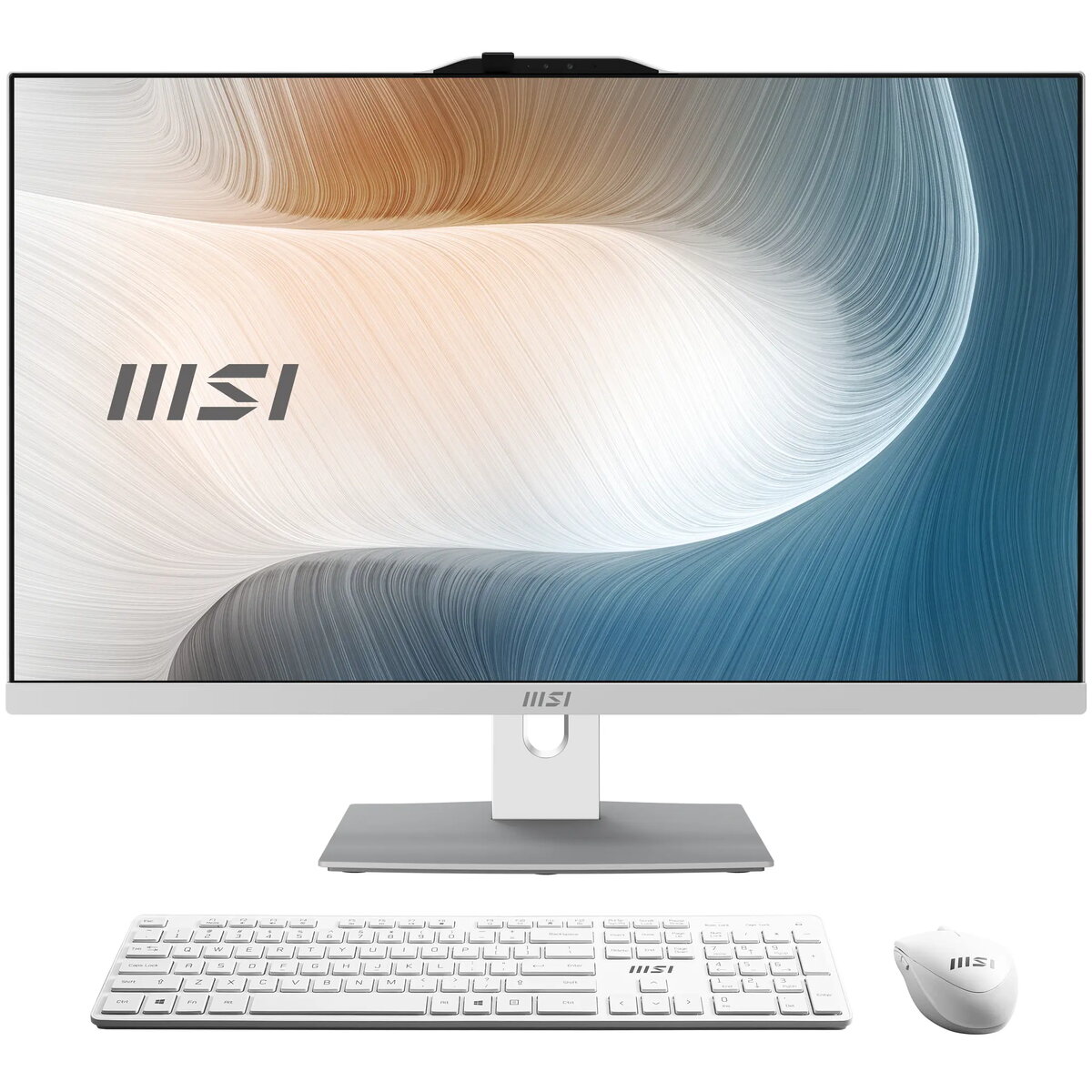
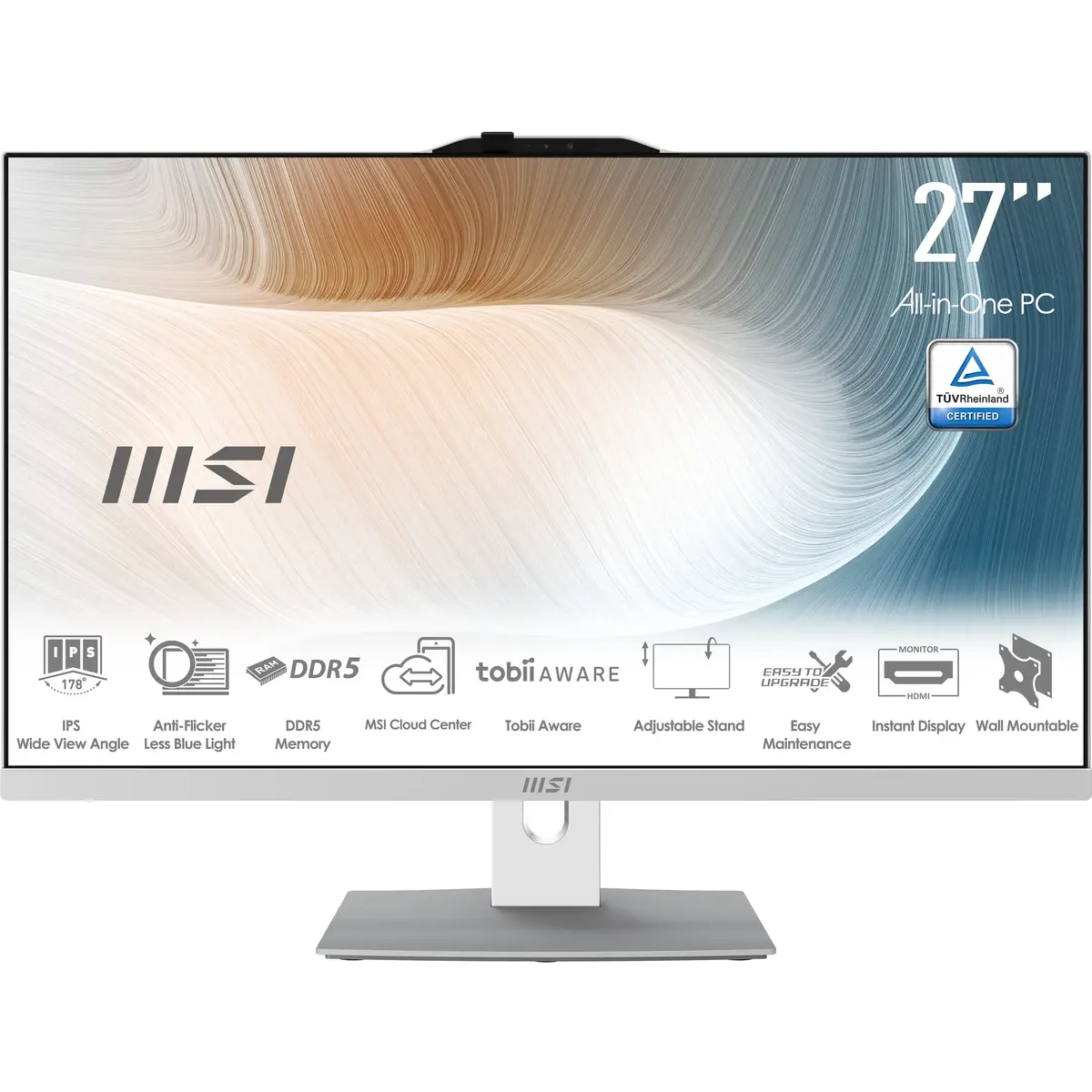
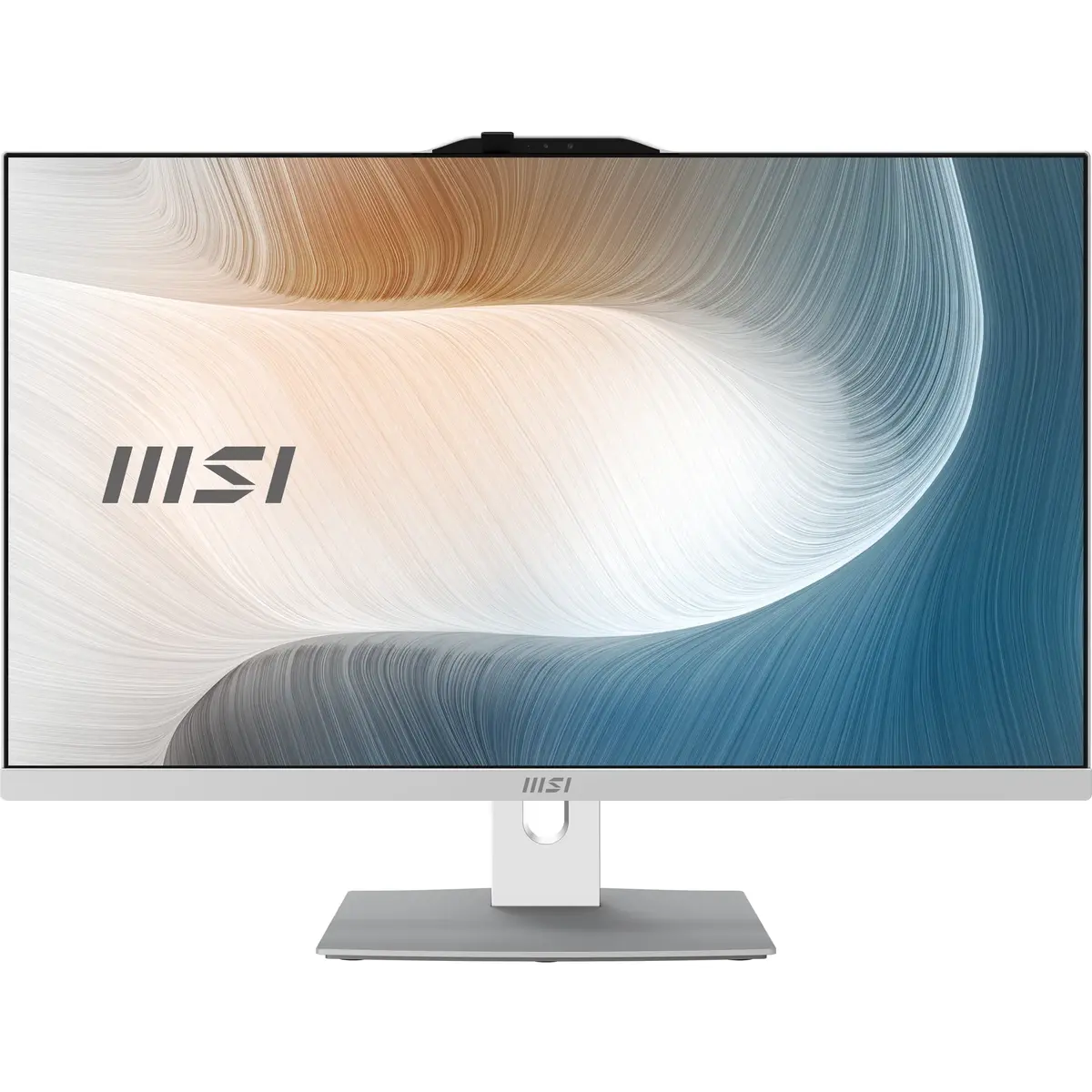
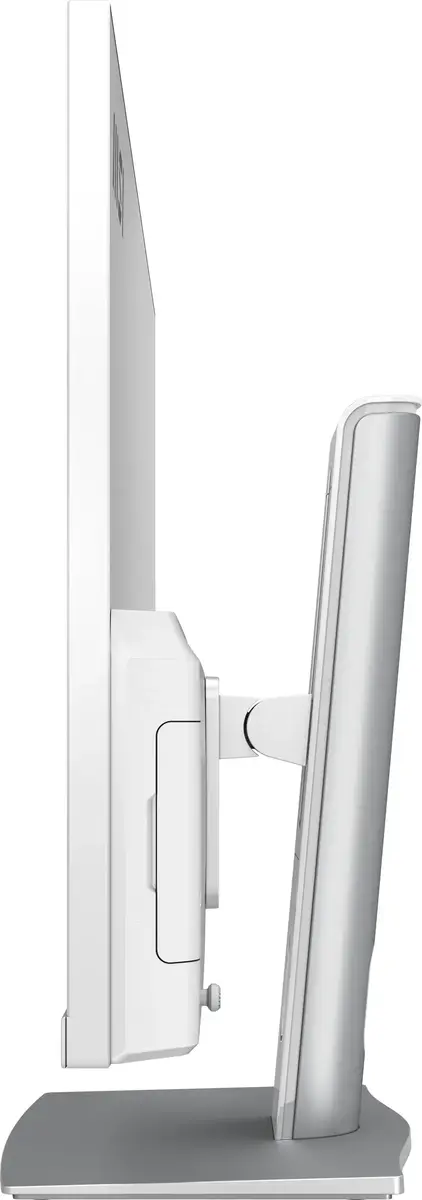
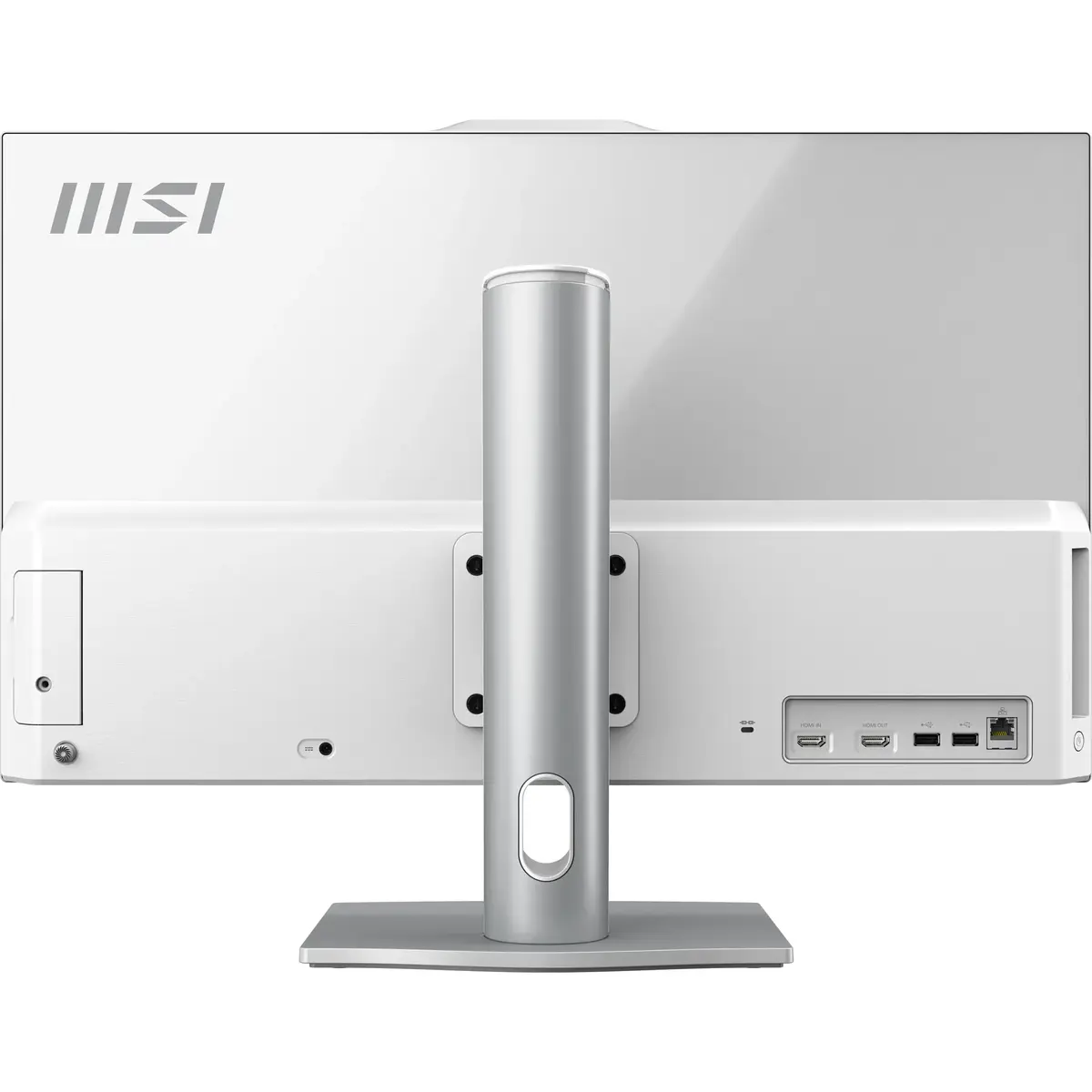
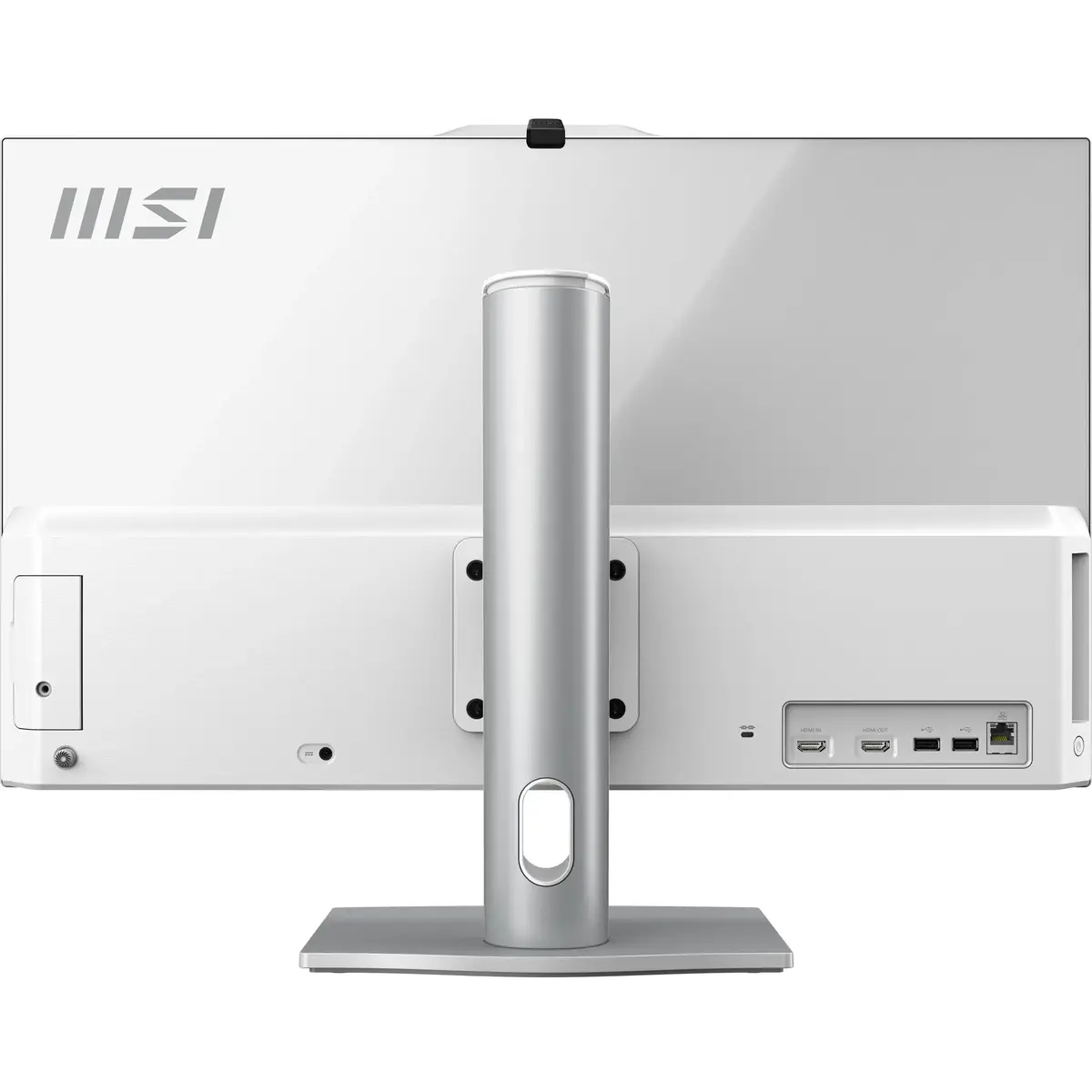
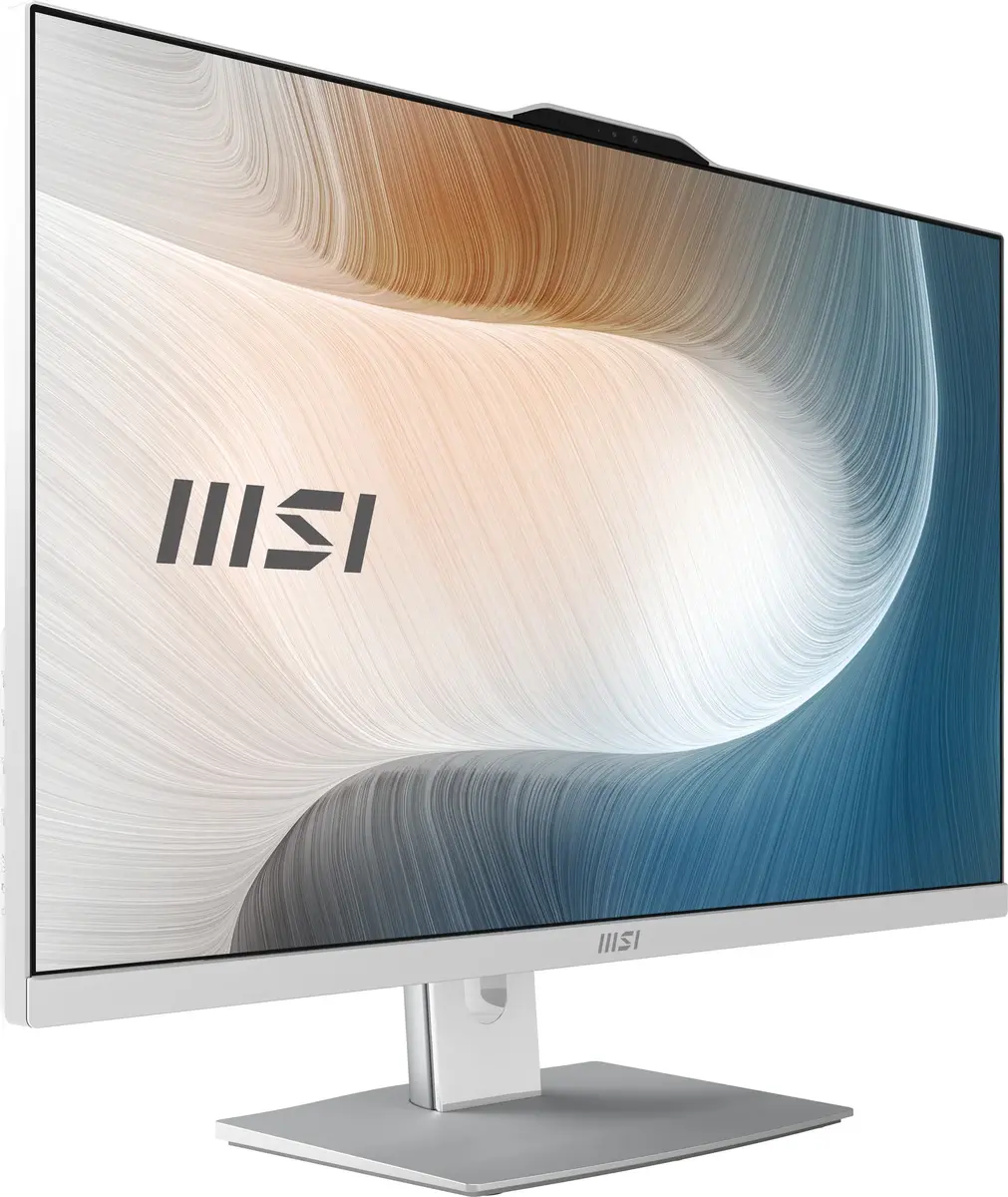
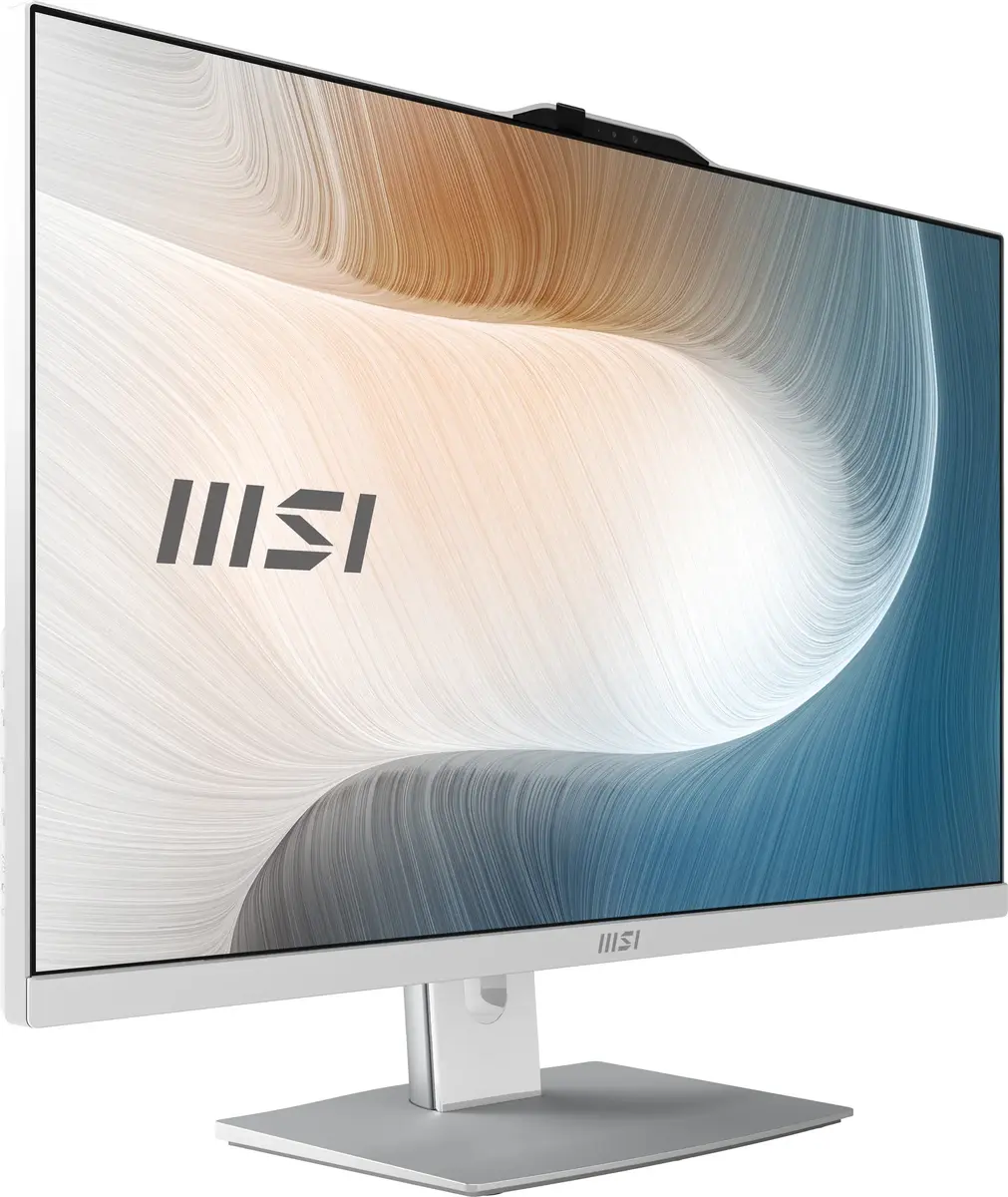
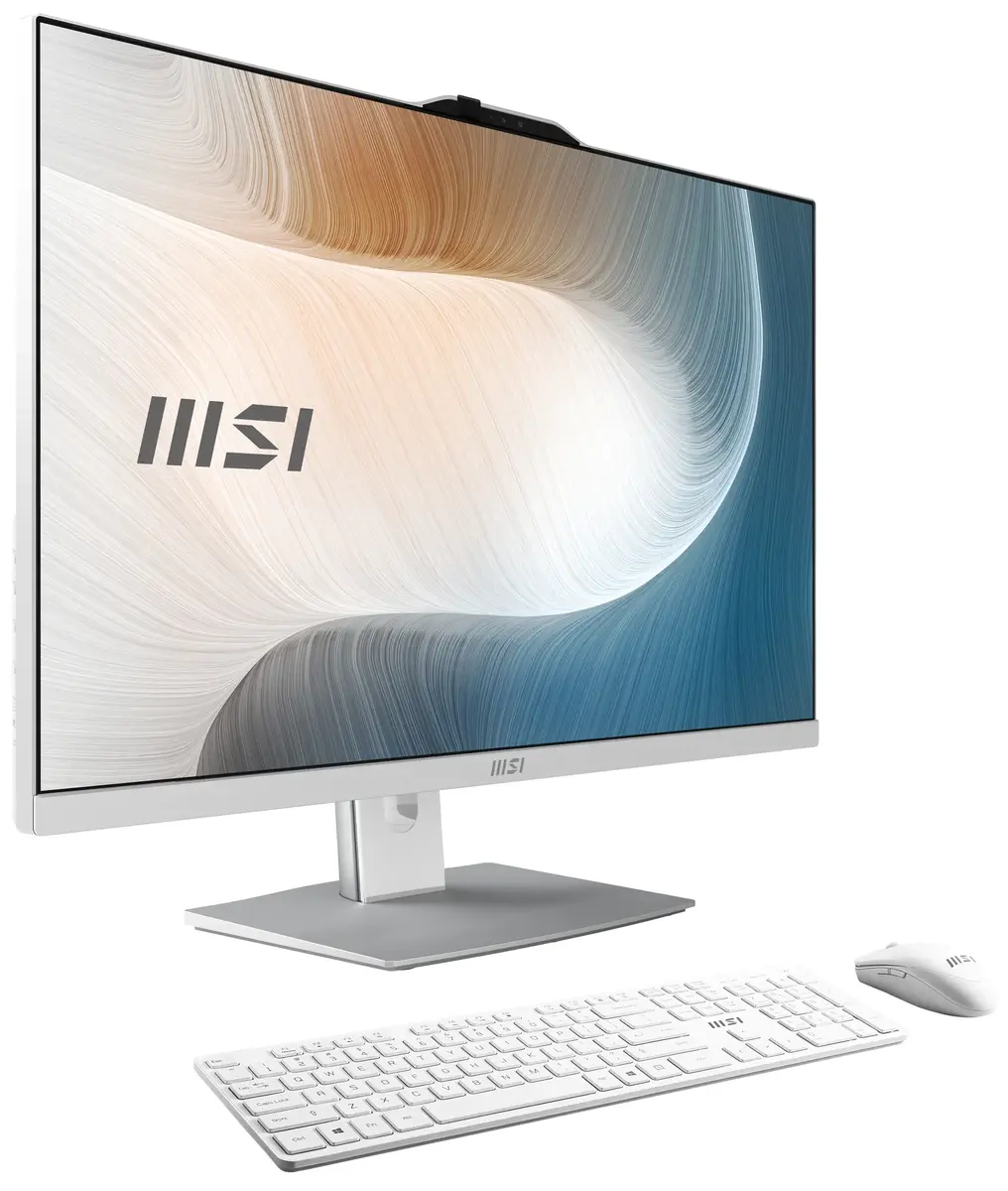
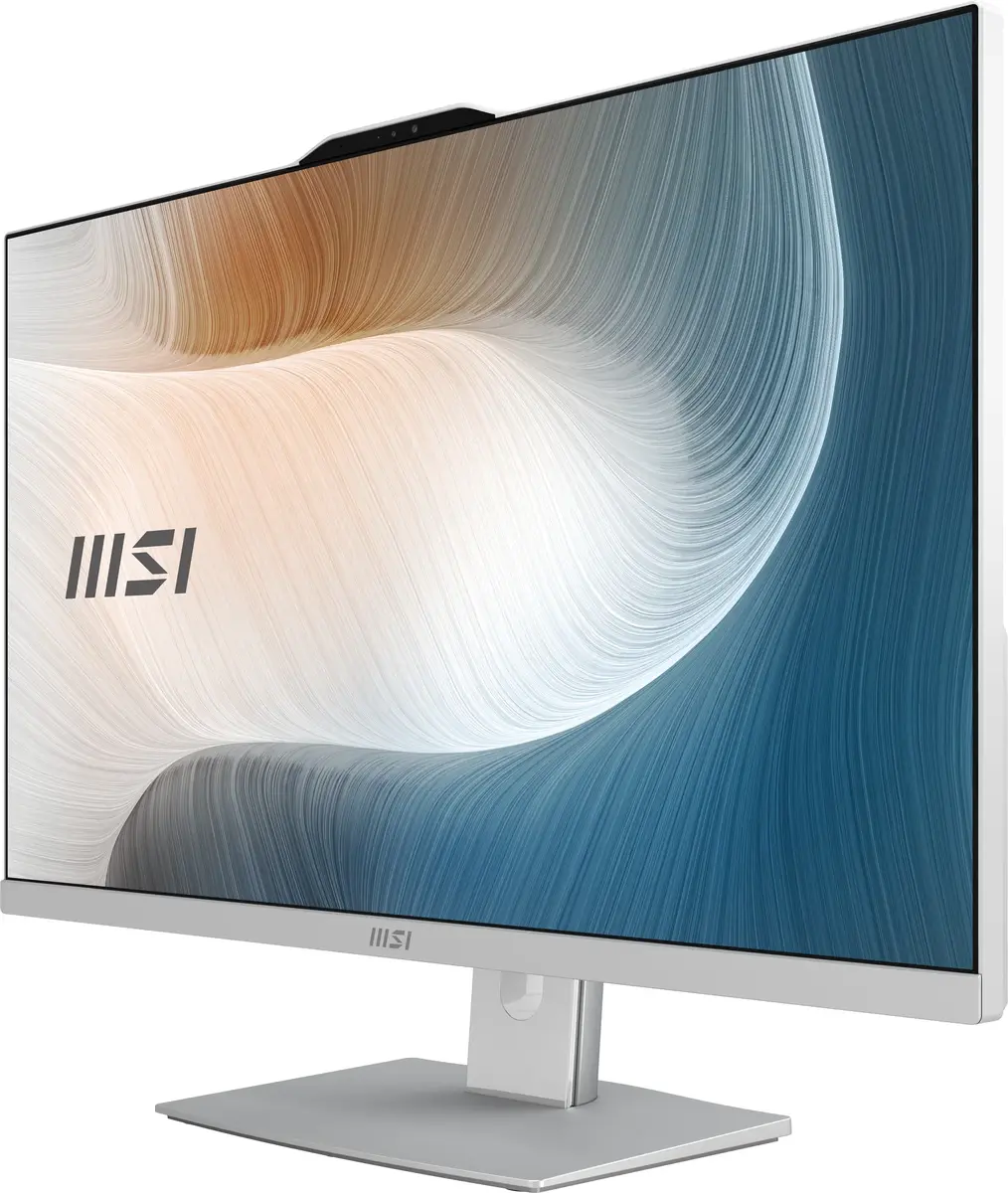
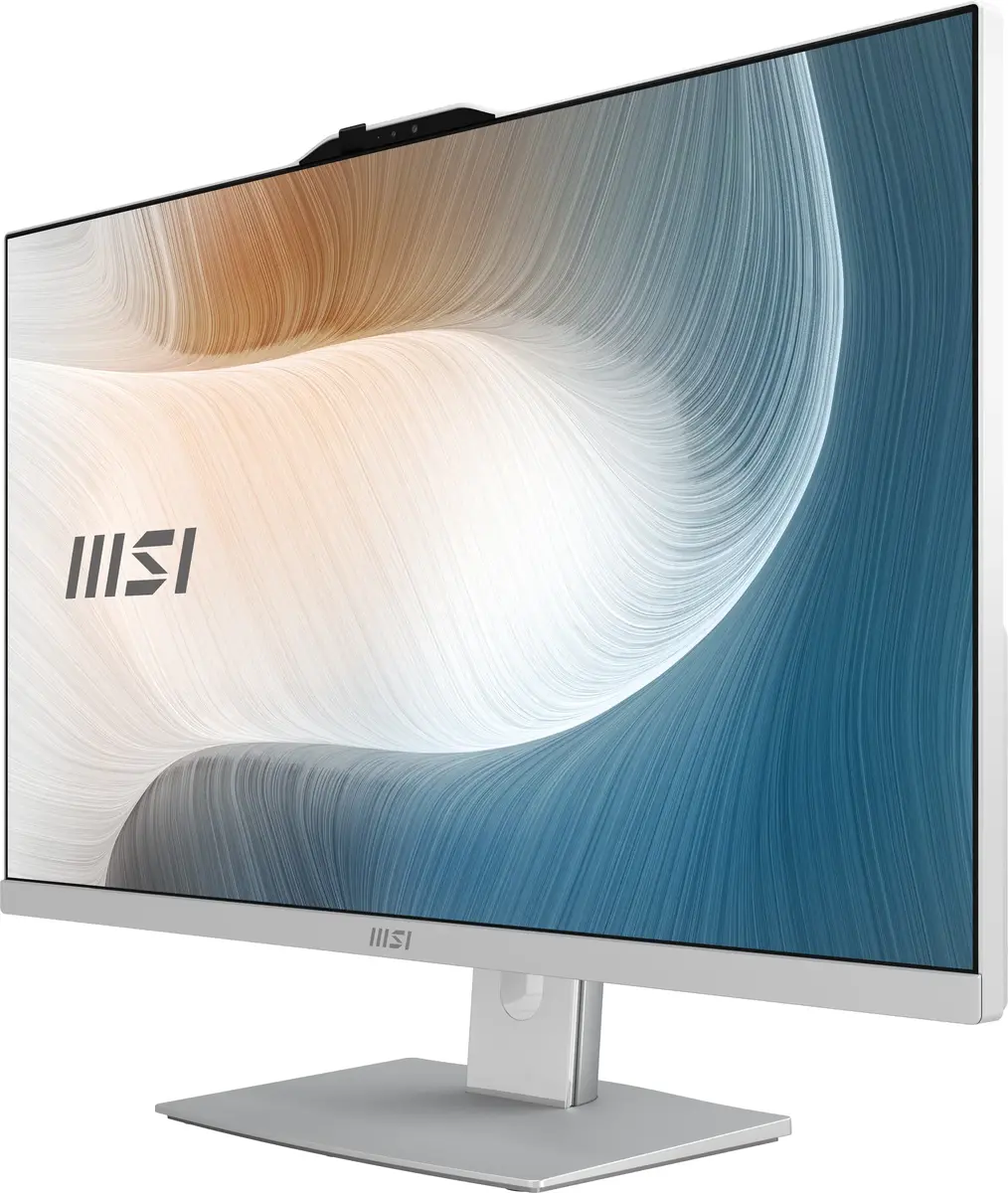
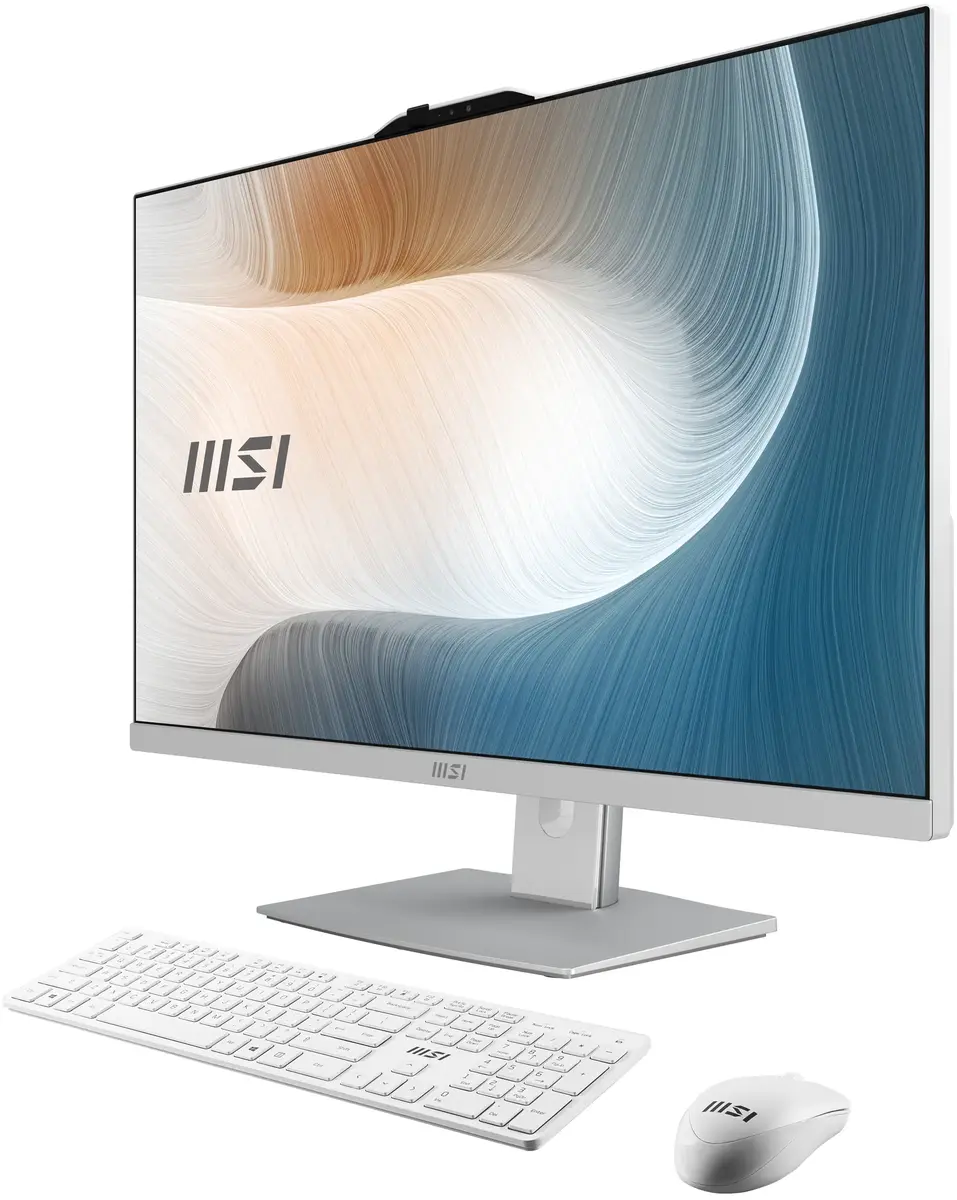
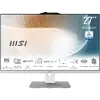
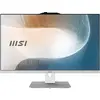
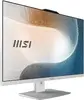
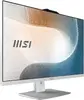
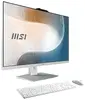
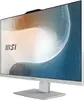
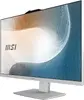
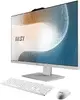
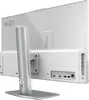
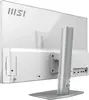
MSI Modern AM272P 1M-1290DE All-in-One PC, 27-inch Full HD, Intel Core 5 120U, 16GB DDR5, 512GB SSD, Windows 11 Home, White
The MSI Modern AM272P 1M-1290DE is a sophisticated 27-inch All-in-One PC designed to streamline your workspace with its elegant white aesthetic and powerful internal components. Featuring a Full HD IPS display, this system delivers crisp visuals and wide viewing angles, making it an ideal choice for both professional office environments and home setups. At its core, the device is powered by an Intel Core 5 120U processor and 16GB of high-speed DDR5 RAM, ensuring smooth multitasking and efficient performance for demanding applications. With a 512GB SSD for fast storage and Windows 11 Home pre-installed, this PC provides a reliable and ready-to-use solution for modern digital tasks.
This All-in-One PC excels in productivity and user comfort, incorporating advanced eye-care technologies such as Anti-Flicker and Less Blue Light to reduce fatigue during extended work sessions. The integrated MSI AI Engine automatically optimizes system performance and display settings based on your current activity, while the Silent Pro Cooling system ensures the machine remains quiet and cool under load. Security is prioritized through features like Windows Hello biometric authentication, a physical webcam cover, and intelligent privacy sensors that detect onlookers. Furthermore, the inclusion of a Full HD webcam and DTS Audio Processing makes it an excellent tool for high-quality video conferencing and multimedia consumption.
This device is not designed for high-end gaming or intensive professional 3D rendering, as it relies on integrated graphics rather than a dedicated GPU. Additionally, because it is an All-in-One system, users looking for extensive internal hardware customization or modular upgrades may find the compact design limiting compared to a traditional desktop tower.
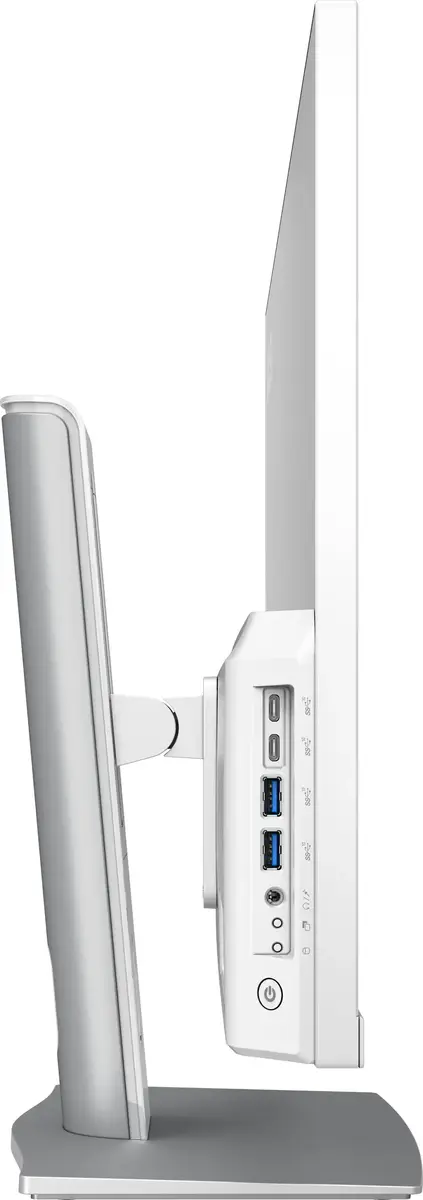
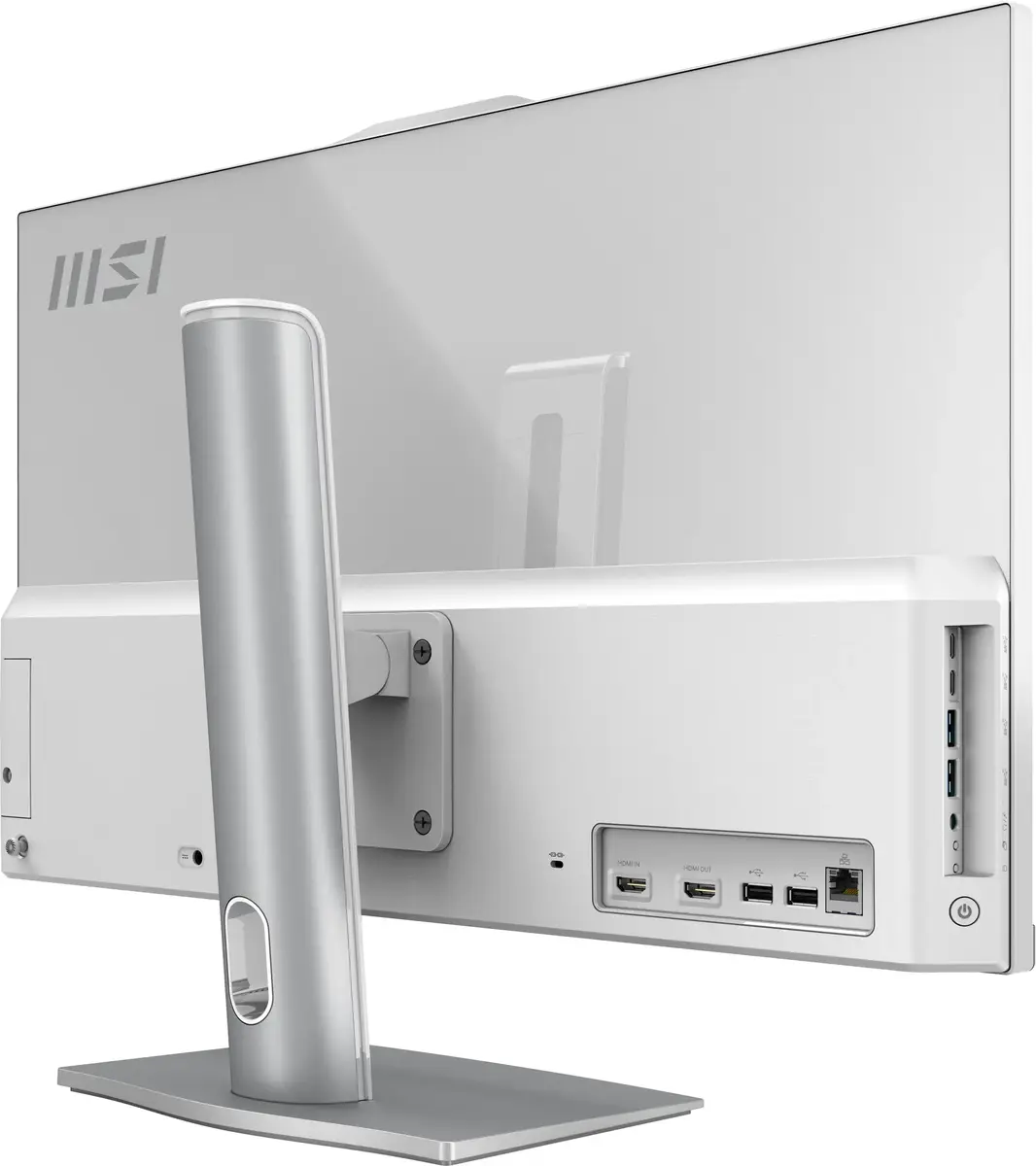
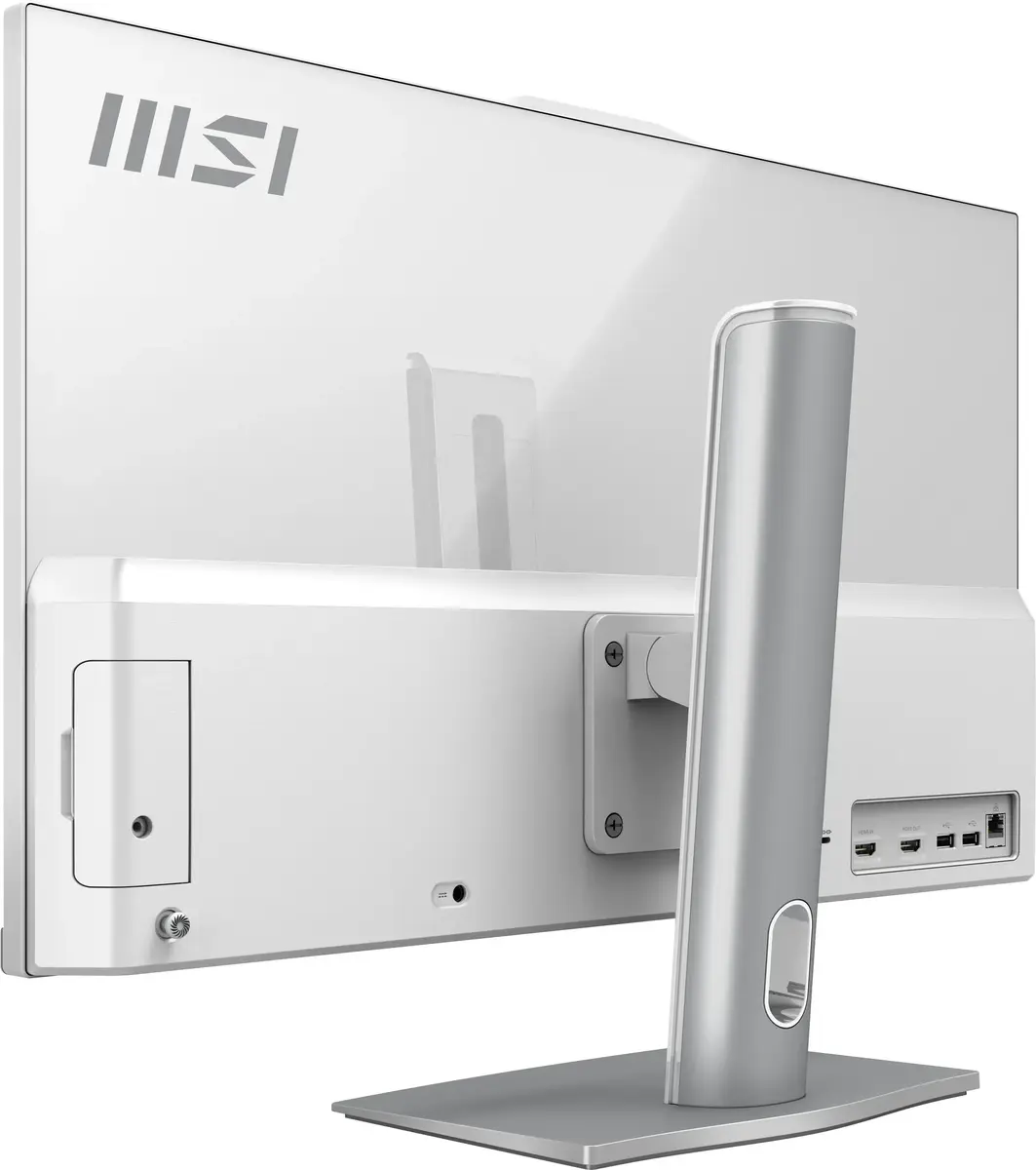
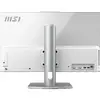
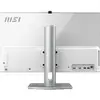
Setting up the MSI Modern AM272P is straightforward; simply connect the power cable and your preferred peripherals to the available ports. Upon first boot, follow the on-screen instructions to configure Windows 11 Home and set up your user account, including Windows Hello for secure biometric login. You can adjust the height and tilt of the display to achieve an ergonomic viewing position. To utilize the system as a standalone monitor for other devices, connect your external source to the HDMI-in port, which allows the screen to function without booting the PC itself.
For optimal performance and longevity, keep the ventilation areas clear of obstructions to allow the Silent Pro Cooling system to function effectively. Regularly utilize the MSI Cloud Center for secure wireless backups of your mobile devices, and keep the system updated via Windows Update to ensure the latest security patches and driver improvements are installed.
{{highlightedFeature.featureTitle}}:
{{getProductFeatureValueById(product, highlightedFeature.featureId)}}
{{ productComparisonGenerationError }}