

Hurry and order now – up to 50% off!
In cart {{totalProductsCount}} item(s)
Your cart is empty
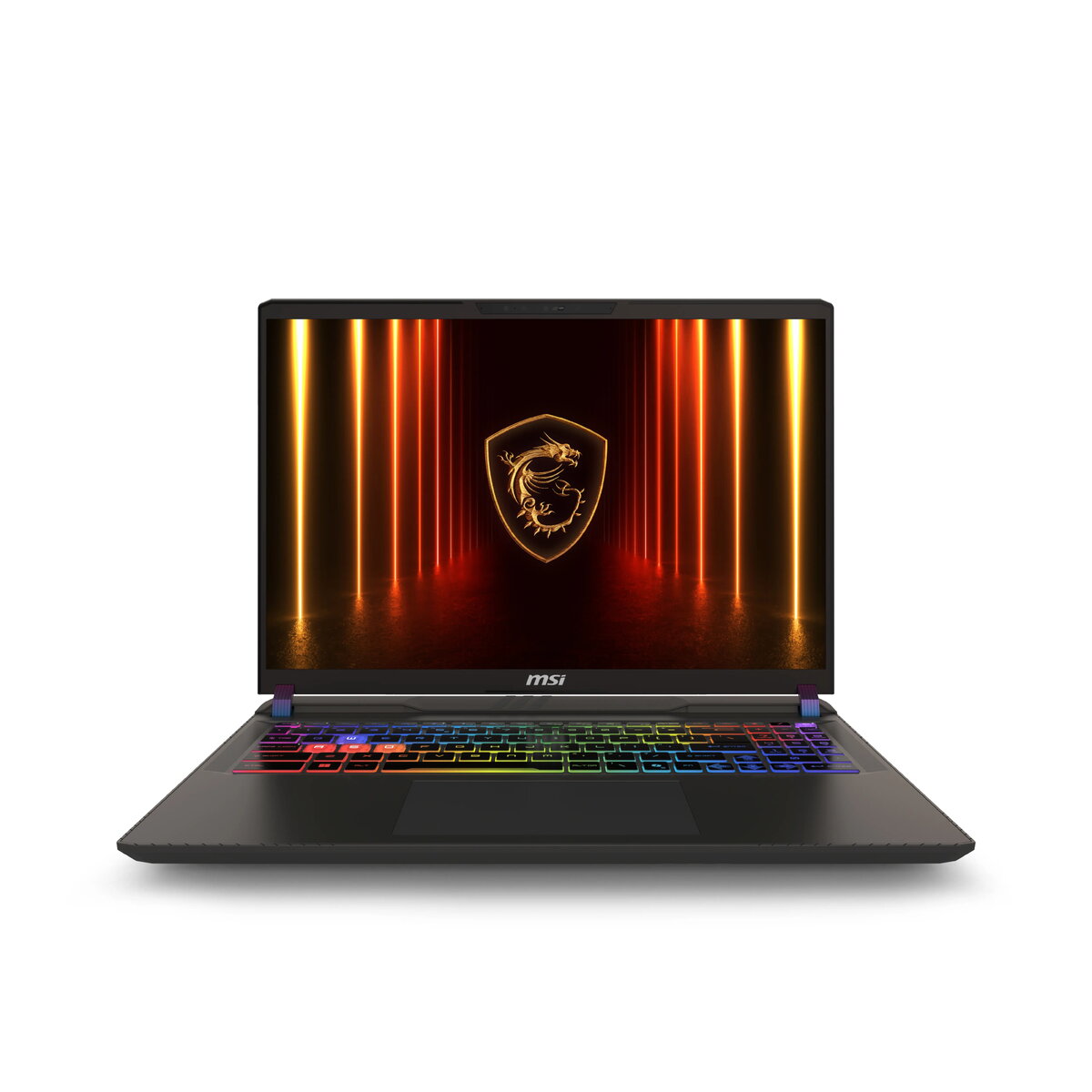
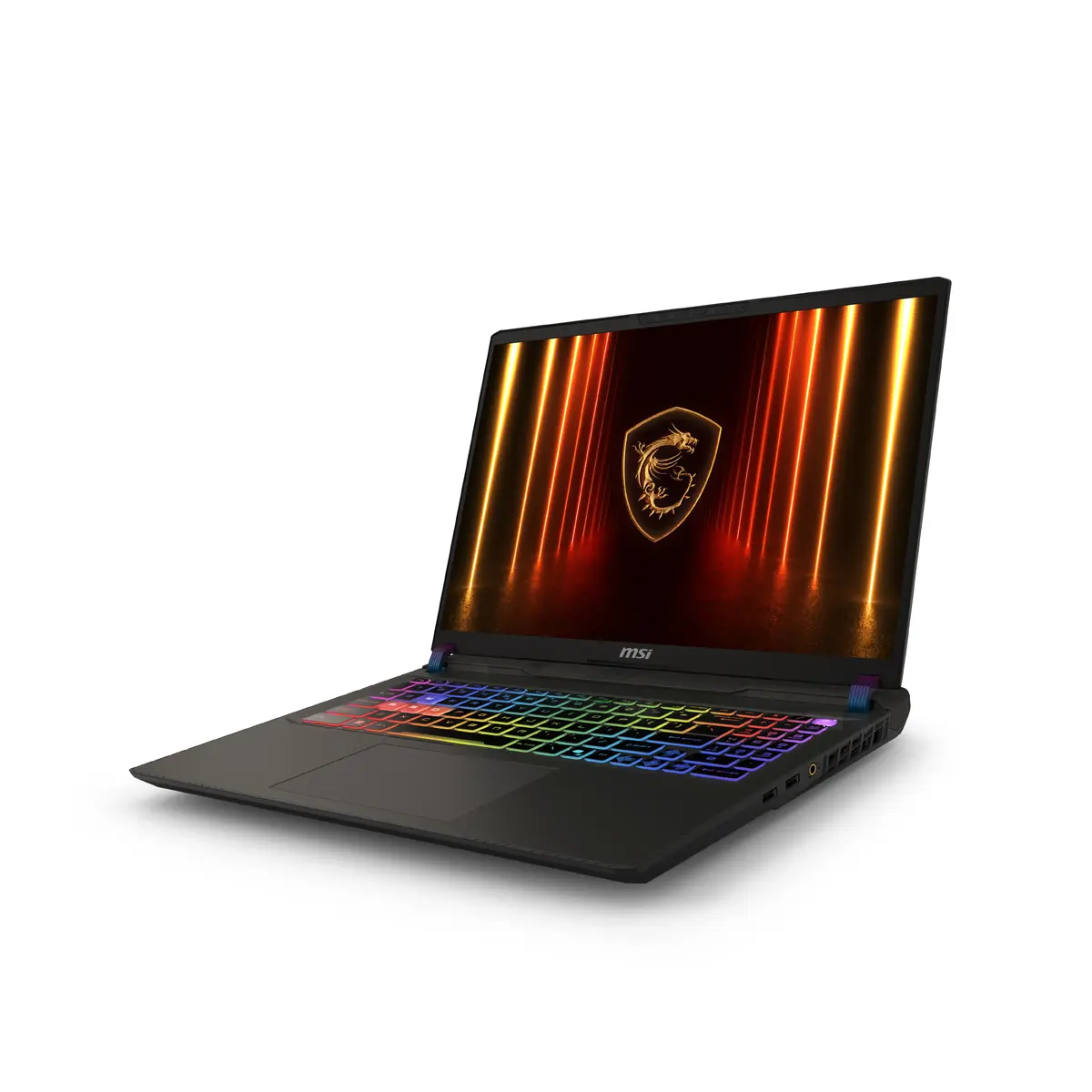
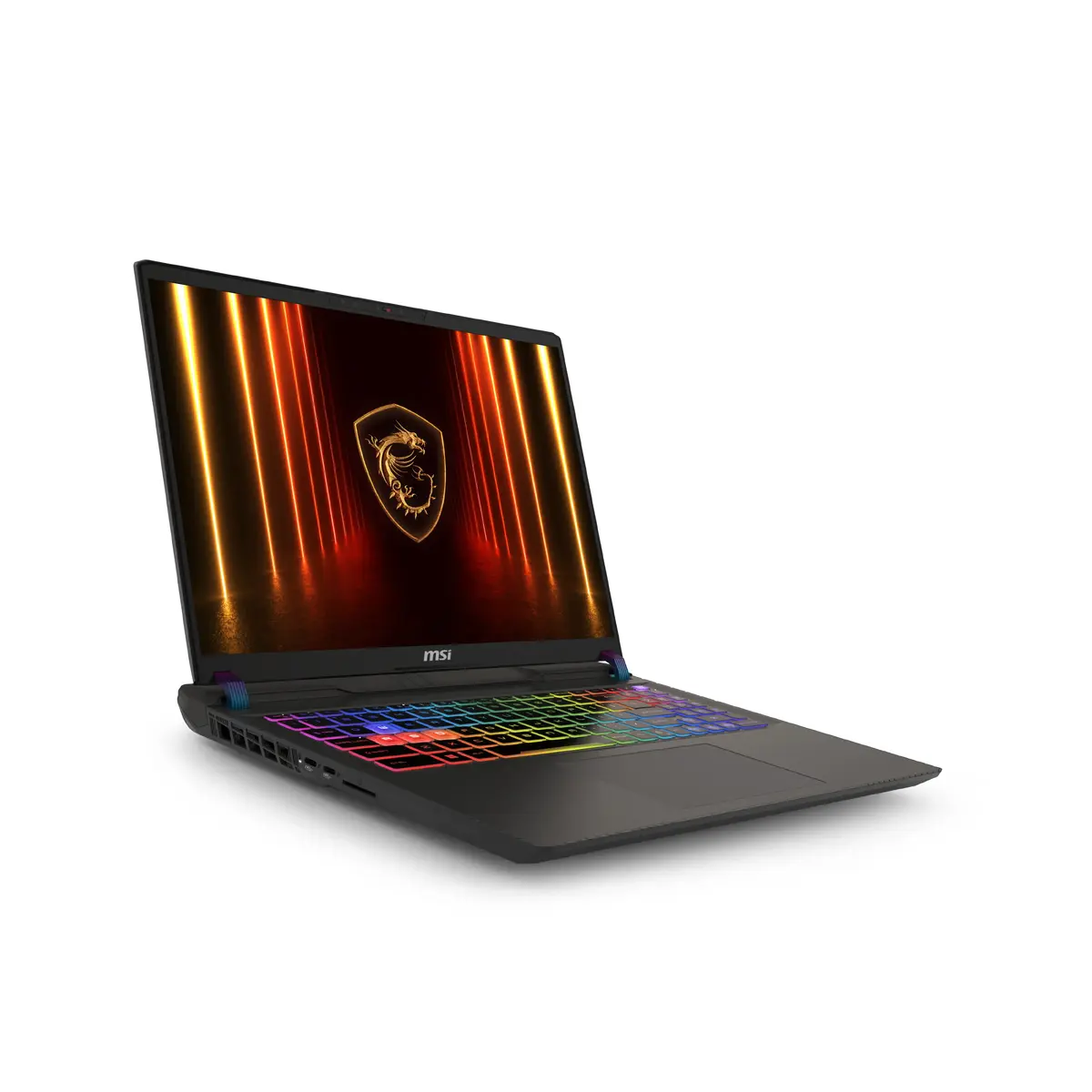
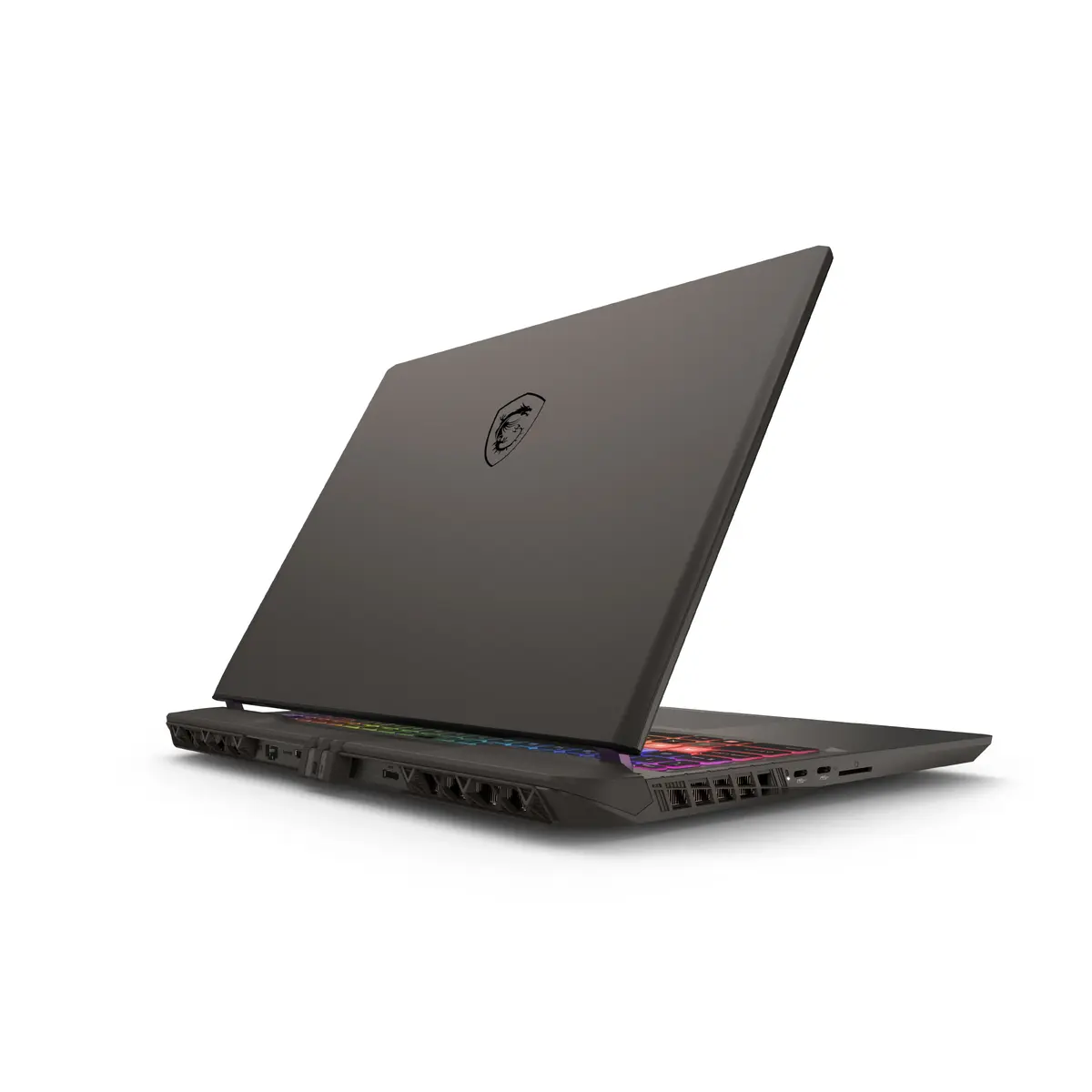
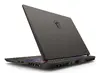
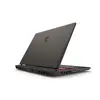
MSI Vector A16 HX A8WHG Laptop, AMD Ryzen 9 8940HX, 16" Quad HD+, 16GB DDR5, 1TB SSD, NVIDIA GeForce RTX 5070 Ti, Windows 11 Home, Grey
The MSI Vector A16 HX A8WHG is a high-performance laptop engineered for users who demand exceptional computing power and graphical fidelity. Featuring the robust AMD Ryzen 9 8940HX processor and the advanced NVIDIA GeForce RTX 5070 Ti graphics card, this device is built to handle intensive workloads, complex simulations, and modern gaming with ease. Its sleek, grey clamshell design houses a 16-inch Quad HD+ display, providing a crisp and immersive visual experience for both professional tasks and entertainment.
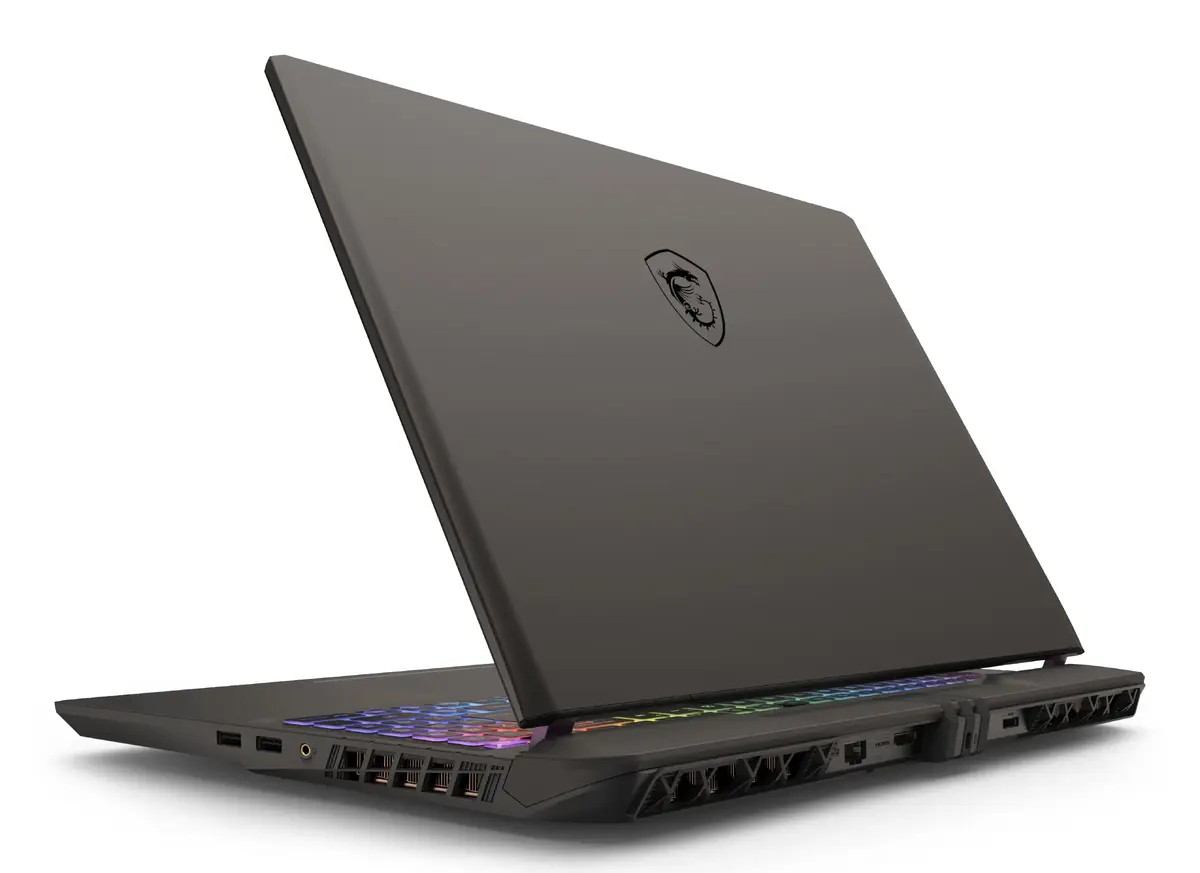
This laptop excels through its integration of cutting-edge hardware, including the powerful Zen 4 architecture of the AMD processor and the AI-driven capabilities of the NVIDIA RTX 50 series GPU. The inclusion of MSI OverBoost Ultra technology ensures that both the CPU and GPU can operate at peak combined power, providing a significant performance edge during demanding tasks. Furthermore, the advanced Cooler Boost 5 thermal solution maintains system stability by efficiently managing heat through larger fans and heat pipes. Users also benefit from a high-resolution display with a 16:10 aspect ratio, which enhances productivity by offering more vertical screen space, while the 24-zone RGB keyboard adds a customizable aesthetic touch to the user experience.
This laptop may not be the ideal choice for users seeking a lightweight, ultra-portable device for basic office tasks or casual web browsing, as its high-performance components and robust cooling system result in a heavier chassis. Additionally, those who prioritize maximum battery life for long periods away from a power outlet might find the power-hungry hardware less suitable for their specific mobility needs.
To begin using your MSI Vector A16 HX, connect the provided 330W power adapter to ensure the system has sufficient energy for initial setup and updates. Upon powering on, follow the on-screen Windows 11 Home instructions to configure your user account, network settings, and security preferences. Once the operating system is initialized, it is recommended to run the MSI Center software to check for firmware updates and optimize system performance settings according to your specific usage needs.
Usage recommendations: To maintain optimal performance and longevity, keep the laptop on a flat, hard surface during operation to allow the Cooler Boost 5 system to intake air effectively. Regularly clean the air vents to prevent dust accumulation and utilize the MSI Center to monitor system temperatures during extended gaming or rendering sessions.
{{highlightedFeature.featureTitle}}:
{{getProductFeatureValueById(product, highlightedFeature.featureId)}}
{{ productComparisonGenerationError }}