Powerful EcoFlow stations for energy anywhere!
In cart {{totalProductsCount}} item(s)
Your cart is empty
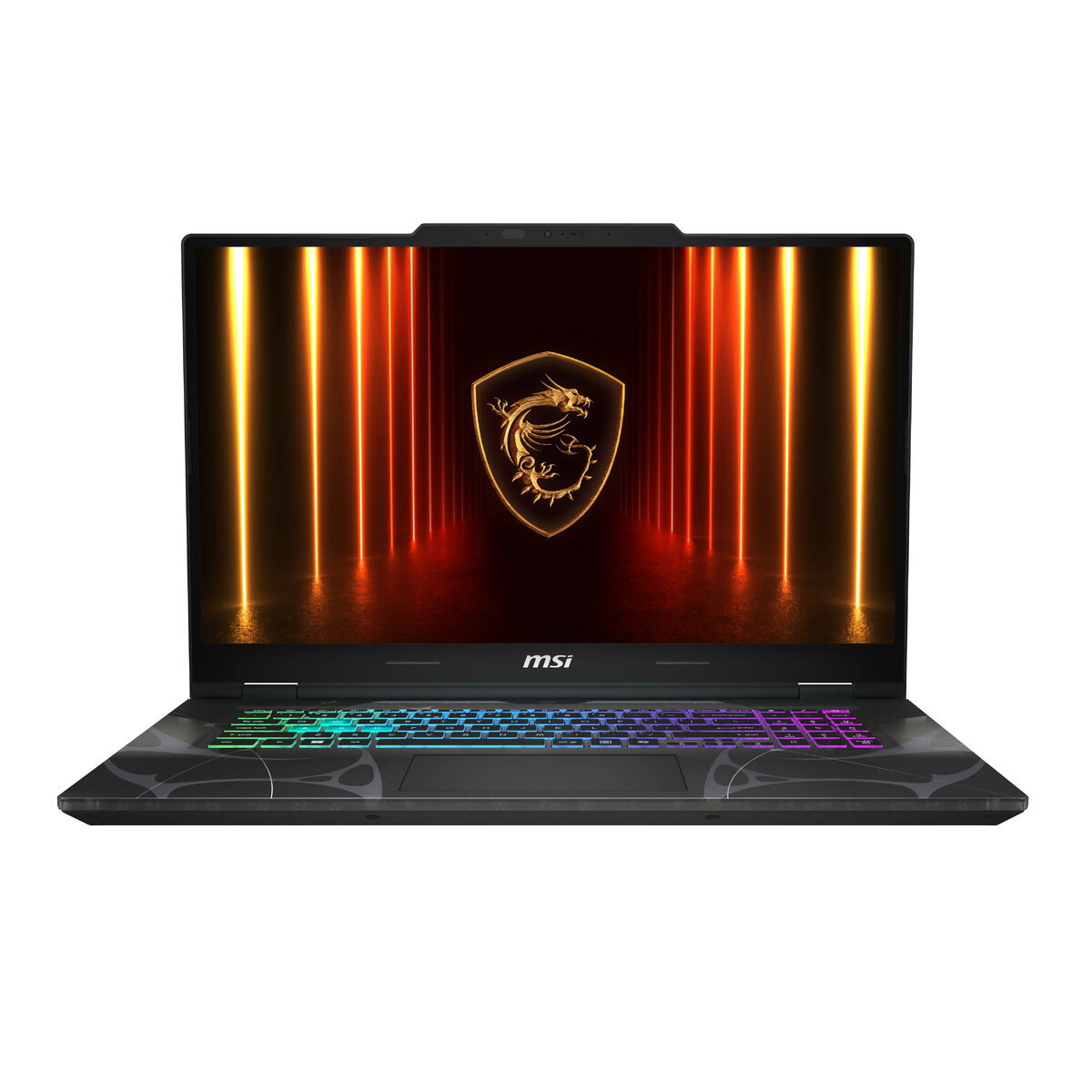
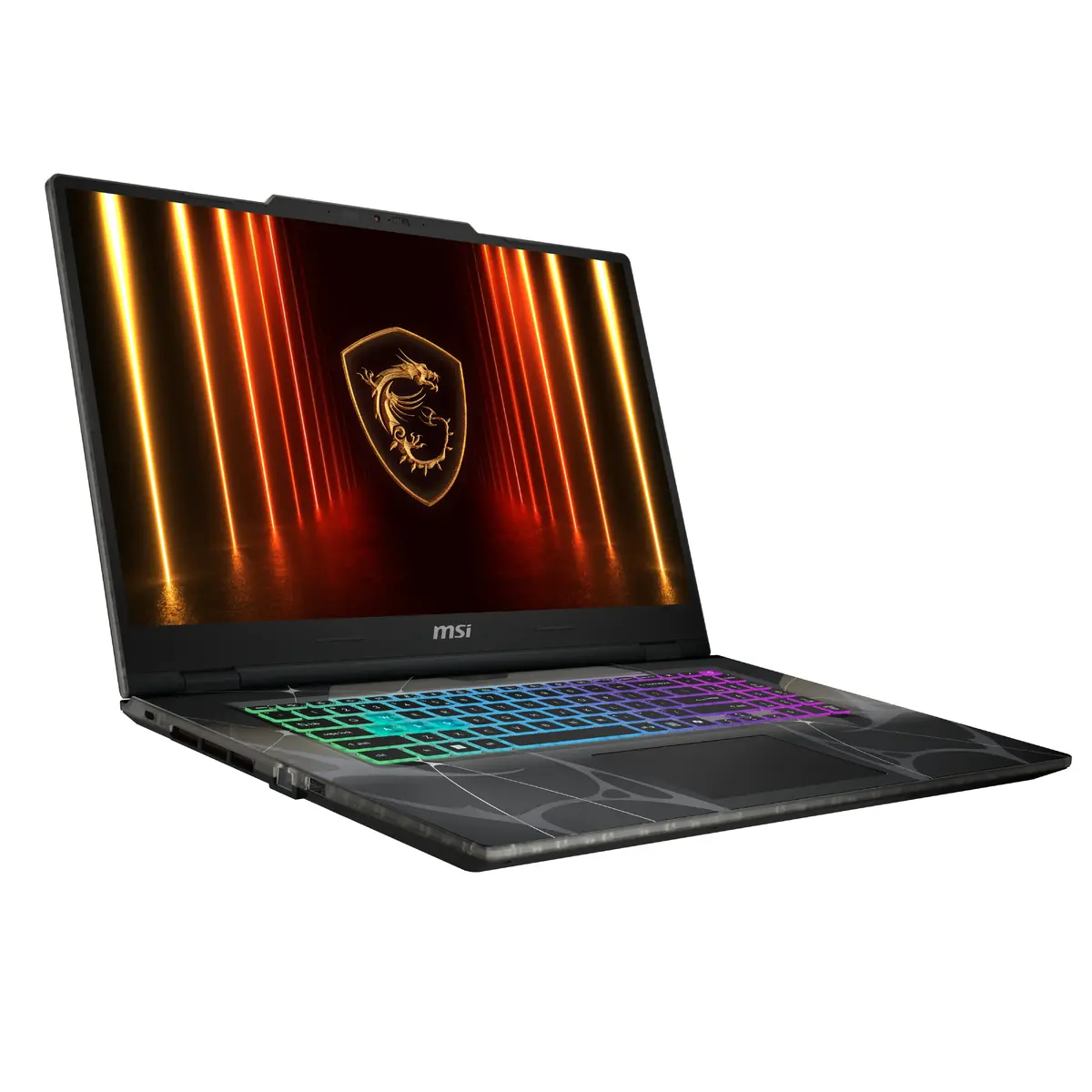
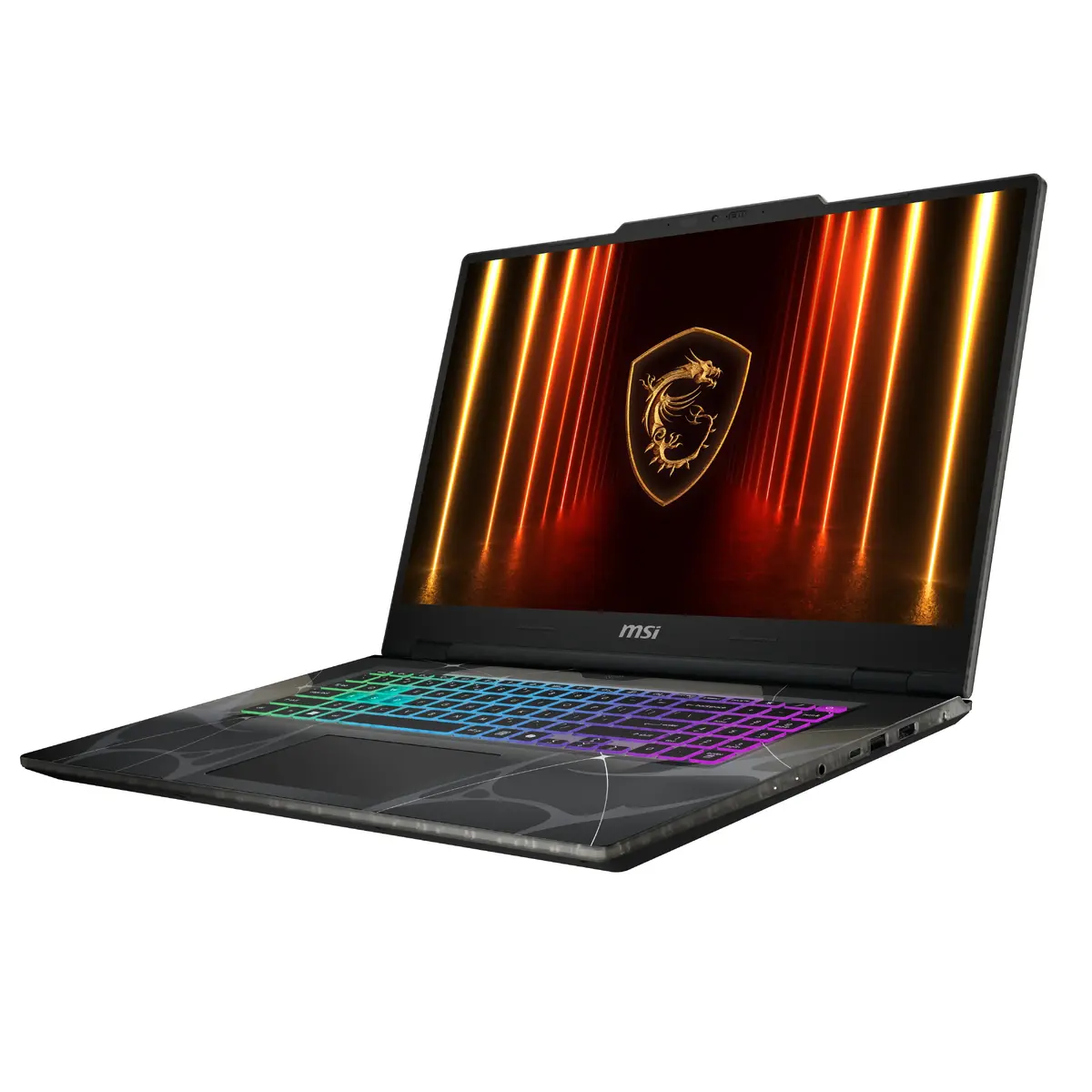
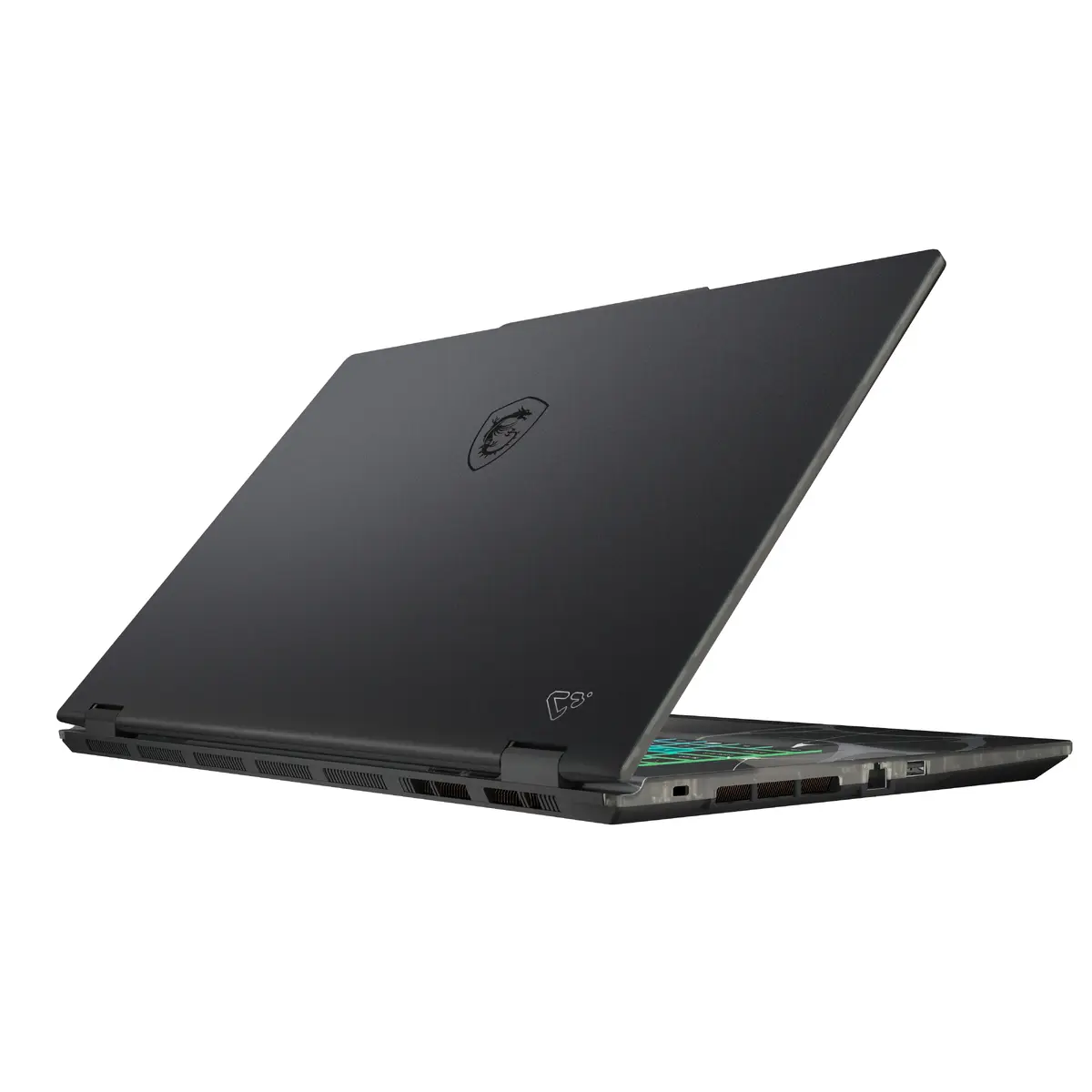
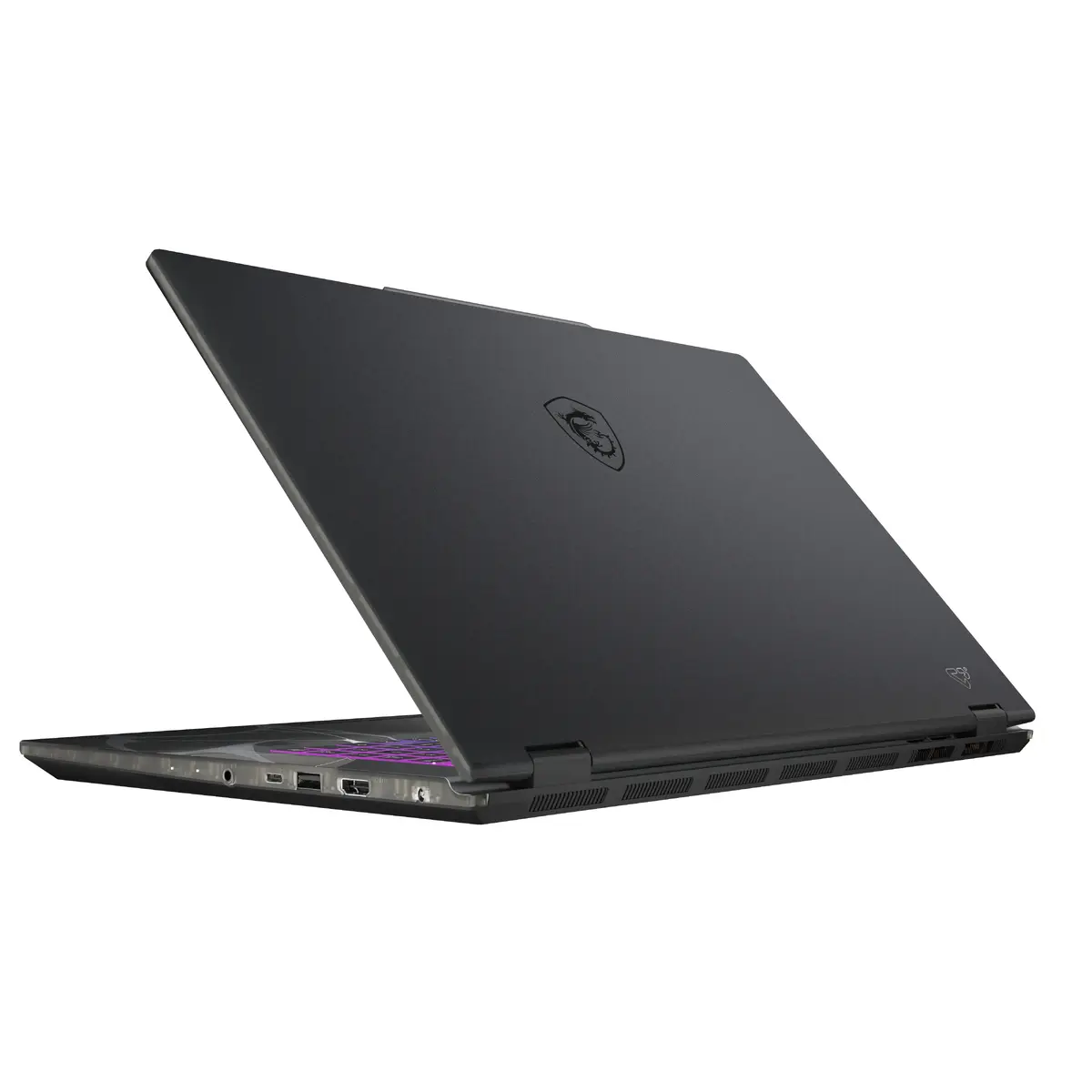
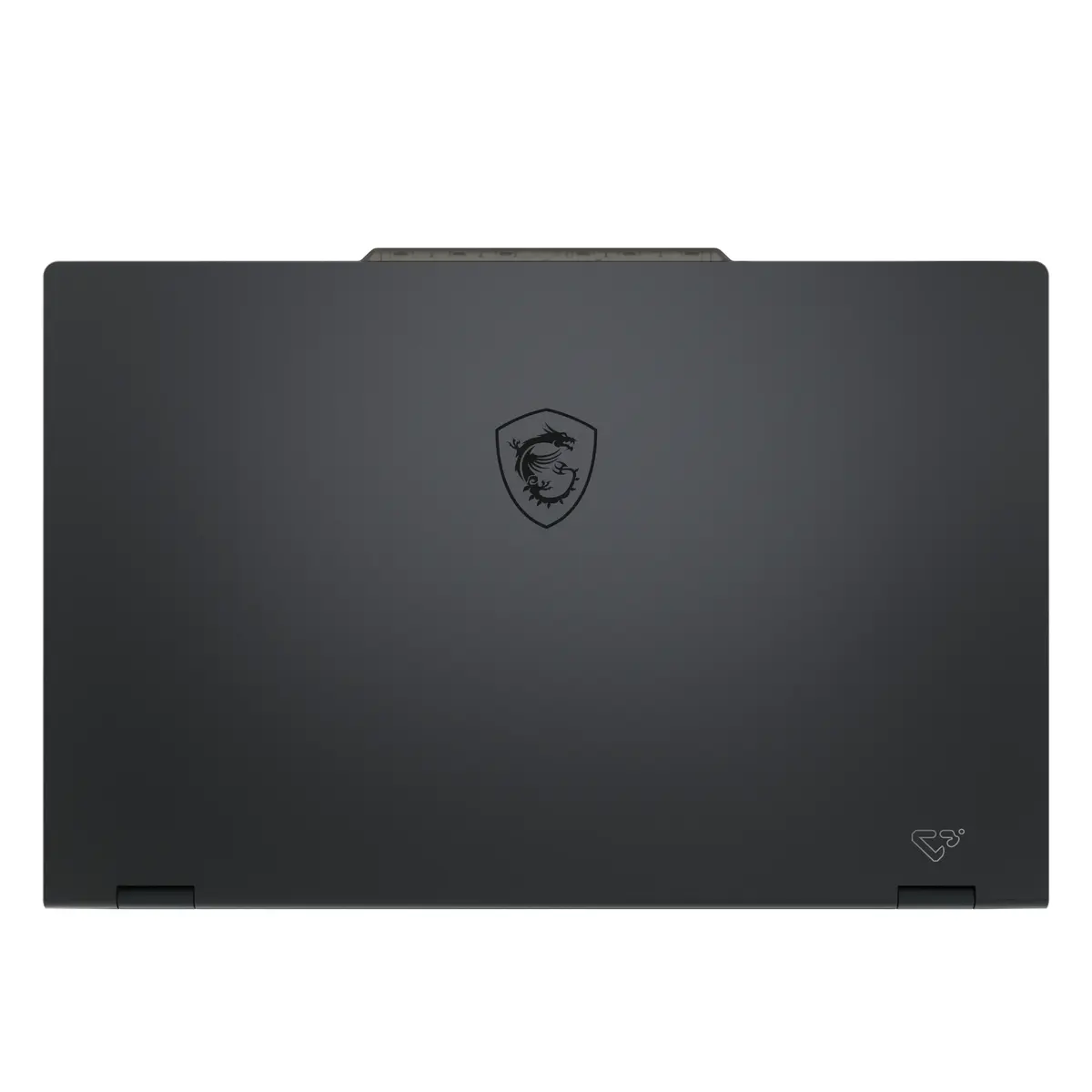
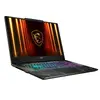
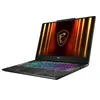
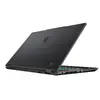
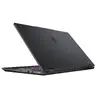
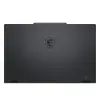
MSI Cyborg 17 B2RWEKG-030XPL Laptop, 17.3" Full HD, Intel Core 5 210H, 16GB DDR5, 512GB SSD, NVIDIA GeForce RTX 5050, FreeDOS, Black
The MSI Cyborg 17 B2RWEKG-030XPL is a high-performance gaming laptop designed for users who demand reliability and speed. Featuring a spacious 17.3-inch Full HD display, this device offers an immersive visual experience for both gaming and professional tasks. At its core, it is powered by an Intel Core 5 210H processor and 16GB of high-speed DDR5 RAM, ensuring smooth multitasking and efficient performance. With a 512GB SSD for rapid data access and the NVIDIA GeForce RTX 5050 graphics card, this laptop is built to handle modern gaming requirements and demanding applications with ease. The unit comes with FreeDOS, providing users the flexibility to install their preferred operating system.
This laptop stands out due to its advanced thermal management system, which utilizes a shared-pipe design to balance heat dissipation between the CPU and GPU, maintaining peak performance during intensive sessions. The inclusion of DDR5 memory and a high-speed PCIe Gen.4 SSD significantly reduces loading times for games and large files. Its sleek, futuristic black design is complemented by a durable build, making it a robust choice for gamers who value both aesthetics and functionality. Furthermore, the integration of Wi-Fi 6E ensures stable and fast wireless connectivity, while the high-quality display provides clear, crisp visuals for an enhanced viewing experience.
This laptop may not be the ideal choice for users who require a highly portable device for frequent travel, as its 17.3-inch form factor and weight make it bulkier than smaller ultrabooks. Additionally, since it comes with FreeDOS, it is not ready for immediate use out of the box and requires the user to have the technical knowledge to install an operating system and necessary drivers.
To begin using the MSI Cyborg 17, you must first install a compatible operating system via a bootable USB drive, as the device is supplied with FreeDOS. Once the OS is installed, ensure you download and install the latest drivers from the official MSI support website to enable all hardware features, including the graphics card and network adapters. You can use the MSI Center software to customize performance profiles, monitor system health, and manage cooling settings to suit your specific usage needs.
For optimal performance during gaming, it is recommended to keep the laptop connected to its power adapter and ensure the air vents remain unobstructed to allow for efficient cooling. Regularly update your graphics drivers to ensure compatibility with the latest game releases.
{{highlightedFeature.featureTitle}}:
{{getProductFeatureValueById(product, highlightedFeature.featureId)}}
{{ productComparisonGenerationError }}