Dreame vacuums for fast and efficient cleaning!
In cart {{totalProductsCount}} item(s)
Your cart is empty
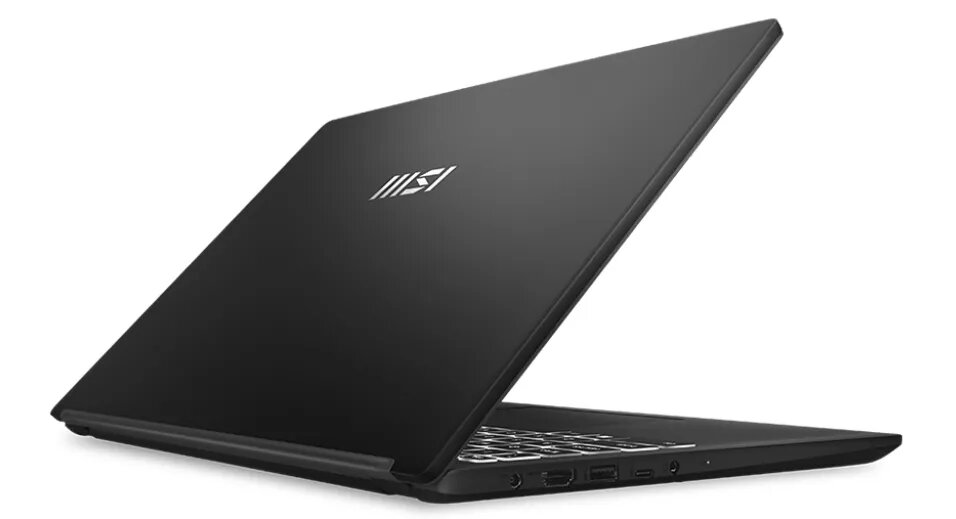
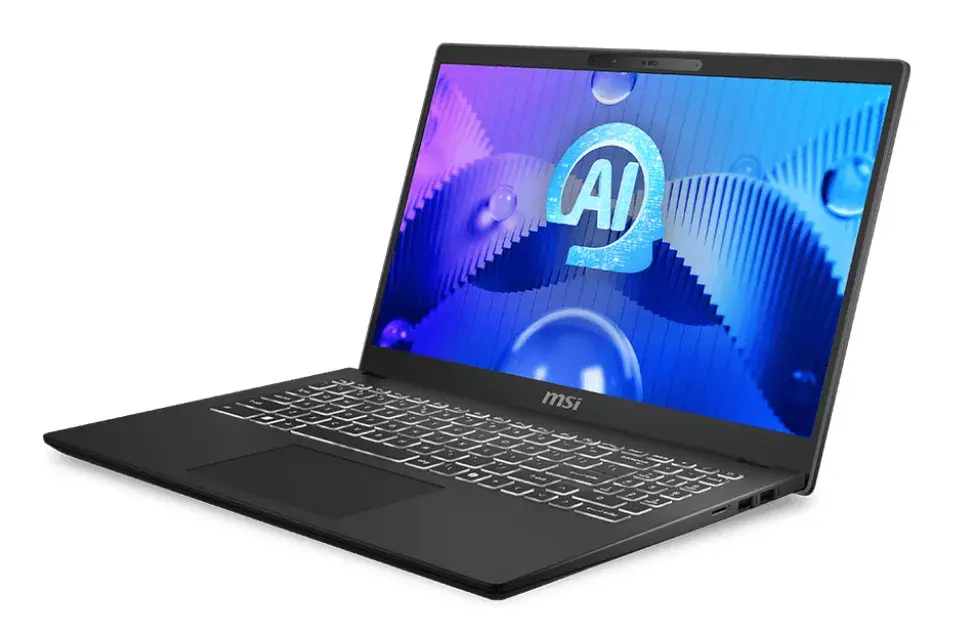
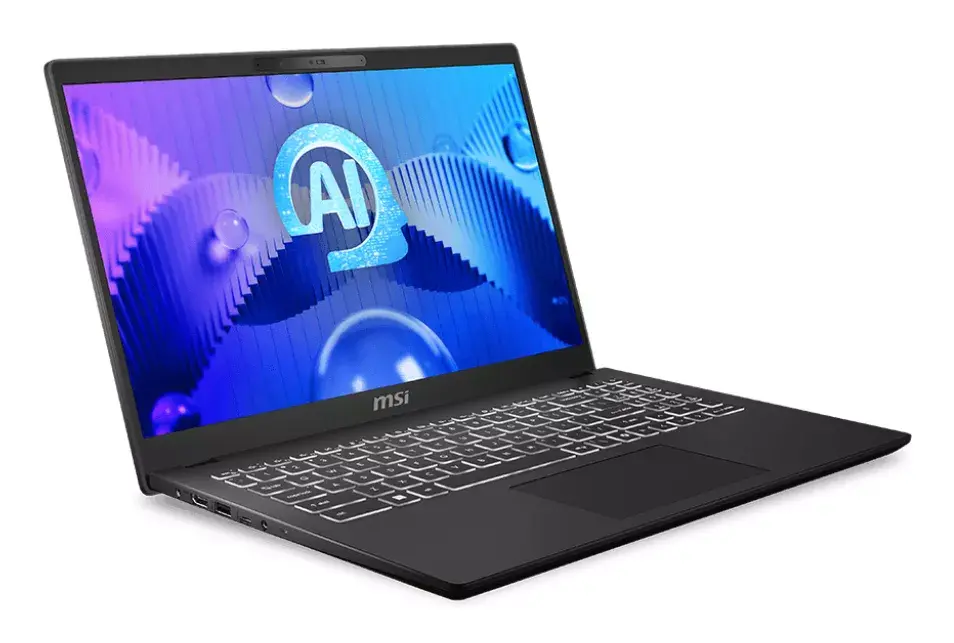
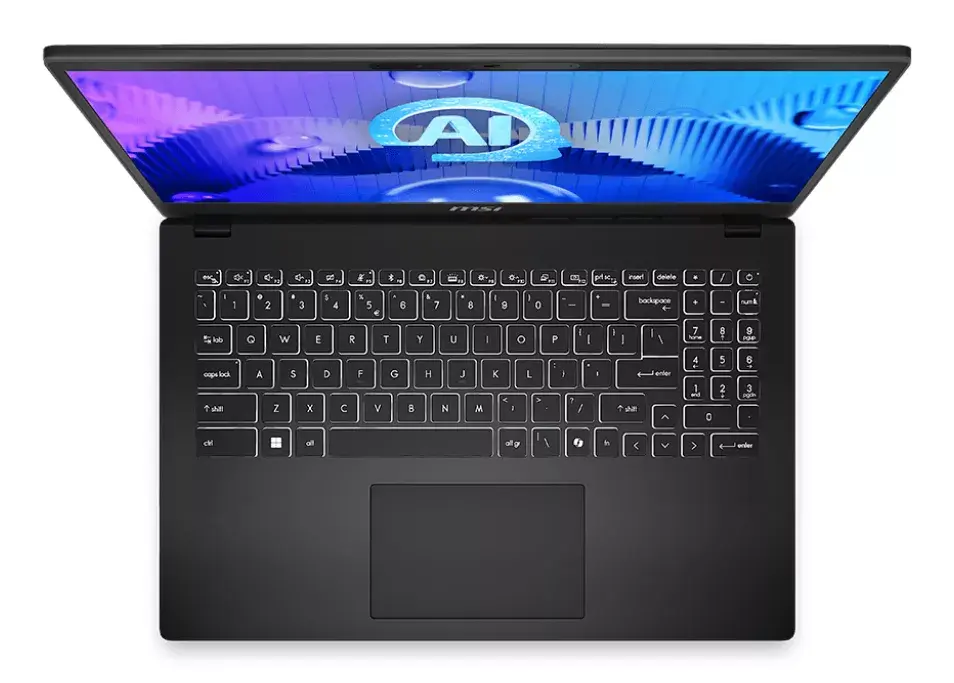
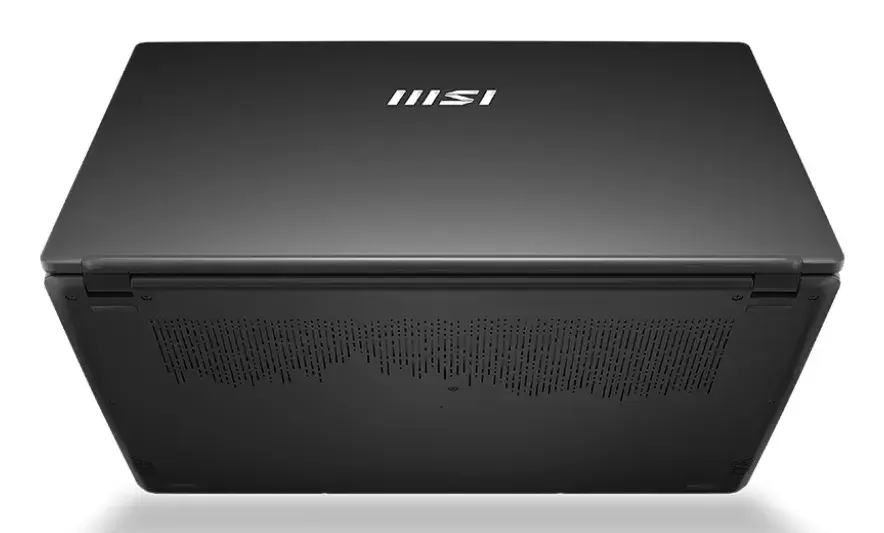
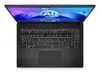
Laptop MSI Modern 15 H AI C1MG-013PL — Intel Core Ultra 5 125H, 15.6" FHD Touch, 16 GB DDR5, 512 GB SSD, Windows 11 Home
The MSI Modern 15 H AI C1MG-013PL is a 15.6" clamshell laptop with a 1920×1080 Full HD touchscreen, driven by an Intel Core Ultra 5 125H processor with boost up to 4.5 GHz. It ships with 16 GB of DDR5 memory and a 512 GB solid-state drive, runs Windows 11 Home, and offers wireless connectivity with Wi‑Fi 6E. The chassis in black and a weight of approximately 1.9 kg make this model suitable for everyday productivity, remote work and media consumption.
The combination of an Intel Core Ultra 5 125H CPU and 16 GB DDR5 memory delivers responsive multitasking and smooth performance for common office applications and web-based workflows. A 512 GB SSD provides quick system boot and fast file access while the 1920×1080 Full HD touchscreen enables convenient touch input for navigation and light creative tasks. Built-in Wi‑Fi 6E supports modern wireless networks and the Windows 11 Home environment ensures compatibility with mainstream productivity and communication software.
This laptop is not designed for sustained high-end gaming or professional 3D rendering workloads; the specification favors efficient everyday computing rather than dedicated graphics performance. Users who require large-capacity local storage, workstation-class CPUs, or specialized GPU acceleration may find this model limiting without external or upgraded components.
Power on the laptop and complete the Windows 11 Home setup by following the on-screen prompts to configure your Microsoft account, privacy settings and Wi‑Fi network. Use the touchscreen for direct interaction or the touchpad and keyboard for traditional input. Keep the system updated via Windows Update and install required productivity applications from the Microsoft Store or trusted sources. For best battery life and performance balance, use power plans in Windows and adjust display brightness and background apps as needed.
For everyday productivity and remote work, keep the system firmware and drivers up to date, use a reputable antivirus solution, and perform regular file backups. If you need more storage or specialized graphics, consider external SSDs or docking stations that expand connectivity and capacity.
{{highlightedFeature.featureTitle}}:
{{getProductFeatureValueById(product, highlightedFeature.featureId)}}
{{ productComparisonGenerationError }}