Filters you can trust. Pure water every day.
In cart {{totalProductsCount}} item(s)
Your cart is empty
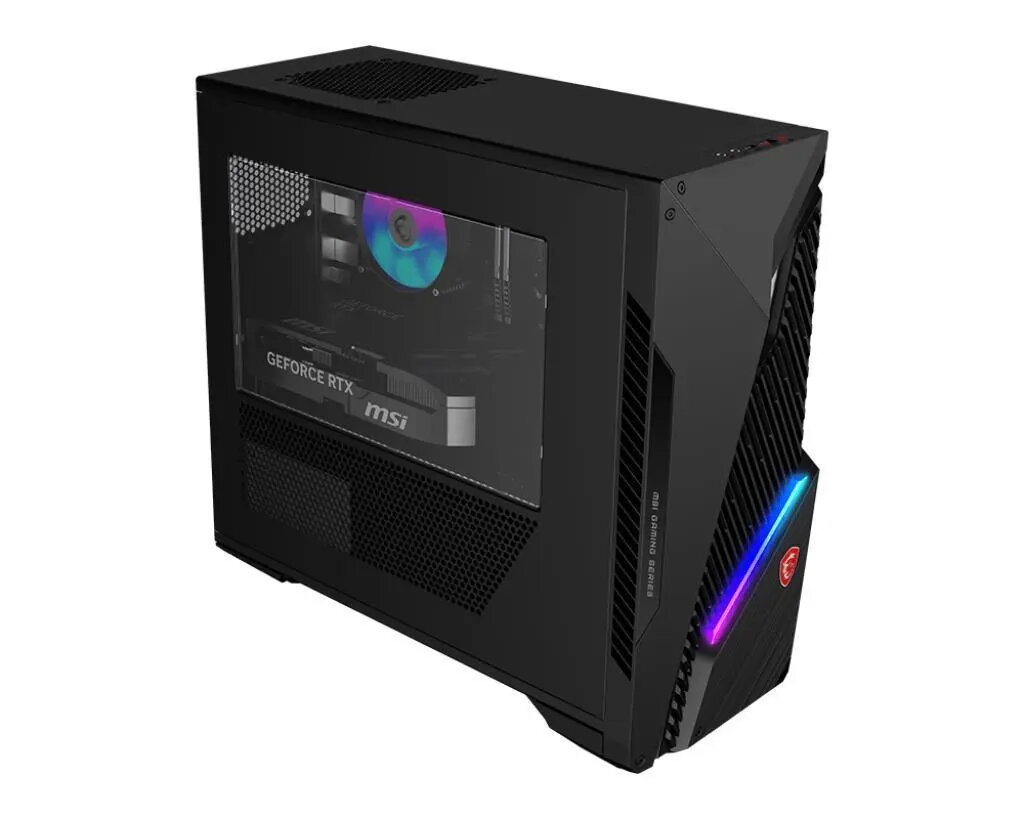
Desktop PC MSI MAG Infinite S3 14th Intel Core i5 32GB RAM 1TB SSD GeForce RTX 5060 Ti Windows 11 Home
The MSI MAG Infinite S3 14th is a desktop PC designed for demanding gaming and content-creation tasks. It pairs a 14th-generation Intel Core i5-14400F CPU with 32GB of DDR5 memory at 5600 MHz and a 1TB solid-state drive, delivering responsive system performance and fast load times. Visual performance is handled by the GeForce RTX 5060 Ti SHADOW 2X with 16GB of video memory, while the system runs Windows 11 Home for up-to-date compatibility and user features. The chassis is a compact black desktop tower with a 500 W power supply and wireless connectivity via 802.11ax Wi‑Fi and Bluetooth.
The combination of an Intel Core i5-14400F processor and high-frequency DDR5 RAM provides smooth multitasking and stable frame rates in modern titles. A 1TB SSD offers ample space for games and applications with rapid read/write times. The GeForce RTX 5060 Ti SHADOW 2X with 16GB VRAM supports advanced graphics settings, hardware-accelerated ray tracing, and GPU-accelerated content creation workflows. Built-in 802.11ax wireless and Bluetooth simplify network and peripheral connections, and the preinstalled Windows 11 Home ensures a current operating environment.
Place the desktop on a stable, well-ventilated surface with space around the chassis for airflow. Connect monitor, keyboard, mouse and any external storage or audio devices to the appropriate ports on the rear and front panels. Attach an Ethernet cable or configure wireless networking via the Windows 11 network settings to enable online features. Use the preinstalled Windows 11 Home to complete initial setup, install GPU drivers from the NVIDIA website for optimal graphics performance, and apply Windows updates. For gaming, install titles on the 1TB SSD to benefit from faster load times.
For sustained gaming sessions or intensive rendering tasks, ensure the case vents are unobstructed and consider periodic dust cleaning. Keep GPU and chipset drivers up to date to maintain compatibility and performance. If heavy multitasking or advanced content-creation workloads are expected, consider upgrading to the maximum supported 64GB DDR5 to increase headroom for memory-intensive applications.
{{highlightedFeature.featureTitle}}:
{{getProductFeatureValueById(product, highlightedFeature.featureId)}}
{{ productComparisonGenerationError }}