Dreame vacuums for fast and efficient cleaning!
In cart {{totalProductsCount}} item(s)
Your cart is empty
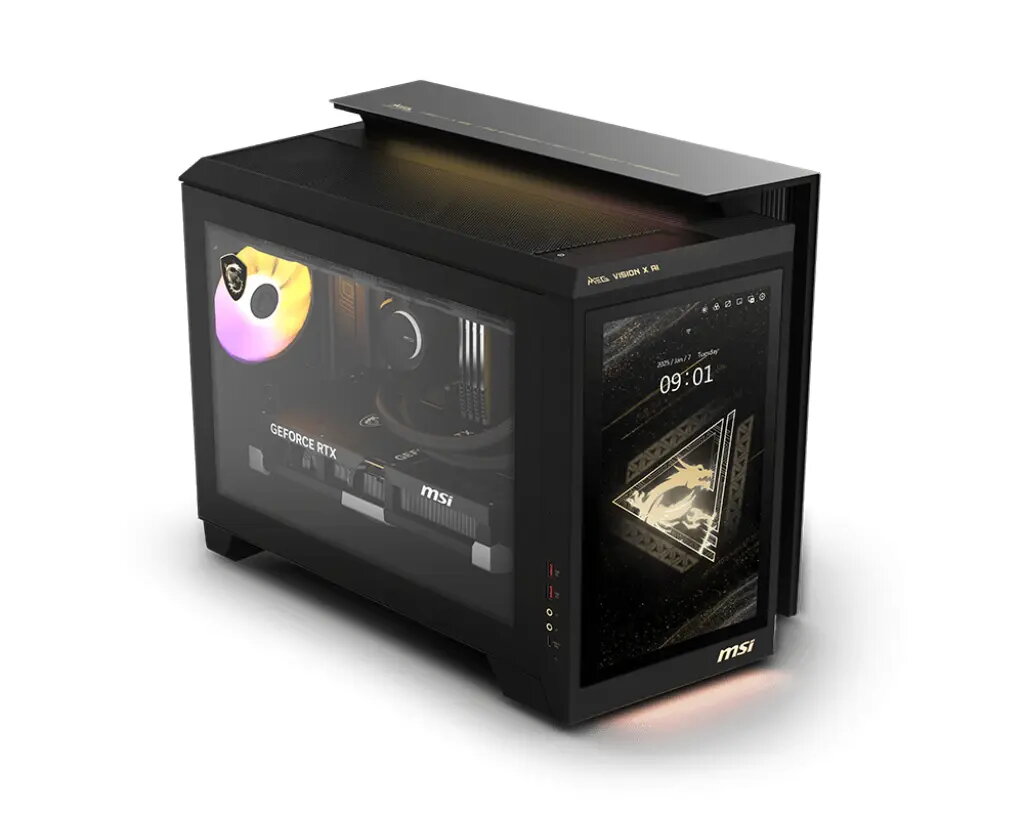
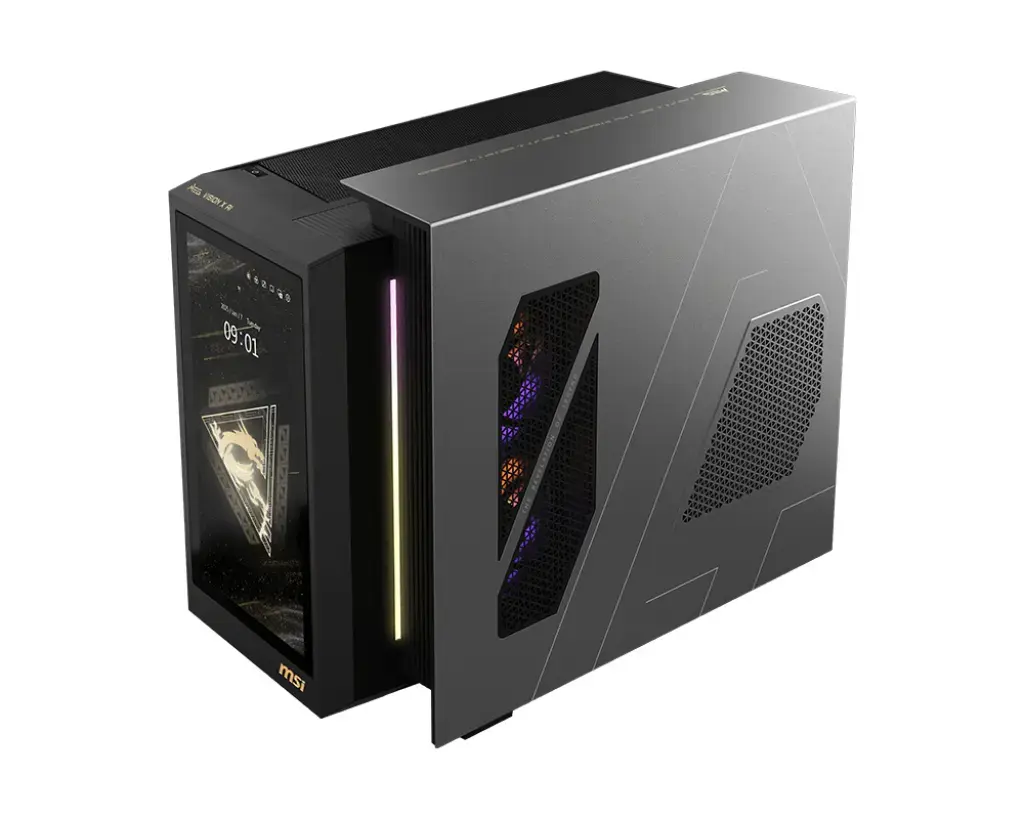
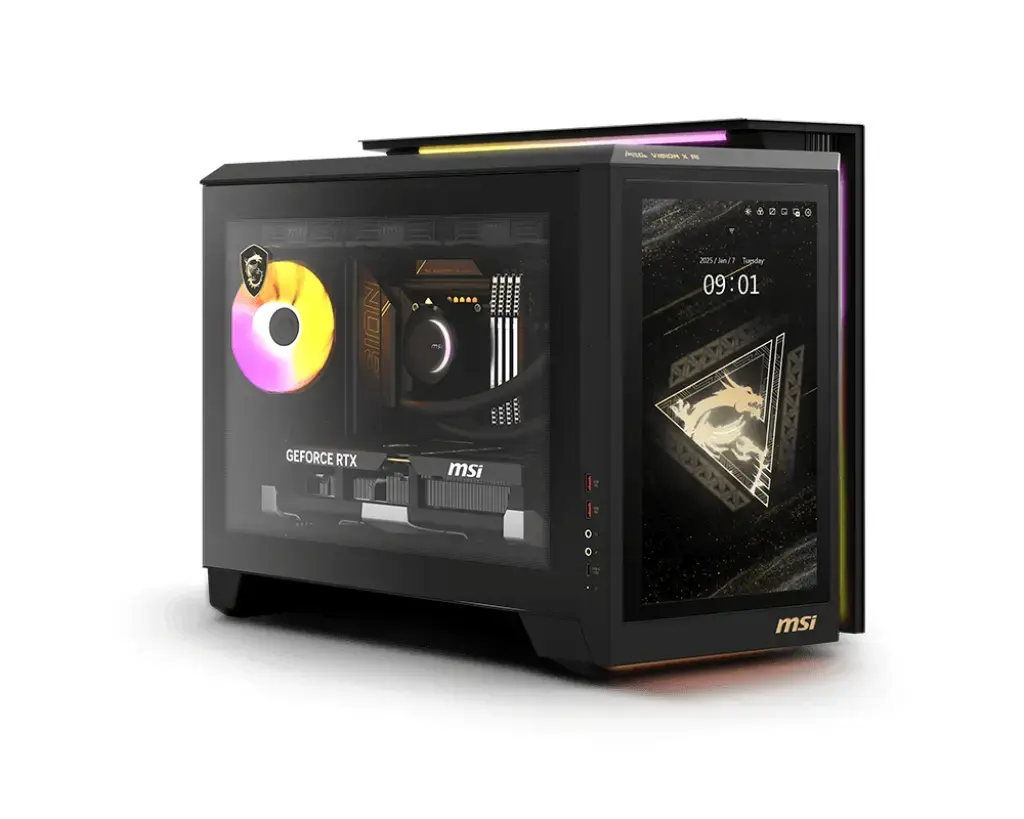
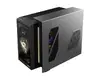
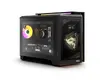
MSI MEG Vision X AI 2NVR7-290EU Desktop PC, Intel Core Ultra 7 265K, 64GB DDR5, 1TB SSD, NVIDIA GeForce RTX 5070 Ti, Windows 11 Home
The MSI MEG Vision X AI 2NVR7-290EU is a high-performance desktop PC engineered for users who demand top-tier computing power and advanced AI integration. Built with a focus on precision and reliability, this system features the powerful Intel Core Ultra 7 265K processor and the cutting-edge NVIDIA GeForce RTX 5070 Ti graphics card. Housed in a sophisticated black chassis, it combines aesthetic elegance with robust internal hardware, including 64GB of high-speed DDR5 memory and a 1TB SSD, ensuring rapid data access and seamless multitasking for both gaming and professional creative workflows.
This desktop stands out due to its innovative AI-driven features, including the unique AI HMI touchscreen interface that allows for intuitive system control and interaction. The system utilizes Silent Storm Cooling AI technology, which isolates key components into independent air chambers to prevent heat buildup and maintain peak performance during intensive tasks. With support for Wi-Fi 7 and 5Gbps Ethernet, the connectivity is exceptionally fast and stable. Furthermore, the inclusion of Thunderbolt 4 and high-fidelity audio components ensures that the system is well-equipped for modern peripheral setups and immersive multimedia experiences, all while adhering to strict MIL-STD-1916 quality standards for long-term durability.
This desktop may not be suitable for users seeking a compact or portable computing solution, as its robust cooling system and high-performance components result in a substantial chassis size and weight. Additionally, it may be overkill for individuals whose primary computing needs are limited to basic office applications, web browsing, or light media consumption.
To begin using your MSI MEG Vision X AI, connect the power cable to a grounded outlet and attach your monitor, keyboard, and mouse to the available I/O ports. Upon initial startup, follow the on-screen Windows 11 Home setup instructions to configure your user account and network settings. Utilize the integrated AI HMI touchscreen to monitor system performance and customize your settings for an optimized experience. Ensure that the system is placed in a well-ventilated area to allow the Silent Storm Cooling system to function effectively.
For optimal longevity and performance, keep the system software and drivers updated via the MSI Center application and periodically clean the exterior air vents to prevent dust accumulation.
{{highlightedFeature.featureTitle}}:
{{getProductFeatureValueById(product, highlightedFeature.featureId)}}
{{ productComparisonGenerationError }}