
Dreame vacuums for fast and efficient cleaning!
In cart {{totalProductsCount}} item(s)
Your cart is empty
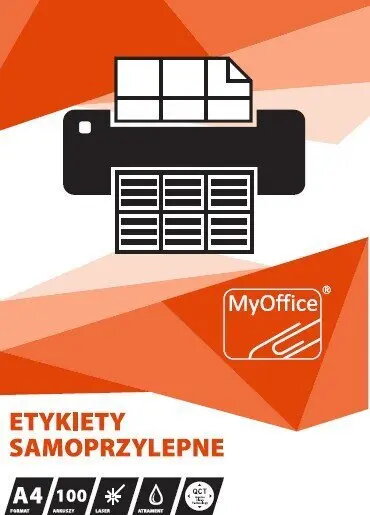
Label sheets MyOffice ETYKIETY A4 210 x 148 mm (100 sheets) by MyOffice
MyOffice ETYKIETY A4 210 x 148 mm (100 sheets) are large-format label sheets designed for use with standard A4 printers. Each sheet carries a single rectangular label sized 210 x 148 mm, enabling straightforward creation of large stickers for packaging, product identification, addressing, or office organization. Sheets are compatible with laser and inkjet printers when the printer supports adhesive media; check your printer specifications before use.
These label sheets provide a simple way to produce uniform, large rectangular labels without manual cutting. The full-sheet label format reduces alignment errors and speeds up batch printing. The adhesive backing is suitable for common packaging materials and paper surfaces, and the sheets are compatible with both laser and inkjet printing technologies when printer media settings are adjusted accordingly.
Prepare your print file sized to 210 x 148 mm and position it to match the full-sheet label layout. Load the label sheets into the printer tray according to the printer manufacturer’s instructions for adhesive or thick paper media, and select the appropriate media type and print quality in your printer settings. Perform a single-sheet test print to verify alignment and color output before running the full batch. After printing, allow ink to dry if using an inkjet printer, then peel and apply the label onto the desired surface, ensuring it is clean and dry for best adhesion.
Verify your printer’s manual for adhesive sheet handling and maximum paper weight. For consistent results, use the printer’s recommended media setting and perform a test run. Store unused sheets flat in a dry environment away from direct sunlight to maintain adhesive performance and print quality.
{{highlightedFeature.featureTitle}}:
{{getProductFeatureValueById(product, highlightedFeature.featureId)}}
{{ productComparisonGenerationError }}