
Dreame vacuums for fast and efficient cleaning!
In cart {{totalProductsCount}} item(s)
Your cart is empty
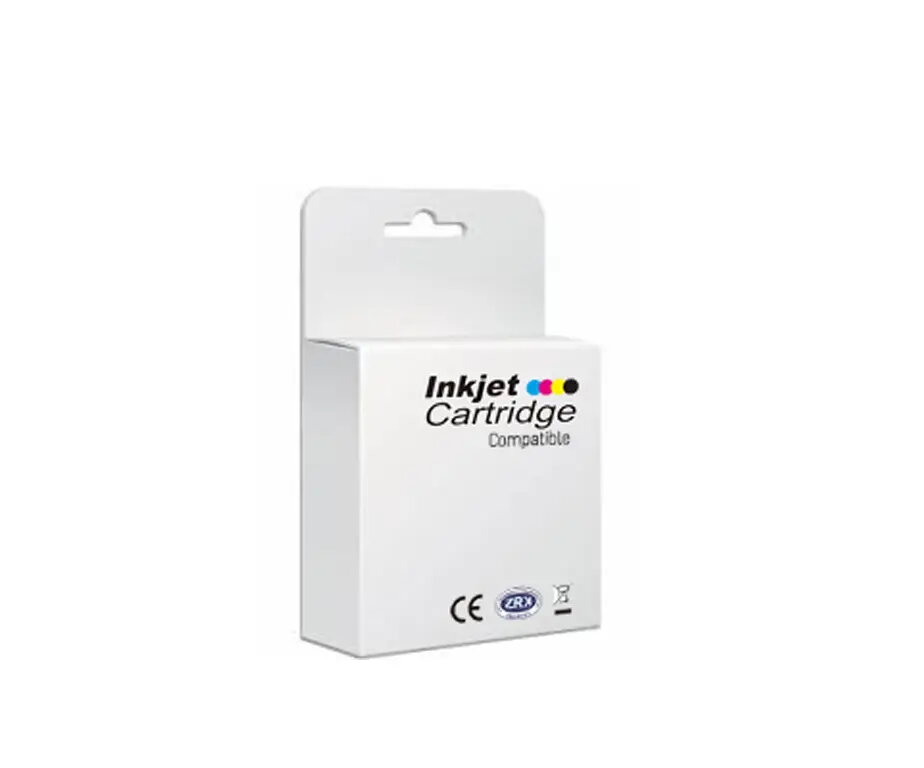
Ink cartridge no brand T2991 BK 15 ml — black ink for high-quality printing
Replacement ink cartridge no brand T2991 (29XL) BK contains 15 ml of black pigment-based ink engineered for clear, crisp text and sharp monochrome images. It is designed as a compatible alternative for printers that accept T2991-series cartridges; confirm compatibility with your Epson model before purchase.
This T2991 black cartridge offers a 15 ml capacity suitable for routine document printing. Pigment-based ink provides good text durability and legibility on plain paper. The cartridge is designed for straightforward installation and replacement in compatible Epson Express Home printers.
Turn on the printer and open the cartridge access cover. Remove the empty cartridge following the printer’s instructions, unpackage the replacement cartridge, and remove any protective tape or seals. Insert the T2991 compatible cartridge into the correct slot until it clicks into place. Close the access cover and run a test print or nozzle check from the printer menu to ensure proper installation.
Store the cartridge in a cool, dry place away from direct sunlight. For best results on documents, use plain paper settings and allow printed pages to dry briefly before stacking. If print quality issues occur, run the printer’s cleaning utility and re-check installation.
{{highlightedFeature.featureTitle}}:
{{getProductFeatureValueById(product, highlightedFeature.featureId)}}
{{ productComparisonGenerationError }}