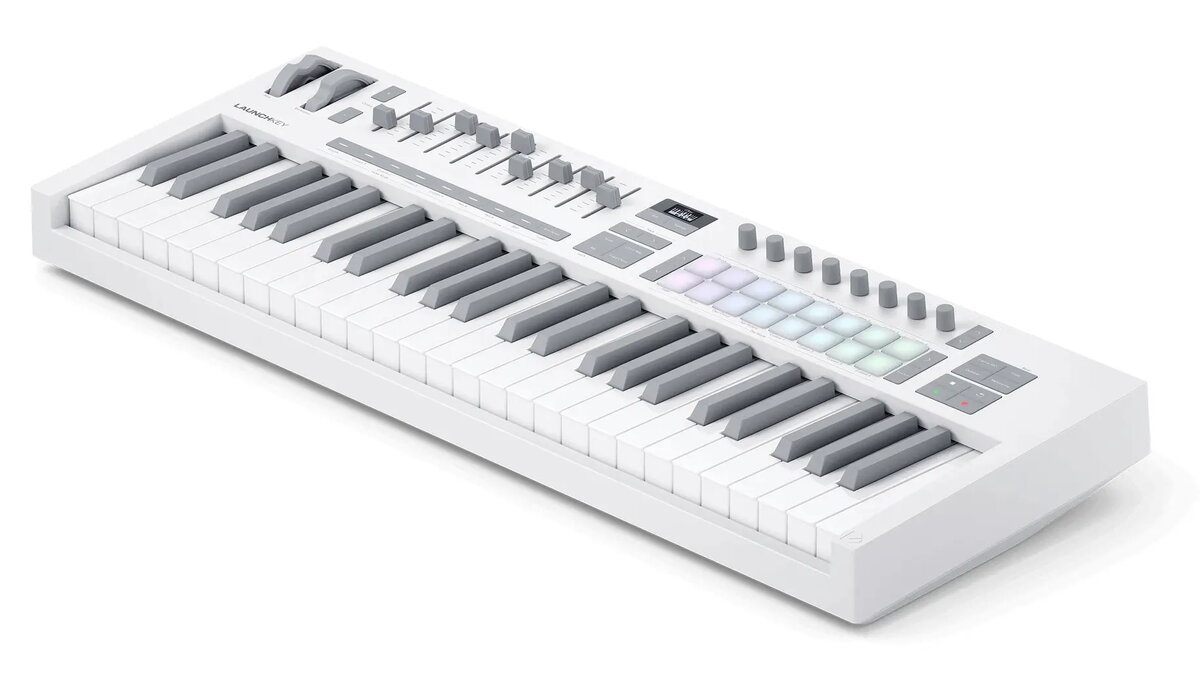
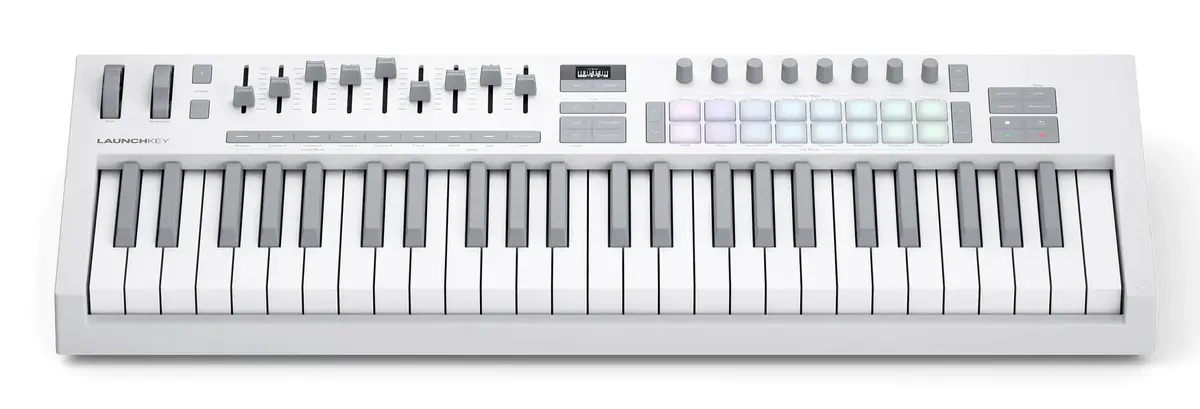
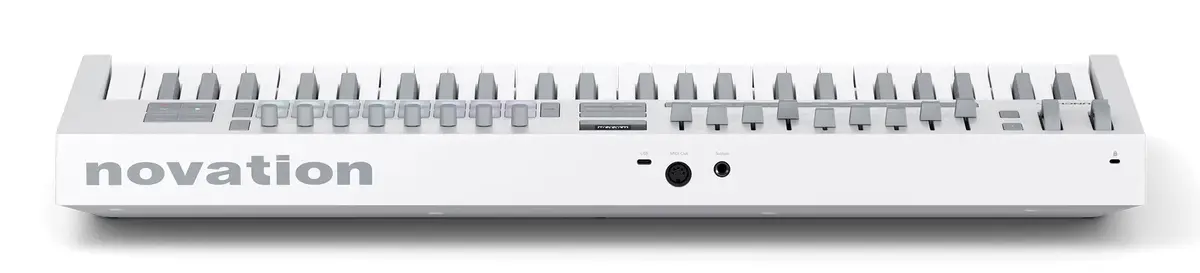
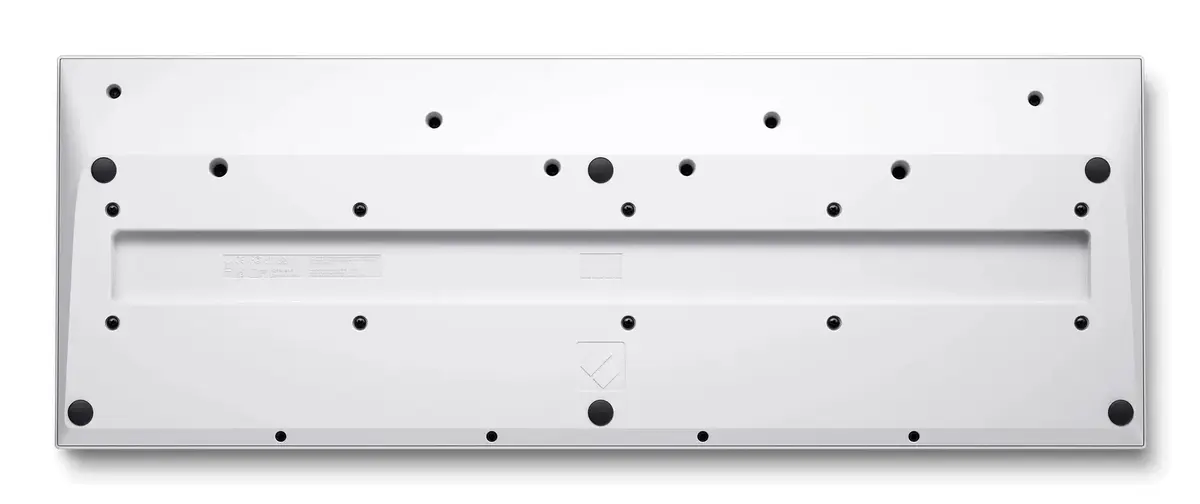
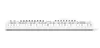
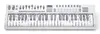
The Novation Launchkey 49 Mk4 is a professional-grade MIDI keyboard controller designed to streamline music production and live performance workflows. Featuring 49 semi-weighted, waterfall-style keys, this controller offers a responsive and natural playing experience suitable for both beginners and experienced producers. With its integrated USB interface, the device ensures reliable connectivity and seamless communication with your computer, making it a central hub for your digital audio workstation.
Advantages
This controller stands out due to its deep integration with major digital audio workstations, allowing for intuitive control over mixing, transport, and instrument parameters. The inclusion of 16 velocity-sensitive FSR pads with polyphonic aftertouch provides exceptional expressive capabilities for finger drumming and clip launching. Users benefit from a comprehensive set of creative tools, including built-in Chord and Scale modes, a generative arpeggiator, and an OLED display that provides real-time feedback. The robust build quality combined with a sleek, modern design ensures that the unit is both durable for travel and aesthetically pleasing in any studio environment.
Suitable for
- Music production in various digital audio workstations
- Live electronic music performances
- Finger drumming and rhythmic sequencing
- Sound design and synthesizer parameter control
- Music education and learning keyboard techniques
When it may not be suitable
The Launchkey 49 Mk4 may not be the ideal choice for users who require a fully weighted hammer-action keybed, as it is designed primarily for synth-style playing. Additionally, those who work exclusively with hardware synthesizers without a computer may find the reliance on a USB connection for power and data limiting.
Key specifications
- 49 semi-weighted, waterfall-style keys
- 16 velocity-sensitive FSR pads with polyphonic aftertouch
- 8 endless rotary encoders
- 9 faders and buttons
- OLED display for parameter feedback
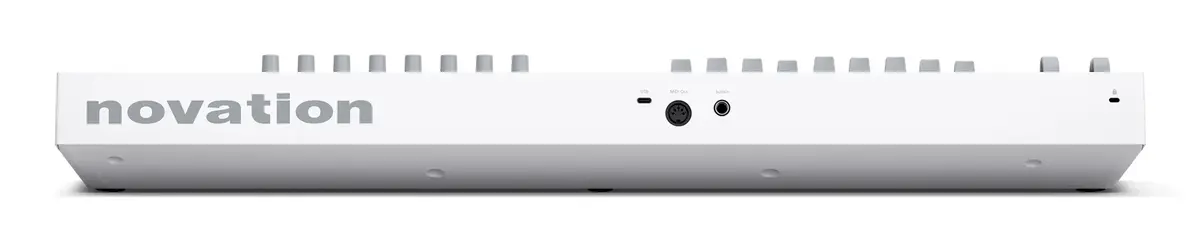
- USB Type-C connectivity
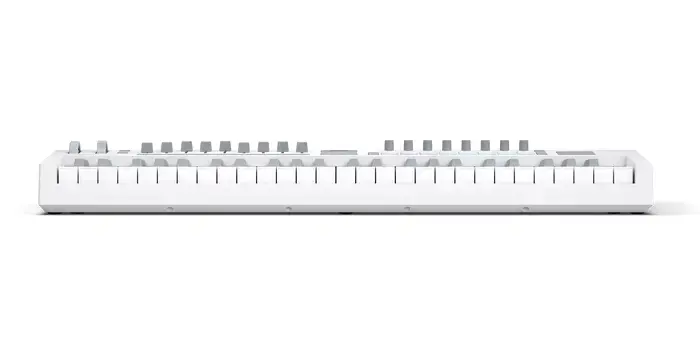
- Dimensions: 730 mm x 263.5 mm x 93 mm
How to use
To begin using the Launchkey 49 Mk4, connect the provided USB cable from the controller to your computer. Once connected, configure your digital audio workstation to recognize the device as a MIDI input and control surface. You can utilize the dedicated buttons and faders to map parameters within your software, or use the built-in Chord and Scale modes to assist in melodic composition. The pads can be assigned to trigger drum samples or launch clips, while the encoders allow for real-time manipulation of virtual instrument settings.
What to consider before purchase
- Ensure your computer has an available USB port or a compatible adapter
- Verify that your preferred digital audio workstation is compatible with the controller's integration features
- Consider the physical desk space required for a 49-key controller
- Evaluate if the semi-weighted key action meets your specific playing style requirements
Usage recommendations: For the best experience, keep the firmware updated via the manufacturer's software to ensure compatibility with the latest DAW versions and to access new creative features.