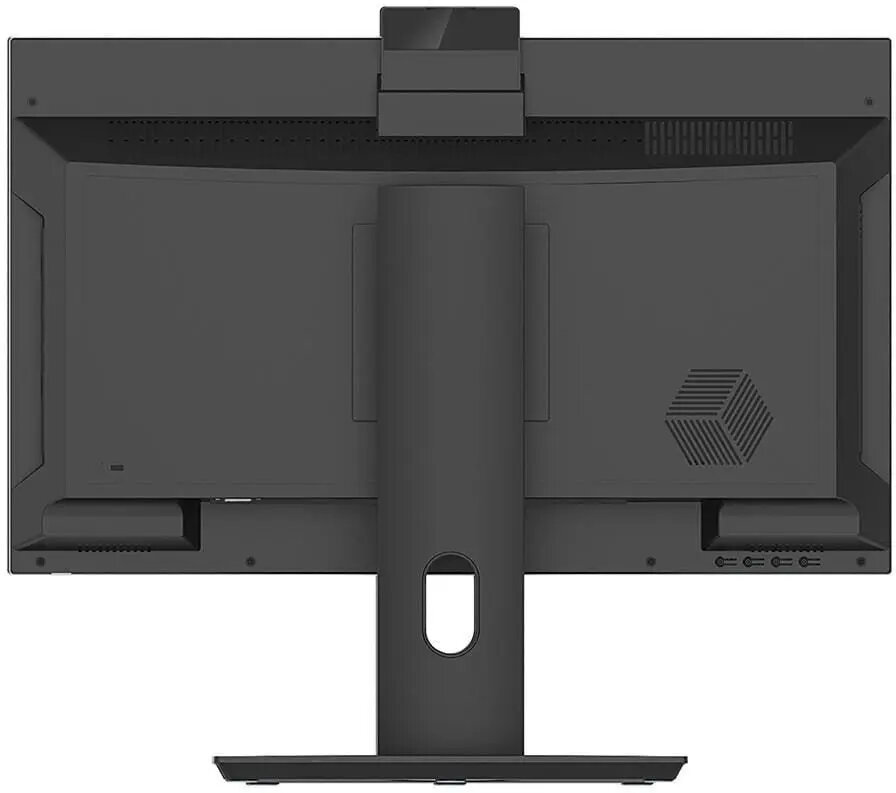
The NTT System All-in-One PC is a comprehensive computing solution designed to combine performance and space-saving aesthetics in a single unit. Featuring a 23.8-inch display, this desktop computer integrates all essential components into one sleek chassis, eliminating the need for a separate tower. Powered by an Intel Core i3-14100 processor and supported by 16GB of RAM, it provides a responsive environment for daily computing tasks, multitasking, and media consumption. The inclusion of a 512GB SSD ensures fast boot times and quick access to files, while the pre-installed Windows 11 Home operating system offers a modern and secure user interface.
Advantages
This All-in-One system excels by significantly reducing cable clutter and physical footprint on your desk, making it an ideal choice for minimalist workspaces. The high-definition 23.8-inch screen provides ample screen real estate for document editing, web browsing, and video streaming. With 16GB of memory, the system handles multiple browser tabs and office applications simultaneously without significant slowdowns. The integrated Wi-Fi connectivity allows for flexible placement within your home or office without the necessity of a wired network connection, and the pre-configured software environment ensures the device is ready for immediate use upon unboxing.
Suitable for
- General office productivity and administrative work
- Home education and remote learning
- Web browsing and media streaming
- Basic photo editing and content management
When it may not be suitable
This computer is not intended for high-end professional gaming, intensive 3D rendering, or complex video editing tasks that require dedicated graphics cards and higher-tier multi-core processors. Users looking for a modular system that allows for extensive internal hardware upgrades may find the integrated nature of this device limiting.
Key specifications
- Processor: Intel Core i3-14100
- Display size: 23.8 inches
- Memory: 16GB RAM
- Storage: 512GB SSD
- Connectivity: Integrated Wi-Fi
- Operating System: Windows 11 Home
How to use
To begin using the NTT System All-in-One, place the unit on a stable, flat surface with adequate ventilation. Connect the provided power cable to an electrical outlet and the device. Once powered on, follow the on-screen instructions provided by the Windows 11 Home setup wizard to configure your language, network settings, and user account. After the initial setup is complete, you can connect peripheral devices such as a keyboard and mouse via the available ports. The system is designed for plug-and-play functionality, allowing you to install your preferred software applications immediately.
What to consider before purchase
- Ensure your desk space accommodates a 23.8-inch display.
- Verify that the available ports meet your requirements for external peripherals.
- Consider whether your specific software needs align with the capabilities of an Intel Core i3 processor.
Usage recommendations: To maintain optimal performance, keep the system updated via Windows Update and ensure the ventilation vents remain unobstructed to prevent overheating. Regularly back up your important data to an external drive or cloud storage service.