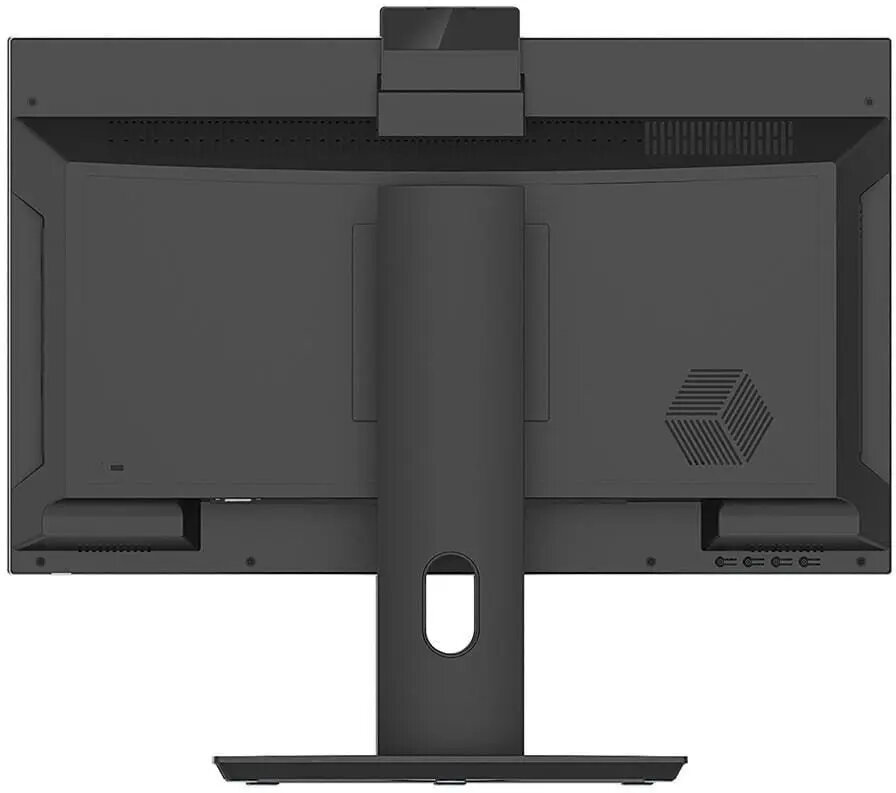
The NTT System All-in-One PC is a comprehensive desktop solution designed to combine high performance with a space-saving form factor. Featuring a vibrant 23.8-inch display, this computer integrates all essential components into a single unit, reducing cable clutter and maximizing desk space. Powered by the Intel Core i5-14400 processor and supported by 16GB of RAM, it delivers reliable speed for multitasking, office applications, and media consumption. With a generous 1TB SSD, users benefit from fast boot times and ample storage for documents, photos, and software.
Advantages
This All-in-One system offers a streamlined aesthetic that fits perfectly into modern office or home setups. By integrating the monitor and computer hardware, it eliminates the need for a separate tower, making it an ideal choice for minimalist workspaces. The inclusion of high-speed Wi-Fi ensures flexible placement options without the need for wired internet connections. Furthermore, the pre-installed Windows 11 Home operating system provides a modern, secure, and user-friendly interface right out of the box, ensuring compatibility with a wide range of contemporary software and peripherals.
Suitable for
- General office productivity and document management
- Remote work and home office setups
- Educational tasks and student research
- Multimedia streaming and web browsing
This system may not be suitable for professional-grade video editing, complex 3D rendering, or high-end gaming, as it relies on integrated graphics rather than a dedicated graphics card. Users requiring extreme processing power for heavy computational workloads or specialized engineering software may find the hardware limitations restrictive.
Key specifications
- Display: 23.8-inch screen
- Processor: Intel Core i5-14400
- Memory: 16GB RAM
- Storage: 1TB SSD
- Connectivity: Integrated Wi-Fi
- Operating System: Windows 11 Home
How to use
To set up the NTT System All-in-One, place the unit on a stable, flat surface with adequate ventilation. Connect the provided power cable to the device and a wall outlet. Once powered on, follow the on-screen instructions provided by the Windows 11 setup wizard to configure your language, network settings, and user account. You can connect external peripherals such as a keyboard and mouse via the available ports on the back or side of the chassis.
What to consider before purchase
- Ensure the 23.8-inch screen size meets your workspace requirements.
- Verify that the integrated graphics meet the needs of your specific software applications.
- Consider whether you require additional external storage for large media libraries.
Usage recommendations: To maintain optimal performance, keep the device software updated through Windows Update and ensure the air vents remain unobstructed to prevent overheating during extended use.