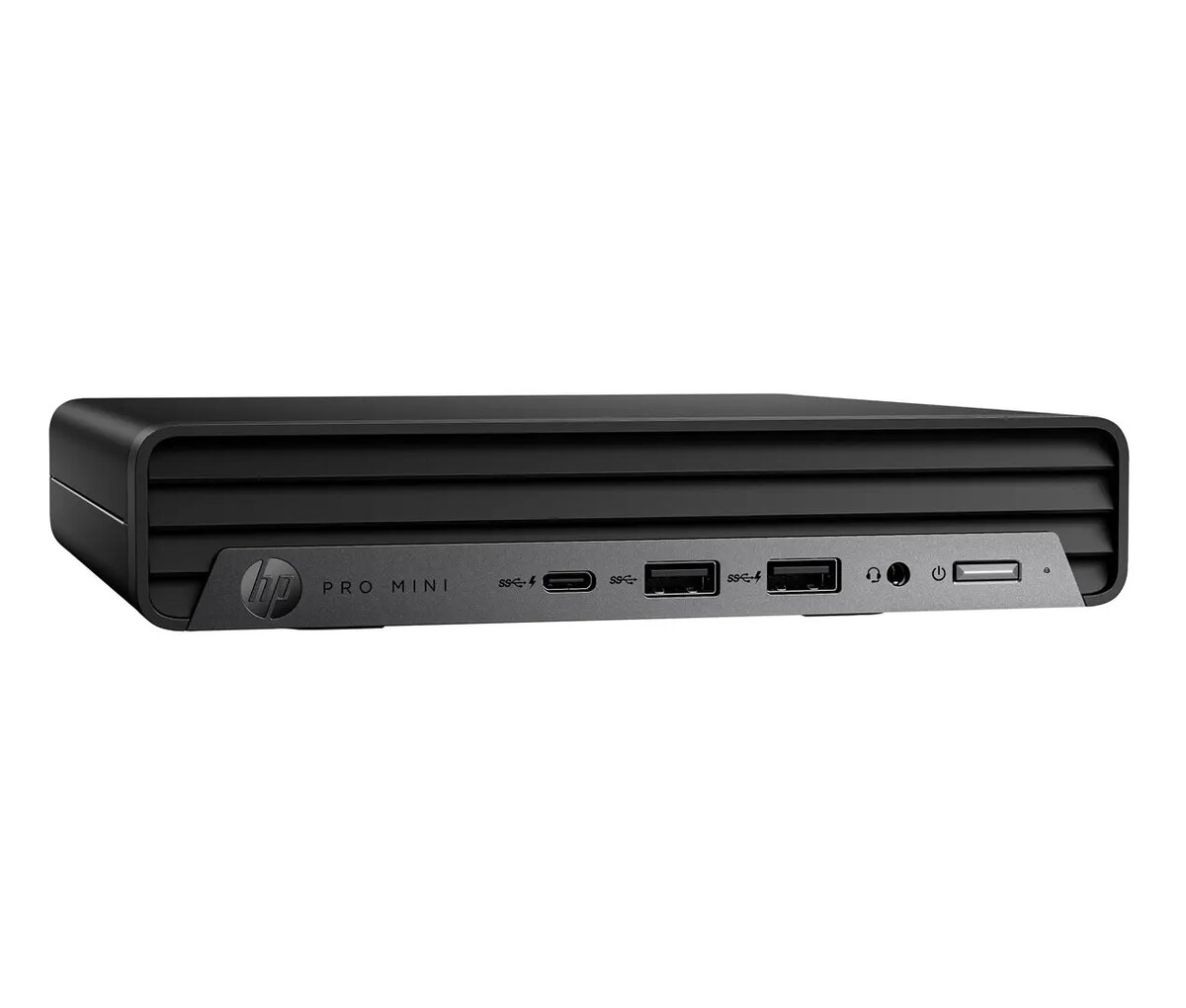
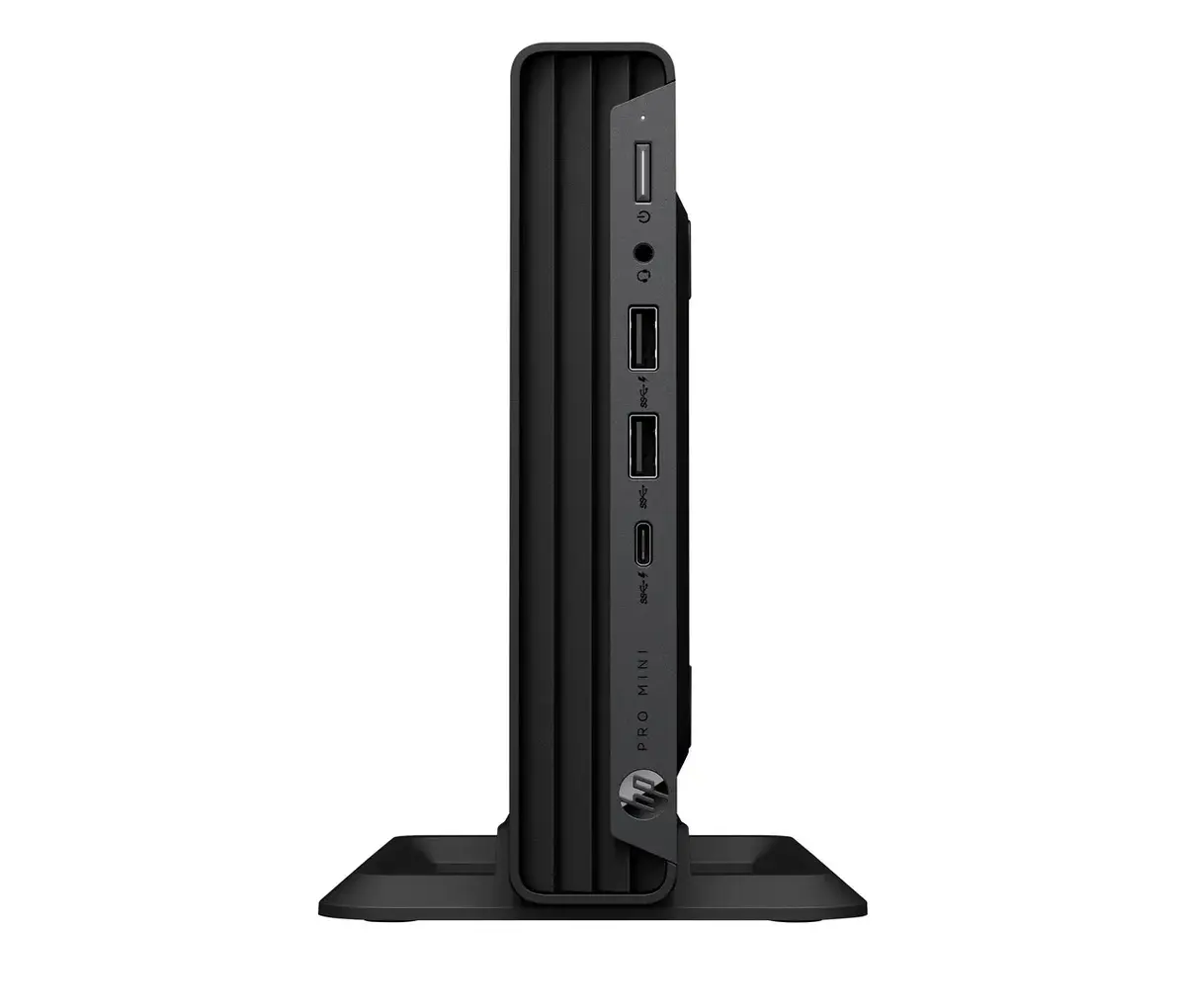
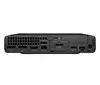
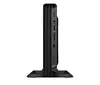
The HP Pro Mini 400 G9 Desktop PC is a high-performance, compact computing solution engineered to meet the demands of modern professional environments. Powered by an Intel Core i5-14500T processor, this workstation delivers efficient multitasking capabilities and reliable speed for daily business operations. With 16GB of RAM and a 512GB SSD, it provides ample memory and fast data access, ensuring a smooth workflow. The device comes pre-installed with Windows 11 Pro, offering advanced security features and management tools essential for enterprise use, all housed in a space-saving chassis that fits seamlessly into any workspace.
Advantages
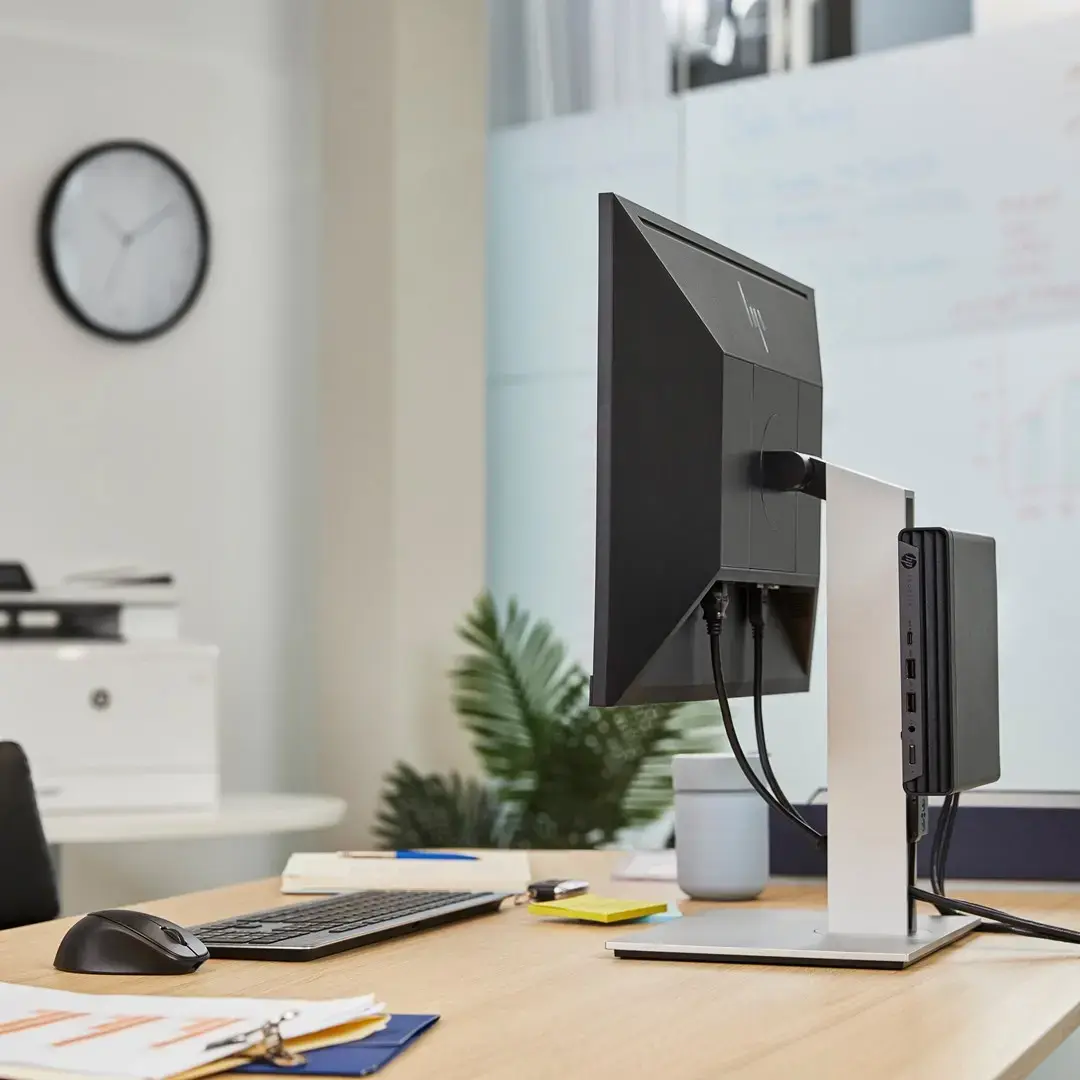
This desktop PC stands out due to its ultra-compact form factor, which significantly reduces desk clutter while maintaining robust performance levels. The integration of the Intel Core i5-14500T processor balances power consumption and computational speed, making it an energy-efficient choice for long working hours. Furthermore, the inclusion of a high-speed SSD ensures rapid system boot times and quick application loading, enhancing overall productivity. Its professional-grade build quality and Windows 11 Pro operating system provide a secure and stable environment for sensitive business data and complex software applications.
Suitable for
- Office productivity tasks such as word processing, spreadsheets, and presentations
- Professional multitasking and web-based collaboration
- Small to medium-sized business workstations
- Front-desk or reception area computing
- Space-constrained office environments
When it may not be suitable
This device is not designed for high-end gaming, intensive 3D rendering, or professional video editing that requires a dedicated high-performance graphics card. Users needing extensive internal hardware expansion or multiple internal storage drives may find the compact chassis limiting.
Key specifications
- Processor: Intel Core i5-14500T
- Memory: 16GB RAM
- Storage: 512GB SSD
- Operating System: Windows 11 Pro
- Form Factor: Mini Desktop
How to use
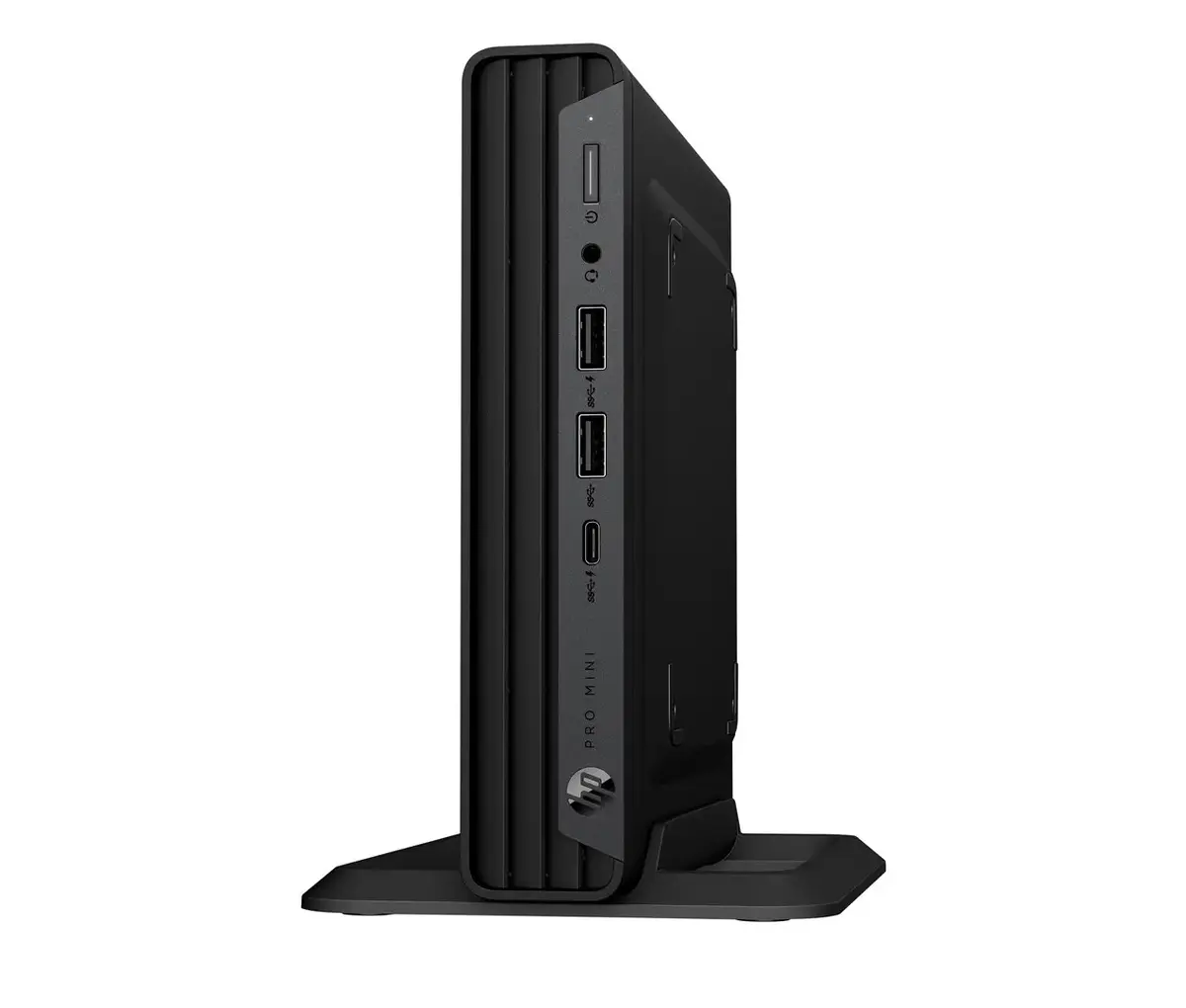
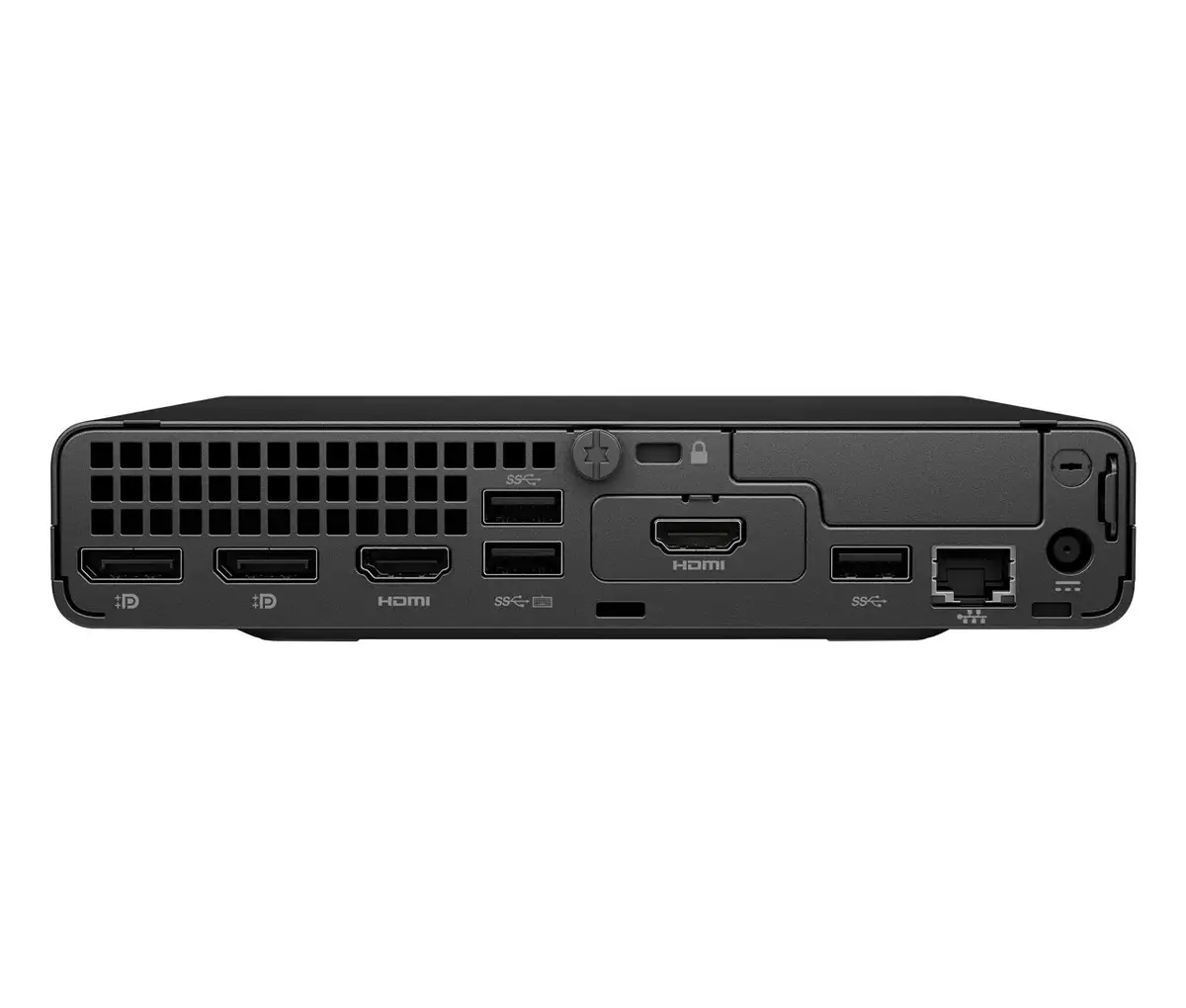
To set up the HP Pro Mini 400 G9, connect your monitor, keyboard, and mouse to the available ports on the rear or front panels. Plug the power adapter into a standard electrical outlet and press the power button located on the front of the unit. Follow the on-screen instructions provided by the Windows 11 Pro setup wizard to configure your network settings, user account, and security preferences. Once the initial setup is complete, you can begin installing your necessary business applications and transferring your files.
What to consider before purchase
- Verify that your existing monitor connections are compatible with the available video output ports.
- Assess whether your workflow requires additional storage capacity beyond the included 512GB SSD.
- Ensure your workspace has adequate ventilation to maintain optimal performance.
- Check if your specific software requirements align with the integrated graphics capabilities.
Usage recommendations: To maintain peak performance, keep the ventilation vents clear of obstructions and ensure the operating system is regularly updated via Windows Update. Periodically back up your critical data to an external drive or cloud storage service to prevent loss.