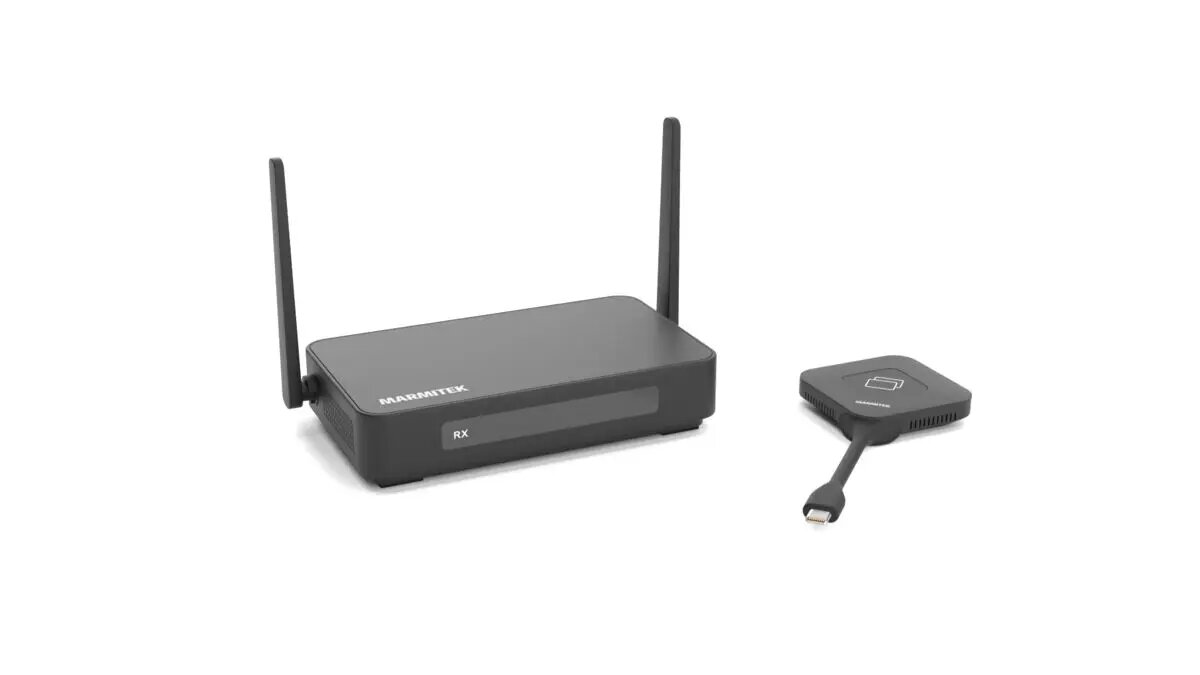
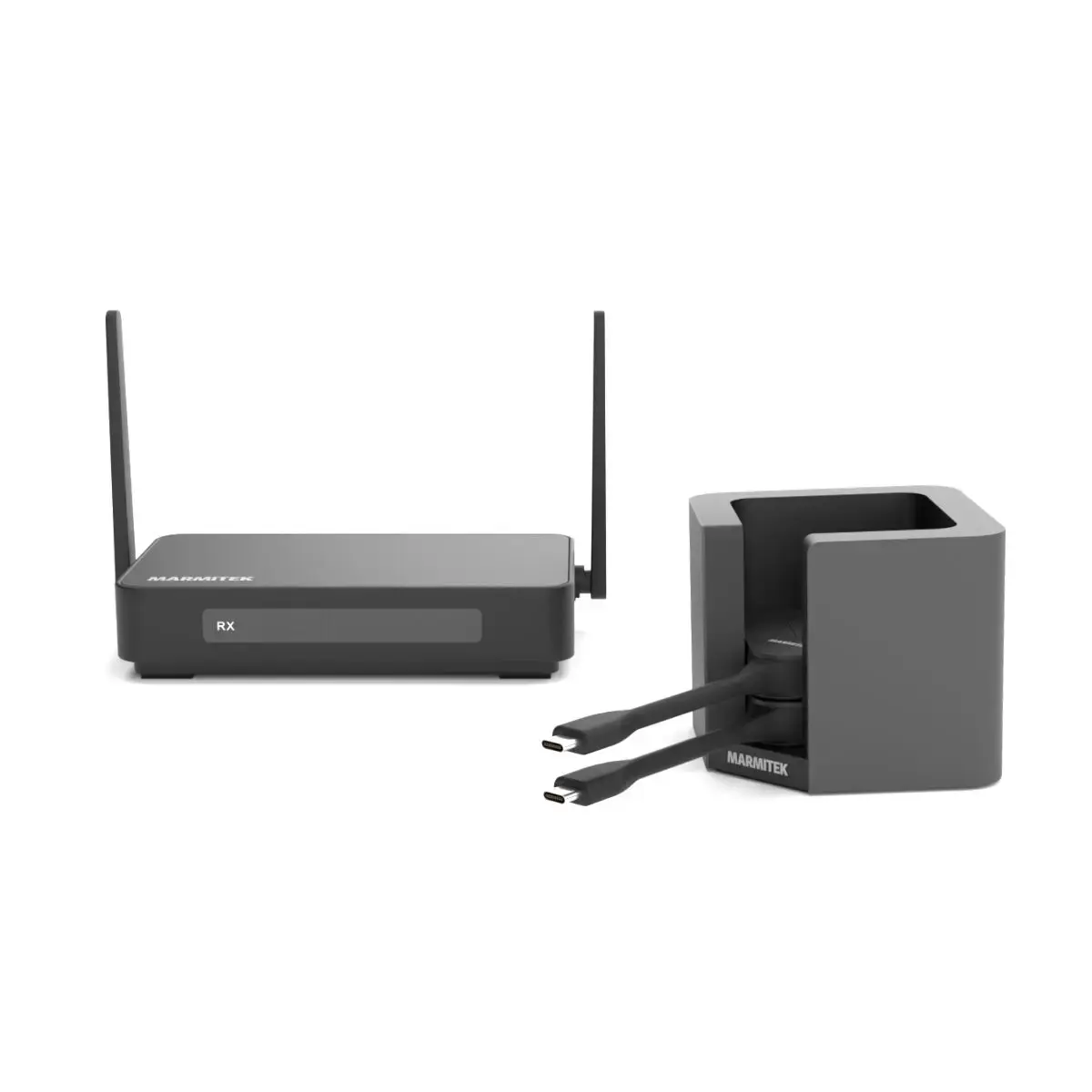
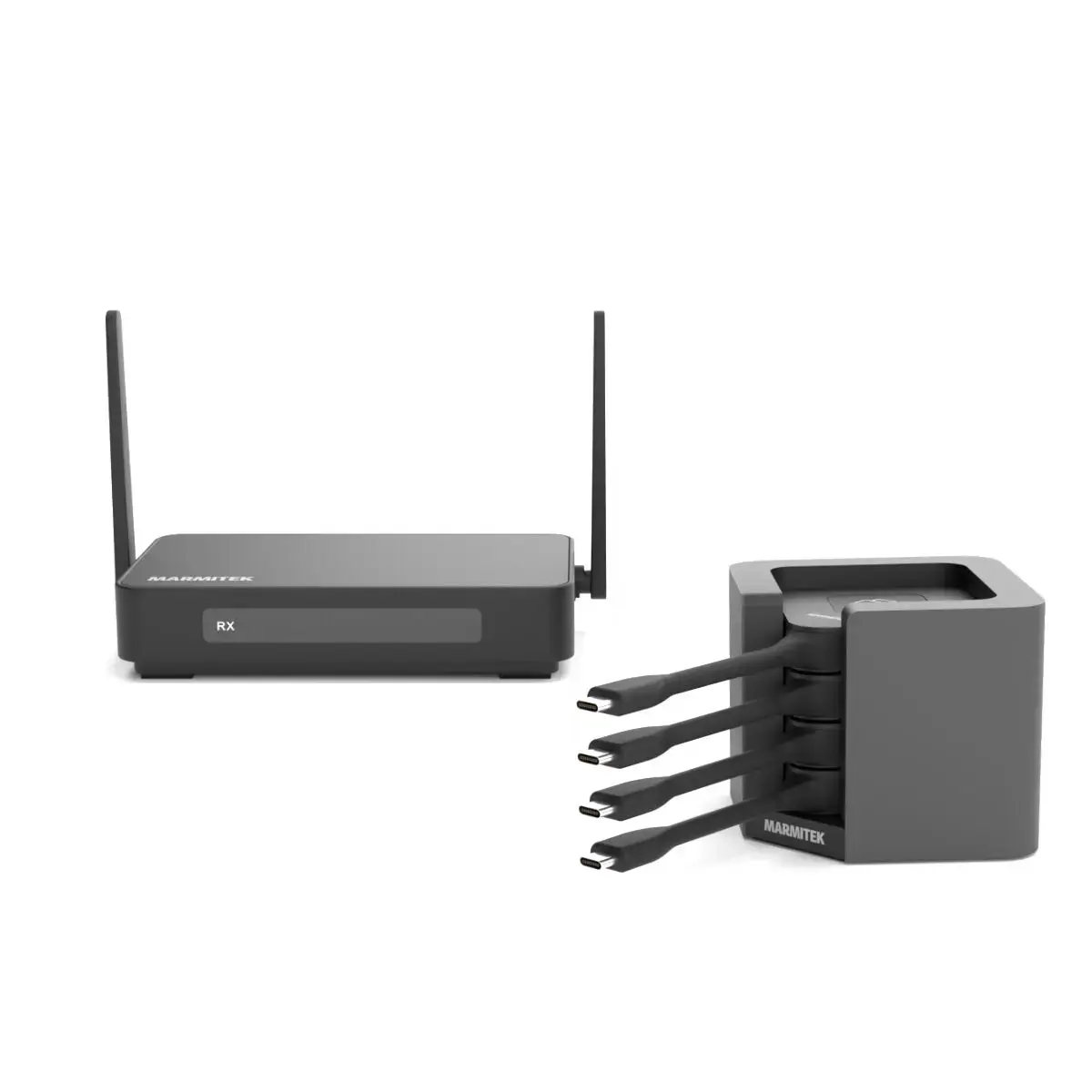
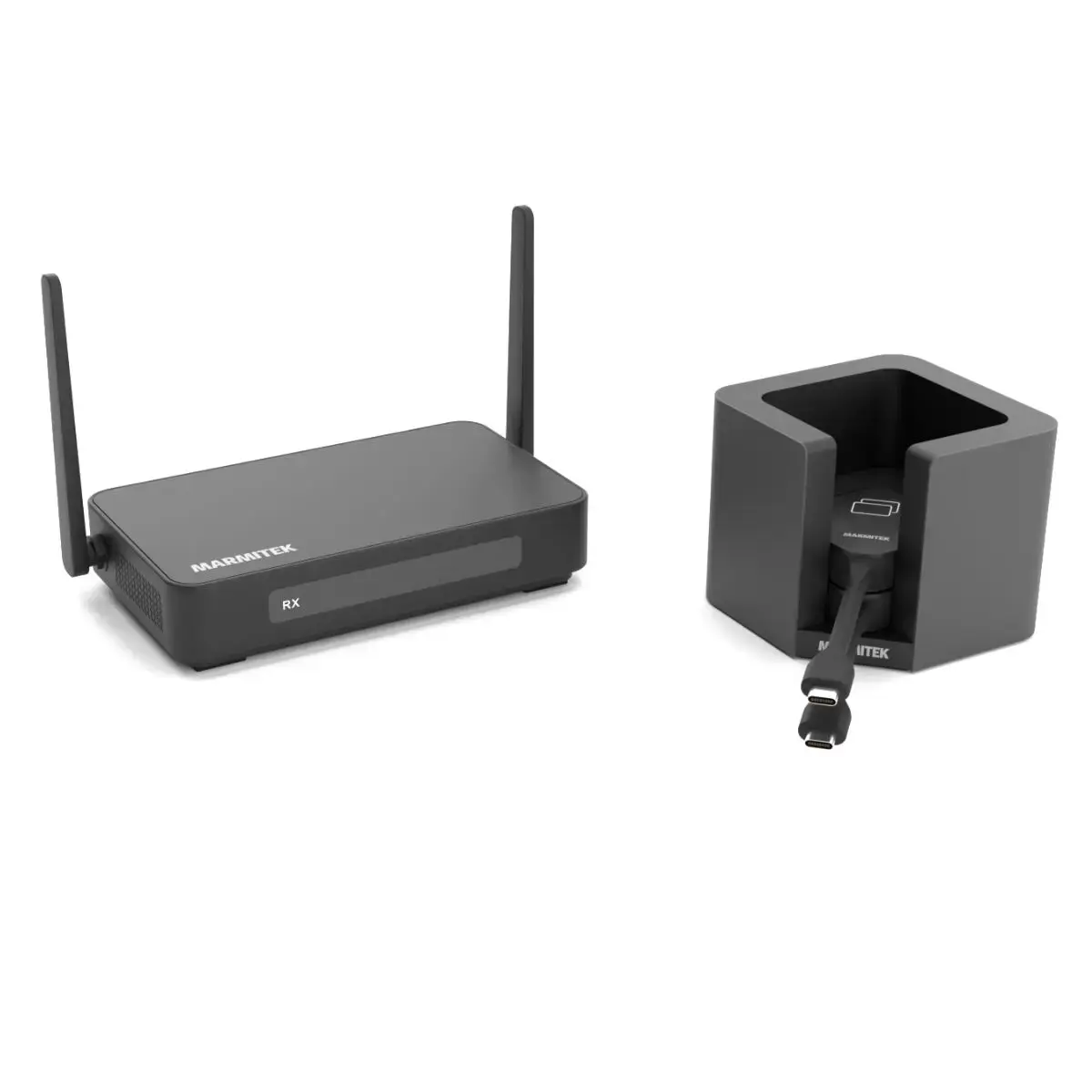
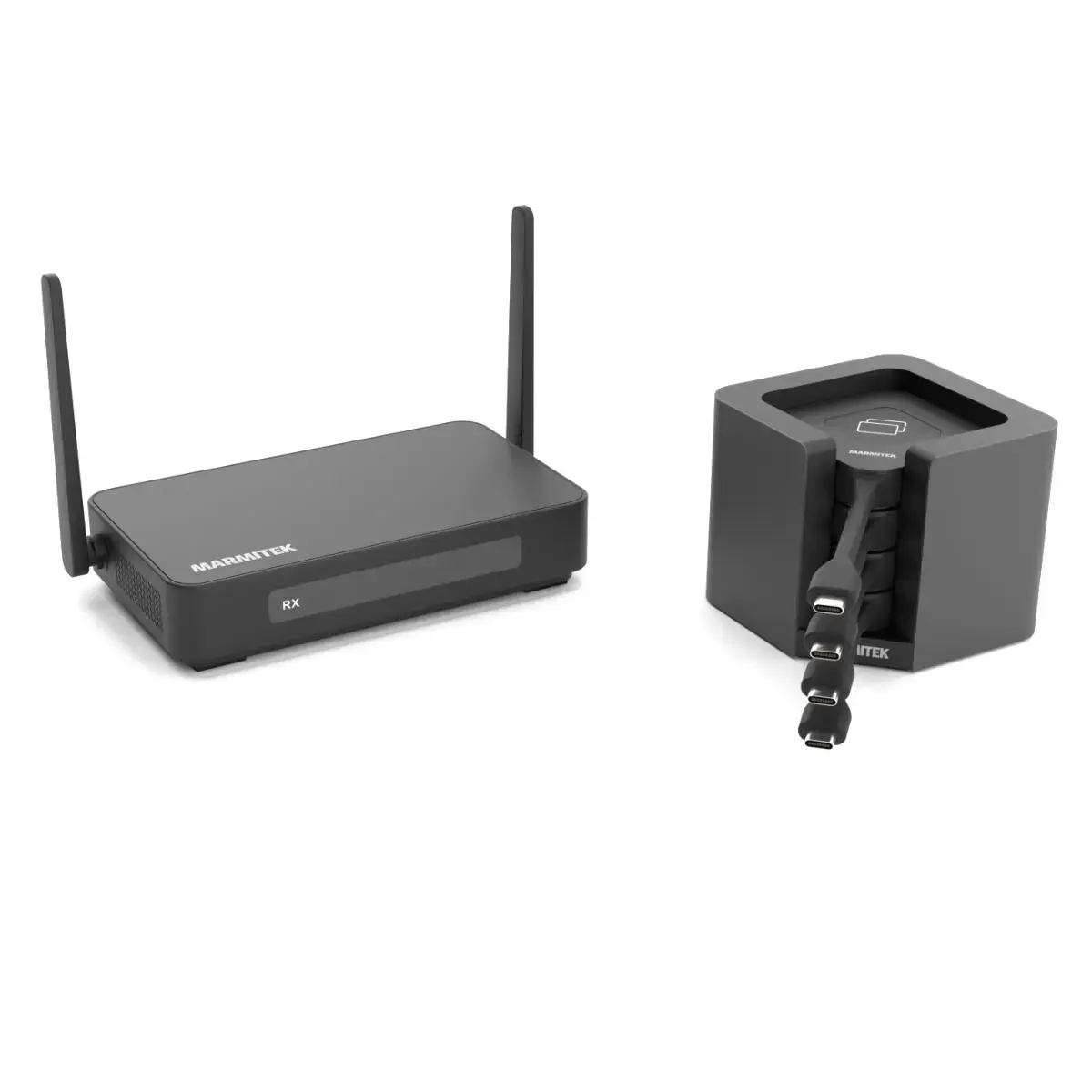
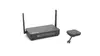
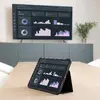
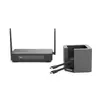
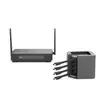
The Marmitek Stream 4K Pro is a professional wireless HDMI presentation and conferencing solution designed to facilitate seamless content sharing in modern meeting environments. This system supports high-resolution output up to 4K Ultra HD, ensuring that every detail of your presentations, videos, and collaborative documents remains sharp and clear. By utilizing advanced wireless technology, it eliminates the need for cumbersome cables, allowing for a clean and organized workspace while maintaining high-quality visual performance.
Advantages
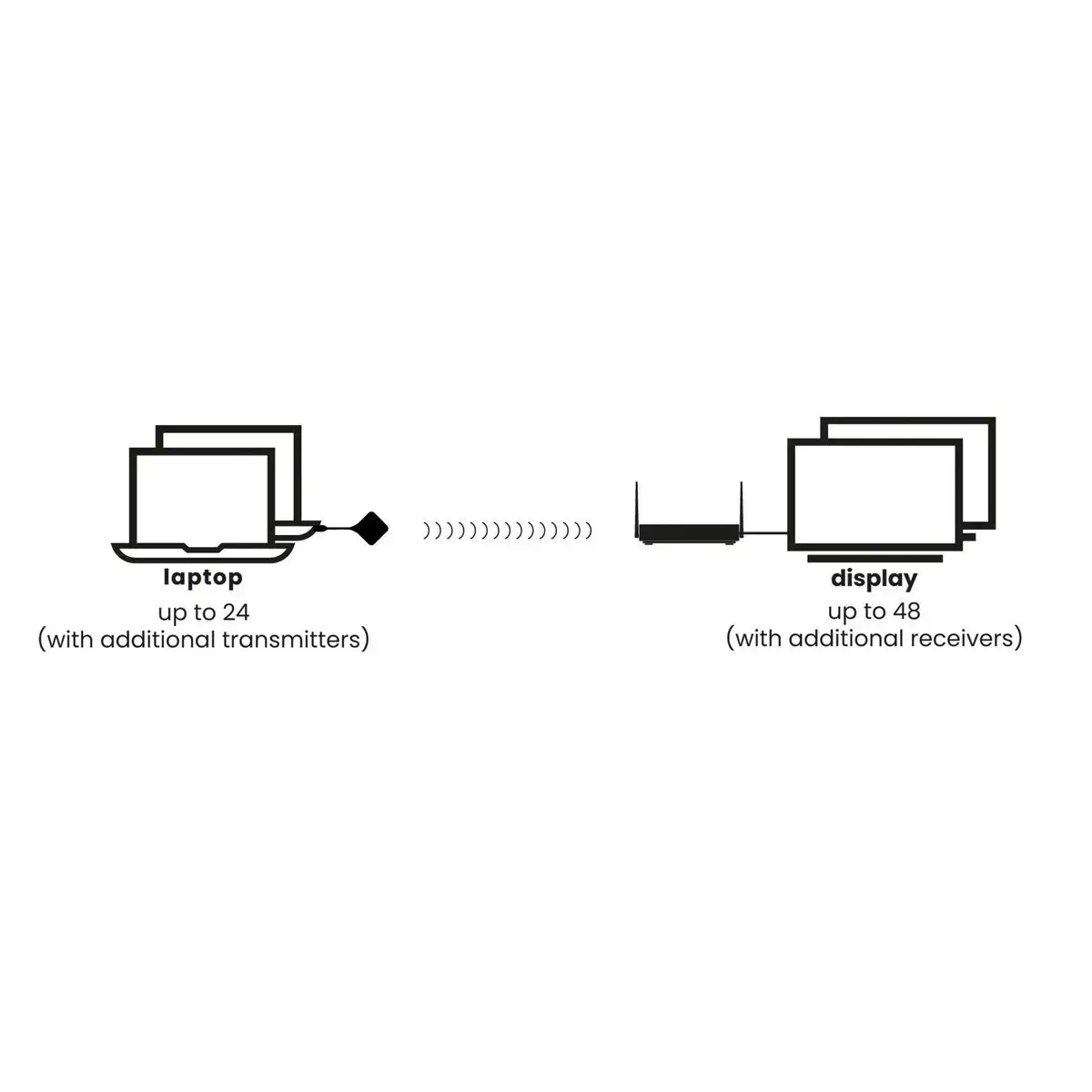
The primary advantage of the Marmitek Stream 4K Pro is its plug-and-play functionality, which requires no software or driver installations, significantly reducing setup time and technical friction. The system supports a wide range of connectivity options, including AirPlay, Chromecast, DLNA, and Miracast, making it highly versatile for various mobile devices and laptops. With its robust 128-bit AES security, users can be confident that their data transmission remains protected during meetings. Furthermore, the inclusion of split-screen functionality and support for up to 24 connected transmitters allows for dynamic, multi-user collaboration, while the built-in whiteboard feature enhances interactive brainstorming sessions.
Suitable for
- Professional conference rooms and boardrooms
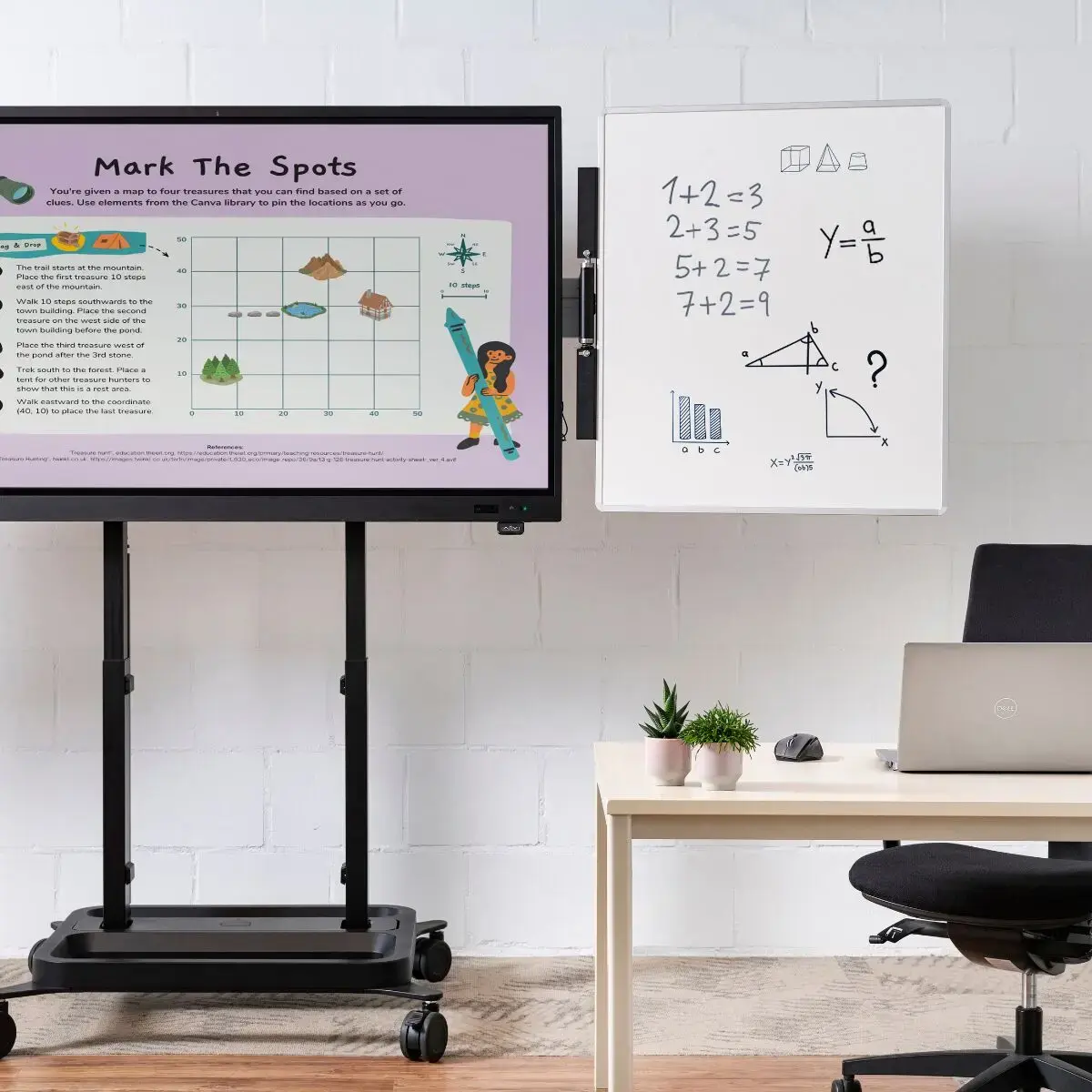
- Educational classrooms and training centers
- Hybrid meeting setups using video conferencing software
- Collaborative workspaces requiring multi-user content sharing
This system may not be suitable for environments with extremely high levels of wireless interference that could disrupt signal stability, or for applications requiring ultra-low latency gaming performance where millisecond response times are critical. It is also not intended for long-distance signal transmission beyond standard office or conference room dimensions.
Key specifications
- Resolution support: Up to 4K (3840 x 2160)
- Security: 128-bit AES encryption
- Power options: DC or Power over Ethernet (PoE)
- Connectivity: HDMI output, USB 3.2 ports for cameras
- Wireless protocols: AirPlay, Chromecast, DLNA, Miracast
- Color: Black
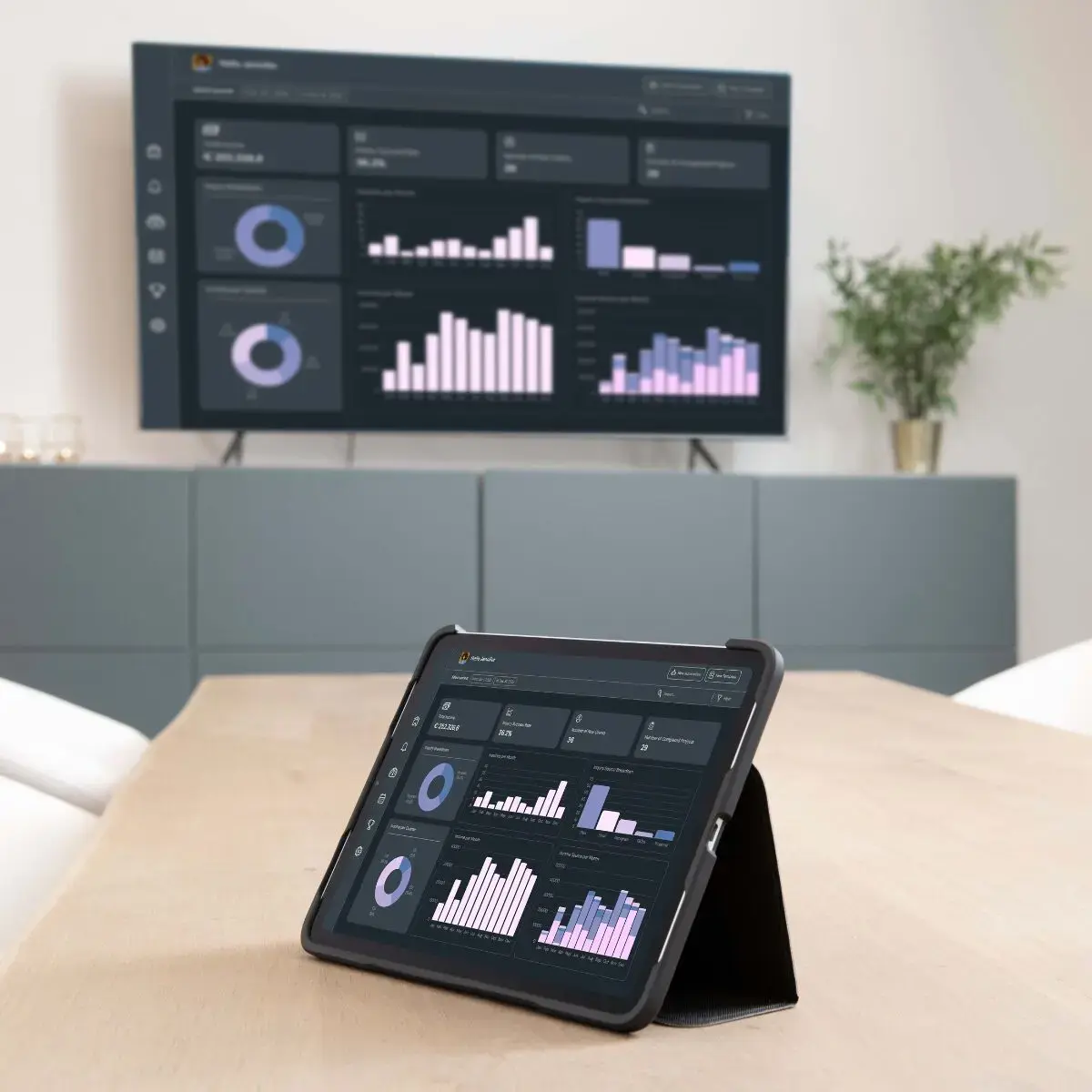
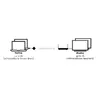
To use the Marmitek Stream 4K Pro, connect the receiver unit to your display or projector using the provided HDMI cable and power it via the DC adapter or PoE. For laptop users, simply plug the transmitter dongle into a USB-C port and press the button to initiate screen sharing instantly. If using mobile devices, select the receiver from your device's native screen mirroring menu. For video conferencing, connect a compatible camera to the USB ports on the receiver to enable seamless integration with your preferred meeting software.
What to consider before purchase
- Ensure your display supports the required HDMI input resolutions
- Verify that your network infrastructure supports PoE if you intend to use that power method
- Confirm the number of participants to ensure the system capacity meets your meeting requirements
- Check compatibility with your existing conference cameras if you plan to use the USB integration features
Usage recommendations
For the most stable performance in large conference rooms, we recommend utilizing the Power over Ethernet (PoE) connection to minimize cable clutter and ensure a consistent power supply. Always keep the receiver firmware updated to ensure compatibility with the latest mobile operating systems and security standards.