
Leave your address - as soon as the price of the product goes down, you'll know about it right away
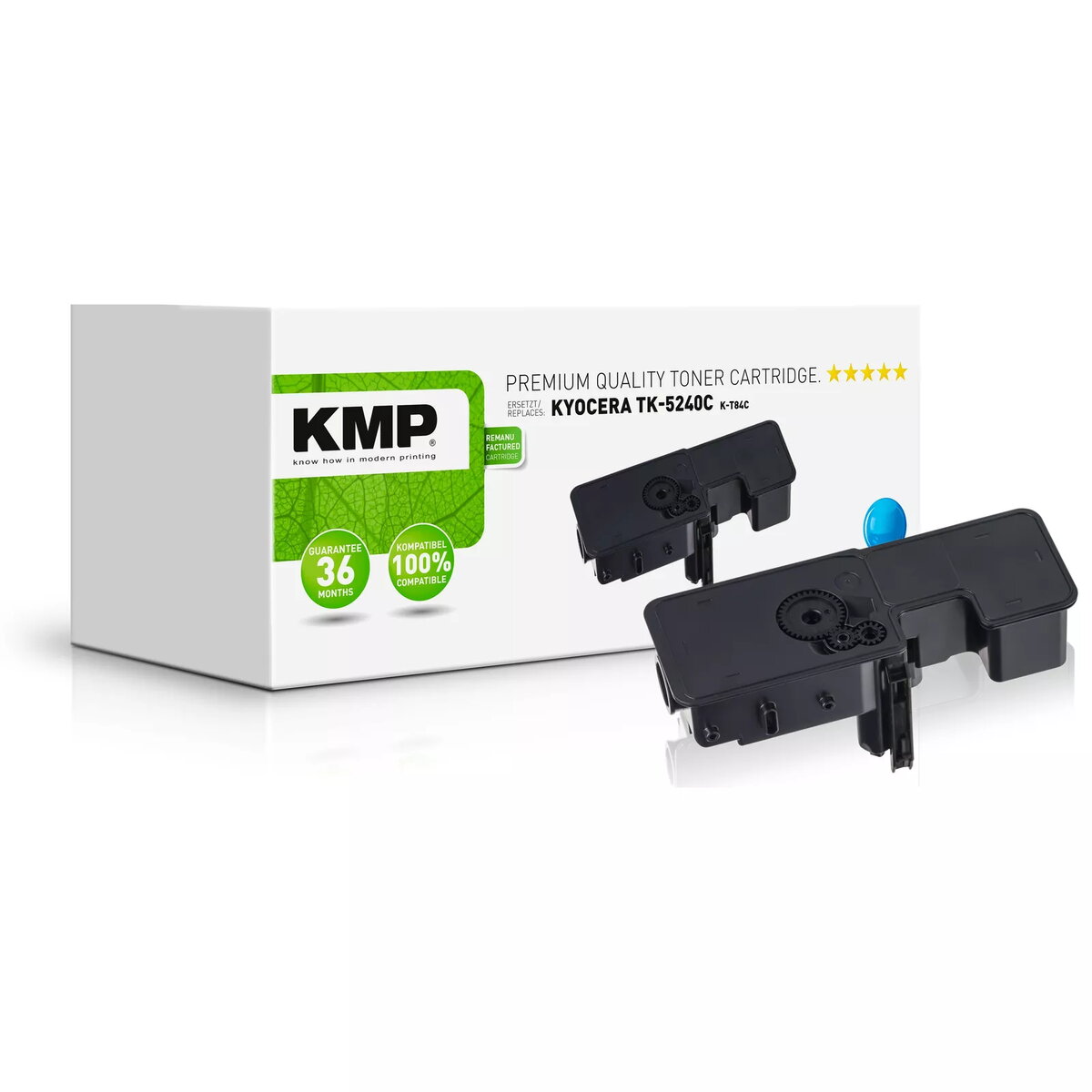
KMP K-T84C Cyan Toner Cartridge for Kyocera Printers
In cart {{totalProductsCount}} item(s)
Your cart is empty
KMP K-T84C Cyan Toner Cartridge for Kyocera Printers
Leave your address - as soon as the price of the product goes down, you'll know about it right away
KMP K-T84C Cyan Toner Cartridge for Kyocera Printers
The KMP K-T84C cyan toner cartridge is a high-quality remanufactured printing supply designed for use with Kyocera laser printers. This cartridge provides a reliable and cost-effective alternative for your printing needs, delivering consistent, professional-grade results for both home and office environments. With a page yield of approximately 3000 pages, it ensures long-lasting performance and vibrant cyan color reproduction for your documents.
This remanufactured toner cartridge offers an excellent balance between print quality and affordability. By choosing this compatible supply, you maintain high standards of output while optimizing your printing costs. The cartridge is engineered for seamless integration with supported Kyocera printer models, ensuring that installation is straightforward and that the printing process remains smooth and uninterrupted throughout the life of the toner.
This cartridge is specifically engineered for use with compatible Kyocera laser printers and will not function in devices from other manufacturers. It may also not be suitable for users who require specialized archival-grade inks or toners for specific industrial printing applications.
To install the cartridge, first open the front cover of your Kyocera printer and remove the empty toner unit. Carefully unpack the new KMP K-T84C cartridge, ensuring you remove any protective packaging or seals as indicated by the manufacturer. Insert the new cartridge into the designated slot until it clicks securely into place. Close the printer cover and wait for the device to initialize the new supply before starting your print job.
Usage recommendations: For optimal print quality, store the toner cartridge in a cool, dry place away from direct sunlight. If you notice any decline in print quality, ensure the printer's internal cleaning cycle is performed according to the manufacturer's manual.
{{highlightedFeature.featureTitle}}:
{{getProductFeatureValueById(product, highlightedFeature.featureId)}}