

Filters you can trust. Pure water every day.
In cart {{totalProductsCount}} item(s)
Your cart is empty
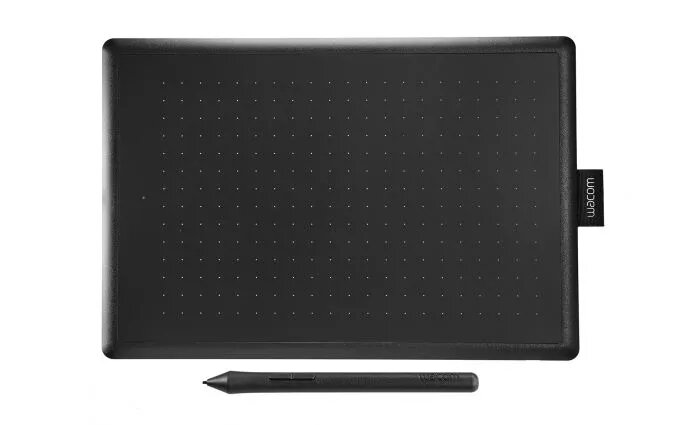
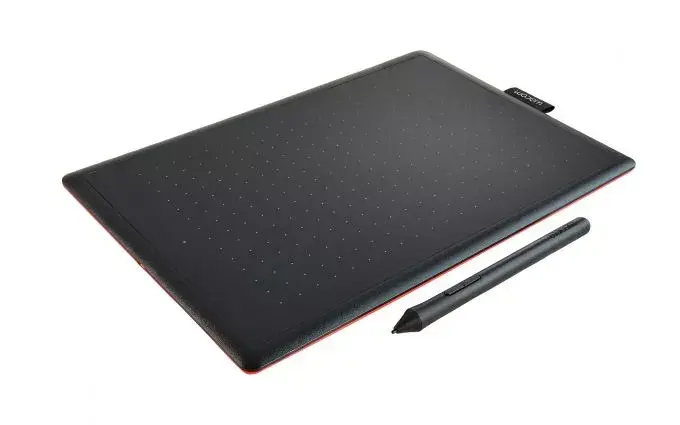
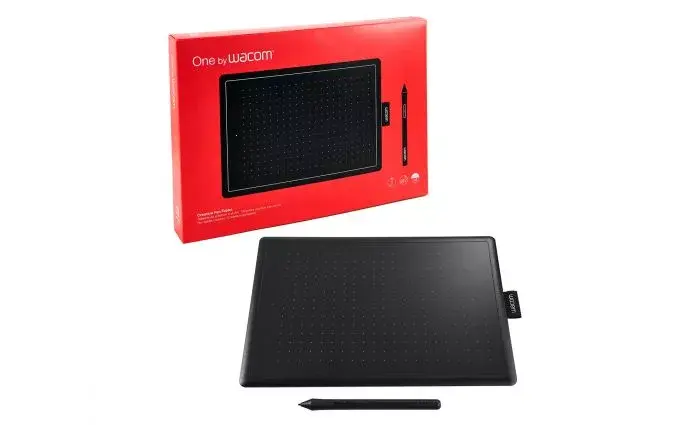
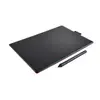
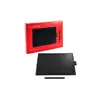
Graphic Tablet Wacom One by Medium 216 x 135 mm 2540 lpi
The Wacom One by Medium graphic tablet provides a reliable and intuitive platform for digital artists, designers, and students to bring their creative ideas to life. Featuring a generous working area of 216 x 135 mm, this device offers ample space for natural drawing, sketching, and photo editing. The tablet connects via a stable wired USB interface, ensuring consistent performance without the need for frequent charging or wireless interference.
The primary benefit of this tablet is the included pressure-sensitive pen, which utilizes advanced electromagnetic technology to replicate the feel of drawing on paper. Because the pen is battery-free, it remains lightweight and perfectly balanced for extended creative sessions. The device is designed for simplicity, allowing users to start their projects quickly by connecting the cable and installing the necessary drivers. Its compact and portable form factor makes it an excellent choice for creators who need a versatile workspace that can easily fit into a laptop bag.
This tablet may not be suitable for professional users who require advanced features such as multi-touch gesture support, programmable express keys, or a built-in display screen. Additionally, it is not designed for users who strictly require wireless Bluetooth connectivity, as this model relies on a wired USB connection.
To use the tablet, connect the provided USB cable to your computer's USB port. Download and install the latest driver from the official Wacom website to ensure full compatibility with your operating system. Once the driver is installed, the tablet will be recognized by your computer, allowing you to use the pen as a precise input device in your preferred creative software.
For the best experience, keep the tablet surface clean and avoid using abrasive materials. Regularly update your drivers to maintain optimal pressure sensitivity and software compatibility.
{{highlightedFeature.featureTitle}}:
{{getProductFeatureValueById(product, highlightedFeature.featureId)}}