
Save time and money with our discounts!
In cart {{totalProductsCount}} item(s)
Your cart is empty
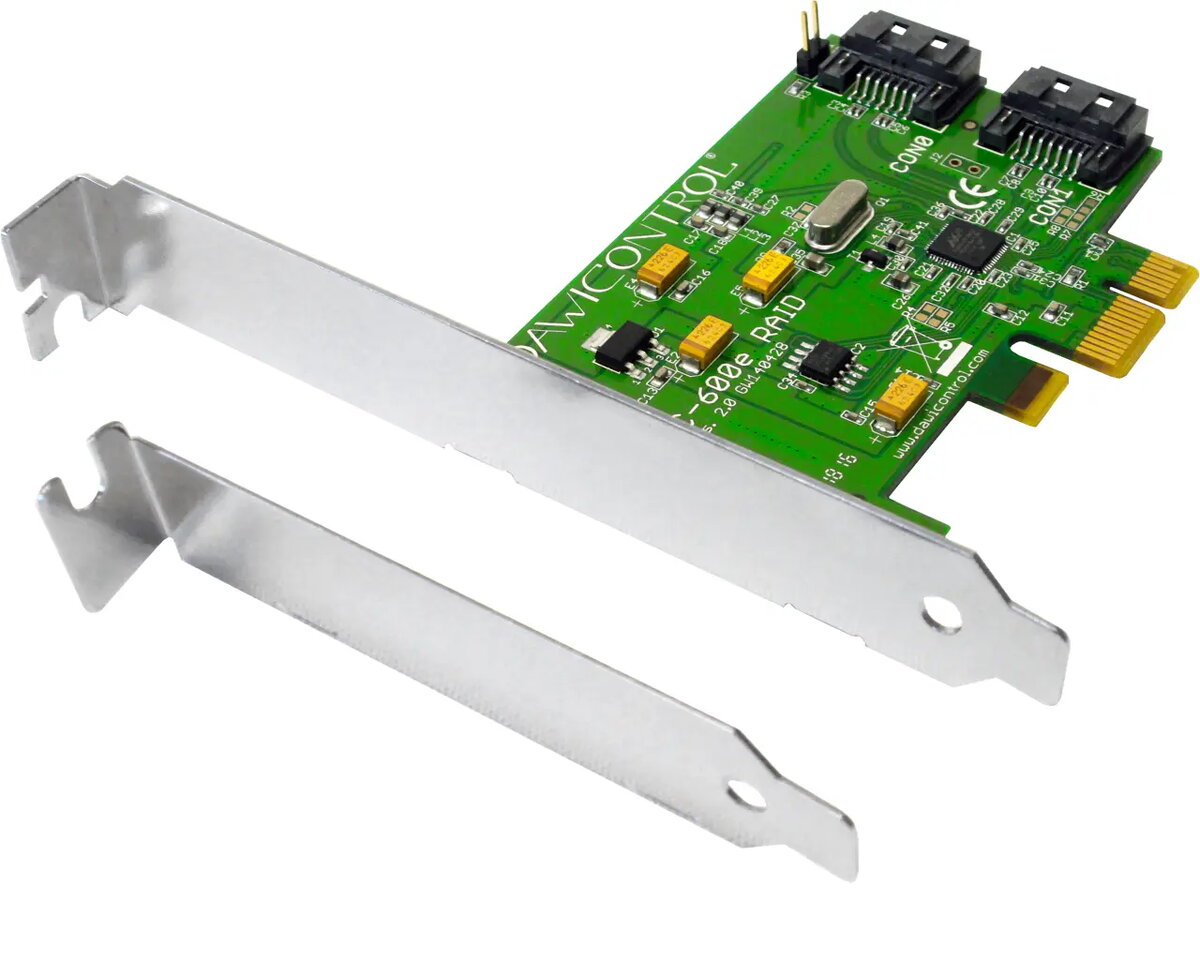
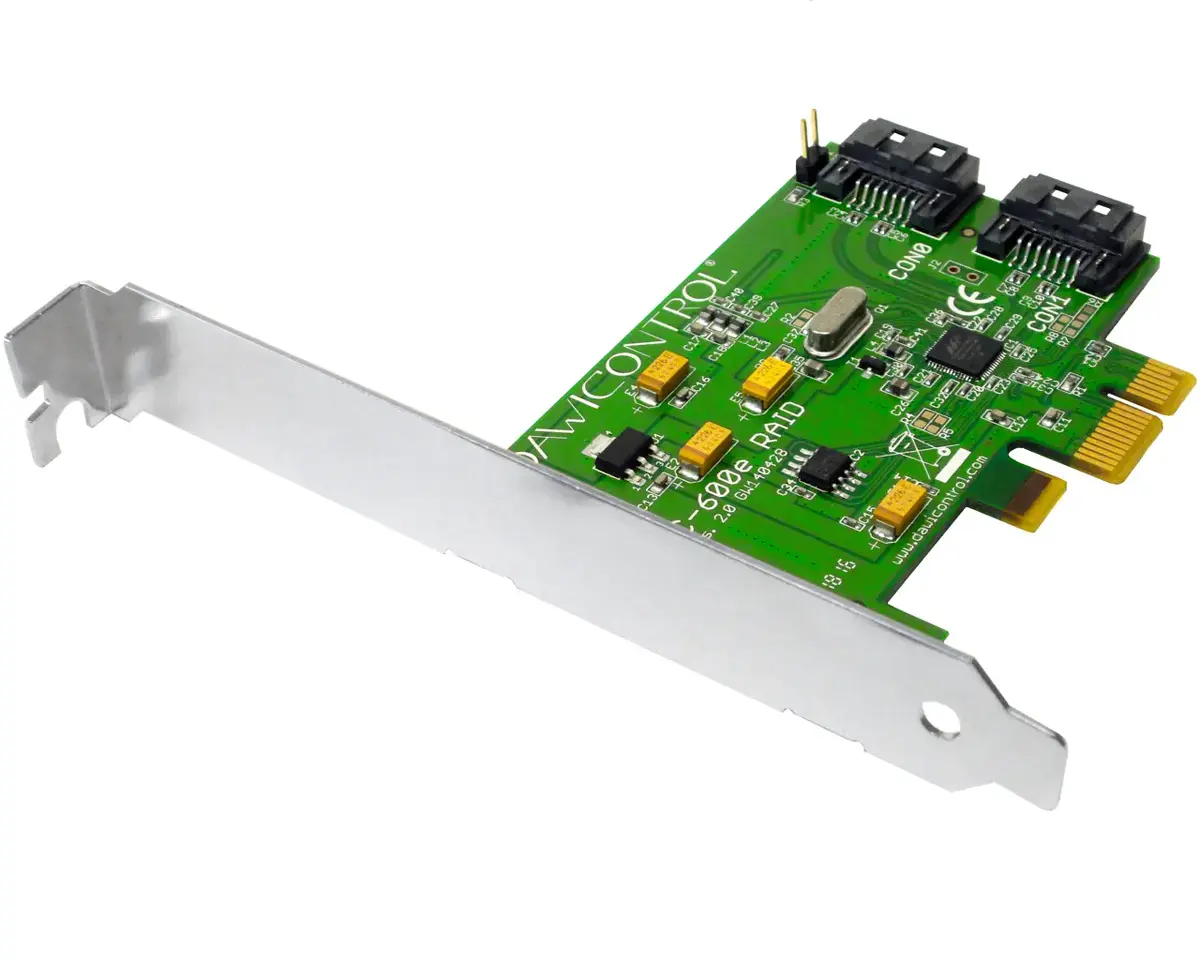
Dawicontrol DC-600E RAID Controller, PCI Express 2.0, 6 Gbit/s, Low Profile
The Dawicontrol DC-600E is a high-performance RAID controller designed to enhance storage management capabilities through a PCI Express interface. It provides reliable data transfer rates of up to 6 Gbit/s and supports a variety of SATA drive standards, including SATA I, II, and III. With its compact low-profile form factor, this controller is suitable for integration into various computer systems, offering support for large storage capacities up to 512 TB and multiple RAID configurations for data redundancy and performance.
This RAID controller offers significant flexibility by supporting multiple RAID levels such as 0, 1, JBOD, and SPAN, allowing users to choose between performance optimization or data mirroring. Its compatibility with a broad spectrum of operating systems, including modern Windows versions, various Linux kernels, and server environments, ensures seamless integration into existing professional infrastructures. The low-profile design makes it an ideal choice for space-constrained chassis, while the high-speed data transfer capability ensures efficient handling of storage-intensive tasks.
This controller is not compatible with systems lacking a PCI Express expansion slot. It is also not designed for use with non-SATA storage drives, such as NVMe or SAS interfaces, and may not be suitable for users requiring advanced RAID levels beyond 0, 1, JBOD, or SPAN.
To install the Dawicontrol DC-600E, insert the card into an available PCI Express slot on your motherboard and secure it with the appropriate bracket. Once installed, connect your SATA drives to the controller ports using standard SATA cables. Upon booting your computer, ensure the necessary drivers for your specific operating system are installed to allow the system to recognize the controller and the connected drives. You can then configure your desired RAID array through the system BIOS or the provided management software.
For optimal performance and data integrity, always ensure that your SATA cables are securely connected and that you have backed up any existing data before configuring new RAID arrays.
{{highlightedFeature.featureTitle}}:
{{getProductFeatureValueById(product, highlightedFeature.featureId)}}
{{ productComparisonGenerationError }}