Save time and money with our discounts!
In cart {{totalProductsCount}} item(s)
Your cart is empty
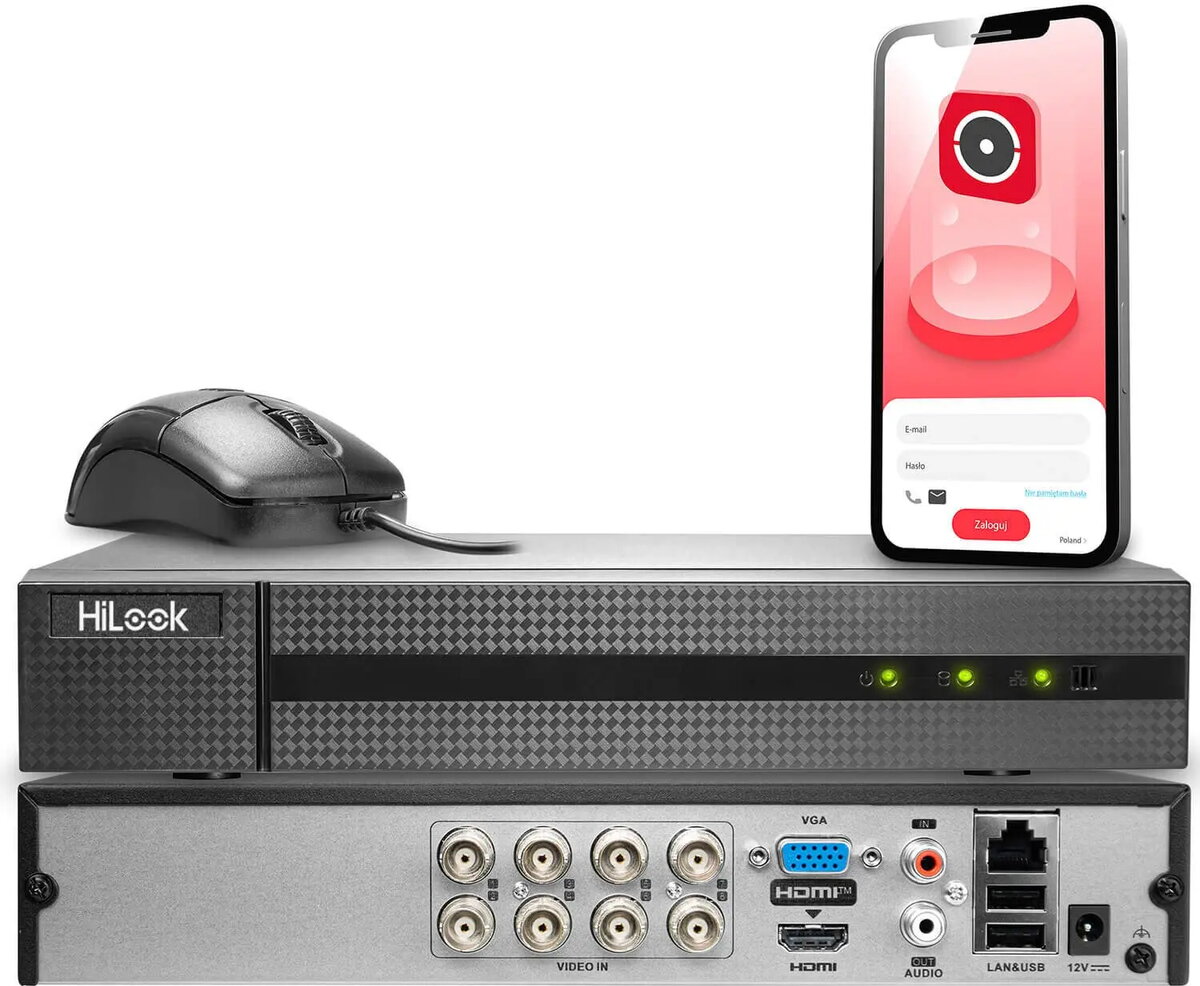
Hybrid Digital Video Recorder HiLook DVR-208U-M1/T — HiLook hybrid DVR for surveillance
HiLook DVR-208U-M1/T is a hybrid digital video recorder designed to support mixed CCTV systems by accepting both analog and IP camera inputs. Intended for small to medium installations such as shops, offices and homes, this DVR provides local video recording, playback and basic system management functions. The unit supports continuous and scheduled recording modes and enables users to manage camera channels, review footage on a connected monitor, and export recorded video for review or evidence handling.
The hybrid capability allows straightforward integration of existing analog cameras with new IP cameras, reducing upgrade costs and preserving existing cabling. The recorder provides local storage and playback features, enabling on-site review without relying on cloud services. Its user interface offers basic system management tools for configuration and channel monitoring, while compatibility with common camera formats ensures flexible deployment in varied surveillance setups.
Install the HiLook DVR-208U-M1/T in a ventilated cabinet or shelf near power and network connections. Connect analog cameras to the appropriate BNC inputs and configure IP cameras via the network interface following the on-screen setup menu. Initialize and format an internal hard drive through the system settings before beginning recording. Use the front-panel controls or connected USB mouse and on-screen menu to configure recording schedules, set channel parameters and access playback. Export video clips using the recorder’s export functions to a USB drive or network location as required.
Place the recorder in a secure, dust-free location with stable power and, if used, a reliable network connection. Regularly check disk health and configure automatic overwrite settings to ensure continuous recording. When mixing older analog cameras with newer IP units, verify camera compatibility and perform test recordings for each channel to confirm proper configuration and image quality.
{{highlightedFeature.featureTitle}}:
{{getProductFeatureValueById(product, highlightedFeature.featureId)}}
{{ productComparisonGenerationError }}