JBL speakers and headphones for pure and deep sound!
In cart {{totalProductsCount}} item(s)
Your cart is empty
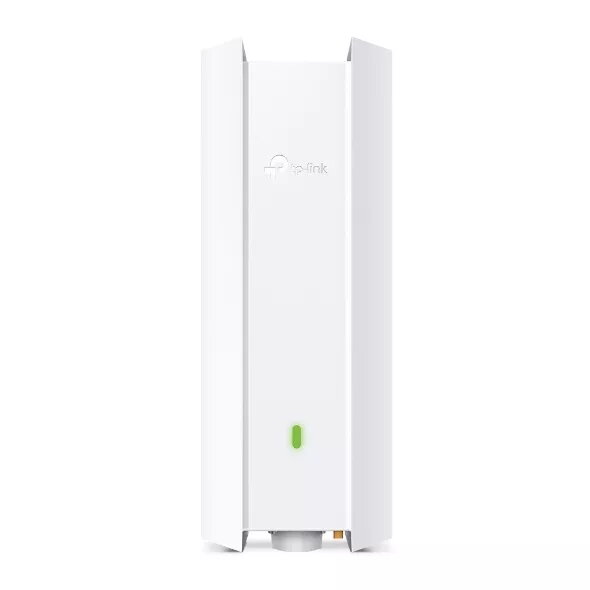
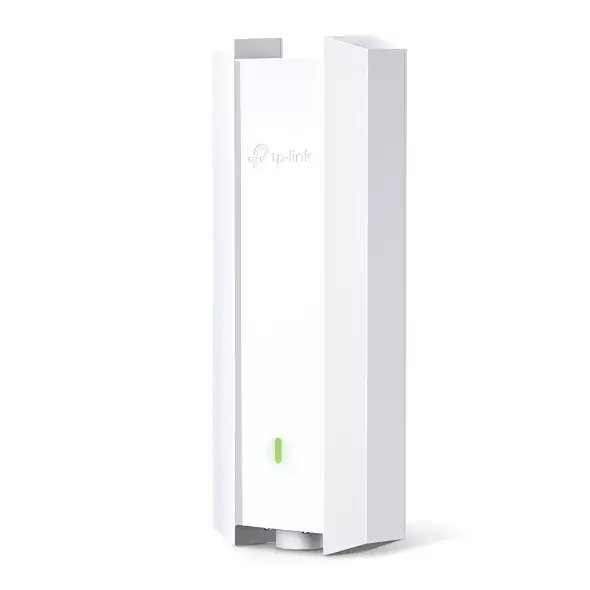
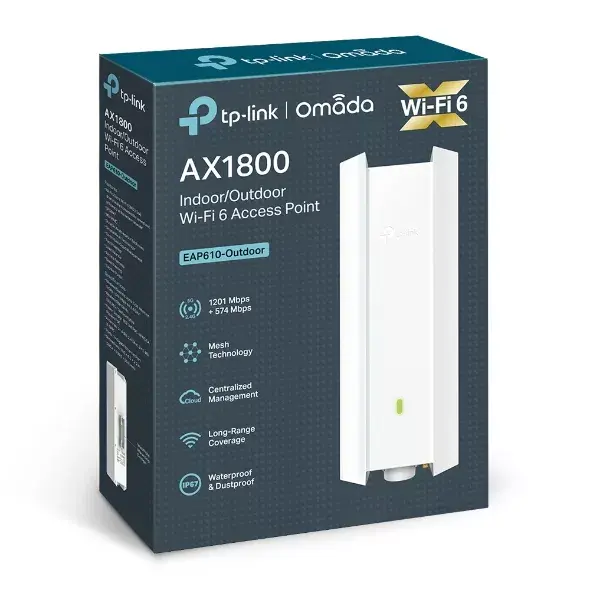
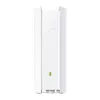
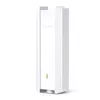
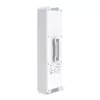
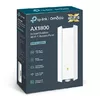
Access Point TP-Link Omada EAP610-Outdoor 2.4GHz 5GHz Wi-Fi 6
The TP-Link Omada EAP610-Outdoor is a high-performance wireless access point engineered specifically for demanding outdoor environments. Utilizing advanced Wi-Fi 6 technology, this device delivers combined dual-band speeds of up to 1800 Mbit/s, ensuring fast and reliable connectivity for numerous users simultaneously. Its robust design and integration with the Omada SDN platform make it an ideal solution for businesses and public spaces requiring scalable, centralized network management.
This access point offers exceptional performance through Wi-Fi 6, which significantly increases capacity and efficiency in crowded outdoor areas. The inclusion of OFDMA and MU-MIMO technologies allows for stable connections across dozens of devices at once. With its IP67-rated weatherproof enclosure, the device is fully protected against dust, moisture, and vibrations, ensuring durability in harsh weather conditions. Furthermore, the support for Power over Ethernet simplifies the installation process by combining data and power delivery into a single cable, while the Omada SDN platform provides seamless, centralized cloud management for the entire network.
This device may not be suitable for high-density indoor environments where specialized ceiling-mount access points are preferred for aesthetic reasons or specific signal propagation patterns. Additionally, it is not intended for use in environments requiring specialized industrial-grade explosion-proof hardware.
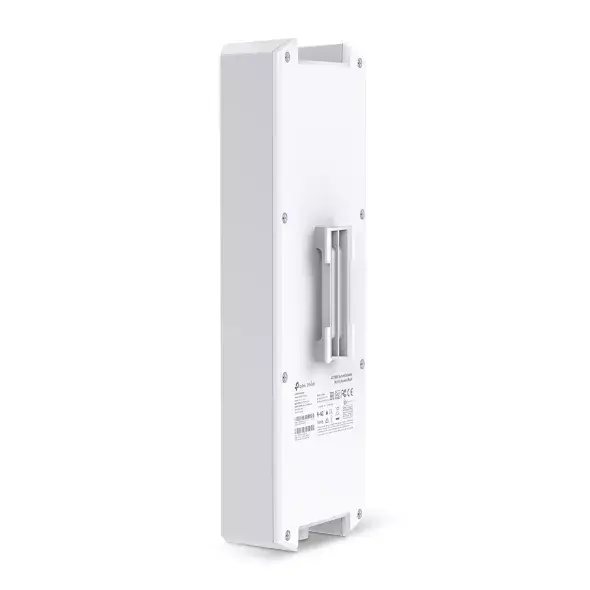
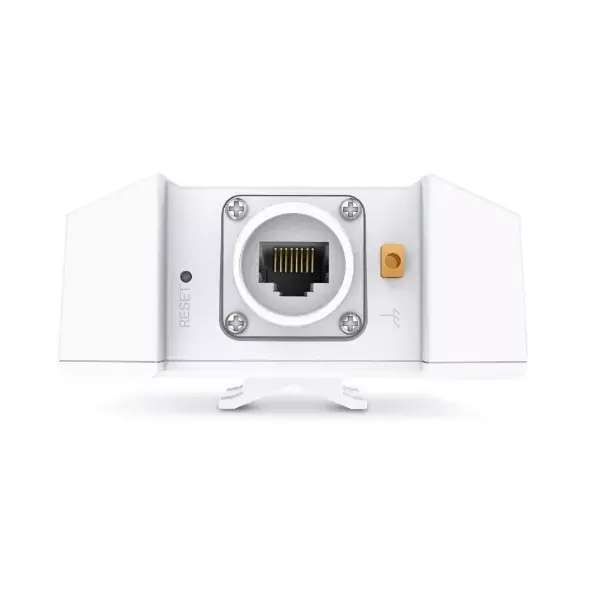
To use the TP-Link Omada EAP610-Outdoor, mount the device in an elevated, open location using the provided mounting kit to ensure optimal signal coverage. Connect the device to your network infrastructure using an Ethernet cable via a PoE-capable switch or the included PoE adapter. Once powered, use the Omada app on your smartphone or tablet to complete the configuration, monitor network status, and manage connected clients through the intuitive interface.
For the best performance, ensure that the access point is positioned away from large metal obstructions and that firmware is updated regularly via the Omada controller to benefit from the latest security and stability improvements.
{{highlightedFeature.featureTitle}}:
{{getProductFeatureValueById(product, highlightedFeature.featureId)}}