Hurry and order now – up to 50% off!
In cart {{totalProductsCount}} item(s)
Your cart is empty
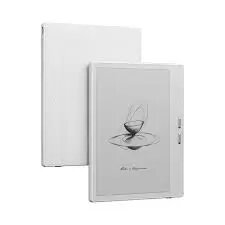
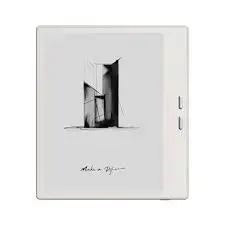
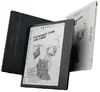
Onyx BOOX Go 7 E-book Reader, 7-inch E Ink Carta Touchscreen, 64 GB, Wi-Fi, White
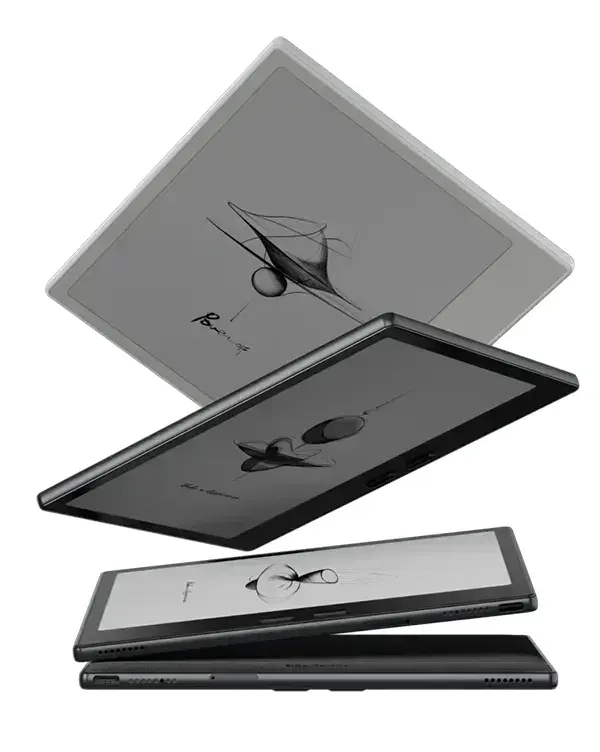
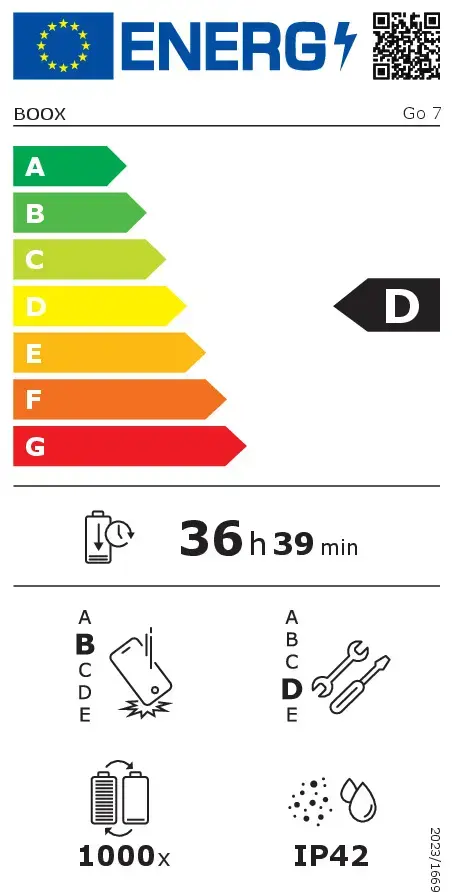
The Onyx BOOX Go 7 is a sophisticated 7-inch e-book reader designed for users who prioritize a distraction-free reading experience combined with modern digital convenience. Featuring an E Ink Carta touchscreen with a high resolution of 1680 x 1264 pixels, this device delivers crisp, paper-like text clarity that is easy on the eyes. With 64 GB of internal storage and 4 GB of RAM, it provides ample space for an extensive digital library and smooth performance across various document and media formats. Its lightweight, white design and integrated Wi-Fi and Bluetooth connectivity make it a versatile companion for reading, note-taking, and media consumption on the move.
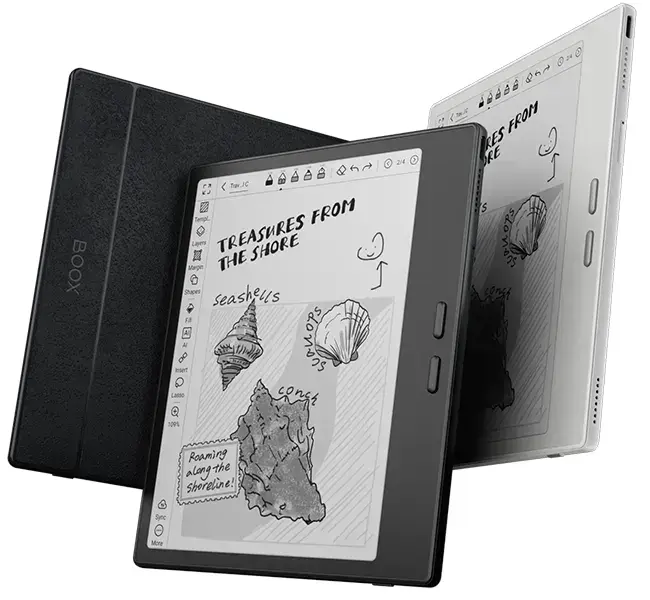
The primary benefit of the Onyx BOOX Go 7 is its ability to replicate the traditional reading experience while offering the flexibility of a modern tablet. The E Ink Carta display ensures high contrast and readability, even in direct sunlight, while the adjustable front lighting allows for comfortable reading in any environment, from bright daylight to dim evening hours. The device is exceptionally portable, weighing only 195 grams, which makes it ideal for travel or daily commutes. Furthermore, the inclusion of note-taking capabilities allows users to annotate documents and capture spontaneous ideas directly on the screen, bridging the gap between a digital reader and a personal notebook. The support for a wide range of file formats ensures that users can access their favorite books, documents, and audio files without compatibility concerns.
The Onyx BOOX Go 7 may not be the ideal choice for users who require a full-color display for viewing magazines, comics, or complex graphical content, as it utilizes a monochrome E Ink screen. Additionally, those who need a device for high-performance tasks like web browsing, video streaming, or running resource-intensive applications will find the e-paper technology limiting compared to standard tablets.
To begin using your Onyx BOOX Go 7, power on the device and follow the initial setup wizard to connect to your local Wi-Fi network. You can transfer your digital books and documents to the internal storage via a USB Type-C cable connected to your computer or by downloading them directly through the device's browser or integrated apps. Use the touchscreen to navigate the interface, adjust font sizes, and customize reading themes to your preference. For note-taking, open the native Notes app or use the annotation tools while reading a document to highlight text or write directly on the page. The device automatically adjusts orientation thanks to the built-in G-sensor, allowing you to switch between portrait and landscape modes simply by rotating the reader.
For the best reading experience, adjust the front light color temperature to warm settings during evening hours to reduce eye strain. Regularly sync your notes to a cloud service to ensure your ideas are backed up, and keep the device updated with the latest firmware to enjoy improved performance and new features.
{{highlightedFeature.featureTitle}}:
{{getProductFeatureValueById(product, highlightedFeature.featureId)}}
{{ productComparisonGenerationError }}