-
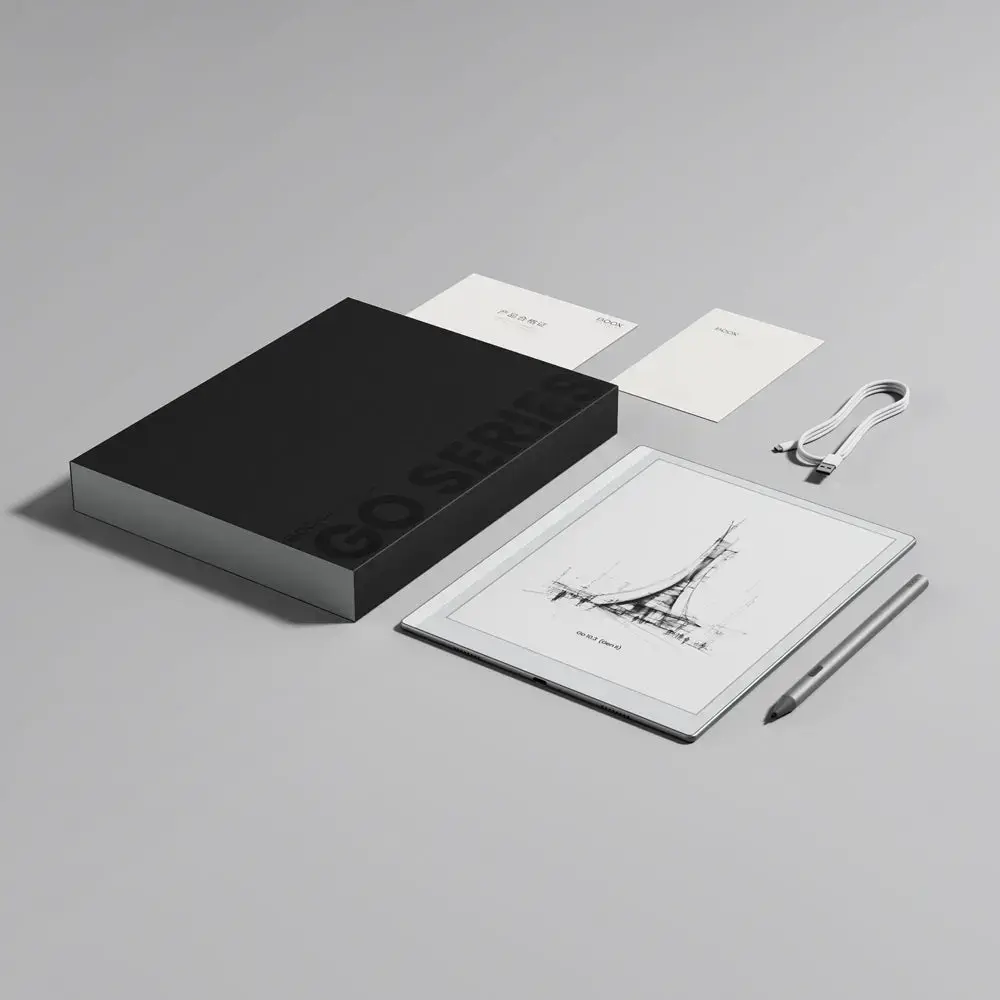
USB Type-C charging port:
-
Yes
-
Operating system installed:
Type of operating system on a device e.g. IOS on Apple devices, Android for mobile devices.
-
Android
-
Built-in speaker(s):
The device contains speaker(s) to produce sound.
-
Yes
-
Bluetooth:
Bluetooth is a low-power radio technology developed to replace the cables and wires currently used to link or connect electronic devices such as personal computers, printers, and a wide variety of handheld devices including mobile phones. Because it uses radio-wave connectivity, a Bluetooth-enabled device has a constant, established connection to whatever browser it uses. This saves the user the trouble of logging on to check for emails or news updates, for example.
-
Yes
-
Headphone connectivity:
How headphones connect to a device e.g. wirelessly or via a cable and connector.
-
USB Type-C
-
Headphone out:
The socket for connecting headphones to the device.
-
No
-
Wi-Fi:
Popular technology that allows an electronic device to exchange data or connect to the internet wirelessly using radio waves.
-
Yes
-
Internal storage capacity:
The amount e.g of data which can be stored inside the device.
-
64 GB
-
Colour:
The main colour of the product.
-
No
-
Display resolution:
The number of distinct pixels in each dimension that can be displayed. It is usually quoted as width × height, with the units in pixels: for example, "1024 × 768" means the width is 1024 pixels and the height is 768 pixels. The higher the number of pixels, the sharper the image.
-
2480 x 1860
-
Technology:
Modern components and devices.
-
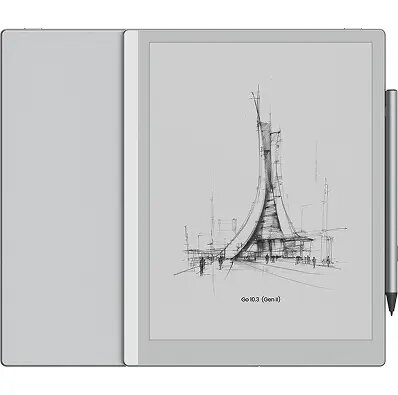
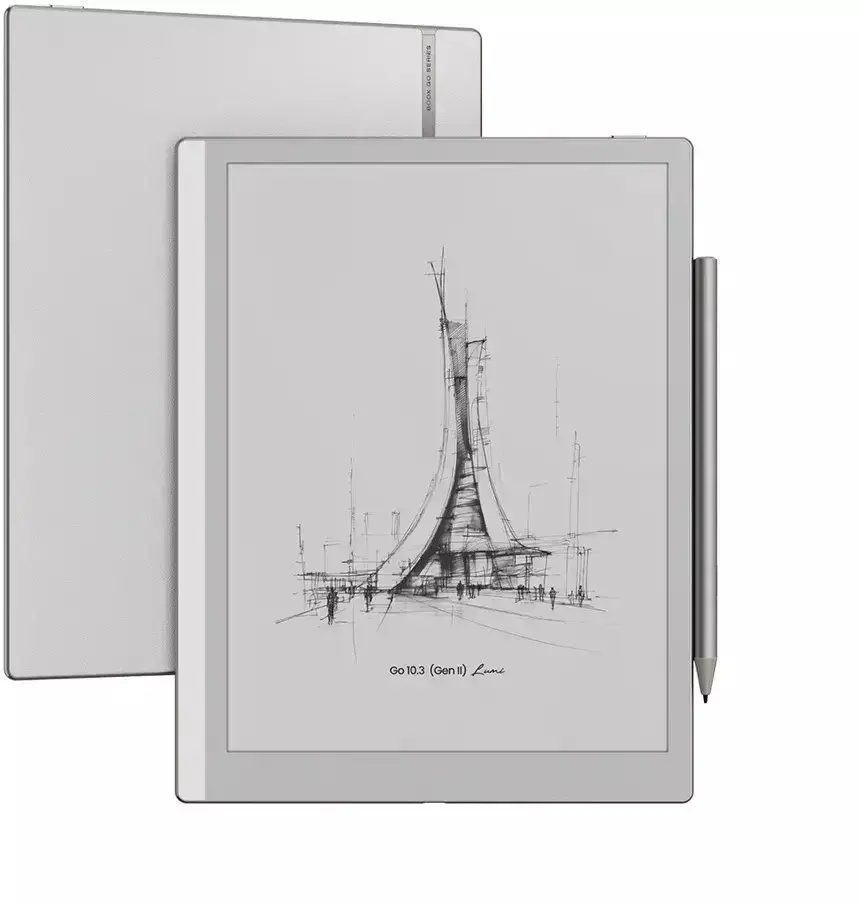
E Paper
-
Touchscreen:
A screen of a laptop, smartphone, etc., that responds to touch so you can control the interface using your fingers.
-
Yes
-
Display diagonal:
Size of the display for this product, measured diagonally, usually in inches.
-
10.3 "
-
Product colour:
The colour e.g. red, blue, green, black, white.
-
Grey
-
USB connector type:
The type of USB connector/port that this product has.
-
USB Type-C
-
Video formats supported:
The type of video formats that can be used by this device.
-
Not supported
-
Image formats supported:
The type of image files that the device can use/display e.g. gif, JPEG (jpg).
-
PNG, JPG, BMP, TIFF
-
Audio formats supported:
The audio formats which this device or software can read/use e.g. MP3, MP4.
-
WAV, MP3
-
Document formats supported:
The type of document formats that can be read/produced with this device e.g. .docx, .pdf.
-
RTF, PDF, DjVu, CBR, CBZ, EPUB, AZW3, MOBI, TXT, DOC, DOCX, FB2, PPTX, PPT, PRC, HTML, CHM