
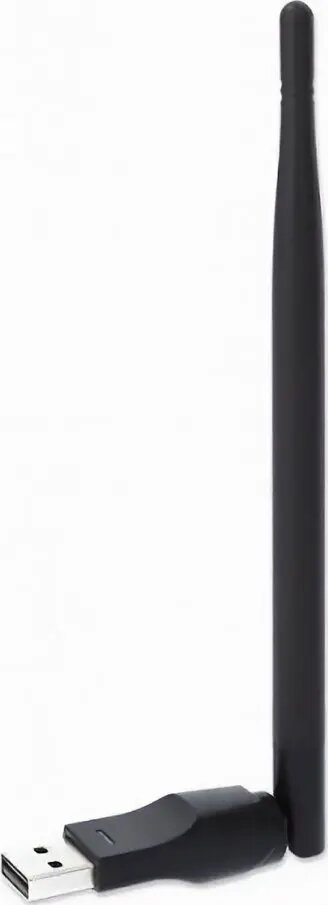
Network adapter Opticum W5 V2 (URZ0633)
12.49 €
{{selectedOffer && selectedOffer.price | formatAmount}}
Short description
Opticum W5 V2 (URZ0633) is a network adapter designed to add wired or wireless connectivity to compatible devices. Delivered under the Opticum brand, it provides standard network interface functionality for data transfer, network access and internet connection. Suitable for use in desktops, set-top boxes or other equipment requiring a network interface.
Cheapest delivery:
Unisend LV
Pick-up points
Unisend LV
Cost
1.79 €
Deliver
{{selectedOffer.parcelStationDeliveryString}}
Customer service center
2b. Kengaraga str., Riga, Latvia, LV-1063
21.09.2026
{{selectedOffer.officeDeliveryString}}
free
Courier Delivery
Please note that in case of a large parcel additional delivery costs may apply!
From 4.99 €
Parcel couriers
Unisend LV / Venipak Pickup LV / Venipak Locker LV / Latvijas Pasts pakomāts / DPD Paku skapis / Omniva LV / Latvijas Pasts nodaļa
24.09.2026
{{selectedOffer.parcelStationDeliveryString}}
From 1.79 €

Payment Methods:
Bank transfer, Bank cards on-line, Apple Pay, Google Pay


