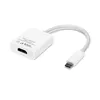
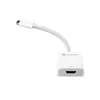
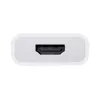
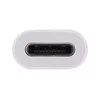
-
Other operating systems supported:
-
Android
-
Windows operating systems supported:
Windows vesions wich can be used with the device.
-
Windows 10 Enterprise, Windows 10 Home x64, Windows 10 IOT Core, Windows 10 IoT Enterprise, Windows 10 Pro, Windows 10 Pro x64, Windows 10 x64, Windows 10 Enterprise x64, Windows 10 Home, Windows 10 Education x64, Windows 10 Education, Windows 10
-
Mac operating systems supported:
Mac operating systems e.g. OS X can be used with the device.
-
Mac OS X 10.12 Sierra, Mac OS X 10.13 High Sierra, Mac OS X 10.14 Mojave, Mac OS X 10.15 Catalina, Mac OS X 10.15.3 Catalina, Mac OS X 11.0 Big Sur
-
High Dynamic Range (HDR) technology:
-
Dolby Vision IQ, High Dynamic Range 10 (HDR10)
-
Product colour:
The colour e.g. red, blue, green, black, white.
-
White
-
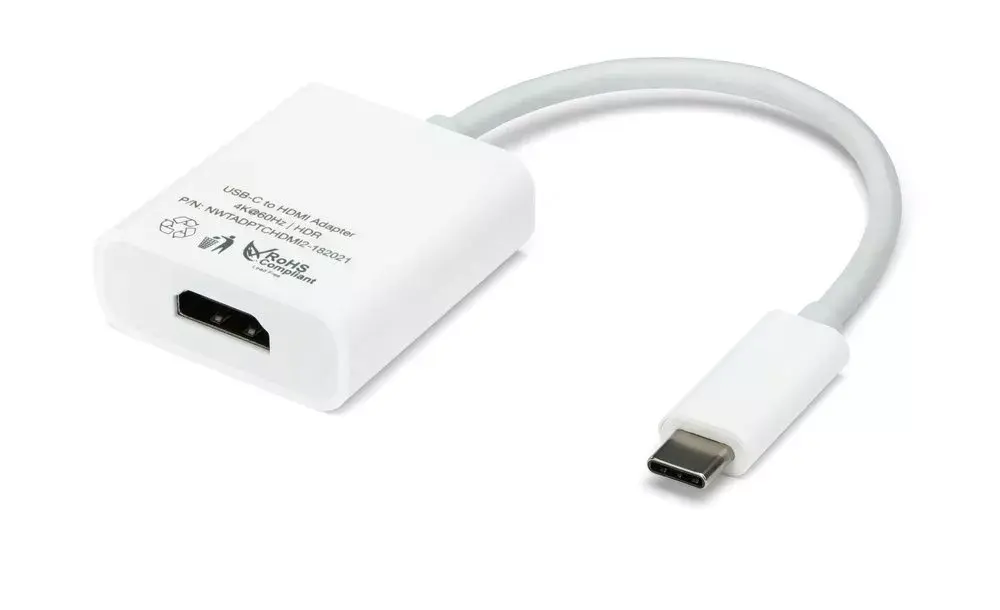
Maximum refresh rate:
-
60 Hz
-
Data transfer rate:
Rate at which data can be transferred. Usually expressed in units per second. May vary with network configurations.
-
18 Gbit/s
-
Supported video modes:
The video modes that can be displayed by the device.
-
2560p
-
Maximum resolution:
The maximum number of pixels that can be displayed in the image. It is usually quoted as width × height,: for example, "1024 × 768" means the width is 1024 pixels and the height is 768 pixels.
-
4096 x 2160
-
High Dynamic Range (HDR) supported:
-
Yes
-
HDCP version:
-
2.2
-
HDCP:
High-bandwidth Digital Content Protection (HDCP) is a form of digital copy protection to prevent copying of digital audio and video content as it travels across connections.
-
Yes
-
HDMI version:
-
2.0
-
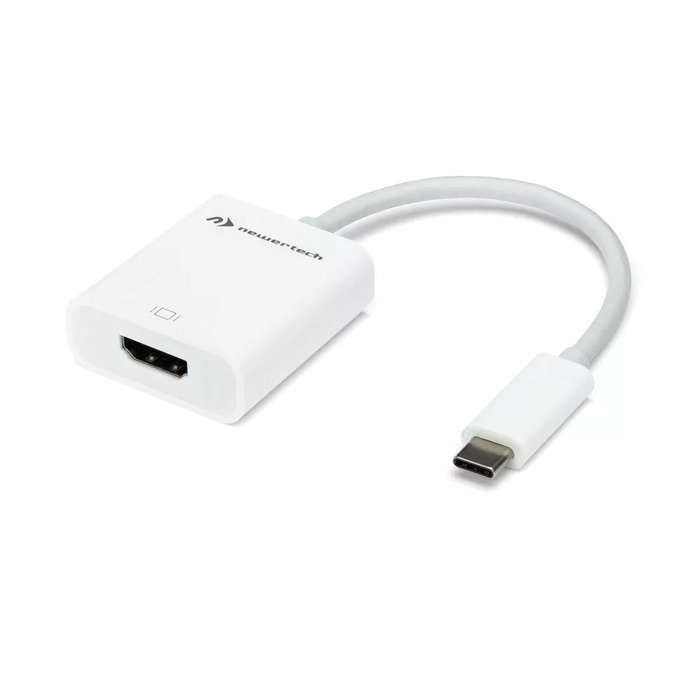
Connector 2 form factor:
-
Straight
-
Connector 1 form factor:
-
Straight
-
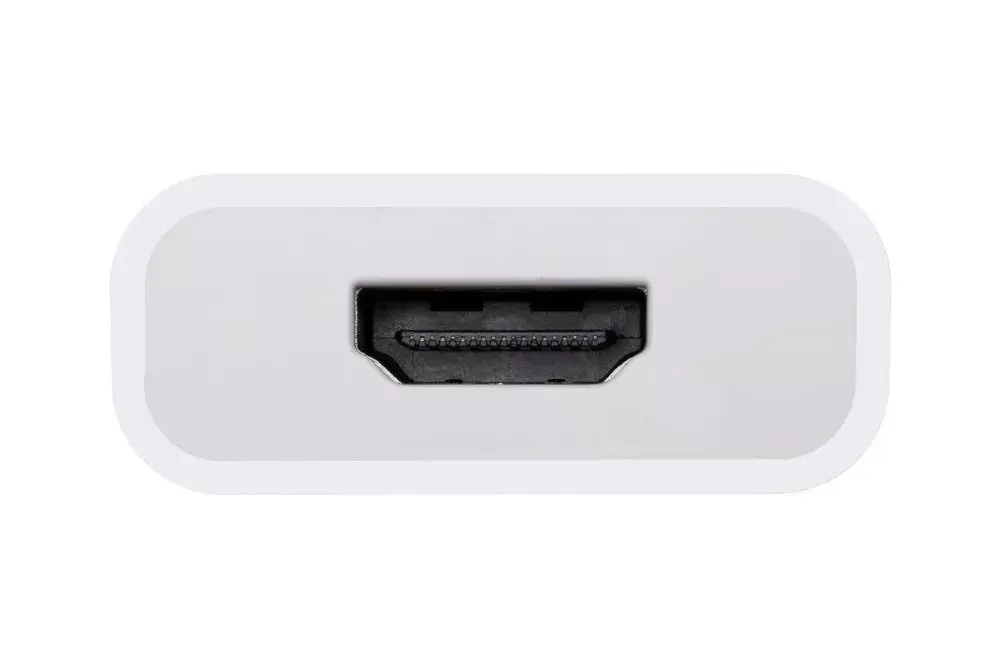
Connector 2 gender:
The gender of the second connector of the product. Each half of a pair of mating connectors is assigned the designation male or female, the indented one or the one fitting around the other being called female.
-
Female
-
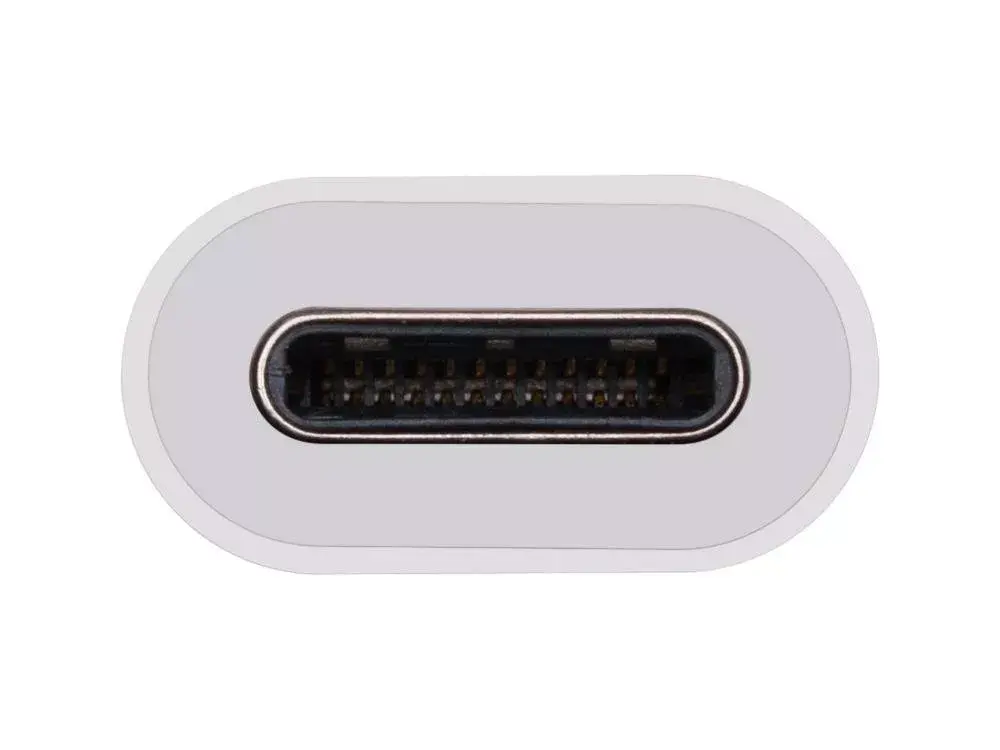
Connector 1 gender:
The gender of the first connector of the product. Each half of a pair of mating connectors is assigned the designation male or female, the part bearing one or which fits into another being called male.
-
Male
-
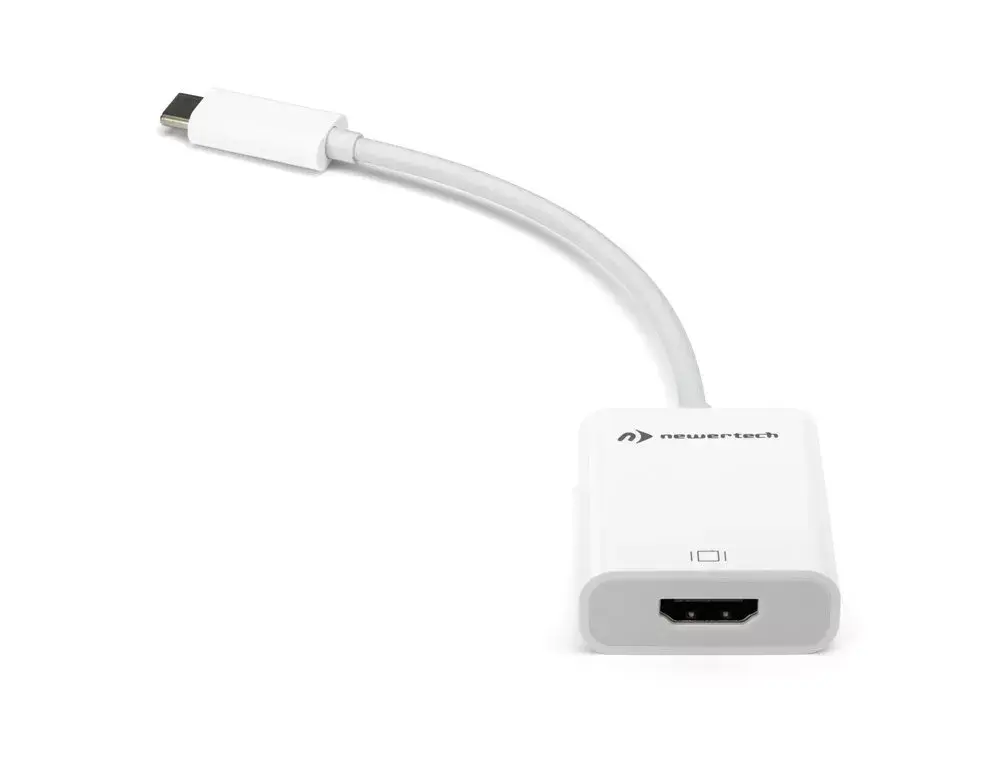
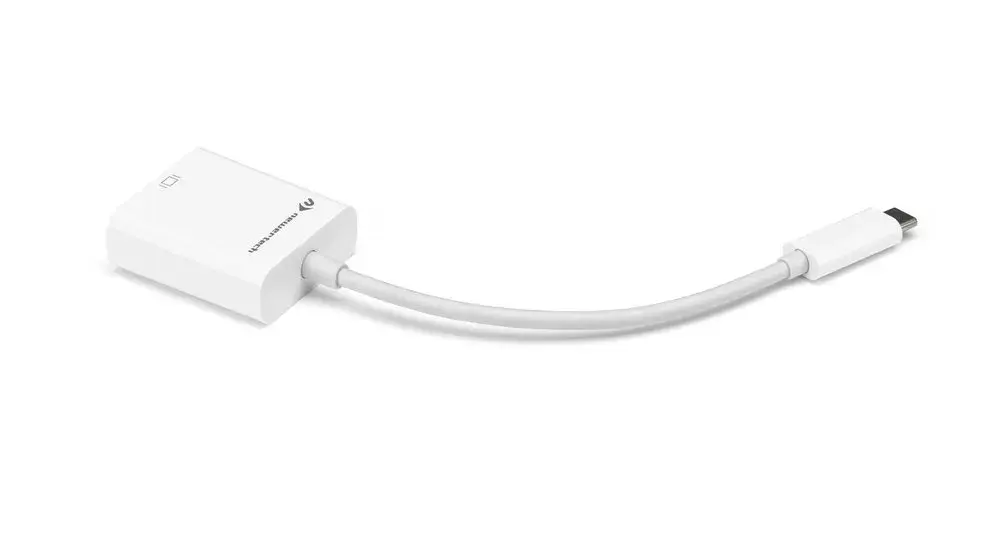
Connector 2:
This is the second connector in the device.
-
HDMI
-
Connector 1:
This is the first connector in the device.
-
USB Type-C
-
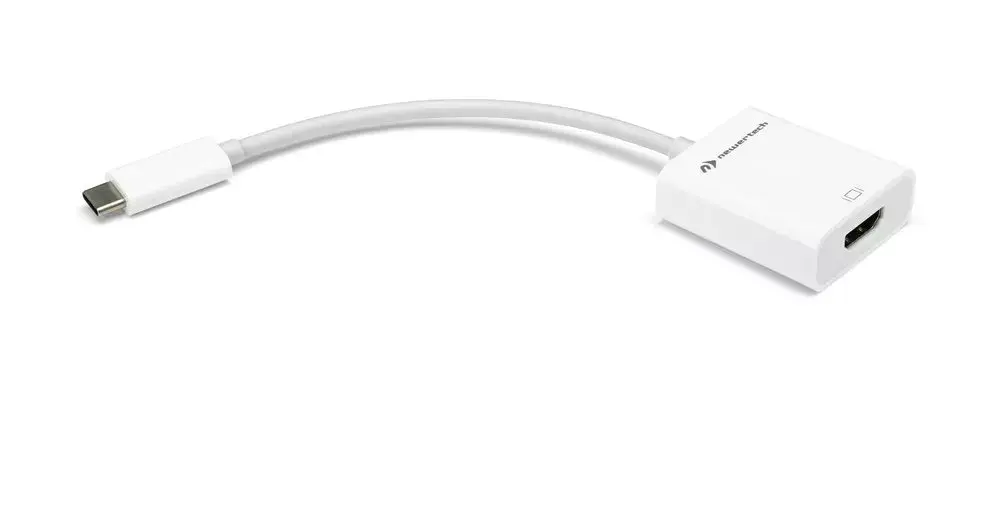
Cable length:
How long the cable is.
-
0.108 m