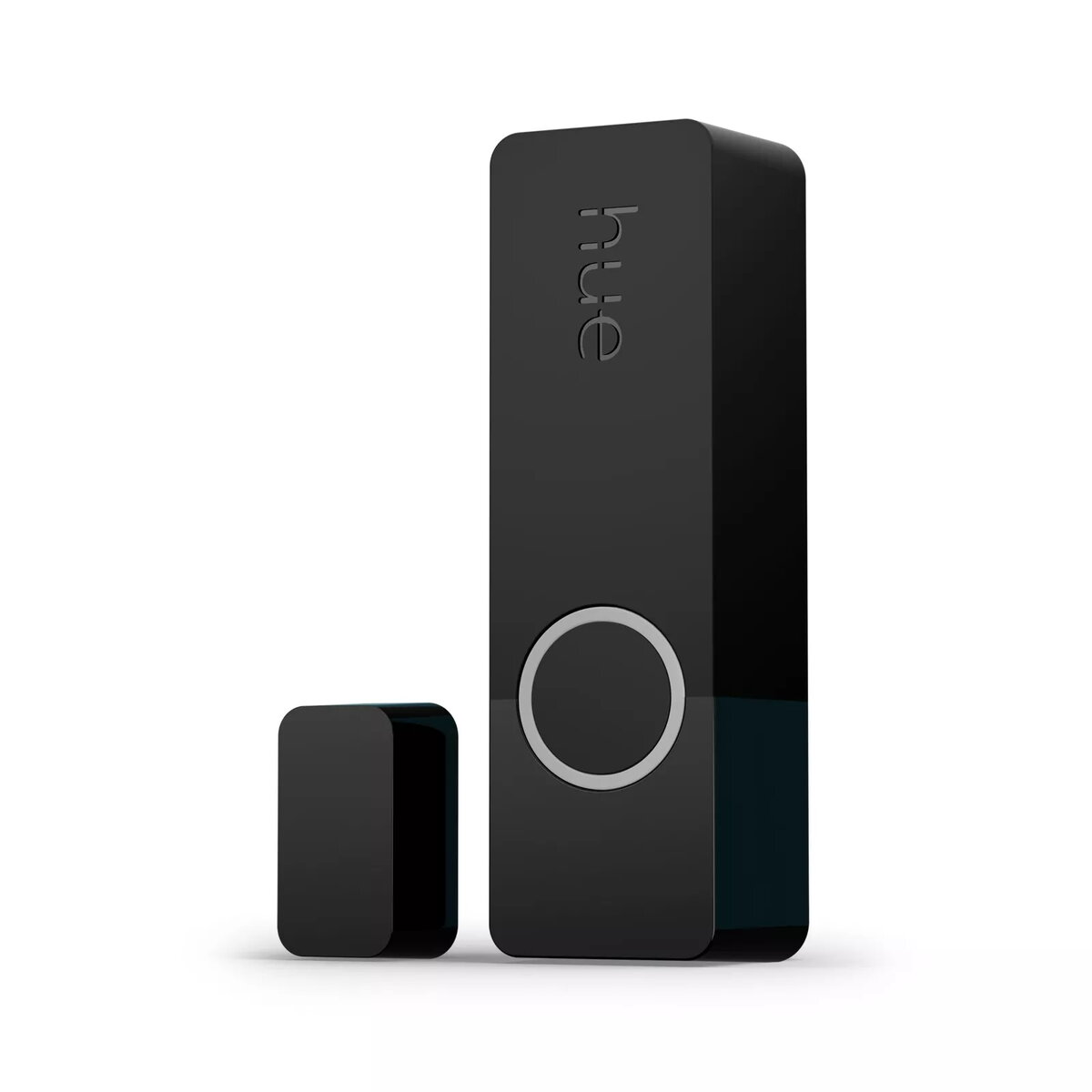
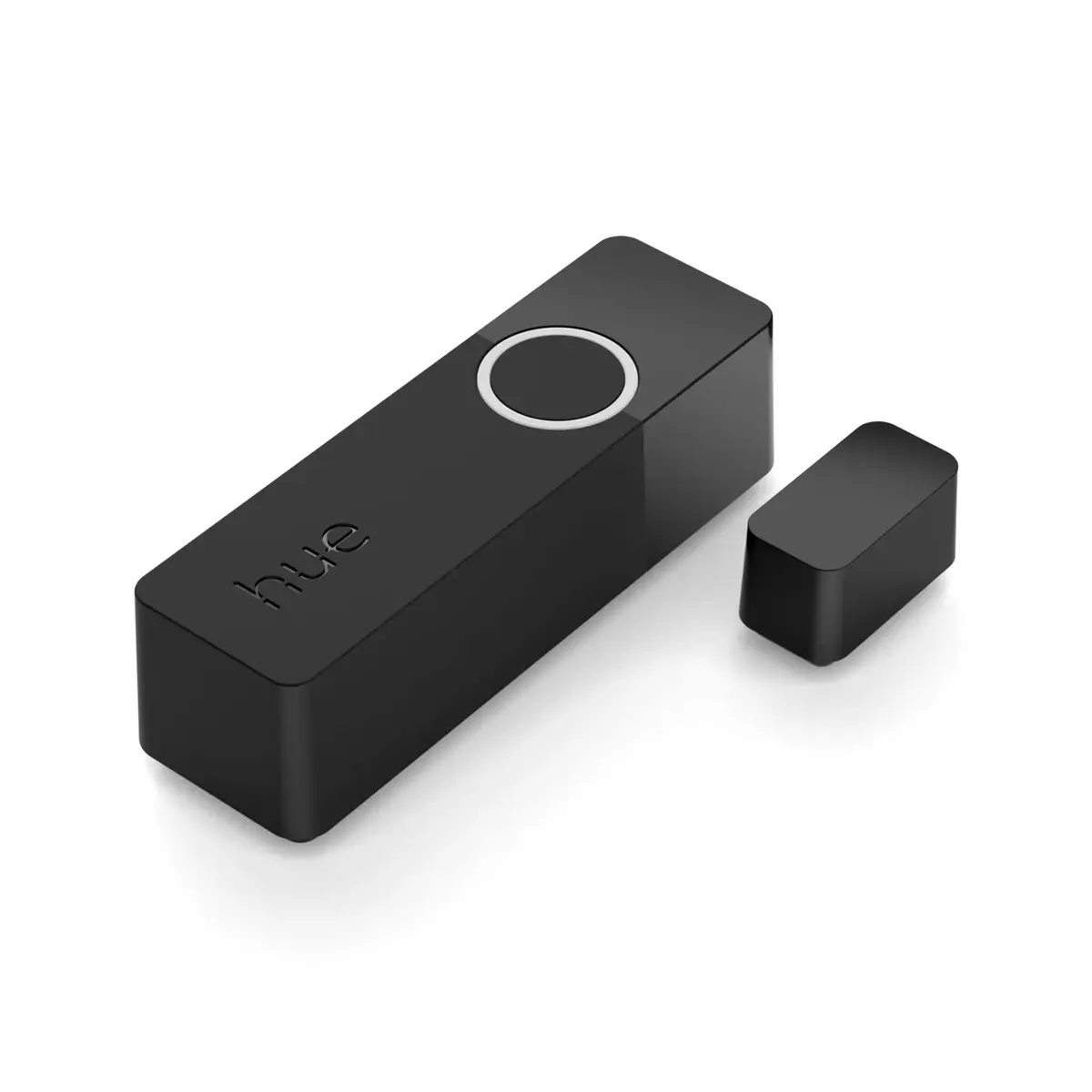
-
Interface:
Interface ports to connect pieces of equipment. USB (Universal Serial Bus) has become the most popular wired interface to connect peripherals. USB 2.0 supports speeds up to 480 Mbit/s (USB 1: 12 Mbit/s). The interface FireWire is also known as the IEEE 1394 standard. Enhanced IDE (EIDE)is sometimes referred to as Fast ATA, Fast IDE or ATA-2.
-
ZigBee
-
Weight:
Weight of the product without packaging (net weight). If possible, the net weight is given including standard accessories and supplies. Please note that sometimes the manufacturer leaves out the weight of accessories and/or supplies.
-
0.03 kg
-
Package weight:
Weight of the packaged product.
-
110 g
-
Battery type:
Description of battery supplied with the product, such battery form factor (e.g. AA/AAA).
-
CR2
-
Operating temperature (T-T):
The minimum and maximum temperatures at which the product can be safely operated.
-
-20 - 45
-
Connectivity technology:
The technology that enables connectivity of the device, e.g. wired or wireless.
-
Wireless
-
Product colour:
The colour e.g. red, blue, green, black, white.
-
Black
-
Package depth:
The distance from the front to the back of the packaging.
-
72 mm
-
Package height:
The distance from the top to the bottom of the packaging.
-
140 mm
-
Package width:
The distance from one side of the packaging to the other.
-
72 mm
-
Package type:
The type of product package e.g. box.
-
Box
-
Number of products included:
The number of products that are included in the package.
-
2 pc(s)
-
International Protection (IP) code:
The IP code classifies and rates the degree of protection provided against the intrusion (including body parts such as hands and fingers), dust, accidental contact, and water by mechanical casings and electrical enclosures. It is published by the International Electrotechnical Commission (IEC). The digits (characteristic numerals) indicate conformity with the conditions summarized in the tables below. Where there is no protection rating with regard to one of the criteria, the digit is replaced with the letter X. an electrical socket rated IP22 is protected against insertion of fingers and will not be damaged or become unsafe during a specified test in which it is exposed to vertically or nearly vertically dripping water. Another example is the Sony Xperia Z Ultra, one of the first cellular phones to be IP-rated; it is rated at IP58 and marketed as "dust resistant" and can be "immersed in 1.5 meter of freshwater for up to 30 minutes".
-
IP20
-
Mobile operating systems supported:
The operating systems e.g. Android, iOS, that can be used with the mobile device.
-
iOS, Android
-
Suitable for:
Who can use the product, or what the product can be used for.
-
Door/Window
-
Easy to use:
-
Yes
-
Self-adhesive tape:
-
Yes