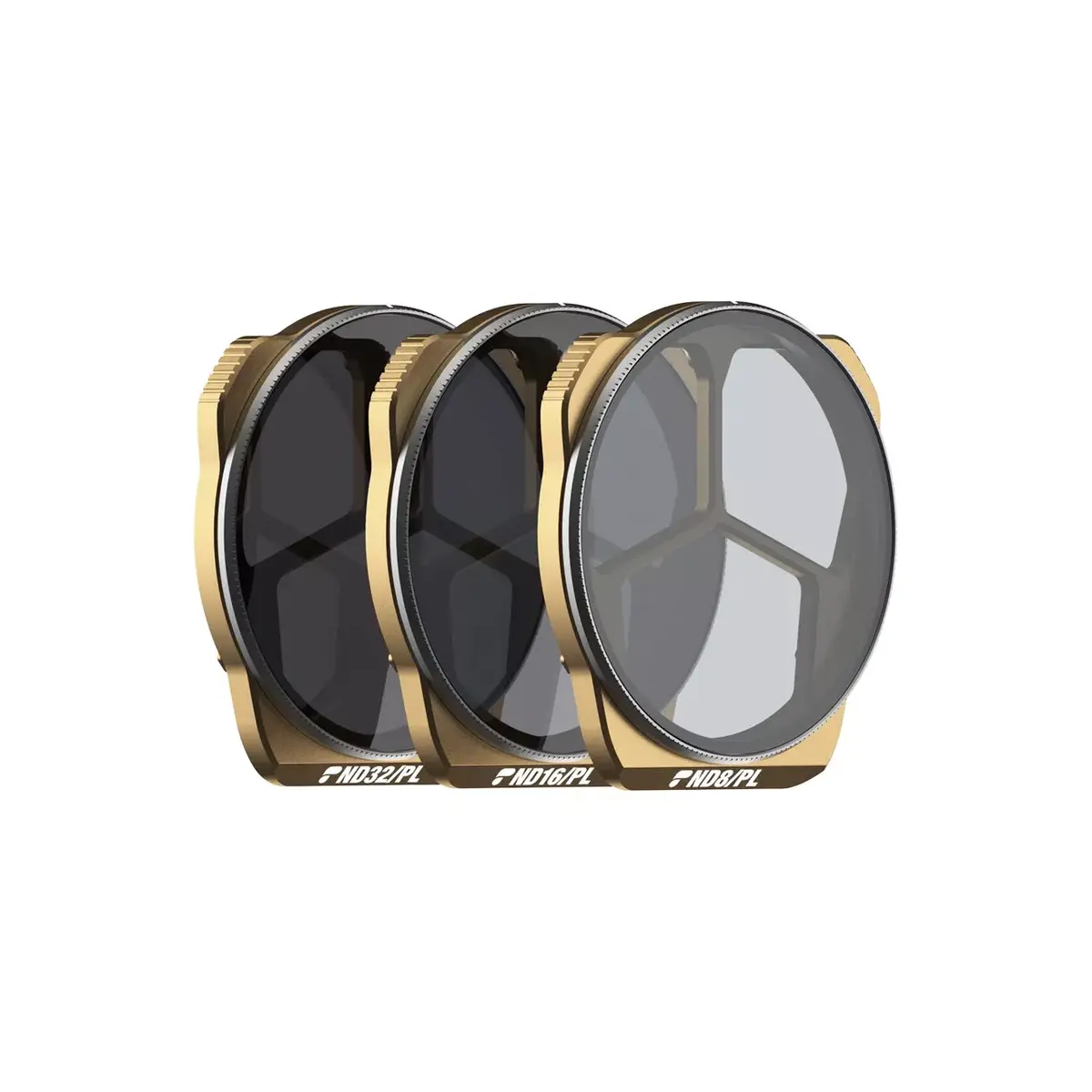
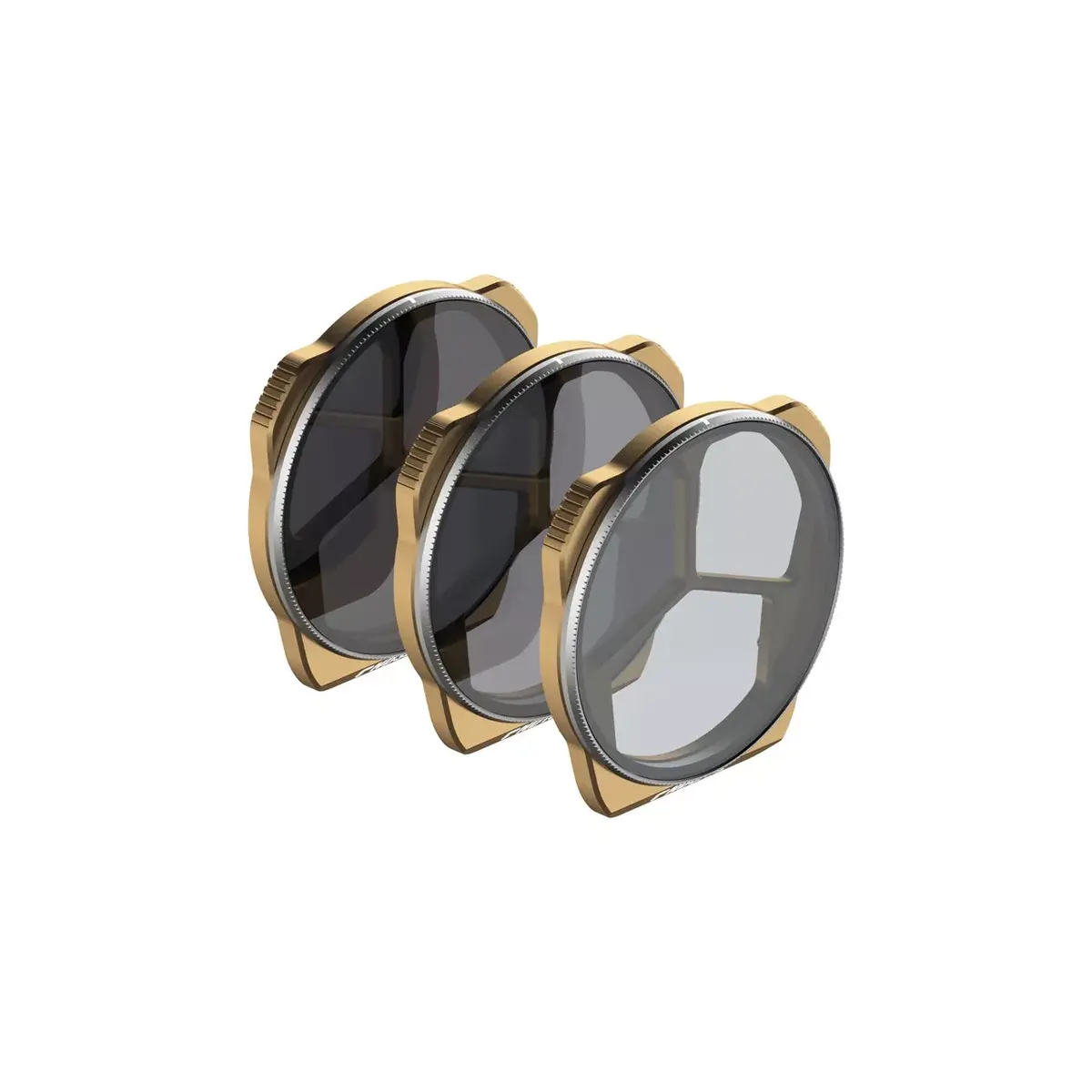
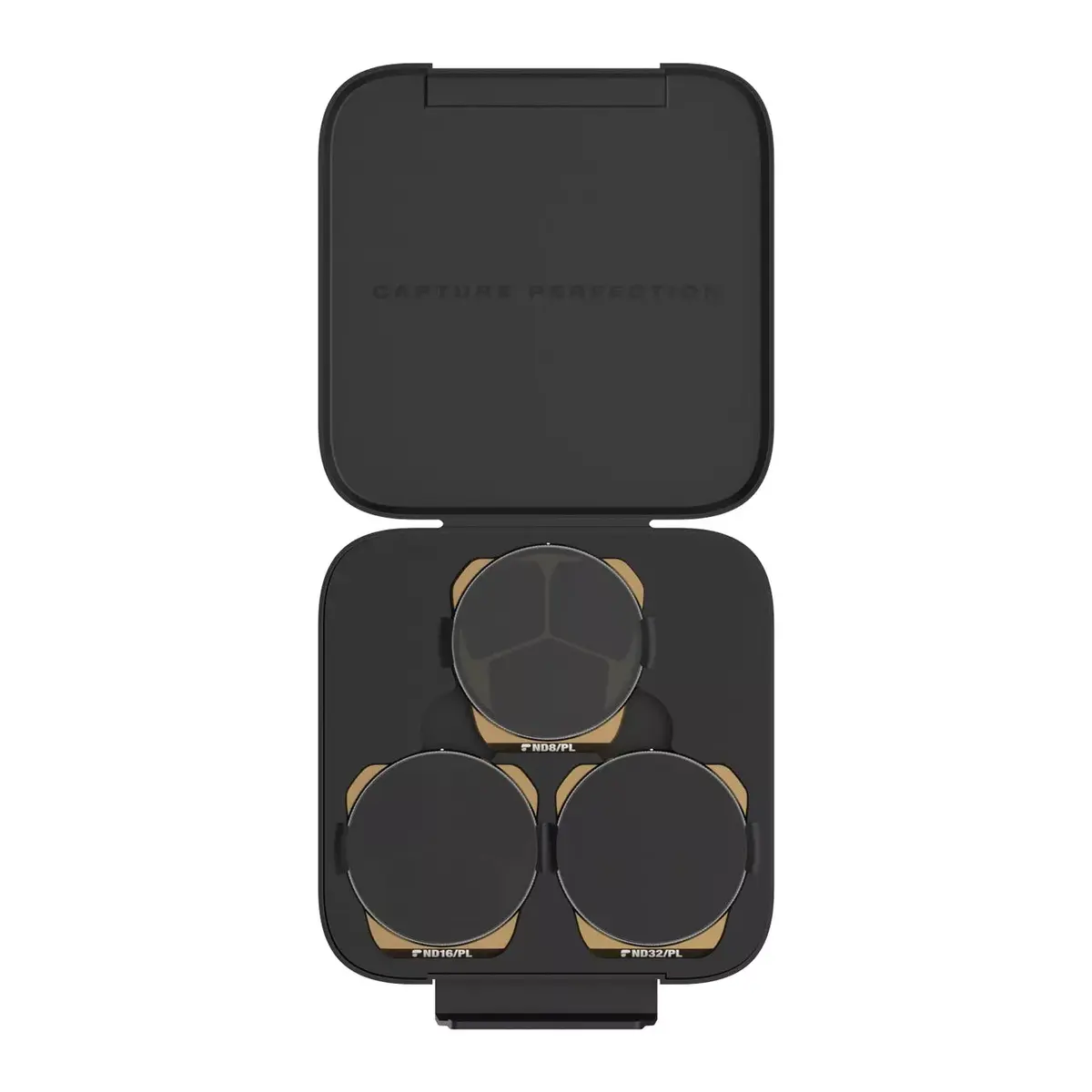
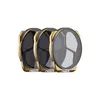
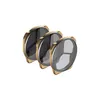
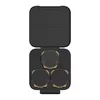
The PolarPro Vivid Collection filter set is a premium optical solution engineered specifically for the DJI Mavic 3 Pro drone. This 3-piece kit includes ND8/PL, ND16/PL, and ND32/PL filters, each combining neutral density and polarization effects into a single high-quality glass element. Designed to manage light exposure and eliminate unwanted glare, these filters allow drone pilots to achieve professional-grade cinematic footage with enhanced color saturation and precise shutter speed control.
Advantages
These filters offer the significant benefit of dual-action light management by integrating ND and polarization technology, which simplifies the setup process and reduces the weight on the drone gimbal. The use of a lightweight aerospace-aluminum frame ensures that the drone maintains optimal flight performance and battery efficiency without compromising the balance of the camera system. Furthermore, the inclusion of polarization indicators etched directly onto the frame allows for accurate and repeatable adjustments, ensuring that users can consistently achieve the desired level of light polarization for any lighting condition.
Suitable for
- Aerial cinematography in bright daylight conditions
- Filming over reflective surfaces such as water, snow, or glass
- Capturing saturated colors and high-contrast landscapes
- Reducing shutter speed for smooth, natural motion blur in video
When it may not be suitable
This filter set is not intended for low-light environments, such as dusk, dawn, or night flying, as the neutral density effect will make the footage too dark. Additionally, these filters are specifically designed for the DJI Mavic 3 Pro and will not fit other drone models due to the unique camera housing dimensions.
Key specifications
- Compatibility: DJI Mavic 3 Pro
- Filter types: ND8/PL, ND16/PL, ND32/PL
- Frame material: Aerospace-grade aluminum
- Color: Bronze
- Optical design: Combined neutral density and polarization
How to use
To install the filters, carefully remove the stock lens cover from your DJI Mavic 3 Pro camera. Align the PolarPro filter with the lens housing and gently press it into place until it is securely seated. Once attached, you can rotate the outer ring of the filter to adjust the polarization effect; use the etched indicators on the frame to monitor your settings. Ensure the gimbal is calibrated after installation to account for the slight change in weight.
What to consider before purchase
- Verify that your drone model is the DJI Mavic 3 Pro
- Assess the typical lighting conditions of your filming locations
- Ensure you are comfortable with manual polarization adjustments
Usage recommendations
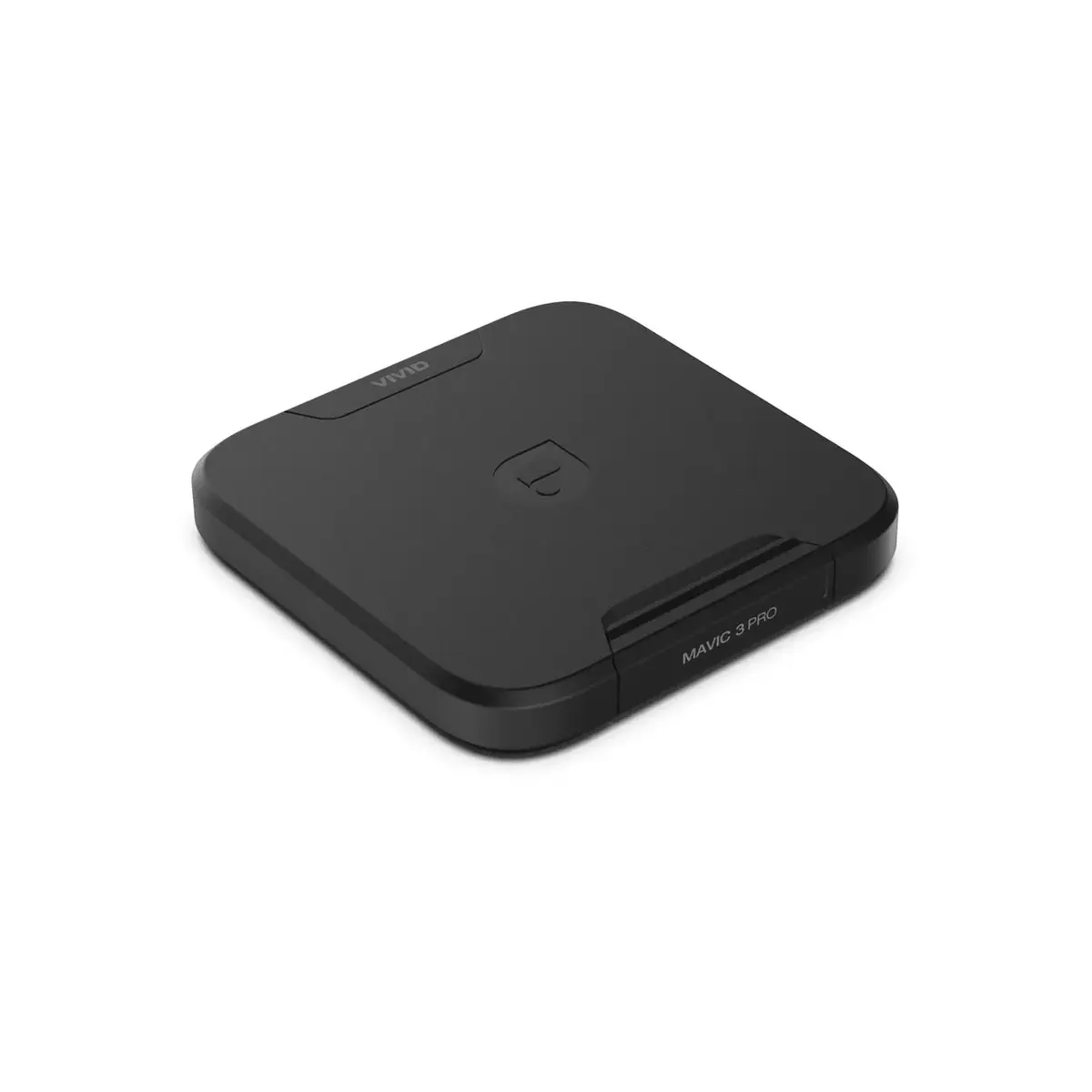
For the best results, adjust the polarization angle while observing the live video feed on your controller to eliminate glare from reflective surfaces effectively. Always store the filters in their protective case when not in use to prevent scratches and dust accumulation on the glass elements.