Save time and money with our discounts!
In cart {{totalProductsCount}} item(s)
Your cart is empty
Personal video conferencing system Poly Studio P21 — 21.5" Full HD LCD, 4x digital zoom, 1-person
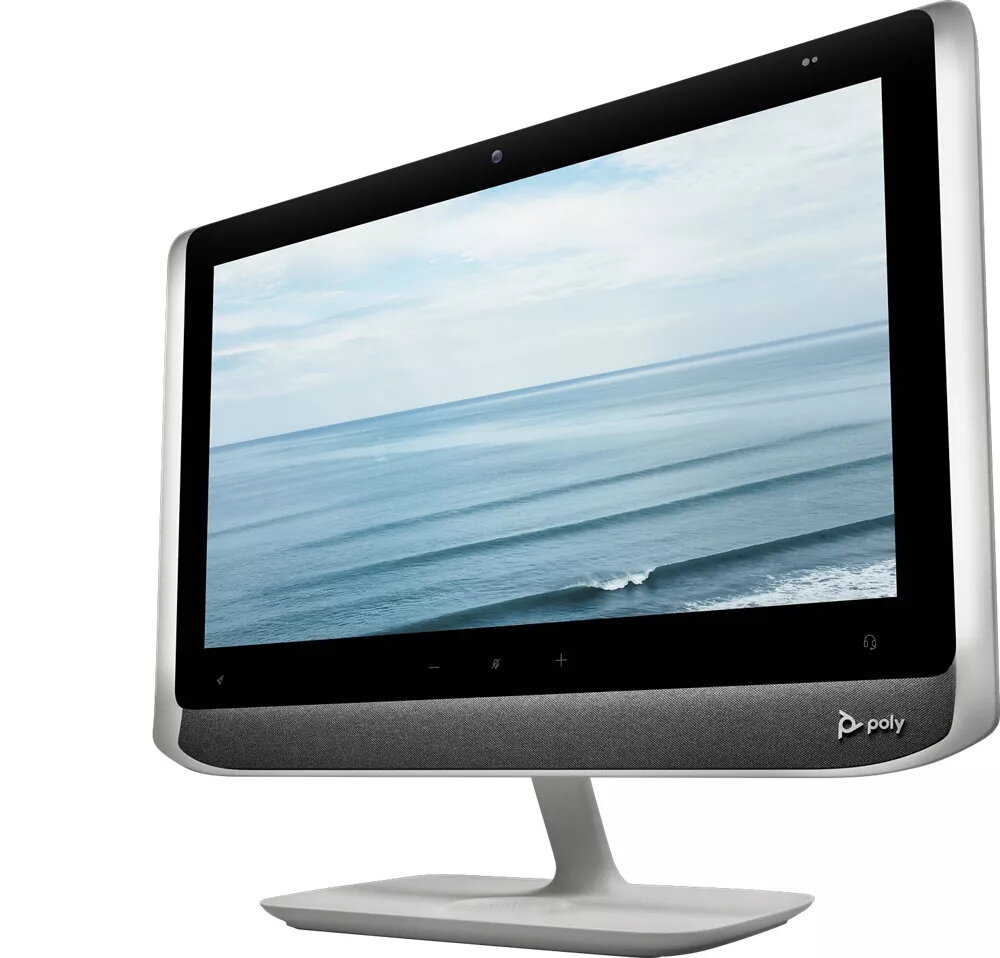
Poly Studio P21 is a personal video conferencing system designed for one person with a 21.5" (54.6 cm) Full HD (1920×1080) LCD display and a built-in high-definition camera with 4x digital zoom. The all-in-one white unit integrates screen, camera, microphone, speakers and adjustable ambient lighting into a single desktop device that connects to a PC or Mac via USB. Weighing 6.8 kg, the Poly Studio P21 is suitable for home offices, remote workstations and small private meeting spaces where a compact, professional video setup is required.
The Poly Studio P21 offers a sharp Full HD display and an integrated camera that delivers clear video with 4x digital zoom for closer framing when needed. Built-in hi-fidelity stereo speakers and an advanced microphone provide reliable two-way audio without external peripherals. Adjustable built-in lighting ensures consistent subject illumination in varying room conditions. A single USB connection provides compatibility with common video apps, while dedicated volume and mute controls on the device keep basic call functions within easy reach. Cloud management and personalization are available through Poly Lens and the Poly Lens App for device administration and software updates.
Place the Poly Studio P21 on your desk at a comfortable viewing height and connect it to your computer using the supplied USB cable. Launch your preferred video application and select the Poly Studio P21 as the camera and audio device in the app’s settings. Use the device controls to adjust volume and mute/unmute the microphone as required. Adjust the camera framing using the digital zoom and modify the built-in lighting settings to obtain the desired brightness and subject clarity.
For best results, position the unit at eye level and maintain a moderate distance between you and the display so the camera framing captures head-and-shoulders. Use the built-in lighting to reduce shadows in low-light environments and choose a neutral background to minimise visual distractions. Keep system firmware and the Poly Lens App updated to ensure compatibility and security.
{{highlightedFeature.featureTitle}}:
{{getProductFeatureValueById(product, highlightedFeature.featureId)}}
{{ productComparisonGenerationError }}